
Perkenalan
Terima kasih sudah membeliasing the Bailey Blue Dolphin LED Neon Night Light. This manual provides essential information for the safe and efficient use of your new decorative light. Please read these instructions carefully before use and retain them for future reference.
This LED neon light is designed to create a warm and romantic atmosphere, perfect for various decorative purposes in bedrooms, kids' rooms, parties, or as a general home accent. It features dual power options for convenience and is built with energy efficiency in mind.
Informasi Keselamatan
- Use this product carefully to avoid damaging the lamp.
- If the product will not be used for a long time, store the lamp in a cool, dry place and remove the batteries.
- The battery case is not waterproof. Avoid exposure to water or moisture.
- Produk ini ditujukan untuk penggunaan di dalam ruangan saja.
- Do not use this neon light as a substitute for everyday lighting. It is primarily for decorative purposes.
- Pastikan ventilasi yang baik di sekitar perangkat.
- Keep out of reach of children unless supervised.
Isi Paket
Silakan periksa paket untuk item berikut:
- 1 x Dolphin LED Neon Light
- 1 x Basis
- 1 x Kabel USB
- Note: 3 x AA batteries are not included and must be purchased separately.

Figure 1: Package contents and power options. The image displays the dolphin neon light, its base with an ON/OFF switch, a USB cable, and a battery box requiring 3 AA batteries (not included).
Pengaturan
Follow these steps to set up your Dolphin LED Neon Night Light:
- Merakit Cahaya: Carefully insert the Dolphin LED Neon Light into the slot on the provided base. Ensure it is securely seated.
- Pilih Sumber Daya:
- Daya Baterai: Open the battery compartment on the underside of the base. Insert 3 AA batteries (not included), ensuring correct polarity (+/-). Close the compartment securely.
- Daya USB: Connect the included USB cable to the USB port on the base. Plug the other end of the USB cable into a compatible USB power source, such as a computer, power bank, phone charger, or USB wall socket.
- Penempatan: Place the assembled light on a stable, flat surface in your desired location.
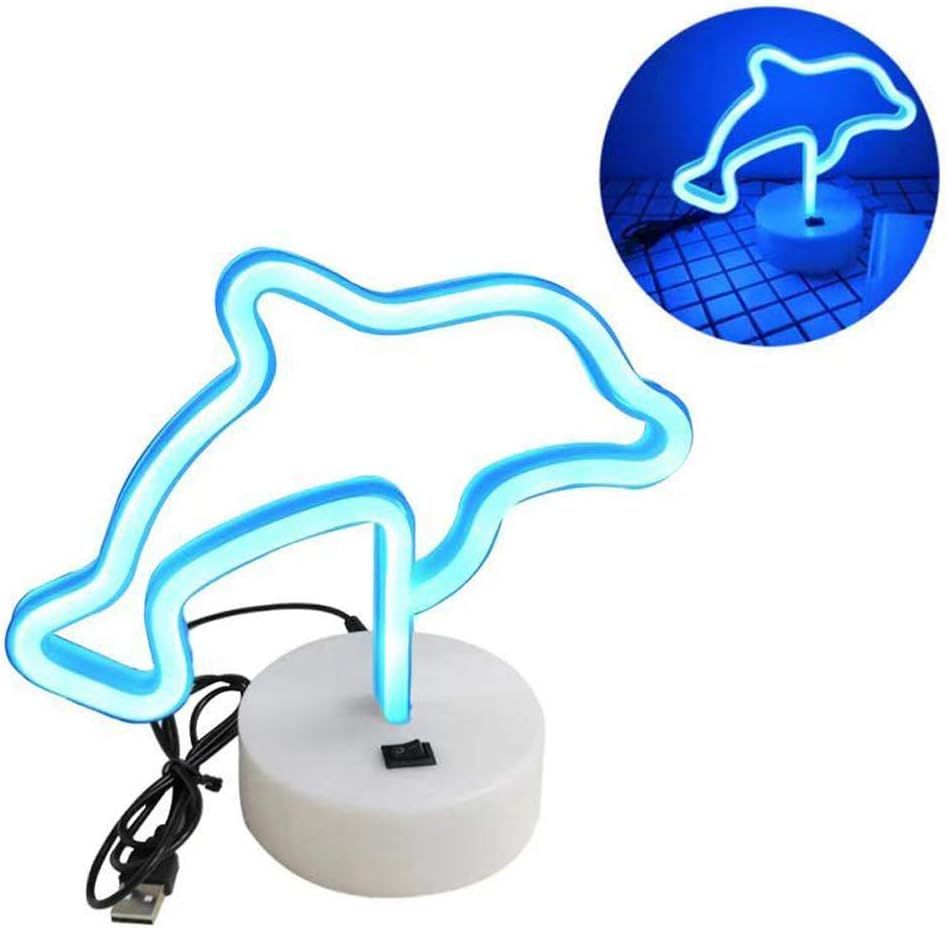
Figure 2: Dolphin light and base assembly. The image shows the dolphin light detached from its base, highlighting the connection point and the USB cable.

Figure 3: USB power options. This diagram shows a USB plug and various compatible power sources including a notebook PC, power bank, phone charger, and USB socket.
Petunjuk Pengoperasian
To operate your Dolphin LED Neon Night Light:
- Nyalakan: Locate the ON/OFF switch on the base of the light. Slide the switch to the "ON" position to illuminate the dolphin neon light.
- Matikan: To turn off the light, slide the switch to the "OFF" position.
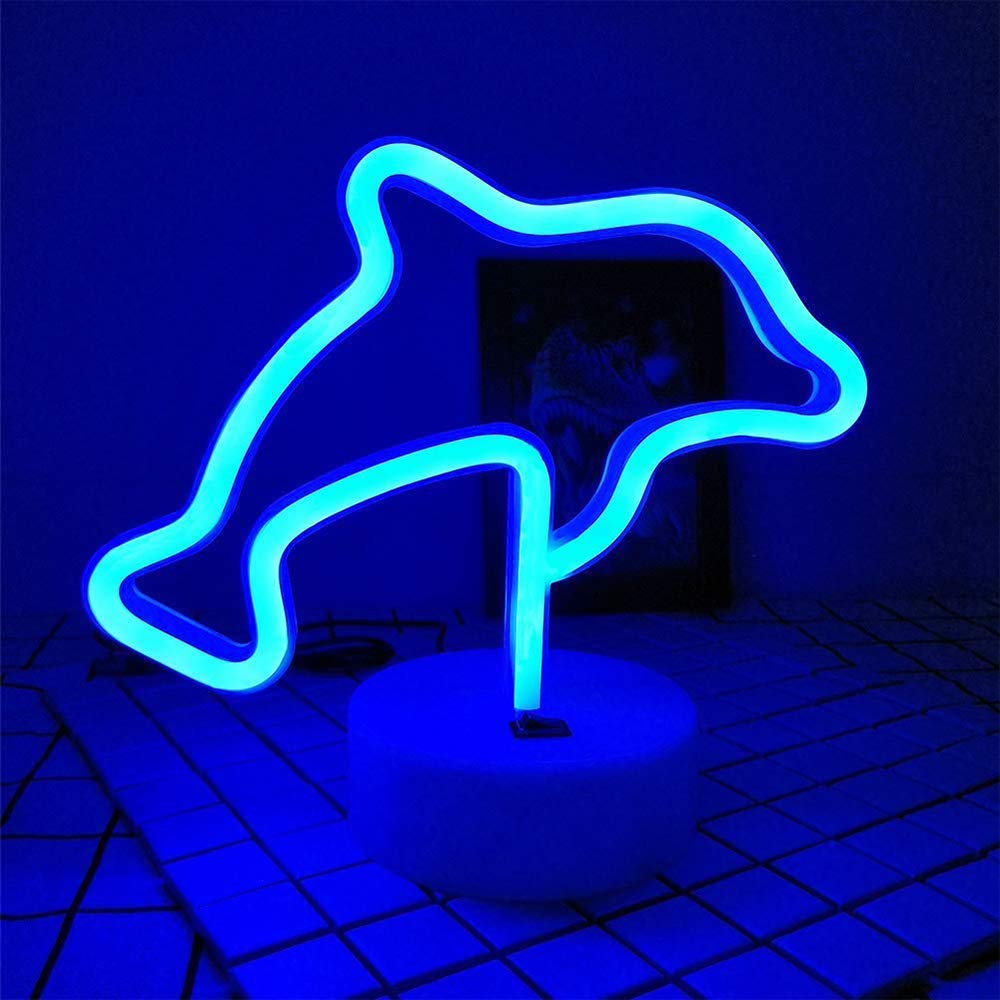
Figure 4: Illuminated Dolphin LED Neon Light. The image shows the blue dolphin light glowing brightly on its base.
Pemeliharaan
Proper maintenance ensures the longevity of your LED neon light:
- Pembersihan: Gently wipe the light and base with a soft, dry cloth. Do not use abrasive cleaners or solvents.
- Penggantian Baterai: If using battery power and the light dims or stops working, replace all 3 AA batteries with new ones, ensuring correct polarity.
- Penyimpanan: When not in use for extended periods, remove batteries and store the light in a cool, dry place away from direct sunlight and moisture.
Penyelesaian Masalah
| Masalah | Kemungkinan Penyebab | Larutan |
|---|---|---|
| Lampu tidak menyala. |
|
|
| Cahayanya redup. | Daya baterai rendah. | Ganti baterai atau beralih ke daya USB. |
| Cahaya berkedip. | Loose connection or low battery. | Check all connections. Replace batteries or try USB power. |
Spesifikasi
| Fitur | Detil |
|---|---|
| Nama Model | NH.Z020A |
| Merek | Kebun istana |
| Membentuk | Lumba-lumba |
| Warna Cahaya | Biru |
| Bahan | Plastik |
| Dimensi Produk | 21cm x 10cm x 18.5cm (8"W x 6"H x 1"D) |
| Berat Barang | 0.2 KG (3.2 ounces) |
| Apatage | 1.8 watt |
| Sumber Daya | 3 x AA Batteries (not included) / USB Cable |
| Umur Layanan | 5000 jam |
| Penggunaan Dalam/Luar Ruangan | Dalam |
| Tingkat Tahan Air | Tidak Tahan Air |

Figure 5: Product dimensions. The image displays the height (16cm), width (21cm), and base dimensions (10cm diameter, 3.5cm height) of the dolphin light.
Jaminan
Specific warranty information is not provided in the product details. Please refer to the retailer's return policy or contact the manufacturer directly for warranty details.
Mendukung
If you have any questions or require assistance with your Bailey Blue Dolphin LED Neon Night Light, please contact Bailey Lighting customer service through the retailer's platform or visit the official Bailey store online.
Untuk informasi lebih lanjut, Anda dapat mengunjungi Bailey Store.