
Perkenalan
This manual provides detailed instructions for the installation, operation, and maintenance of your EVGATSAUTO 12V/24V 30A MPPT Solar Controller. Please read this manual thoroughly before using the product to ensure proper function and safety.
Petunjuk Keselamatan
- Pastikan semua sambungan sudah benar dan aman sebelum menghidupkan sistem.
- Do not attempt to repair or modify the controller yourself. Contact qualified personnel for service.
- Pasang pengontrol di area yang berventilasi baik, jauhkan dari bahan yang mudah terbakar dan sinar matahari langsung.
- Avoid contact with water or other liquids. The controller has an IP32 waterproof rating, meaning it is protected against solid objects over 2.5mm and spraying water.
- Selalu sambungkan baterai terlebih dahulu, kemudian panel surya, dan terakhir beban. Lepaskan sambungan dengan urutan terbalik.
- Gunakan ukuran kawat yang sesuai untuk semua sambungan guna mencegah panas berlebih.
Produk Selesaiview
The EVGATSAUTO Solar Controller is designed to manage the power flow from your solar panel to your battery and load. It features an intelligent MPPT 3-stage charging mode for efficient battery charging and a humanized LCD display for easy monitoring and control.
Fitur Utama:
- Identifikasi otomatis tegangan sistem 12V/24Vtage.
- High efficiency intelligent MPPT 3-stagmode pengisian daya.
- Humanized LCD display and double button interface for easy operation.
- Dual USB output (2.4A *2) for charging external devices.
- Multiple protection functions: over voltage, short circuit, over load, overcharge, over-discharge.
- Accurate temperature compensation for optimized charging and discharging voltage.
- Working storage function: records total run time, error timers, and full charge times.
- Load control mode selection and timer function for street light applications.
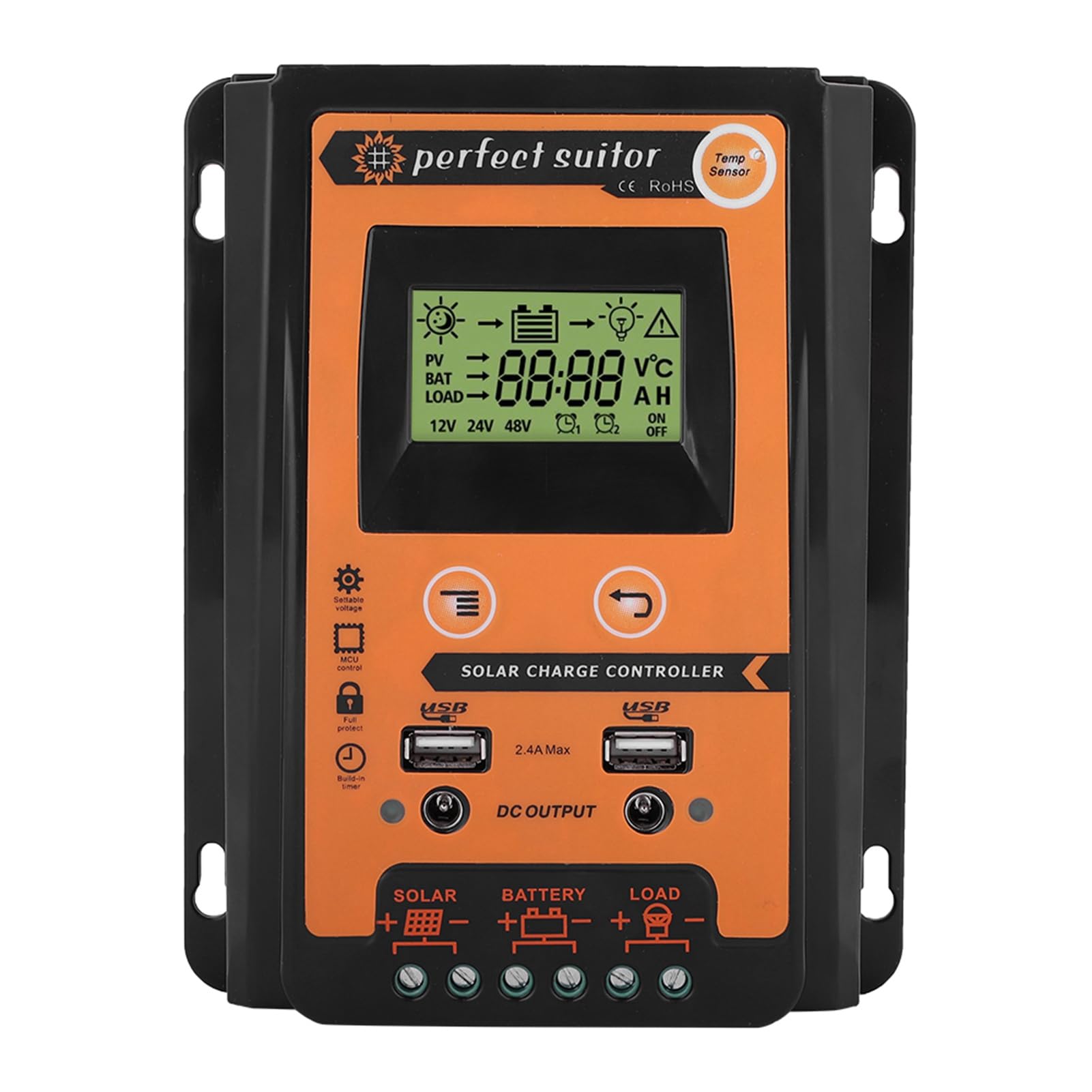
Figure 1: EVGATSAUTO Solar Controller in a solar power system context.

Gambar 2: Depan view of the EVGATSAUTO Solar Controller.
Spesifikasi
| Saat ini | 30A |
| Nilai Voltage | 12V/24V (Pengenalan Otomatis) |
| Keluaran USB | 2.4A*2 |
| Over Current (V) | 13.7V (for 12V system) / 27.4V (for 24V system) |
| Over Discharge Current (V) | 10.5-11V (for 12V system) / 21-22V (for 24V system) |
| Kompensasi Suhu | -3mv/℃/cell |
| Empty Load Wastage | <45mA |
| Putaran Voltage Jatuhkan | <200mv |
| Menampilkan | Layar LCD |
| Jenis Pengisian Daya | MPPT |
| Kelas Tahan Air | Tingkat IP32 |
| Bahan | Plastik |
| Warna | Hitam + Oranye |
| Product Dimensions (30A) | 17.5 x 14 x 4 cm (6.9 x 5.5 x 1.6 inci) |
| Berat Barang | 1.04 pon |
| Pabrikan | EVGATSAUTO |

Figure 3: Product dimensions for the 30A model.
Petunjuk Pengaturan
Follow these steps to correctly connect your solar controller to the solar panel, battery, and load. Ensure all power sources are disconnected before making any connections.
- Hubungkan Baterai: Connect the battery to the controller's battery terminals (marked with a battery symbol). Ensure correct polarity (+ to + and - to -). The controller will automatically detect the system voltage (12V atau 24V).
- Hubungkan Panel Surya: Connect the solar panel to the controller's solar panel terminals (marked with a solar panel symbol). Ensure correct polarity.
- Hubungkan Beban: Hubungkan beban DC ke terminal beban pengontrol (ditandai dengan simbol bola lampu). Pastikan polaritasnya benar.
Penting: Always connect the battery first, then the solar panel, and finally the load. Disconnect in the reverse order: load first, then solar panel, then battery.

Figure 4: Controller Connection Method Diagram.
Petunjuk Pengoperasian
LCD Display and Buttons:
The controller features an LCD display that shows real-time system status and parameters. Two buttons are used for navigation and setting adjustments.
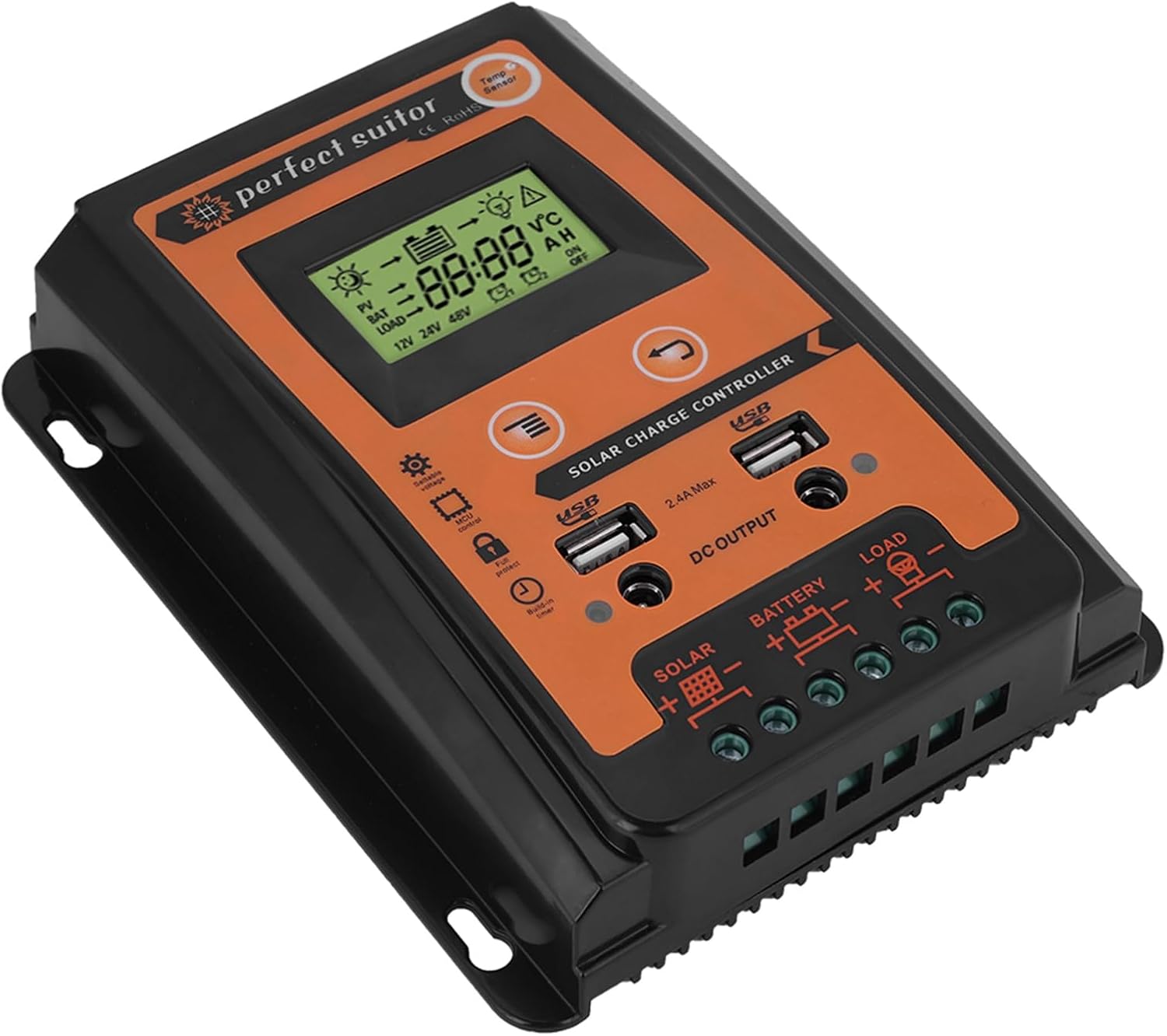
Figure 5: LCD Display and Control Buttons.
Mode Pengisian Daya:
The controller utilizes an intelligent MPPT 3-stage charging mode to optimize battery life and performance:
- Biaya massal: Pengisian daya cepat untuk membawa baterai ke kapasitas sekitar 80%.
- Biaya Penyerapan: Pengisian daya pada tegangan konstantage to bring the battery to 100% capacity.
- Biaya mengambang: Maintaining the battery at full charge with a lower voltage to compensate for self-discharge.
Keluaran USB:
The controller includes dual USB ports (2.4A max each) for charging compatible devices such as mobile phones, driving recorders, cameras, and tablets.
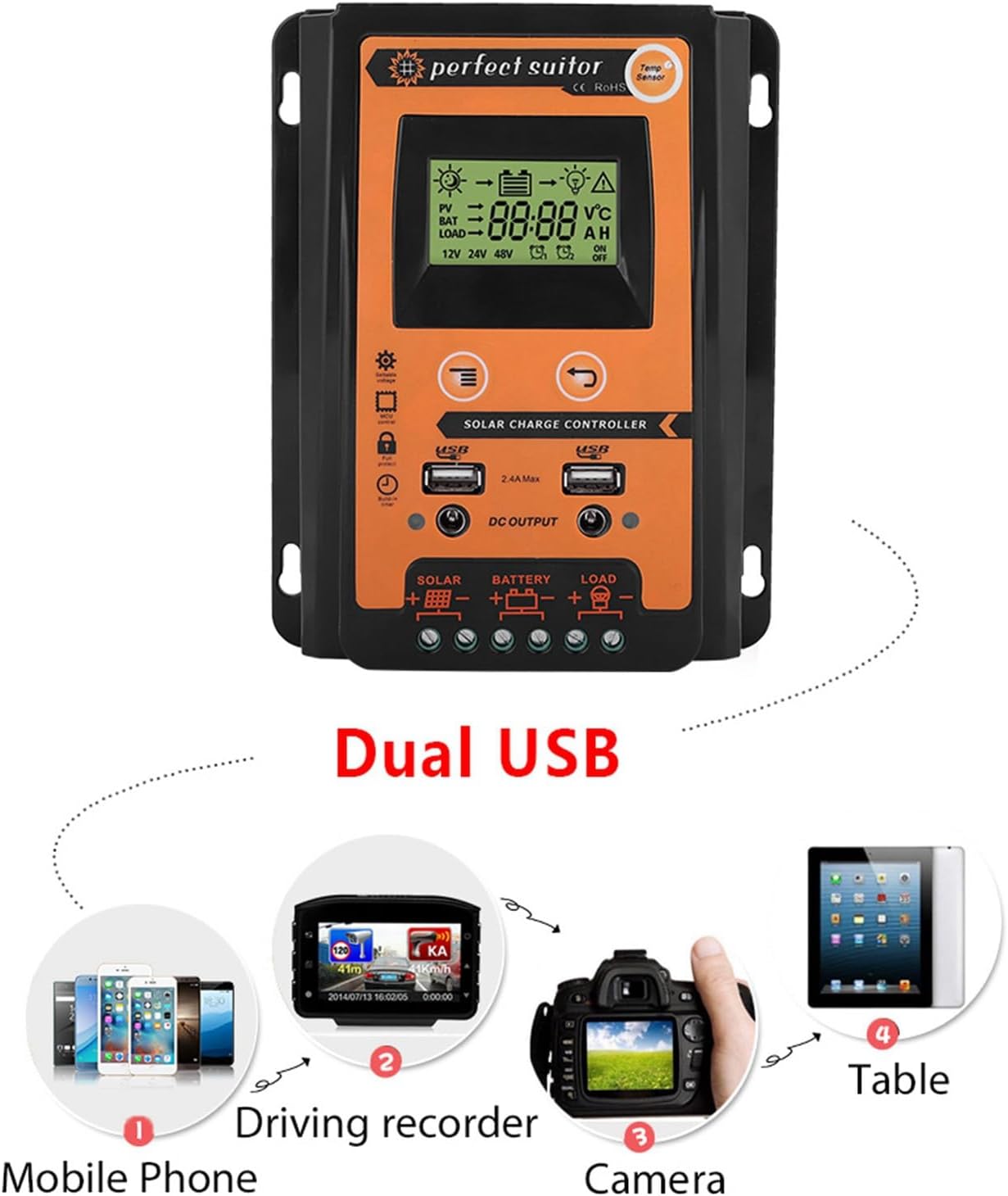
Figure 6: Dual USB Output Functionality.
Pemeliharaan
To ensure optimal performance and longevity of your solar controller, perform the following maintenance checks periodically:
- Kebersihan: Jaga agar kontroler tetap bersih dan bebas dari debu dan kotoran. Gunakan kain kering untuk membersihkannya.
- Koneksi: Periodically check all wiring connections for tightness and corrosion. Loose connections can cause voltagpenurunan tegangan dan panas berlebih.
- Ventilasi: Ensure the installation area remains well-ventilated to prevent overheating of the controller.
- Kesehatan Baterai: Monitor your battery's health and ensure it is properly maintained according to the battery manufacturer's guidelines.
Penyelesaian Masalah
If you encounter issues with your solar controller, refer to the following common problems and solutions:
| Masalah | Kemungkinan Penyebab | Larutan |
|---|---|---|
| Tidak ada tampilan di LCD | Baterai tidak terhubung atau tegangan rendahtage; reversed polarity. | Periksa koneksi baterai dan voltage. Pastikan polaritasnya benar. |
| Baterai tidak mengisi daya | Solar panel not connected or insufficient sunlight; reversed polarity; faulty solar panel. | Check solar panel connections and ensure adequate sunlight. Verify polarity. Test solar panel output. |
| Pemuatan tidak berfungsi | Load not connected or reversed polarity; battery low; load overcurrent protection activated. | Check load connections and polarity. Ensure battery is sufficiently charged. Reduce load or check for short circuits. |
| Kontroler terlalu panas | Ventilasi buruk; beban berlebihan. | Ensure adequate airflow around the controller. Reduce connected load if possible. |
Jika masalah berlanjut setelah mencoba solusi ini, silakan hubungi dukungan pelanggan.
Garansi dan Dukungan
Produk ini dilengkapi dengan garansi pabrik standar. Untuk syarat dan ketentuan garansi khusus, silakan lihat dokumen yang disertakan dengan pembelian Anda atau hubungi penjual secara langsung.
For technical support, troubleshooting assistance, or any questions regarding your EVGATSAUTO Solar Controller, please contact EVGATSAUTO customer service through the retailer where the product was purchased.
Anda juga dapat mengunjungi EVGATSAUTO Store on Amazon untuk informasi lebih lanjut dan pilihan kontak.