
Perkenalan
The BOYA BY-XM6 is a 2.4GHz adaptive frequency hopping wireless lavalier microphone system designed for high-quality audio capture. This system is suitable for various applications including vlogging, YouTube video creation, live streaming, interviews, and general recording. It provides a reliable and clear audio solution for content creators.
Apa yang ada di dalam kotak
- 2 x Pemancar (TX)
- 1 x Penerima (RX)
- 3 x USB to Type-C Charging Cables
- 2 x Mikrofon Lavalier
- 1 x 3.5mm TRS to TRRS Cable (for smartphones/tablets)
- 1 x 3.5mm TRS to TRS Cable (for cameras/camcorders)
- 2 x Fur Windscreens
- 1 x Tas Pembawa

Image: The package contents laid out, showing two transmitters, one receiver, various cables, two lavalier microphones, two fur windscreens, and a carrying bag.
Pengaturan
- Mengisi Daya Perangkat: Ensure all transmitters (TX) and the receiver (RX) are fully charged using the provided USB to Type-C charging cables.
- Hubungkan Receiver ke Perangkat Perekam:
- Untuk Ponsel Pintar/Tablet: Use the 3.5mm TRS to TRRS cable. Connect the TRS end to the RX's "LINE OUT" port and the TRRS end to your device's 3.5mm audio jack. If your smartphone lacks a 3.5mm jack, an adapter (e.g., Lightning to 3.5mm for iPhone, USB-C to 3.5mm for Android) is required (sold separately).
- Untuk DSLR Cameras/Camcorders: Use the 3.5mm TRS to TRS cable. Connect one TRS end to the RX's "LINE OUT" port and the other TRS end to your camera's microphone input.
- Hubungkan Pemancar ke Mikrofon:
- Using External Lavalier Mic: Plug the provided lavalier microphone into the TX's "MIC IN" jack. Secure the lavalier mic to the speaker's clothing, approximately 6-8 inches from the mouth.
- Menggunakan Mikrofon Bawaan: The transmitter has a built-in omni-directional microphone. Simply clip the TX unit directly onto the speaker's collar or clothing.
- Nyalakan dan Pasangkan: Power on both the transmitter(s) and the receiver. The units should automatically pair. The OLED display will show connection status.

Image: A BOYA BY-XM6 receiver connected to a smartphone mounted on a gimbal, demonstrating setup for mobile recording.
Petunjuk Pengoperasian
Layar OLED
Both the transmitter and receiver units feature a vivid OLED display. This screen provides real-time information including signal strength, battery level, audio input level (gain), and selected recording mode (Mono/Stereo).
Menyesuaikan Keuntungan
Use the "SET" buttons on the TX and RX units to navigate menu options and adjust the microphone gain. Monitor the audio levels on the OLED display to prevent clipping or distortion. Typically, a gain level of 5 is a good starting point, but adjust as needed based on the speaker's voice and environment.
Fungsi Bisu
Press the "MUTE" button on the transmitter to temporarily silence the microphone input. The OLED display will indicate when mute is enabled.
Pemantauan Waktu Nyata
The receiver unit includes a 3.5mm headphone output jack. Connect headphones to this port to monitor the audio in real-time, ensuring optimal sound quality and preventing issues during recording.
Mono/Stereo Modes
The dual-channel system allows for selectable Mono or Stereo output. This feature enables mixing both channels into a single mono track or recording each microphone to separate stereo channels, offering flexibility for post-production.

Gambar: Close-up view of the OLED screens on the transmitter and receiver units, displaying various operational parameters like signal strength and battery status.
Media Integration Exampsedikit
Product Usage Images

Image: Two people outdoors, one wearing the BY-XM6 transmitter clipped directly to their shirt, and the other using an external lavalier microphone connected to the transmitter, demonstrating the compact and lightweight design.
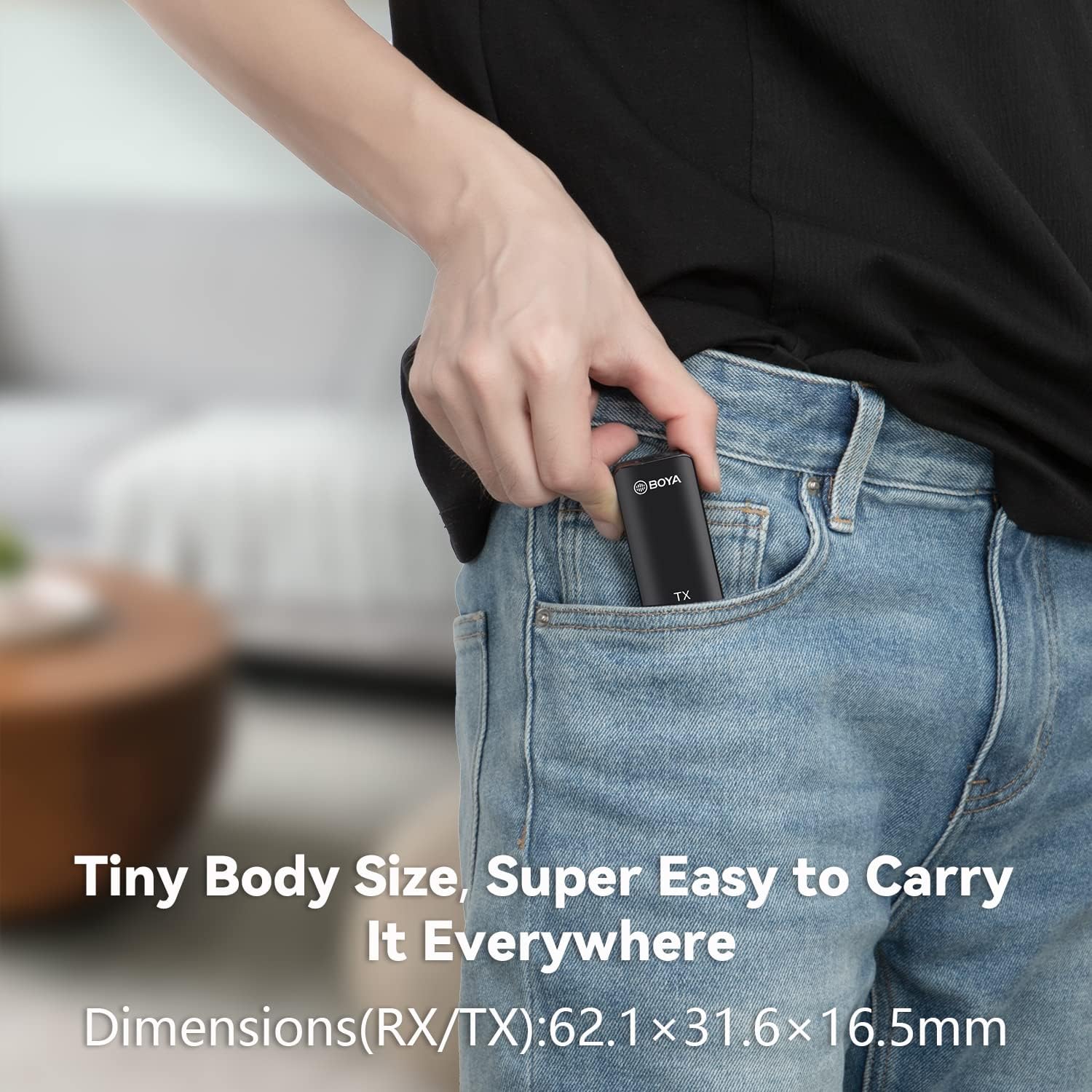
Image: A collage showing the versatility of the BY-XM6 system, with a user recording on a smartphone, another on a DSLR camera, and a third on a laptop, highlighting its wide compatibility.
Video Produk Resmi
Tonton video ini sampai habisview of the BOYA BY-XM6 2.4GHz Wireless Lavalier Microphone System, showcasing fitur dan aplikasinya.
Video Description: An official product video from BOYA DIRECT demonstrating the BY-XM6 wireless microphone system in various professional and daily use scenarios, highlighting its 2.4GHz transmission and ease of use.
This video provides a detailed look at the BOYA BY-XM6 wireless microphone, including unboxing and a demo of its features.
Video Description: An official product video from BOYA DIRECT showcasing the BY-XM6 wireless microphone, focusing on its USB-C compatibility and clip-on design for various recording needs.
Pemeliharaan
Daya Tahan Baterai dan Pengisian Daya
The BY-XM6 units feature built-in rechargeable lithium batteries. The transmitters (TX) can operate continuously for up to 7 hours, and the receiver (RX) for up to 6.5 hours. All units are equipped with Type-C interfaces, supporting on-the-go charging for extended shooting sessions. Ensure units are fully charged before use for optimal performance.

Image: Three BOYA BY-XM6 units (two transmitters and one receiver) displayed with their OLED screens showing battery levels, indicating long battery life for extended use.
Penyelesaian Masalah
- Tidak Ada Audio/Kualitas Audio Buruk:
- Ensure all units are powered on and successfully paired (check OLED display).
- Verify correct cable connection between the receiver and your recording device (TRS to TRRS for smartphones, TRS to TRS for cameras).
- Adjust gain levels on both TX and RX to avoid audio clipping or being too low.
- Check if the microphone is muted on the transmitter.
- For external lavalier mics, ensure it's securely plugged into the TX unit.
- If experiencing fabric noise with a lavalier mic, try adjusting its placement or using the built-in mic.
- Connection Drops/Interference:
- Ensure line of sight between transmitter and receiver for optimal performance. The system supports up to 328ft (100m) barrier-free transmission.
- Avoid placing the transmitter or receiver near other 2.4GHz wireless devices that might cause interference.
- Physical obstructions (like your body) between the TX and RX can reduce range and cause dropouts.
- Baterai Tidak Mengisi:
- Verify the Type-C charging cable is correctly inserted into the unit and a power source.
- Pastikan sumber daya listrik aktif.
Spesifikasi
| Jenis Transmisi | Frekuensi Digital 2.4 GHz |
| Modulasi | GFSK |
| Respon Frekuensi | Frekuensi 50Hz-18kHz |
| Signal-to-Noise Ratio | 84dB |
| Jarak Operasi | Hingga 328 kaki (100 meter) tanpa halangan |
| Masa Pakai Baterai Pemancar | 7 jam |
| Daya Tahan Baterai Penerima | 6.5 jam |
| Sumber Daya | Bertenaga Baterai (termasuk 3 baterai Lithium Metal) |
| Faktor Bentuk Mikrofon | Sistem Mikrofon |
| Pola Kutub | Segala arah |
| Teknologi Konektivitas | USB, Jack 3.5 mm |
| Perangkat yang Kompatibel | Smartphone, Tablet, Camera, Camcorder, PC |
| Dimensi Barang P x L x T | 8.82x4.76x1.85 inci |
| Berat Barang | 12.3 ons (350 gram) |
Garansi dan Dukungan
The BOYA BY-XM6 Wireless Lavalier Microphone System comes with a 1-year BOYA-Cover warranty. For support or warranty claims, please refer to the contact information provided in your product packaging or visit the official BOYA weblokasi.
Setiap barang memiliki kode unik yang diverifikasi sebelum pengiriman, untuk memastikan keaslian produk.