
1. Pendahuluan
Terima kasih sudah membeliasing the Awei Y669 Portable Bluetooth Speaker. This manual provides essential information for the proper setup, operation, and maintenance of your device. Please read this manual thoroughly before use to ensure optimal performance and longevity of your speaker.
2. Fitur Utama
- Bluetooth V5.0+EDR: Untuk konektivitas nirkabel yang stabil dan efisien.
- Beberapa Mode Putar: Supports Bluetooth and AUX input.
- Output Audio yang Kuat: 31W total output (RMS8Wx2 + 15Wx1) for rich sound.
- Interkoneksi TWS: Connect two Y669 speakers for a true stereo surround sound experience.
- Daya Tahan Baterai yang Lama: 2200mAh/7.4V battery provides up to 12 hours of music playback.
- Peringkat Tahan Air IPX7: Designed to withstand immersion in water up to 1 meter for 30 minutes.
- 2.1 Speaker System: Features two 8W mid-high frequency speakers and one 15W low frequency speaker.
- Mikrofon internal: Untuk panggilan bebas genggam.
- Desain Portabel: Ideal for outdoor activities and travel.
3. Isi Paket
Silakan periksa paket untuk item berikut:
- 1 x Awei Y669 Portable Speaker
- 1 x Panduan Pengguna
- 1 x Kabel Pengisian Daya USB
Jika ada barang yang hilang atau rusak, silakan hubungi pengecer Anda.
4. Produk Lebihview

Gambar 4.1: Depan view of the Awei Y669 Portable Bluetooth Speaker, showing the control panel with power, volume, play/pause, and Bluetooth buttons.

Gambar 4.2: Meledak view illustrating the internal speaker drivers and passive radiators, highlighting the 2.1 channel audio architecture.
Tata Letak Panel Kontrol:
- Tombol Daya: Tekan dan tahan untuk menghidupkan/mematikan. Tekan sebentar untuk memeriksa status baterai.
- Tombol Bluetooth: Tekan sebentar untuk masuk ke mode penyandingan Bluetooth.
- Volume Turun (-): Tekan sebentar untuk mengecilkan volume. Tekan dan tahan untuk lagu sebelumnya.
- Tombol Putar/Jeda: Short press to play/pause music. Short press to answer/end calls. Press and hold to reject calls.
- Volume Naik (+): Tekan sebentar untuk menaikkan volume. Tekan dan tahan untuk lagu berikutnya.
- Lampu Indikator Baterai: Four LED lights indicating battery level.
5. Pengaturan
5.1 Mengisi Daya Speaker
- Hubungkan kabel pengisi daya USB yang disediakan ke port pengisi daya di speaker.
- Connect the other end of the USB cable to a USB power adapter (DC5V-500mA, not included) or a computer's USB port.
- The battery indicator lights will illuminate to show charging status. All four lights will be solid when fully charged.
- Pengisian penuh memerlukan waktu sekitar 4 jam.
5.2 Pemasangan Bluetooth
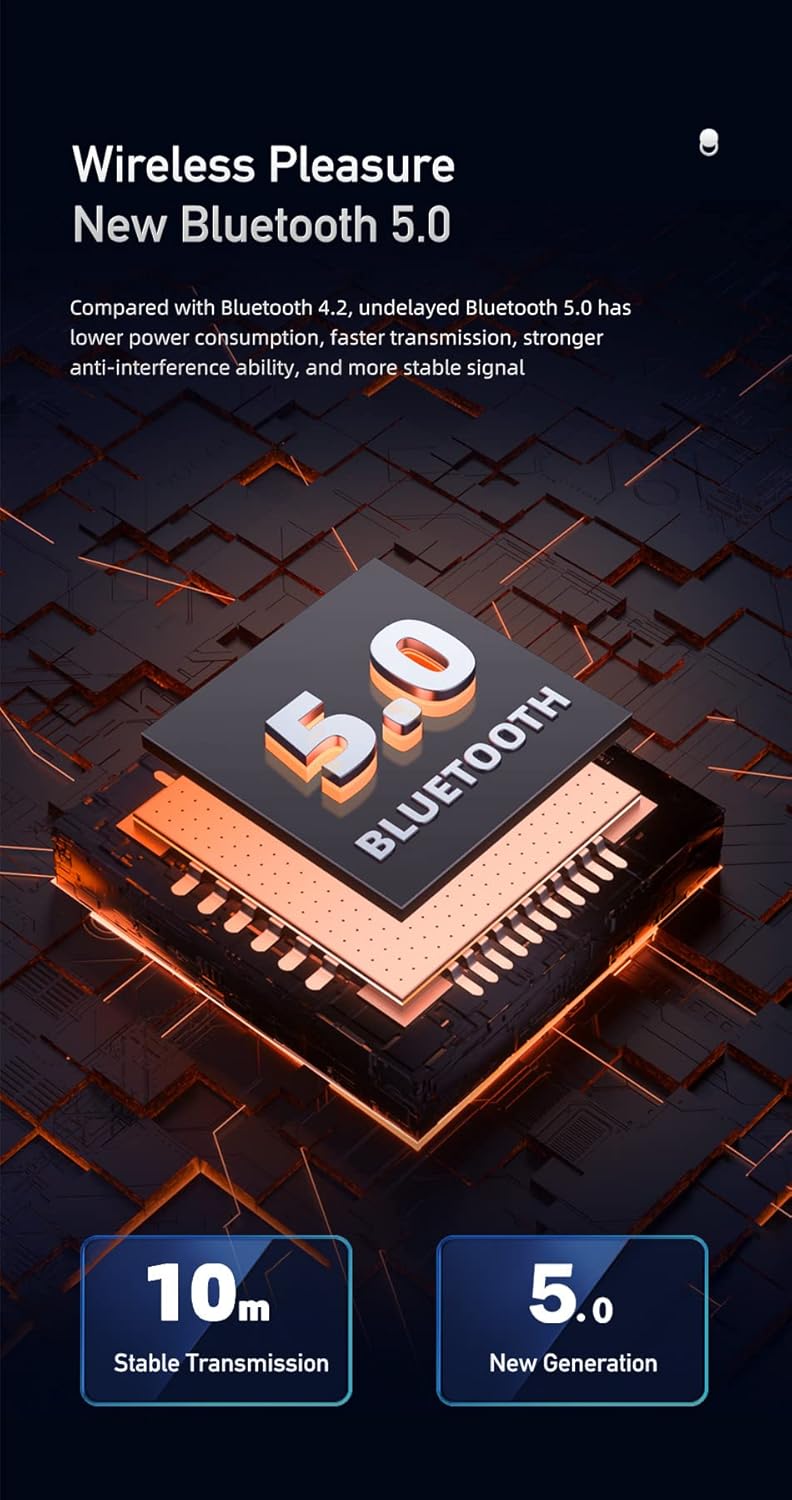
Figure 5.1: Illustration of Bluetooth 5.0 technology, emphasizing stable transmission up to 10 meters.
- Pastikan speaker terisi penuh sebelum digunakan pertama kali.
- Press and hold the Power button to turn on the speaker. A voice prompt will indicate it's powered on.
- Speaker akan secara otomatis memasuki mode pemasangan Bluetooth, yang ditunjukkan oleh lampu indikator Bluetooth yang berkedip.
- Pada perangkat seluler Anda (ponsel pintar, tablet, dll.), aktifkan Bluetooth dan cari perangkat yang tersedia.
- Pilih "Awei Y669" dari daftar perangkat.
- Once paired, a voice prompt will confirm the connection, and the Bluetooth indicator light will become solid.
- The speaker supports multipoint connection, allowing it to be paired with multiple devices, though only one can play audio at a time.
5.3 Masukan AUX
- Hubungkan salah satu ujung kabel audio 3.5 mm (tidak termasuk) ke port AUX pada speaker.
- Hubungkan ujung kabel audio lainnya ke jack output audio perangkat Anda.
- Speaker akan otomatis beralih ke mode AUX.
6. Petunjuk Pengoperasian
6.1 Pemutaran Musik

Figure 6.1: The Awei Y669 speaker delivering 360-degree surround stereo sound for an immersive audio experience.
- Putar/Jeda: Tekan sebentar tombol Putar/Jeda.
- Volume Naik: Tekan sebentar tombol '+'.
- Volume Turun: Tekan sebentar tombol '-'.
- Lagu Berikutnya: Tekan dan tahan tombol '+'.
- Lagu Sebelumnya: Tekan dan tahan tombol '-'.
6.2 Panggilan Bebas Genggam
- Menjawab Panggilan: Short press the Play/Pause button when an incoming call rings.
- Akhiri Panggilan: Tekan sebentar tombol Putar/Jeda selama panggilan berlangsung.
- Tolak Panggilan: Tekan dan tahan tombol Putar/Jeda saat ada panggilan masuk.
6.3 Interkoneksi TWS (True Wireless Stereo)
Untuk menghubungkan dua speaker Awei Y669 untuk pengalaman suara stereo:
- Ensure both Y669 speakers are powered on and not connected to any Bluetooth device.
- On one speaker (this will be the primary speaker), short press the Bluetooth button twice. It will enter TWS pairing mode.
- The primary speaker will automatically search for and connect to the second Y669 speaker.
- Once connected, a voice prompt will confirm the TWS connection. The primary speaker's Bluetooth indicator will flash, and the secondary speaker's indicator will be solid.
- Sekarang, hubungkan perangkat seluler Anda ke speaker utama melalui Bluetooth seperti yang dijelaskan di Bagian 5.2.
- Audio sekarang akan diputar dalam stereo melalui kedua speaker.
7. Pemeliharaan

Figure 7.1: The Awei Y669 speaker demonstrating its portability and suitability for outdoor use, highlighting its durable design.
- Pembersihan: Usap speaker dengan lembut, damp kain. Jangan gunakan bahan kimia keras atau pembersih abrasif.
- Tahan Air: The speaker is IPX7 waterproof. Ensure the charging port cover is securely closed before exposing it to water. Do not intentionally submerge the speaker for extended periods or beyond specified depths.
- Penyimpanan: Simpan speaker di tempat yang sejuk dan kering, jauhkan dari sinar matahari langsung dan suhu ekstrem.
- Perawatan Baterai: To prolong battery life, charge the speaker regularly, even if not in use. Avoid fully discharging the battery frequently.
- Hindari Dampak: Jangan menjatuhkan atau membiarkan speaker terkena benturan keras, karena dapat merusak komponen internal.
8. Penyelesaian masalah
| Masalah | Kemungkinan Penyebab | Larutan |
|---|---|---|
| Speaker tidak menyala | Baterai lemah | Isi daya speaker setidaknya selama 30 menit. |
| Tidak dapat memasangkan melalui Bluetooth | Speaker tidak dalam mode pemasangan; Bluetooth perangkat mati; Terlalu jauh dari perangkat | Ensure speaker is in pairing mode (flashing Bluetooth light). Turn on Bluetooth on your device. Move speaker closer to your device (within 10m). Forget previous pairings on your device and try again. |
| Tidak ada suara | Volume too low; Paused music; Incorrect input mode | Increase volume on both speaker and connected device. Press Play/Pause. Ensure correct mode (Bluetooth/AUX) is selected. |
| Distorsi suara | Volume terlalu tinggi; Baterai lemah; Gangguan | Reduce volume. Charge the speaker. Move away from other electronic devices that may cause interference. |
| Pemasangan TWS gagal | Speakers already paired to other devices; Incorrect TWS pairing procedure | Ensure both speakers are disconnected from other devices. Follow TWS pairing steps carefully (Section 6.3). |
9. Spesifikasi
| Fitur | Detil |
|---|---|
| Nama Model | Awei Y669 |
| Versi Bluetooth | 5.0 + EDR |
| Protokol Bluetooth | A2DP/AVRCP/HFP/HSP |
| Jarak Transmisi | Up to 10 meters (barrier-free space) |
| Daya Keluaran | 31W (RMS8Wx2 + 15Wx1) |
| Konfigurasi Speaker | 2.1 Channel (2*8W mid-high, 1*15W low frequency) |
| Rentang Frekuensi | Frekuensi 100Hz-20kHz |
| Kapasitas Baterai | 2200mAh / 7.4V |
| Waktu Bermain Musik | Hingga 12 jam |
| Waktu Bicara | Hingga 12 jam |
| Waktu Pengisian Daya | Sekitar 4 jam |
| Masukan Voltage | Arus searah 5V-500mA |
| Peringkat Tahan Air | Tingkat IPX7 |
| Bahan | Aluminum (Cabinet) |
| Dimensi (P x L x T) | Ukuran 8.3x21x8.3 cm |
| Berat | 1.2 kg |
| Konektivitas | Bluetooth, AUX |
| Mikrofon Terintegrasi | Ya |
| Perintah Suara | Ya |
| Koneksi Multipoint | Ya |
10. Garansi dan Dukungan
Information regarding product warranty and customer support was not available in the provided product data. Please refer to the packaging or contact your point of purchase for details on warranty coverage and support services.