
Perkenalan
This manual provides instructions for the AULCMEET CRMC-A751JBEZ replacement remote control, designed for use with various Sharp Portable AC Air Conditioner models. Please read this manual carefully before use to ensure proper operation and to maximize the lifespan of your remote control.
Fitur Produk
- Direct replacement remote control for Sharp Portable AC Air Conditioner units.
- Compatible with a wide range of Sharp AC models, including: CV-2P10SC, CV-2P10SX, CV-P12PX, CRMC-A775JBEZ, CV-P10RC, CRMC-A705JBEZ, CRMC-A729JBEZ, CVP10PC, CVP10NC, CVP09LX, CVP10MX, CVP10MC, CVP10LC, AU-A9MMV, AH-AP9FMV, AH-AP12MMV, AU-A12MMV, AH-A18LEW, AU-A18LEW, AH-A24LEW, AU-A24LEW, CRMC-A663JBEZ, CRMC-A750JBEZ, CV-P09FX, CV-P12LX, CVPD13PX, CPV09FX, CVP09FL, CRMC-A810JBEZ.
- Desain ergonomis untuk penanganan yang nyaman.
- Infrared connectivity for reliable control.
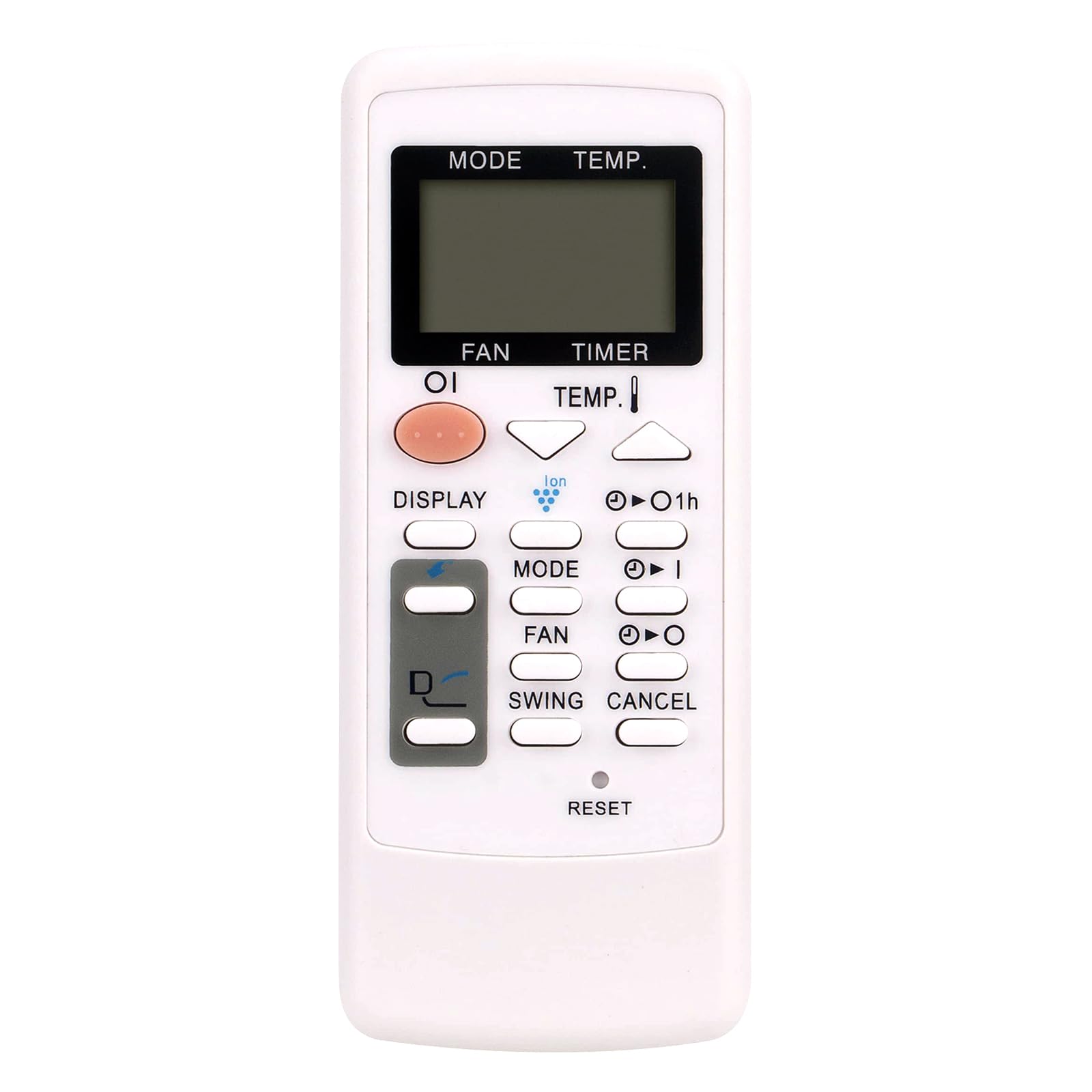
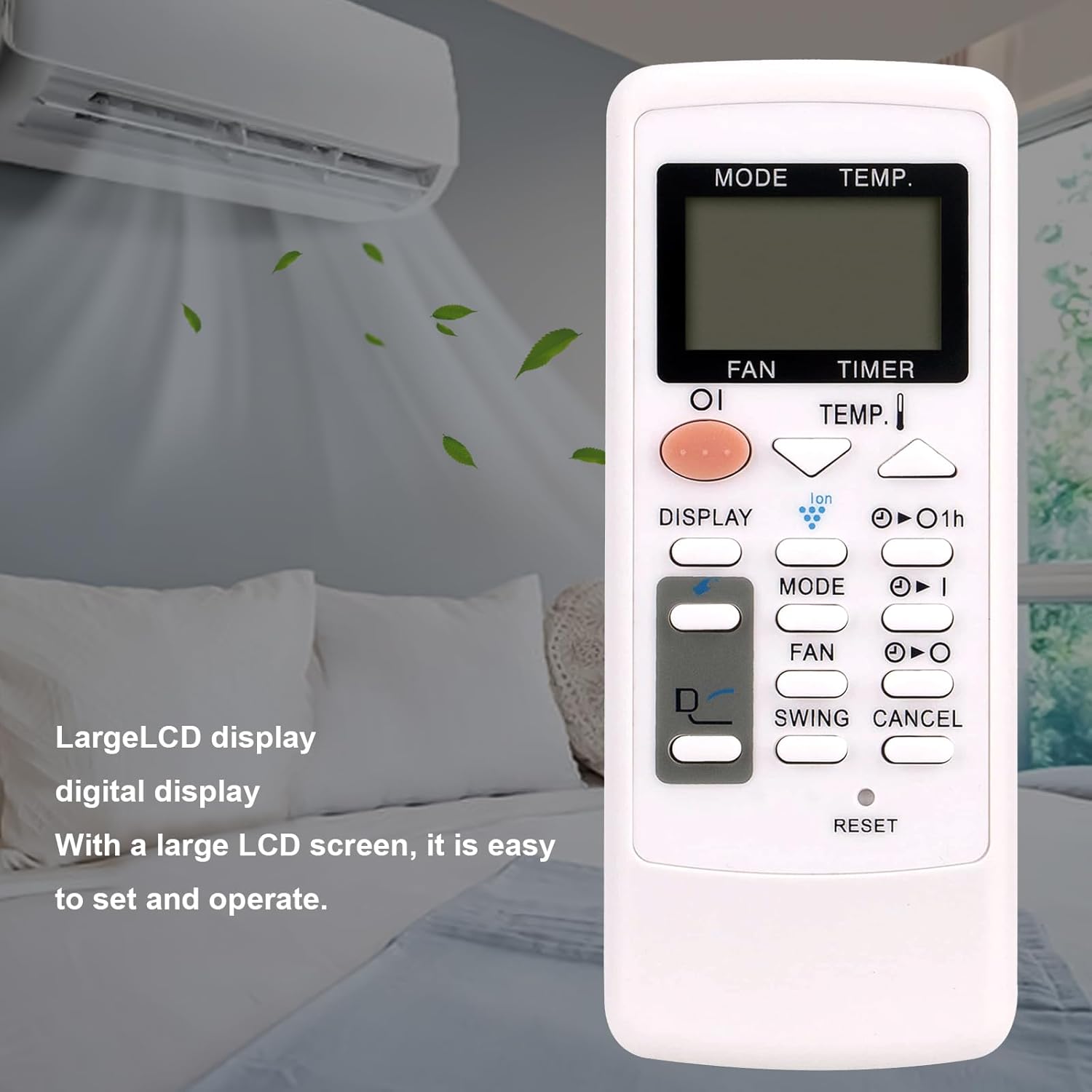
Image: The AULCMEET CRMC-A751JBEZ remote control shown with a Sharp portable air conditioner in a room setting. The remote features a large LCD display for easy operation.
Pengaturan
Instalasi Baterai
- Temukan penutup kompartemen baterai di bagian belakang remote control.
- Geser penutup ke bawah atau tekan kait untuk membuka kompartemen.
- Insert two AAA batteries (not included), ensuring that the positive (+) and negative (-) terminals align correctly with the markings inside the compartment.
- Geser penutup ruang baterai kembali ke tempatnya hingga terkunci dengan aman.
Gambar: Bagian depan dari dekat view of the AULCMEET CRMC-A751JBEZ remote control, highlighting its buttons and LCD display.
Petunjuk Pengoperasian
Point the remote control directly at the infrared receiver on your Sharp Portable AC unit for optimal performance.
- Daya Hidup/Mati: Tekan tombol KEKUATAN button (usually a prominent button, often orange or red) to turn the air conditioner on or off.
- Pemilihan Mode: Tekan tombol MODE button repeatedly to cycle through available operating modes: Cool (snowflake icon), Fan (fan icon), and Dry (water drop icon). Note: This remote does not support a heating function.
- Penyesuaian Suhu: Gunakan SUHU. up (▲) and down (▼) buttons to adjust the desired temperature.
- Kecepatan Kipas: Tekan tombol FAN tombol untuk mengatur kecepatan kipas (misalnya, Rendah, Sedang, Tinggi, Otomatis).
- Fungsi Pengatur Waktu: Gunakan PENGATUR WAKTU buttons (often labeled with a clock icon or '1h') to set or cancel the timer for automatic power on/off.
- Fungsi Ayunan: Tekan tombol SWING button to activate or deactivate the louver swing function, which helps distribute air evenly.
- Menampilkan: Tekan tombol MENAMPILKAN button to change display settings or activate/deactivate the display backlight on the AC unit.
- Atur ulang: To reset the remote control to its default settings, use a pointed object (like a pen tip) to press the recessed MENGATUR ULANG tombol.

Image: The AULCMEET CRMC-A751JBEZ remote control displayed alongside a Sharp portable AC unit, illustrating its compatibility.
Pemeliharaan
- Pembersihan: Clean the remote control with a soft, dry cloth. Do not use liquid cleaners, abrasive materials, or chemical solvents, as these can damage the remote's surface or internal components.
- Penggantian Baterai: Replace batteries when the remote's operational range decreases significantly or it stops responding. Always replace both batteries at the same time with new ones of the same type.
- Penyimpanan: If the remote control will not be used for an extended period, remove the batteries to prevent leakage and potential damage to the device. Store the remote in a cool, dry place.
Penyelesaian Masalah
- Remote tidak merespons:
- Periksa apakah baterai telah dimasukkan dengan benar dengan polaritas yang tepat (+/-).
- Ganti baterai lama dengan yang baru.
- Ensure there are no obstructions between the remote control and the AC unit's infrared receiver.
- Make sure the remote is pointed directly at the AC unit.
- Limited operational range:
- Ganti baterai.
- Ensure a clear line of sight to the AC unit.
- Specific functions not working (e.g., Heat mode):
- Verify the compatibility of the remote with your specific AC model.
- Note that this remote control does not support heating functions, even if your AC unit has one.
Spesifikasi
| Merek | PERTEMUAN AULC |
| Nama Model | CRMC-A751JBEZ |
| Perangkat yang Kompatibel | Sharp Portable Air Conditioners |
| Teknologi Konektivitas | Inframerah |
| Jenis Baterai | 2 x AAA (tidak termasuk) |
| Jangkauan Maksimum | 33 Kaki |
| Jumlah Tombol | 30 |
| Dimensi (P x L x T) | 5" x 1" x 0.5" |
Garansi dan Dukungan
This AULCMEET CRMC-A751JBEZ replacement remote control comes with a 1-year warranty from the date of purchase. For technical support, warranty claims, or any inquiries regarding your remote control, please contact your retailer or the manufacturer directly through their official support channels.