Perkenalan
Thank you for choosing the RG N35 TWS Gaming Headset. This manual provides essential information for setting up, operating, and maintaining your new wireless earbuds. Please read this manual thoroughly before use to ensure optimal performance and longevity of your device.
Isi Paket
- RG N35 TWS Gaming Earbuds (Left and Right)
- Kotak Pengisian Daya
- Kabel Pengisian Daya
- Panduan Pengguna
Produk Selesaiview
The RG N35 TWS Gaming Headset features a low-latency design optimized for gaming, true wireless stereo audio, and touch controls. The earbuds are housed in a distinctive charging case with LED indicators.

RG N35 TWS Gaming Earbuds in their charging case, with the lid open, showcasing the earbuds and the case's internal design.
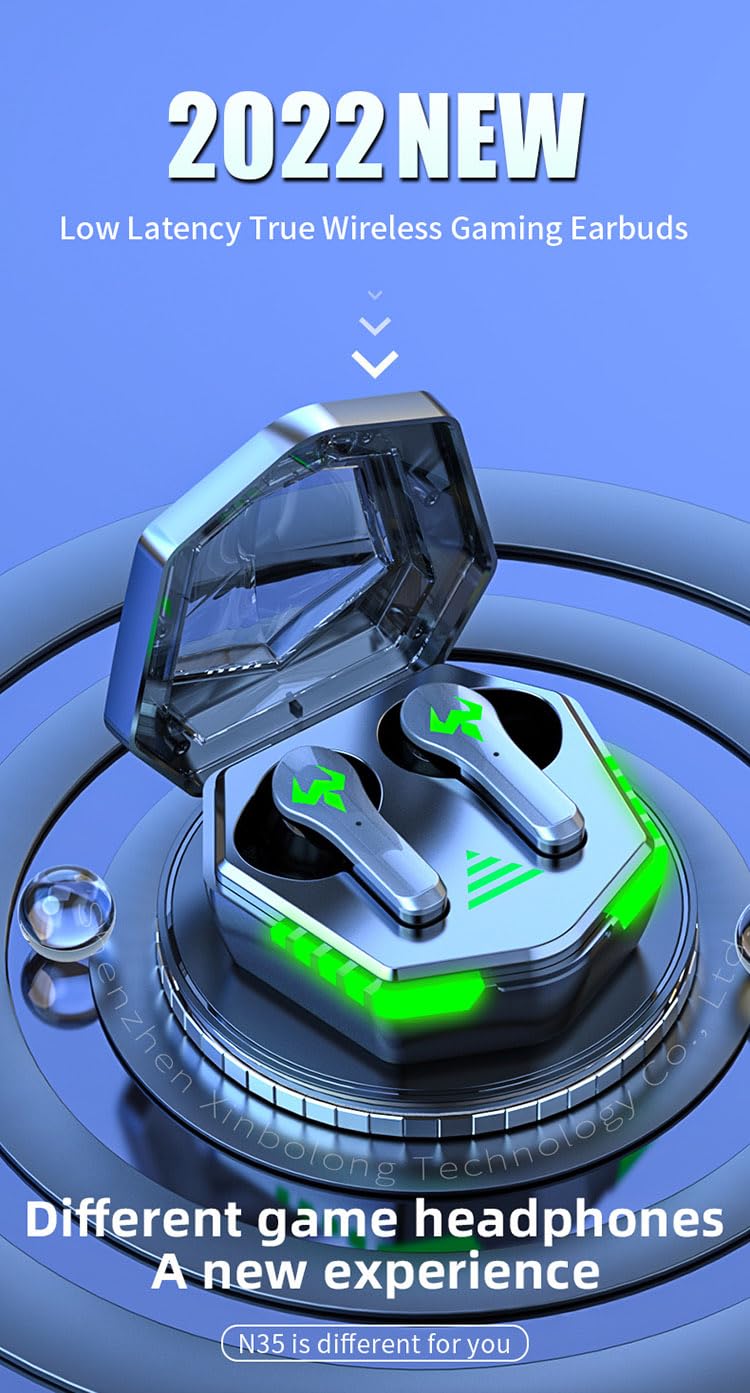
A visual representation of the RG N35 TWS Gaming Earbuds and charging case, emphasizing their low latency and gaming-specific design.
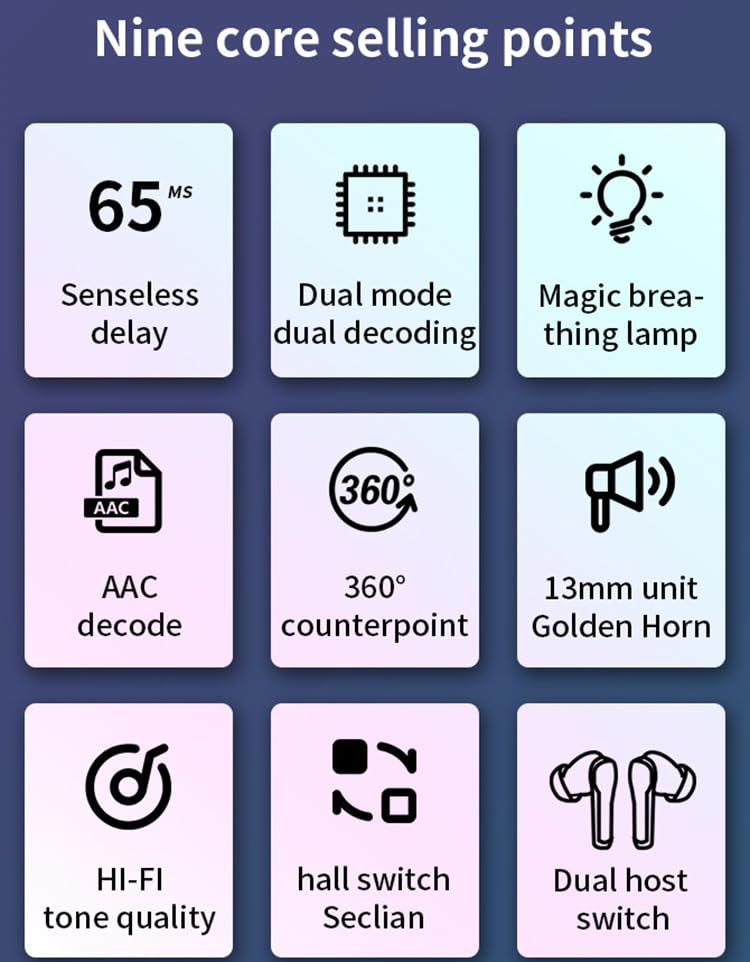
An infographic detailing key features of the RG N35 earbuds, including 65ms low latency, dual mode decoding, breathing lamp, AAC decode, 360-degree sound, 13mm driver, Hi-Fi audio, hall switch, and dual host switch.
Pengaturan
1. Mengisi Daya Perangkat
Before first use, fully charge the earbuds and the charging case. Connect the provided charging cable to the charging port on the case and a compatible USB power source. The LED indicators on the case will show the charging status. A full charge typically takes approximately 1.5 hours.
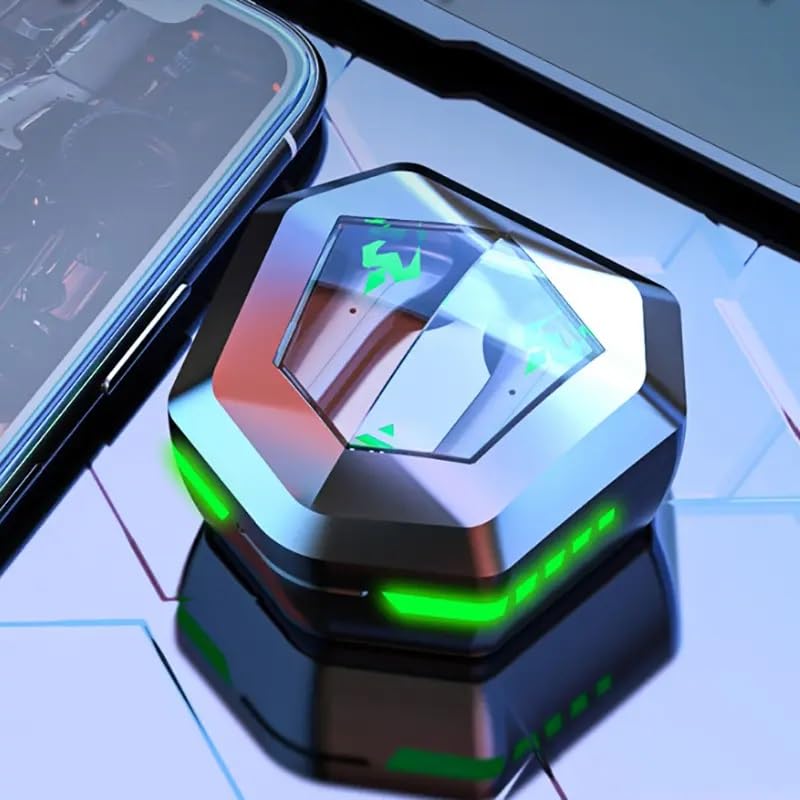
The RG N35 TWS Gaming Earbuds charging case, closed, displaying its hexagonal shape and illuminated green LED accents, indicating charging or power status.
2. Pasangan Awal
- Pastikan earbud terisi dayanya.
- Buka casing pengisi daya. Earbud akan otomatis menyala dan masuk ke mode berpasangan.
- On your device (smartphone, computer, etc.), enable Bluetooth.
- Pencarian untuk available Bluetooth devices and select "N35" from the list.
- Setelah terhubung, perintah suara akan mengonfirmasi pemasangan yang berhasil.
The earbuds support synchronous transmission, meaning either earbud can function independently after initial pairing, allowing for single-ear use.
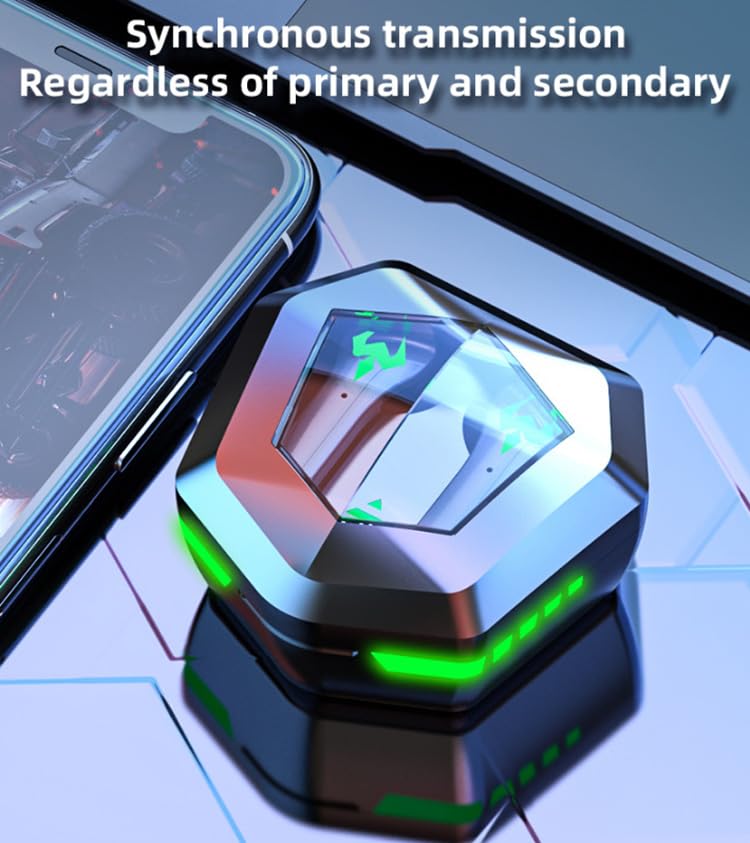
An image depicting the synchronous transmission capability of the earbuds, indicating that either earbud can function independently as primary or secondary.
Petunjuk Pengoperasian
Daya Hidup/Mati
- Nyalakan: Buka casing pengisi daya, atau tekan lama area sentuh pada kedua earbud selama 3 detik.
- Matikan: Letakkan kembali earbud ke dalam wadah pengisi daya dan tutup kembali, atau tekan lama area sentuh pada kedua earbud selama 5 detik.
Peralihan Mode Musik/Permainan
The RG N35 features a dual mode for music and gaming. In gaming mode, the earbuds provide ultra-low latency (approximately 45-65ms) for a synchronized audio-visual experience.
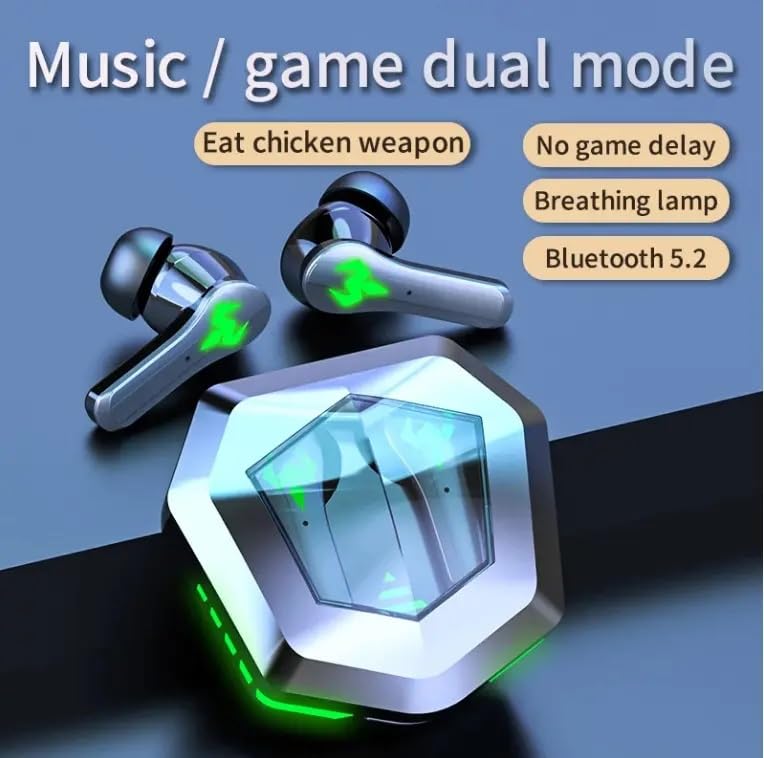
An illustration highlighting the dual mode functionality (music/game) of the RG N35 earbuds, emphasizing low latency for gaming and Bluetooth 5.2 connectivity.
To switch between modes, triple-tap the touch area on either earbud. A voice prompt will indicate the current mode.
Kontrol Sentuh
The earbuds are equipped with touch-sensitive controls for various functions:
- Putar/Jeda: Single-tap either earbud.
- Lagu Berikutnya: Ketuk dua kali earbud kanan.
- Lagu Sebelumnya: Ketuk dua kali earbud kiri.
- Volume Naik: Tekan dan tahan earbud kanan.
- Volume Turun: Tekan dan tahan earbud kiri.
- Aktifkan Asisten Suara (Siri, Google Assistant, Alexa): Triple-tap either earbud (when not in game mode).
Membuat Panggilan
- Menjawab/Mengakhiri Panggilan: Single-tap either earbud.
- Tolak Panggilan: Tekan lama salah satu earbud selama 2 detik.
Pemeliharaan
Pembersihan
Bersihkan earbud dan casing pengisi daya Anda secara teratur untuk memastikan kinerja dan kebersihan yang optimal. Gunakan kain yang lembut, kering, dan bebas serat. Untuk kotoran membandel, gunakan kain yang sedikit kering.amp cloth can be used, but ensure no moisture enters the charging ports or speaker grilles. Do not use harsh chemicals or abrasive materials.
Penyimpanan
When not in use, store the earbuds in their charging case to protect them from dust and damage. Store the device in a cool, dry place away from direct sunlight and extreme temperatures.
Tahan Air
The RG N35 earbuds are rated IPX-5 water resistant and sweatproof. This means they can withstand splashes of water and sweat, making them suitable for workouts and light rain. They are not designed for submersion in water or exposure to heavy rain. Ensure the earbuds are dry before placing them back in the charging case to prevent damage.
Penyelesaian Masalah
| Masalah | Solusi yang mungkin |
|---|---|
| Earbud tidak menyala | Ensure the earbuds and charging case are fully charged. Place earbuds in the case, close, then reopen. |
| Tidak dapat menyandingkan dengan perangkat | Make sure Bluetooth is enabled on your device. Ensure earbuds are in pairing mode (open case). Forget "N35" from your device's Bluetooth list and try pairing again. Move closer to your device. |
| Tidak ada suara atau audio terputus-putus. | Check volume levels on both earbuds and your connected device. Ensure earbuds are properly seated in your ears. Reconnect the earbuds to your device. |
| Kontrol sentuh tidak merespons | Pastikan jari Anda bersih dan kering. Coba mulai ulang earbud dengan meletakkannya di dalam wadah dan mengeluarkannya kembali. |
| Low latency not active in game mode | Ensure you have successfully switched to game mode (triple-tap either earbud). Verify your device's settings are not interfering with Bluetooth performance. |
Spesifikasi
| Fitur | Detil |
|---|---|
| Nama Model | N35 |
| Teknologi Konektivitas | Nirkabel (Bluetooth) |
| Teknologi Komunikasi Nirkabel | Bluetooth 5.2 |
| Jangkauan Bluetooth | 10 m - 15 m |
| Prinsip Vokalisme | Pengemudi Armatur Seimbang |
| Ukuran Driver Audio | Satuan 13mm |
| Format Decoding | Bahasa AAC |
| Waktu Tunda Nirkabel | 45-65 ms (Gaming Mode) |
| Kapasitas Baterai Earbud | 35 mAh |
| Kapasitas Kotak Pengisian | 300 mAh |
| Waktu Pengisian Daya | Sekitar 1.5 Jam |
| Waktu Pemutaran Musik | Sekitar 5 Jam |
| Waktu Bicara | Sekitar 5 Jam |
| Standar Tahan Air | IPX-5 (Water Resistant, Sweatproof) |
| Jenis Kontrol | Kontrol Sentuh, Kontrol Volume |
| Mikropon | Terintegrasi |
| Lampu Suasana Permainan | Single Color (LED Display) |
| Perangkat yang Kompatibel | Mobile Phone, Computer, MP3 Player, Smartphone |
| Dimensi Produk | Ukuran 5x5x5 cm |
| Berat Barang | 200 gram |
Garansi dan Dukungan
For warranty information or technical support, please refer to the documentation provided at the time of purchase or contact your seller directly. Keep your proof of purchase for any warranty claims.