
1. Produk Lebihview
The Wokyo Portable Mini Projector (Model CA164965161) is a compact and lightweight device designed for displaying media from various sources. Its small form factor allows for easy portability, making it suitable for home cinema, outdoor viewing, or business presentations.
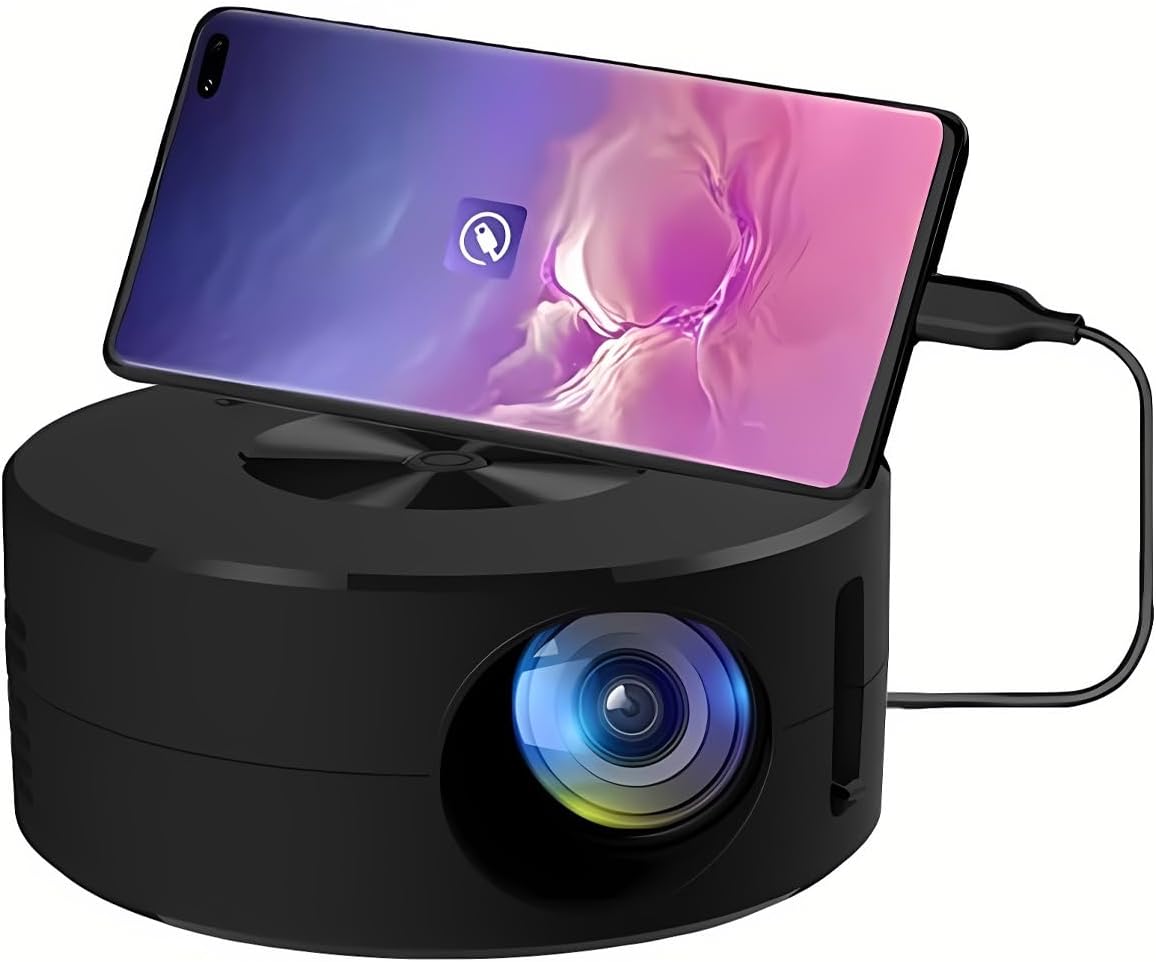
Gambar 1.1: Depan view of the Wokyo Portable Mini Projector.
Key features of this projector include:
- Desain Kompak: Smaller than a typical smartphone, facilitating easy transport.
- Pencerminan Layar Berkabel: Supports direct connection to mobile phones and tablets using their charging cables for screen display, eliminating the need for additional adapters.
- High Clarity Support: Capable of supporting resolutions up to 1920x1080p, providing clear image quality.
- Konstruksi Tahan Lama: Manufactured from environmentally friendly ABS material.
- Efficient Light Source: Utilizes an LCD light source for lower energy consumption and extended lifespan.
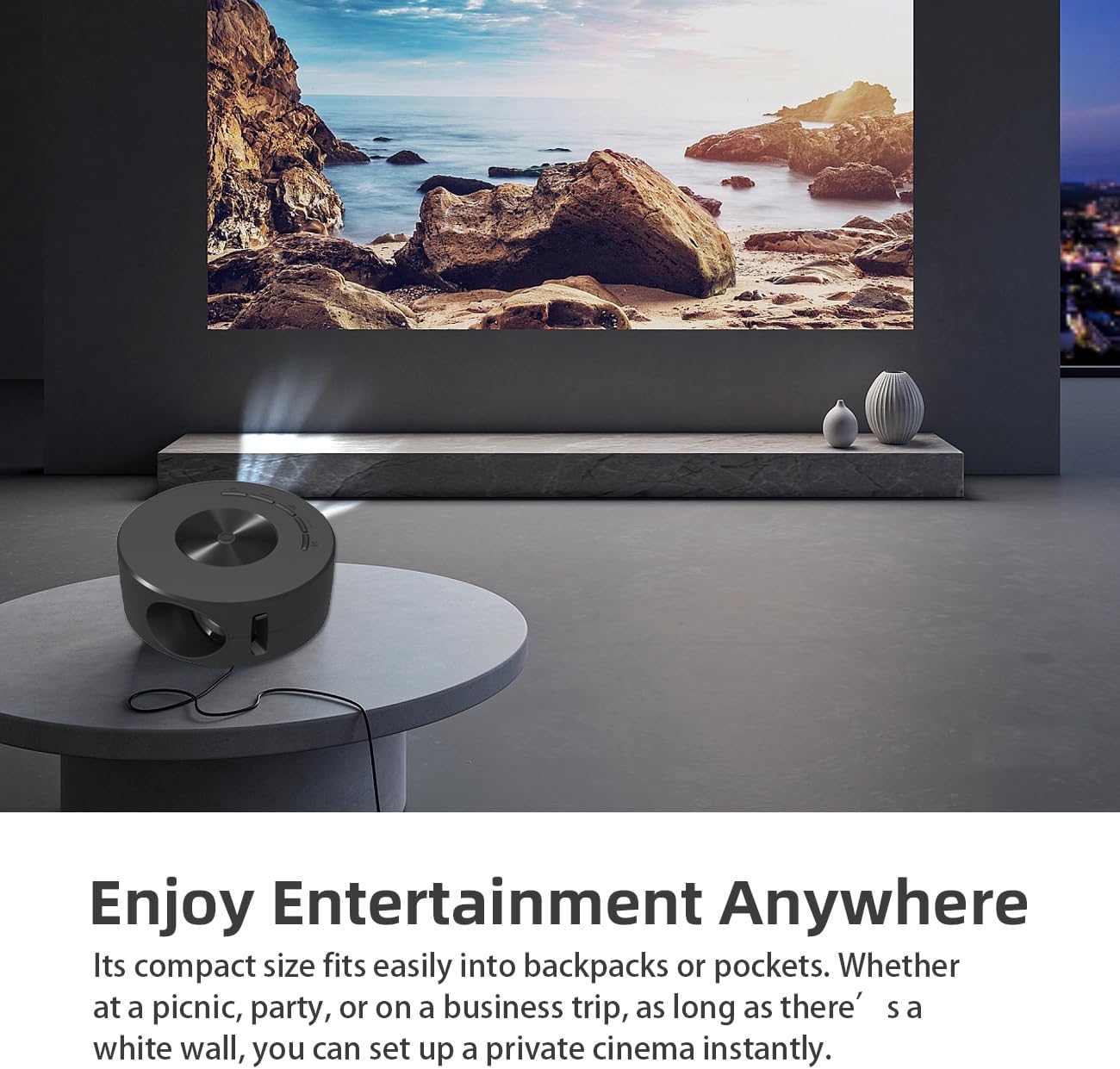
Image 1.2: Projector in use, demonstrating its compact size and projection capability.
2. Isi Paket
Verifikasi bahwa semua item yang tercantum di bawah ini disertakan dalam paket produk Anda:

Image 2.1: All items included in the Wokyo Portable Mini Projector package.
- Wokyo Portable Mini Projector
- Kontrol Jarak Jauh
- Kabel USB
- Panduan Pengguna
- Kotak Warna
- Kotak Busa
- Parcel Bag
3. Dimensi Produk
The projector features a compact design for portability.

Image 3.1: Product dimensions of the Wokyo Portable Mini Projector.
- Diameter: Kira-kira 4.33 inci (110 mm)
- Tinggi: Kira-kira 1.85 inci (47 mm)
- Berat: Sekitar 10.6 ons
4. Pengaturan Awal
4.1 Sambungan Daya
To power the projector, connect it to a suitable power source. The projector requires a 5V 2A power input.

Image 4.1: Power connection options for the projector.
- Ensure your power source (e.g., phone charger, power bank) provides at least 5V 2A output.
- Connect the provided USB cable to the projector's power input port.
- Connect the other end of the USB cable to your chosen power source.
- The projector will power on automatically or can be turned on using the power button.
4.2 Device Connection (Wired Screen Mirroring)
The projector supports wired screen mirroring from mobile phones and tablets using their standard charging cables.
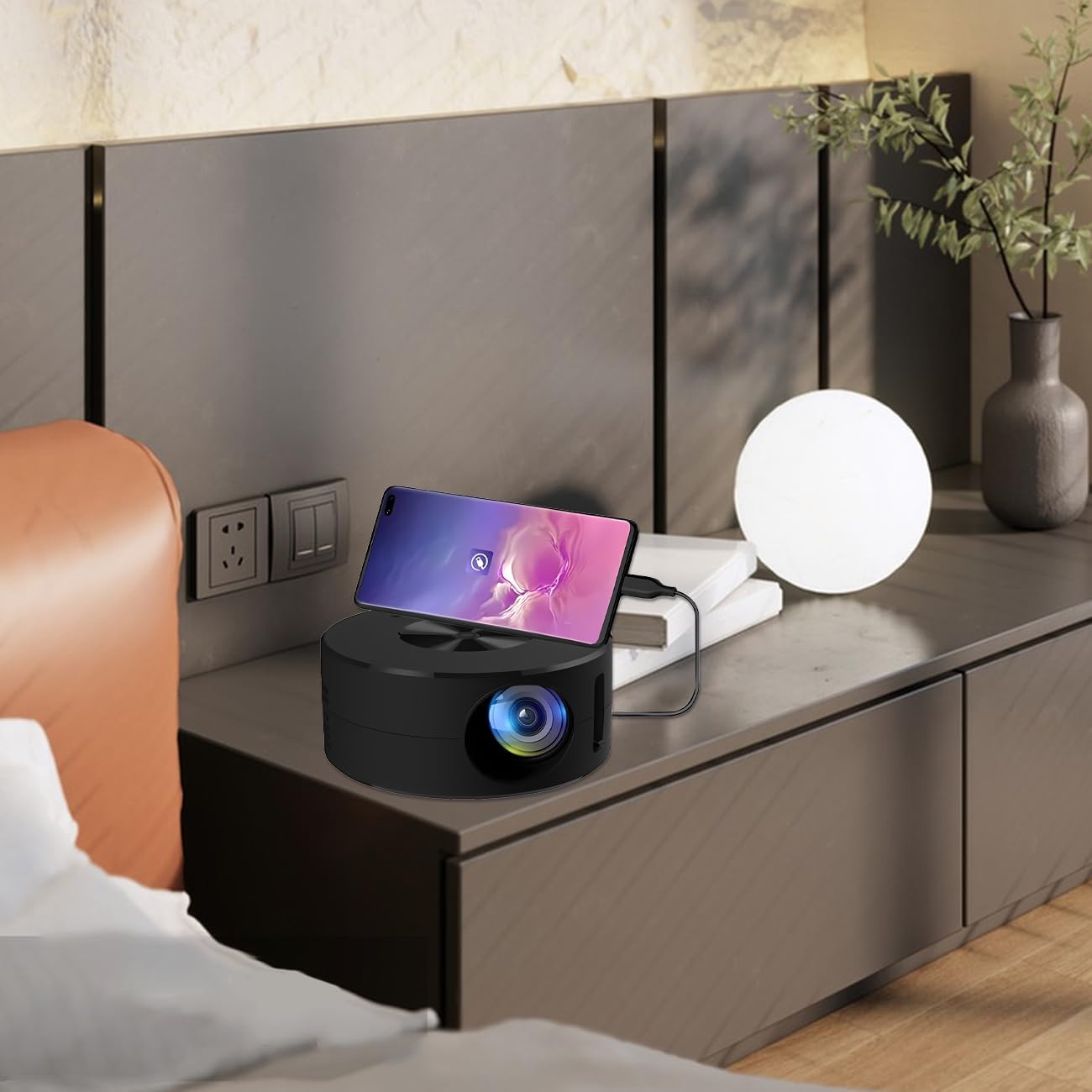
Image 4.2: Smartphone connected to the projector for wired screen mirroring.
- Connect your mobile phone or tablet to the projector using its original charging cable.
- The projector should automatically detect the connection and initiate screen mirroring.
- Follow any on-screen prompts on your device or the projector to confirm the connection.
5. Petunjuk Pengoperasian
5.1 Kontrol dan Port Dasar
Familiarize yourself with the projector's control buttons and input/output ports.

Gambar 5.1: Selesaiview of projector ports and controls.
- Tombol Daya: Menghidupkan/mematikan proyektor.
- Tombol Navigasi (Atas/Bawah/Kiri/Kanan/OK): Digunakan untuk menavigasi menu dan mengonfirmasi pilihan.
- Port USB: Untuk menghubungkan perangkat penyimpanan USB.
- Port Headset: Untuk menghubungkan perangkat audio eksternal.
- Masukan IR: Untuk menerima sinyal dari remote control.
- 5V 2A Power Input: Untuk menghubungkan catu daya.
- Speaker Stereo Bawaan: Menyediakan keluaran audio.
5.2 Menyesuaikan Fokus
To achieve a clear image, adjust the focus ring located around the projector lens. Rotate the ring until the projected image appears sharp.
5.3 Menggunakan Kontrol Jarak Jauh
The included remote control allows for convenient operation of the projector from a distance. Ensure the remote has batteries installed and is pointed towards the projector's IR sensor.
6. Pemeliharaan
Perawatan yang tepat memastikan umur panjang dan kinerja optimal proyektor Anda.
- Membersihkan Lensa: Gunakan kain lembut dan bebas serat yang dirancang khusus untuk lensa optik. Hindari bahan abrasif atau bahan kimia keras. Usap lensa dengan lembut untuk menghilangkan debu atau noda.
- Membersihkan Bagian Luar: Bersihkan bagian luar proyektor dengan kain lembut dan kering. Jangan gunakan cairan pembersih langsung pada perangkat.
- Ventilasi: Ensure the projector's ventilation openings are not blocked during operation to prevent overheating.
- Penyimpanan: When not in use, store the projector in a cool, dry place away from direct sunlight and excessive dust.
7. Penyelesaian masalah
Lihat tabel berikut untuk masalah umum dan solusinya.
| Masalah | Kemungkinan Penyebab | Larutan |
|---|---|---|
| Tidak ada gambar yang diproyeksikan | Power not connected; Input source not selected; Device not connected properly. | Ensure power is connected (5V 2A). Check device connection. Verify screen mirroring is active on your device. |
| Gambar buram | Fokus tidak disesuaikan. | Rotate the focus ring around the lens until the image is clear. |
| Tidak ada suara | Volume too low; External audio device connected; Device audio output settings. | Increase projector volume. Disconnect external audio devices if using internal speaker. Check audio settings on the connected source device. |
| Kontrol jarak jauh tidak berfungsi | Batteries low/dead; Obstruction between remote and projector; Remote not pointed at IR sensor. | Replace remote batteries. Ensure clear line of sight to the projector's IR sensor. |
8. Spesifikasi Teknis
Detailed specifications for the Wokyo Portable Mini Projector.
| Fitur | Spesifikasi |
|---|---|
| Merek | Wokyo |
| Nomor Model | CA164965161 |
| Berat Barang | 10.6 ons |
| Dimensi Produk | 4.33x4.33x1.97 inci |
| Warna | Hitam |
| Fitur Khusus | Portabilitas |
| Teknologi Konektivitas | Bahasa Indonesia: Bluetooth |
| Resolusi Layar (Asli) | Ukuran 320x180 |
| Display Resolution (Maximum Supported) | Ukuran 1920x1080 |
9. Garansi dan Dukungan
For warranty information or technical support, please refer to the contact details provided with your purchase documentation or visit the official Wokyo websitus. Simpan struk pembelian Anda sebagai bukti pembelian untuk klaim garansi.