1. Pendahuluan
This manual provides essential instructions for the safe and effective use of your Generic AC/DC Adapter. This adapter is designed as a compatible replacement power supply for specific Shark WZ140 series cordless stick vacuums. It is not an original Shark product but is manufactured to be 100% compatible.
Please read this manual thoroughly before using the adapter to ensure proper function and to prevent damage to the product or your device.

Image 1: The Generic AC/DC Adapter, showing the main unit with a standard US plug and the barrel connector cable.
2. Informasi Keselamatan
Always follow basic safety precautions when using electrical products to reduce the risk of fire, electric shock, and injury.
- Kesesuaian: This adapter is specifically designed for Shark WZ140 V5, WZ140V5 26, WZ14026, WZ140PK, and WZ 140 models ONLY. Do not use it with any other devices, especially cellphones, as this may cause damage.
- Sumber Daya: Pastikan stopkontak listrik voltage matches the adapter's input voltagrentang e (100V-240V).
- Fitur Perlindungan: The adapter includes Over Voltage Output Protection, Over Current Output Protection, and Short Circuit Output Protection to safeguard your device.
- Lingkungan: Use the adapter in a dry environment. Avoid exposure to water, moisture, or extreme temperatures.
- Ventilasi: Do not cover the adapter during use, as this can lead to overheating.
- Kerusakan: Do not use the adapter if the cord or plug is damaged. Contact support for a replacement.
- Anak-anak: Jauhkan adaptor dari jangkauan anak-anak.
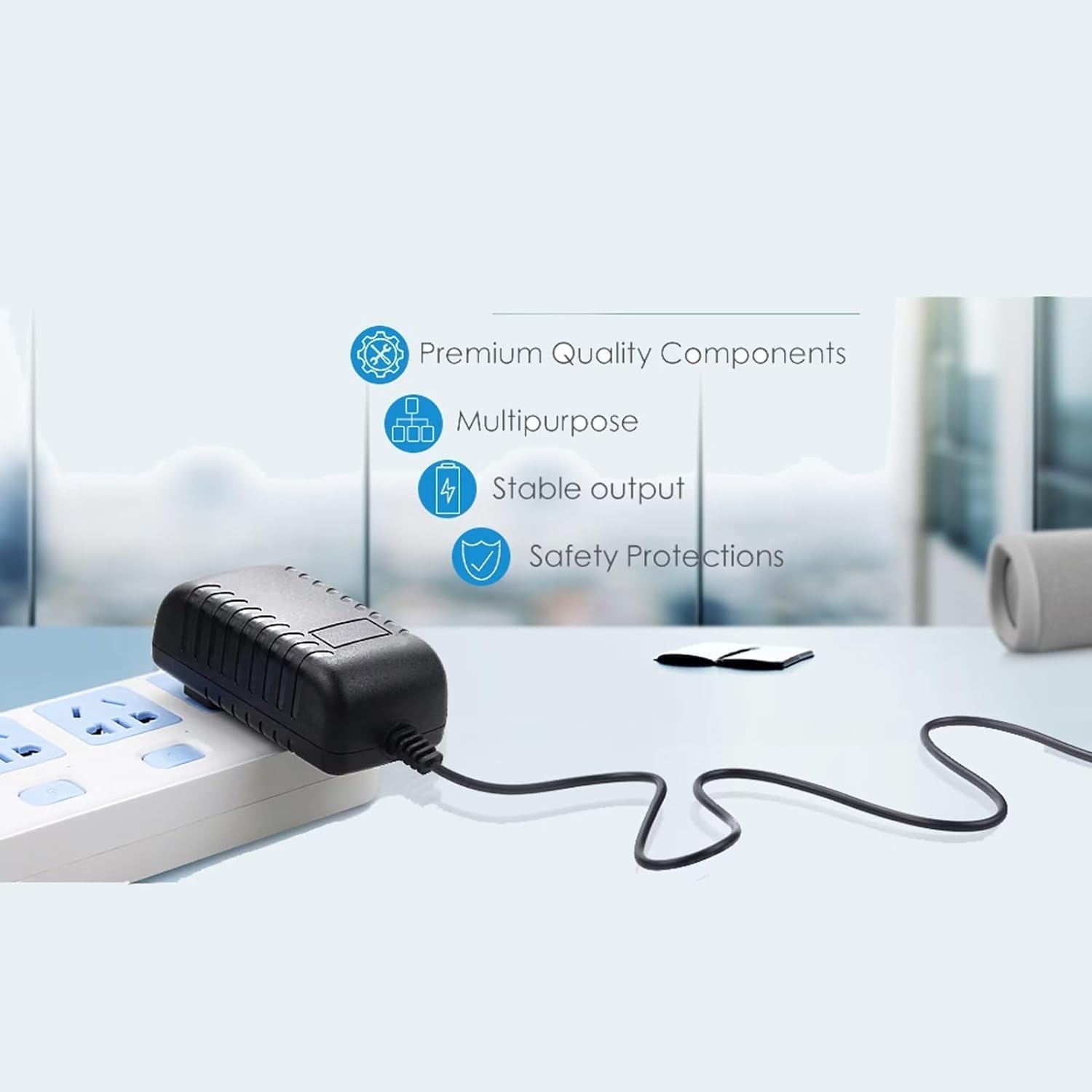
Image 2: The adapter connected to a power strip, highlighting its premium quality components, stable output, and safety protections.
3. Pengaturan
- Verifikasi Kompatibilitas: Before connecting, confirm that your Shark vacuum model is one of the compatible models: WZ140 V5, WZ140V5 26, WZ14026, WZ140PK, or WZ 140.
- Hubungkan ke penyedot debu: Insert the barrel connector end of the adapter cable firmly into the charging port of your Shark cordless stick vacuum.
- Hubungkan ke Stopkontak: Plug the AC adapter into a standard wall outlet (100V-240V).
- Indikator Pengisian Daya: The adapter features an LED light to indicate power status. Refer to your vacuum's manual for its specific charging indicator behavior.

Image 3: This adapter features a 5-foot cable length and an integrated LED light to indicate power.
4. Operasi
Once connected, the adapter will begin charging your Shark vacuum's battery. The charging time will depend on the battery's current charge level and capacity. Always refer to your vacuum's user manual for specific charging instructions and battery care.
- Pengisian daya: Allow the vacuum to charge fully before its first use or after extended periods of non-use.
- Mencabut: When charging is complete, unplug the adapter from the wall outlet first, then disconnect it from the vacuum.
- Penyimpanan: Simpan adaptor di tempat yang sejuk dan kering saat tidak digunakan.
5. Pemeliharaan
- Pembersihan: Disconnect the adapter from the power source and the vacuum before cleaning. Wipe the adapter with a dry, soft cloth. Do not use liquid cleaners or solvents.
- Perawatan Tali Pusat: Avoid bending, twisting, or crimping the power cord excessively. Do not place heavy objects on the cord.
- Inspeksi: Periodically inspect the adapter, cord, and connectors for any signs of damage, such as cuts, fraying, or loose connections. If damage is found, discontinue use and replace the adapter.
6. Penyelesaian masalah
If you encounter issues with your adapter, please review masalah umum dan solusinya berikut ini:
| Masalah | Kemungkinan Penyebab / Solusi |
|---|---|
| Adapter not charging the vacuum. |
|
| Adaptor terasa panas saat digunakan. |
|
| LED light on adapter is off. |
|
If you are unsure whether the battery or charger is at fault, a voltmeter can be used to test the charger's output voltage. If issues persist, please contact customer support.
7. Spesifikasi
| Merek | Umum |
| Perangkat yang Kompatibel | Shark WZ140 V5, WZ140V5 26, WZ14026, WZ140PK, WZ 140 (Fit these models ONLY) |
| Masukan Voltage | 100V - 240V AC (Worldwide Compatible) |
| Keluaran Wattage | 140 Watt |
| Arus Keluaran | 2 Amps |
| Jenis Konektor | Konektor barel |
| Fitur Khusus | Lebih dari Voltage Protection, Over Current Protection, Short Circuit Protection, LED Indicator |
| Panjang Kabel | 5 kaki |
| Warna | Hitam |
| Dimensi Produk | Approximately 2 x 2 x 3 inches (adapter unit) |
| Berat Barang | 4 ons |
| Pabrikan | GuyPower |
8. Garansi & Dukungan
This product is a replacement part and typically comes with a standard return policy. For specific warranty details and customer support, please refer to the seller's information on the platform where the product was purchased.
If you have questions regarding compatibility or require further assistance, please contact the seller directly through the Amazon messaging system.
Kebijakan Pengembalian: Kebijakan pengembalian standar memungkinkan pengembalian dalam waktu 30 hari untuk pengembalian dana atau penggantian.


