1. Pendahuluan
Welcome to the T800 Ultra Smartwatch user manual. This guide provides comprehensive instructions for setting up, operating, and maintaining your new smartwatch. The T800 Ultra seamlessly blends advanced technology with a timeless design, offering a sophisticated and functional experience. It features a larger, brighter display, deep water resistance, video control assistant, fast wireless charging, Bluetooth connectivity, and NFC capabilities.
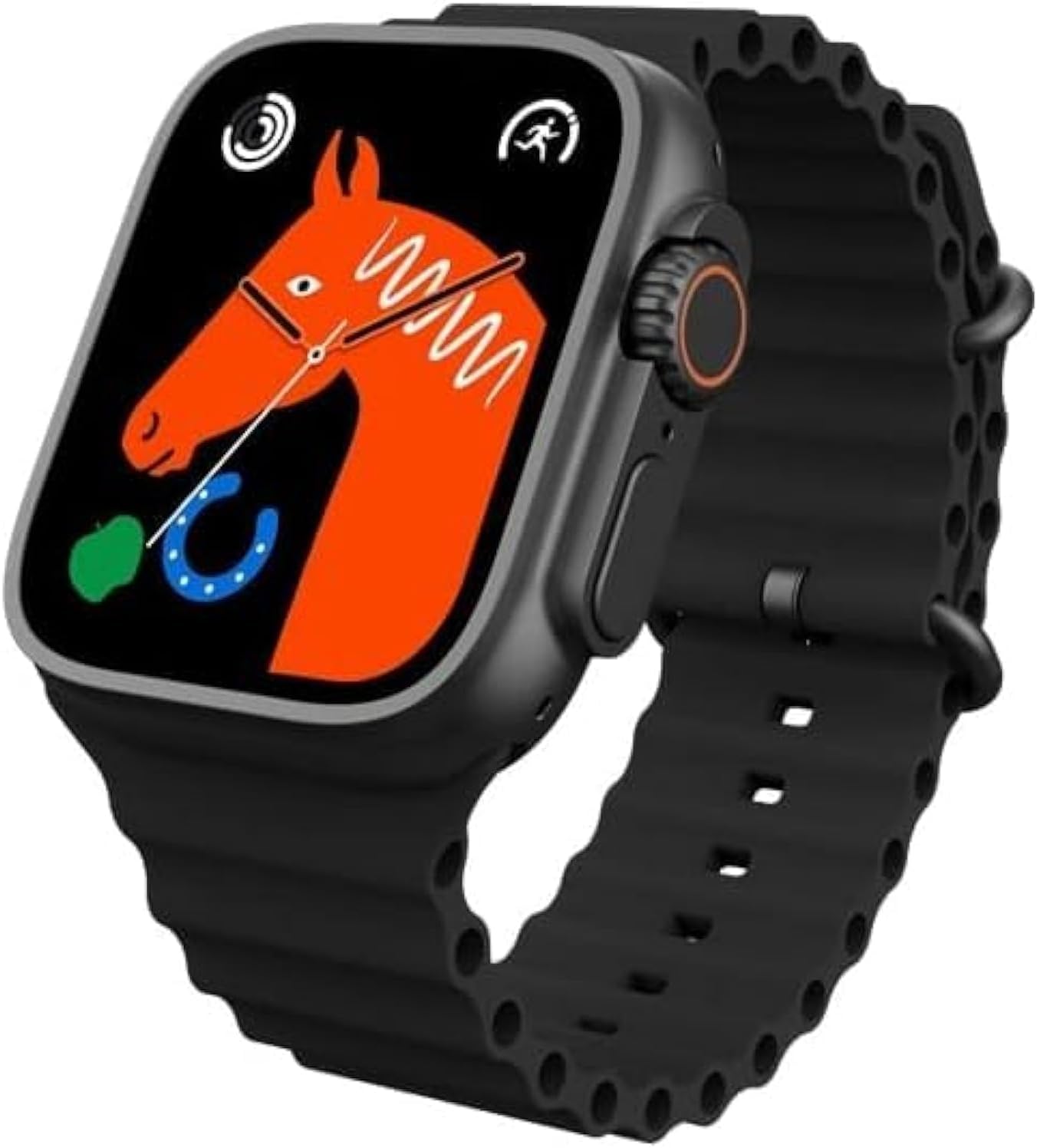
Figure 1: T800 Ultra Smartwatch, front view dengan tampilan.
2. Informasi Keselamatan
- Jangan biarkan perangkat terkena suhu ekstrem atau sinar matahari langsung dalam waktu lama.
- Hindari menjatuhkan atau mem subjecting perangkat pada benturan keras.
- Jauhkan perangkat dari medan magnet yang kuat.
- Gunakan hanya kabel pengisi daya dan adaptor yang disediakan untuk mencegah kerusakan.
- While water-resistant, avoid prolonged submersion or use in hot water (e.g., hot showers, saunas).
- Jangan mencoba membongkar atau memperbaiki sendiri perangkat ini. Hubungi dukungan pelanggan untuk bantuan.
3. Produk Lebihview
The T800 Ultra Smartwatch features a sleek design with a responsive touch screen and physical buttons for easy navigation. Key components include:
- Menampilkan: Large, bright, and customizable digital screen.
- Crown/Button: Untuk navigasi dan pemilihan.
- Tombol Samping: For quick access to functions.
- Sensor Denyut Jantung: Terletak di bagian belakang untuk pemantauan kesehatan.
- Pengisian Kontak: For wireless charging.
4. Pengaturan
4.1. Mengisi Daya Perangkat
Before first use, fully charge your T800 Ultra Smartwatch. The device supports fast wireless charging.
- Letakkan smartwatch di atas bantalan pengisian daya nirkabel.
- Ensure the charging contacts on the watch align with the charging area on the pad.
- Layar jam tangan akan menunjukkan status pengisian daya. Pengisian daya penuh biasanya membutuhkan waktu sekitar 2 jam.
4.2. Daya Hidup/Mati
- Untuk menghidupkan: Tekan dan tahan tombol samping hingga layar menyala.
- Untuk mematikan: Tekan dan tahan tombol samping, lalu pilih "Matikan Daya" di layar.
4.3. Memasangkan dengan Ponsel Pintar Anda
To unlock the full potential of your T800 Ultra, pair it with your smartphone via Bluetooth.
- Download the companion app (check the watch manual or packaging for app name, typically found via QR code on the watch or in the box) from your smartphone's app store.
- Aktifkan Bluetooth di telepon pintar Anda.
- Buka aplikasi pendamping dan ikuti petunjuk di layar untuk menambahkan perangkat Anda.
- On your T800 Ultra, navigate to the Bluetooth settings and ensure it is discoverable.
- Select your T800 Ultra from the list of available devices in the app to complete pairing.
5. Petunjuk Pengoperasian
5.1. Menavigasi Antarmuka
The T800 Ultra features an intuitive touch interface and physical buttons for seamless interaction.
- Geser ke Atas/Bawah: Gulir menu dan notifikasi.
- Geser ke Kiri/Kanan: Akses berbagai widget atau pengaturan cepat.
- Mengetuk: Pilih item atau buka aplikasi.
- Press Crown: Kembali ke layar utama atau akses daftar aplikasi.
- Tekan Tombol Samping: Typically for power options or a customizable shortcut.
5.2. Menyesuaikan Tampilan Jam
Personalize your T800 Ultra with a variety of dynamic watch faces to match your style and mood.
- From the home screen, press and hold the watch face.
- Geser ke kiri atau ke kanan untuk melihat tampilan jam yang tersedia.
- Tap on a watch face to select it. Some watch faces may offer further customization options (e.g., complications, colors) which can be adjusted by tapping the 'Edit' icon.

Gambar 2: Contohamples of customizable watch faces on the T800 Ultra.
5.3. Panggilan Bluetooth
With Bluetooth calling, you can manage calls directly from your wrist.
- Ensure your watch is paired with your smartphone.
- Saat ada panggilan masuk, Anda dapat menjawab atau menolaknya langsung di layar jam tangan.
- You can also dial numbers or access your phone's contact list from the watch to initiate calls.

Figure 3: Bluetooth calling interface on the T800 Ultra.
5.4. Pelacakan Kesehatan dan Kebugaran
The T800 Ultra is equipped with advanced sensors to monitor your health and fitness metrics.
- Pemantauan Denyut Jantung: The watch continuously monitors your heart rate. Access the Heart Rate app on the watch to view data waktu nyata dan tren historis.
- Pelacakan Langkah: The built-in pedometer tracks your daily steps, distance, and calories burned.
- Pemantauan Tidur: Wear the watch to bed to track your sleep patterns, including deep sleep, light sleep, and wakefulness. View analisis detail di aplikasi pendamping.
- Mode Multi-Olahraga: Select from various sports modes (e.g., running, cycling, basketball) to track specific workouts with detailed metrics.
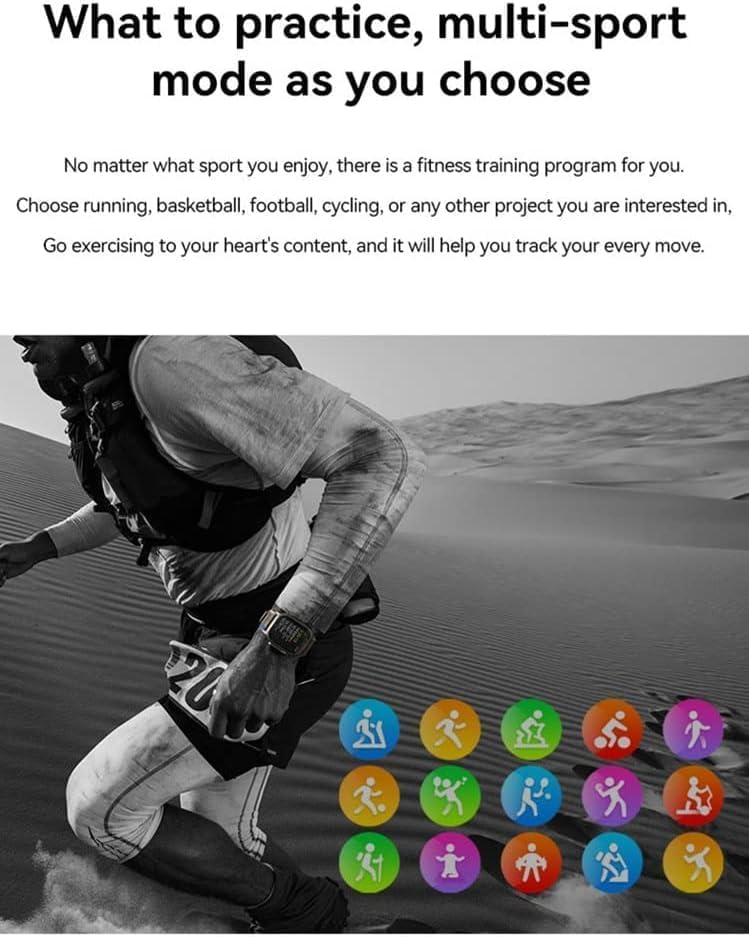
Figure 4: Heart rate and sleep tracking features.
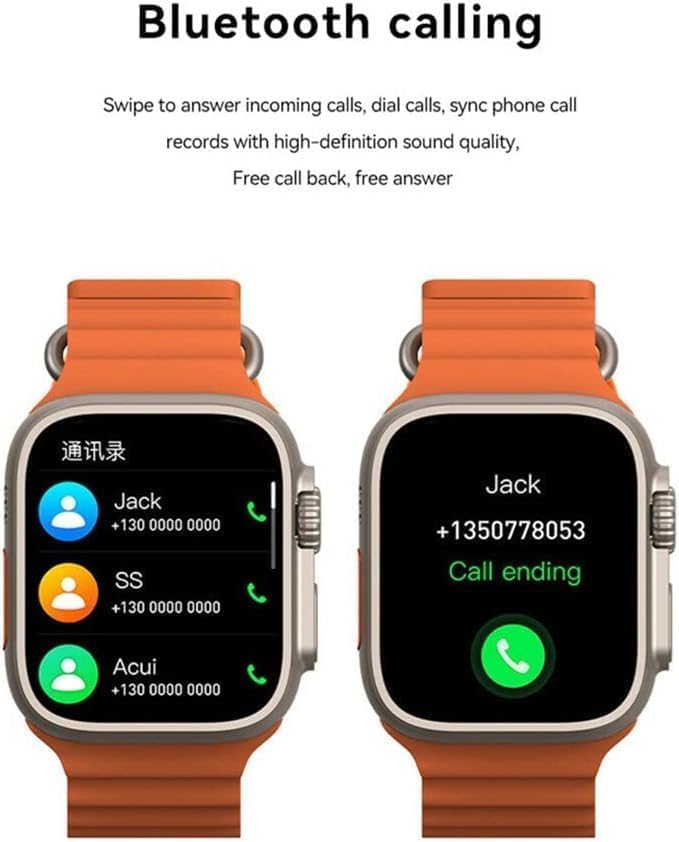
Figure 5: Multi-sport mode selection.
5.5. Fungsi NFC
The T800 Ultra supports NFC for convenient access control and other compatible functions.
- The NFC feature allows for simulation of company/community access cards.
- To use, simply lift your wrist with the watch near a compatible NFC reader.
- Refer to the companion app for setup and management of NFC functions.
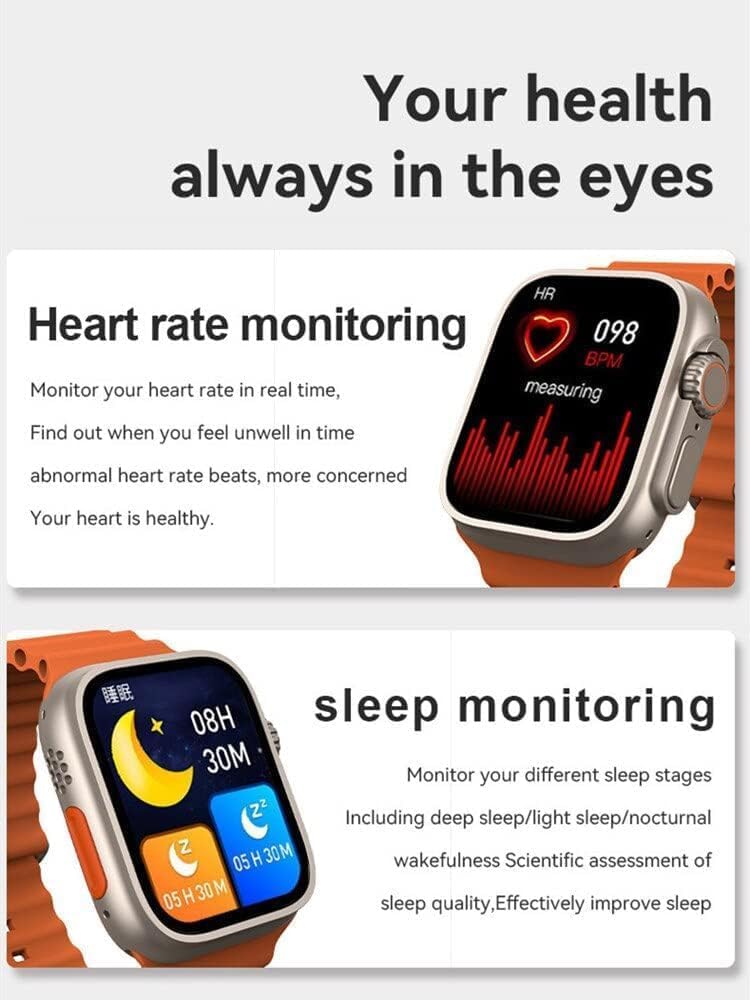
Figure 6: NFC functionality for access control.
6. Pemeliharaan
- Pembersihan: Bersihkan jam tangan dan talinya secara teratur dengan kain lembut dan kering.amp kain. Hindari menggunakan bahan kimia keras atau bahan abrasif.
- Tahan Air: The T800 Ultra is water-resistant. However, it is not suitable for diving or high-pressure water activities. Dry the watch thoroughly after exposure to water.
- Penyimpanan: Bila tidak digunakan dalam jangka waktu lama, simpan jam tangan di tempat yang sejuk dan kering.
7. Penyelesaian masalah
| Masalah | Kemungkinan Penyebab / Solusi |
|---|---|
| Jam tidak menyala. | Battery might be depleted. Charge the watch for at least 30 minutes. If still unresponsive, perform a hard reset (refer to specific device instructions or contact support). |
| Tidak dapat dipasangkan dengan telepon pintar. | Ensure Bluetooth is enabled on both devices. Make sure the watch is in pairing mode. Restart both the watch and smartphone. Check the companion app for specific pairing steps. |
| Daya tahan baterai pendek. | High screen brightness, frequent notifications, continuous heart rate monitoring, or GPS usage can drain the battery faster. Adjust settings to optimize battery life. Ensure the watch is fully charged. |
| Screen is scratched or damaged. | While the watch features a scratch-resistant sapphire crystal bezel, extreme impacts can still cause damage. This is typically not covered under standard warranty. |
| Watch is unresponsive or frozen. | Try restarting the watch by pressing and holding the side button. If that doesn't work, perform a forced restart (consult the companion app or manufacturer's web(Lihat situs web untuk petunjuk spesifik). |
8. Spesifikasi
| Fitur | Detil |
|---|---|
| Nama Model | T800 Ultra |
| Merek | Umum |
| Sistem Operasi | Bahasa Indonesia: Android |
| Teknologi Konektivitas | Bahasa Indonesia: Bluetooth |
| Standar Komunikasi Nirkabel | Bahasa Indonesia: Bluetooth |
| Fitur Khusus | Activity Tracker, GPS, NFC |
| Komposisi Sel Baterai | Ion Litium |
| Bentuk Barang | Bulat |
| Dimensi Barang (PxLxT) | Ukuran 22.2x8x4.2 cm |
| Berat Barang | 150 gram |
| Baterai Diperlukan | 1 Unknown (Included) |
9. Garansi dan Dukungan
Produk ini dilengkapi dengan garansi standar dari produsen. Silakan lihat kartu garansi yang disertakan dalam kemasan produk Anda untuk mengetahui syarat dan ketentuan spesifik.
For technical support, troubleshooting assistance, or warranty claims, please contact the retailer or manufacturer directly. Contact details can usually be found on the product packaging or the manufacturer's official weblokasi.
For further assistance, you may also visit the product's Amazon page: Halaman Produk Amazon