
Perkenalan
This manual provides detailed instructions for the proper installation, operation, and maintenance of your CIYOYO 6700mAh VR Power Bank Head Strap. Designed to enhance your virtual reality experience by extending playtime and improving comfort, this accessory is compatible with Meta Quest 2 and Meta Quest 3 headsets. Please read this manual thoroughly before use to ensure optimal performance and safety.
Produk Selesaiview
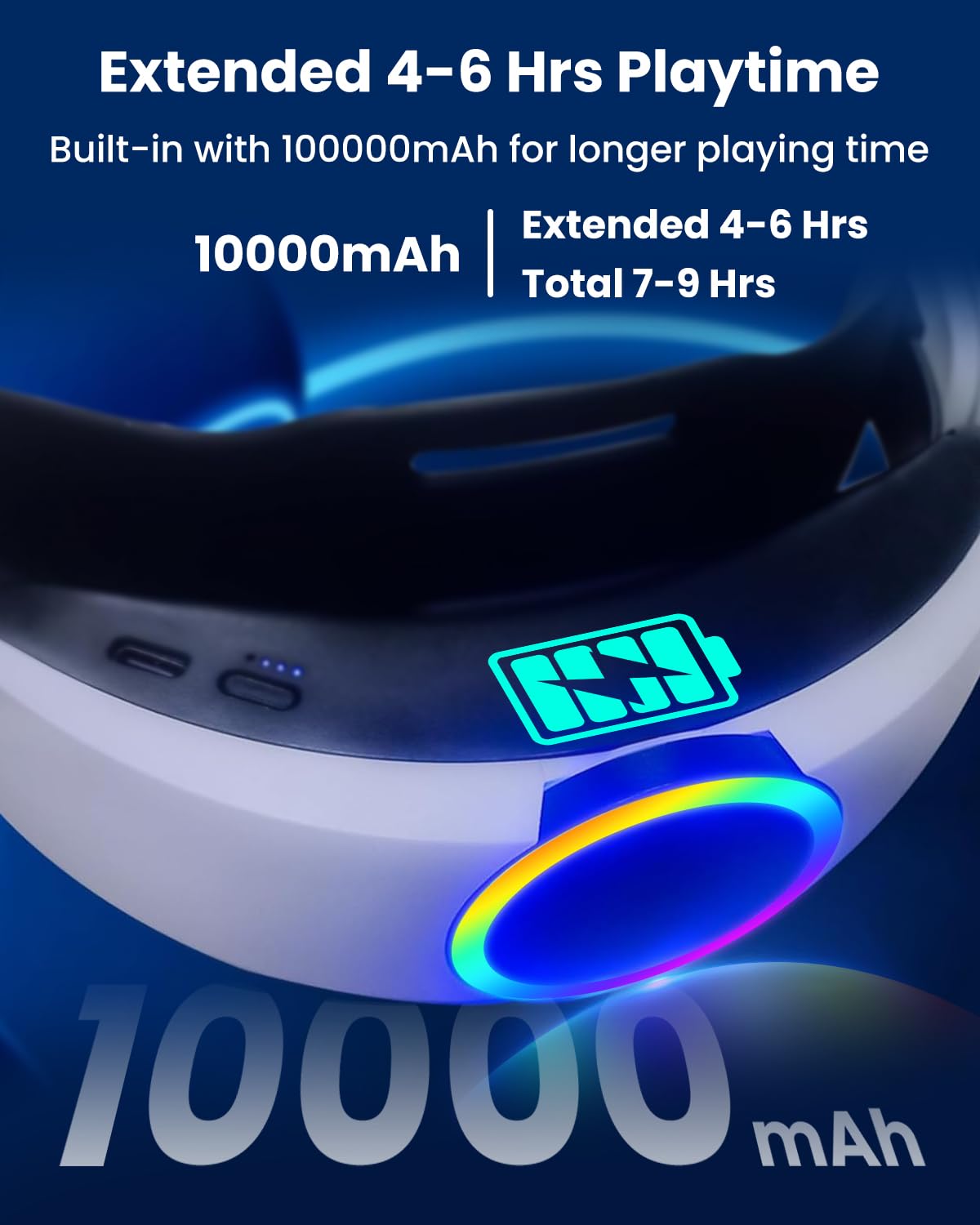
The CIYOYO 6700mAh VR Power Bank Head Strap is engineered to provide an additional 2.5 to 3.5 hours of playtime for your Meta Quest VR headset. Its ergonomic design features upgraded soft cushions and a counter-balance system to reduce facial pressure, ensuring a more comfortable and immersive gaming experience. The head strap is constructed from durable nylon PA material for longevity and includes safety features for reliable charging.
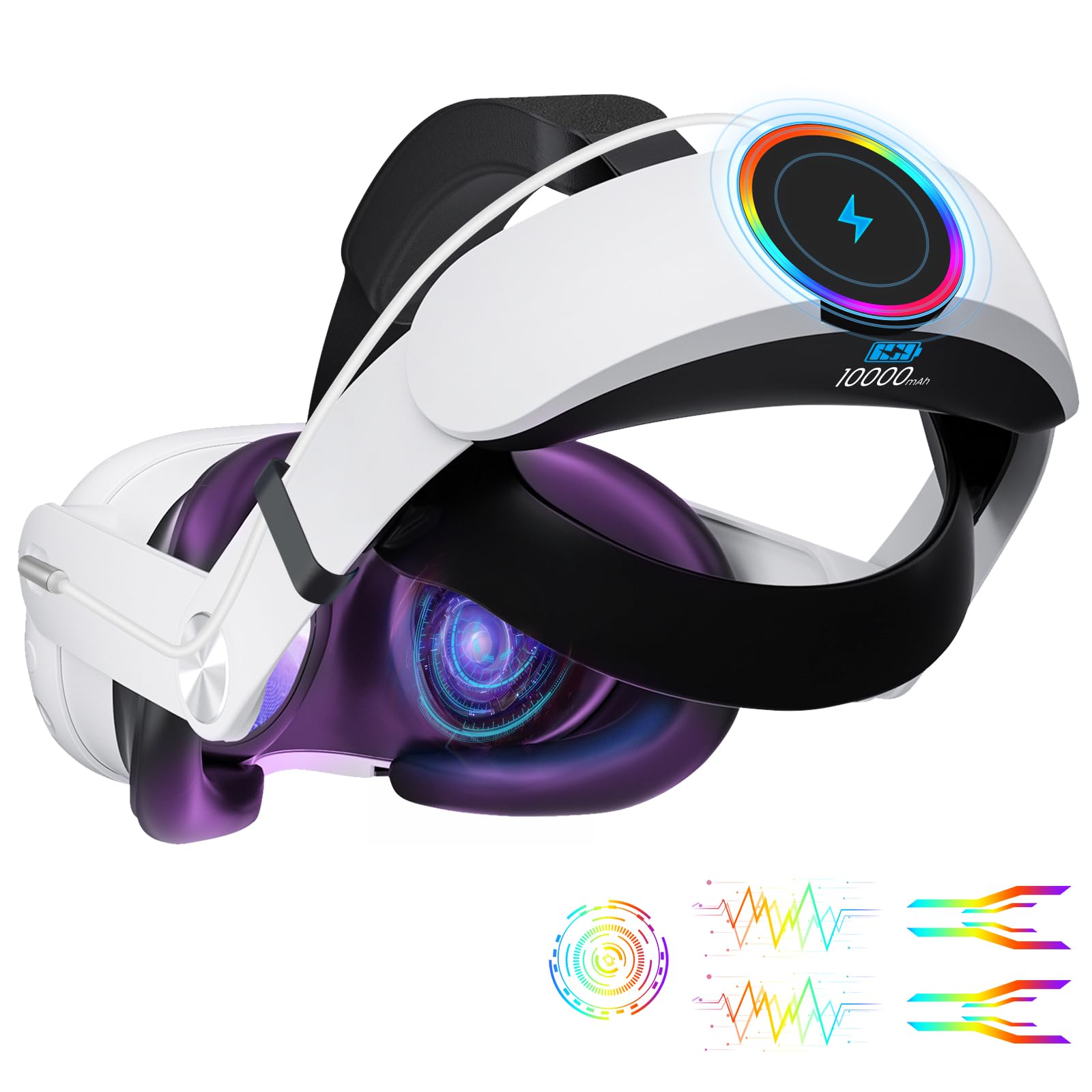
Gambar 1: The CIYOYO 6700mAh VR Power Bank Head Strap, showcasing its integrated battery pack and sleek design when attached to a VR headset.
Fitur Utama:
- Perpanjangan Waktu Bermain: Provides an additional 2.5-3.5 hours of VR gaming.
- Counter-Balance Design: Redistributes headset weight to reduce pressure on the face and nose.
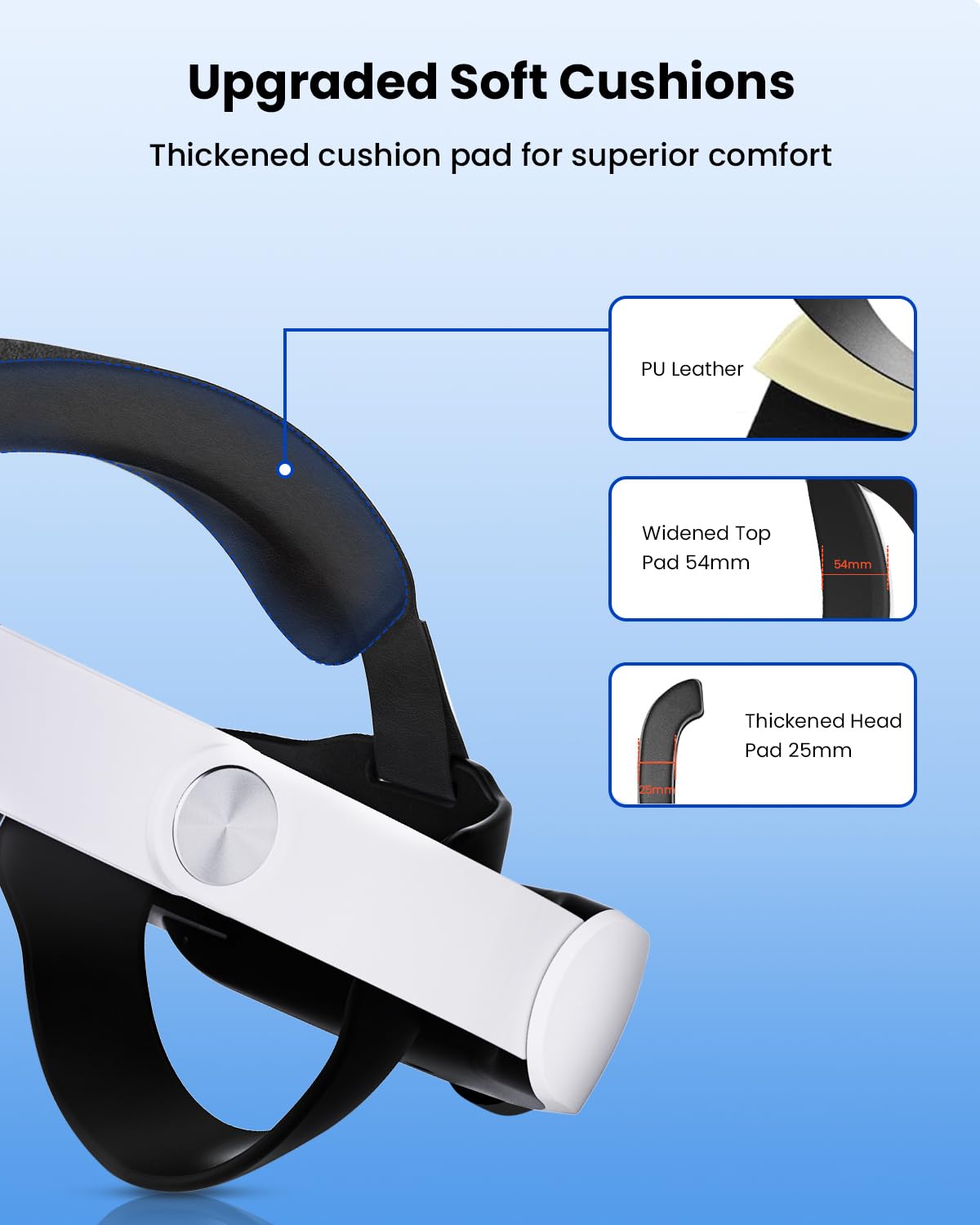
- Upgraded Soft Cushions: Thickened PU leather padding for superior comfort during extended use.
- Konstruksi Tahan Lama: Made from upgraded nylon PA material for long-lasting performance.
- Desain yang Nyaman: Features a 52° hinge for easy donning and removal of the headset.
- Colorful RGB Lights: Integrated RGB lighting for an enhanced aesthetic experience.
- 100% Safe Charging: Built-in protection against overcurrent, short-circuit, overcharge, and over-temperature.
Apa yang ada di dalam kotak:
- CIYOYO VR Power Bank Head Strap (6700mAh)
- Short USB Type-C Charging Cable
- Panduan Pengguna
Pengaturan
Follow these steps to properly install and prepare your CIYOYO VR Power Bank Head Strap for use.
1. Attaching the Head Strap to your VR Headset:
- Gently remove the original head strap from your Meta Quest 2 or Quest 3 headset.
- Align the side arms of the CIYOYO head strap with the connection points on your VR headset.
- Press firmly until you hear a click, indicating the strap is securely attached on both sides.

Gambar 2: The 52° hinge allows for convenient attachment and removal of the head strap from the VR headset.
2. Connecting the Power Bank:
- Locate the USB Type-C port on the side of your VR headset.
- Connect one end of the provided short USB Type-C cable to the power bank on the rear of the head strap.
- Connect the other end of the cable to the VR headset's charging port. Ensure a snug fit.

Gambar 3: The power bank seamlessly integrates with the VR headset, providing additional power for extended sessions.
3. Adjusting for Comfort:
- Place the VR headset with the attached head strap onto your head.
- Use the rotating knob at the back of the head strap to adjust the tightness until it feels secure and comfortable.
- Adjust the top strap to ensure the headset is balanced and pressure is evenly distributed across your head.

Gambar 4: The head strap is designed to fit various head sizes, from 17 to 27 inches, ensuring a custom fit for adults and children.

Gambar 5: Upgraded soft cushions, including a widened top pad (54mm) and a thickened head pad (25mm), provide superior comfort.
Petunjuk Pengoperasian
1. Menghidupkan/Mematikan:
The power bank typically activates automatically when connected to the VR headset and the headset is powered on. To manually check the battery level or activate, press the power button on the power bank (if available).
2. Checking Battery Status:
The power bank features LED indicators to display its current charge level. Refer to the lights on the power bank to monitor its battery status.
3. Charging the VR Headset:
Once the power bank is connected to your VR headset and powered on, it will automatically begin charging the headset, extending your playtime by 2.5-3.5 hours.
4. Mengisi Daya Power Bank:
To recharge the power bank, disconnect it from the VR headset. Use a compatible USB Type-C charging cable and power adapter (not included) to plug the power bank into a wall outlet. The LED indicators will show charging progress.
5. RGB Lights (Optional):
Some models feature colorful RGB lights. If your model includes this feature, there may be a dedicated button or a specific sequence of presses on the power button to cycle through lighting modes or turn them off.
Gambar 6: The integrated RGB lights offer a customizable visual element to your VR setup.
Pemeliharaan
Proper care and maintenance will prolong the life of your CIYOYO VR Power Bank Head Strap.
Pembersihan:
- Wipe the surface of the head strap and power bank with a soft, dry cloth.
- Hindari penggunaan pembersih abrasif, pelarut, atau bahan kimia keras, karena dapat merusak material.
- For the cushions, a slightly damp cloth can be used, but ensure they are completely dry before next use.
Penyimpanan:
- Store the head strap in a cool, dry place away from direct sunlight and extreme temperatures.
- If storing for an extended period, ensure the power bank is partially charged (around 50%) to maintain battery health.
Tindakan pencegahan keamanan:
- Jangan membongkar atau mencoba memperbaiki sendiri perangkat ini.
- Hindari menjatuhkan atau membenturkan perangkat dengan keras.
- Jauhkan dari air dan cairan lainnya.
- The power bank includes built-in protection against overcurrent, short-circuit, overcharge, and over-temperature to ensure safe operation.
Gambar 7: The head strap is made from upgraded nylon PA material, designed for high durability and flexibility.

Gambar 8: The power bank incorporates multiple safety protections for secure and reliable charging.
Penyelesaian Masalah
If you encounter any issues with your CIYOYO VR Power Bank Head Strap, refer to the following common problems and solutions:
- Masalah: Bank daya tidak mengisi daya.
Larutan: Ensure the USB Type-C charging cable is securely connected to both the power bank and a functional power adapter. Verify the power adapter is plugged into a live wall outlet. - Masalah: The VR headset is not receiving power from the power bank.
Larutan: Check that the short USB Type-C cable is firmly connected between the power bank and the VR headset. Ensure the power bank itself has sufficient charge, indicated by its LED lights. - Masalah: The head strap feels uncomfortable or loose.
Larutan: Use the rotating knob at the back of the strap to tighten or loosen the fit. Adjust the top strap to achieve optimal balance and comfort, ensuring the headset is not front-heavy. - Masalah: Lampu RGB tidak berfungsi.
Larutan: If your model includes RGB lights, ensure the power bank is on and sufficiently charged. Refer to the product packaging or manufacturer's website for specific instructions on activating or troubleshooting the RGB feature.
Spesifikasi
| Kapasitas Baterai | 6700 mAh |
| Playtime Extension | 2.5 - 3.5 jam |
| Perangkat yang Kompatibel | Meta Quest 2, Meta Quest 3 |
| Jenis Konektor | USB Tipe-C |
| Fitur Keamanan | Overcurrent Protection, Short-Circuit Protection, Overcharge Protection, Over-temperature Protection |
| Bahan | Upgraded Nylon PA |
| Hinge Design | 52° for easy wear |
| Bahan Bantal | Kulit PU |

Gambar 9: Detailed comparison of the CIYOYO 6700mAh power bank's specifications against other similar products.
Garansi dan Dukungan
Your CIYOYO VR Power Bank Head Strap comes with a standard manufacturer's warranty. For specific warranty details, product support, or to address any concerns not covered in this manual, please refer to the official CIYOYO websitus web atau hubungi layanan pelanggan mereka secara langsung. Simpan struk pembelian Anda untuk klaim garansi.
Weblokasi: CIYOYO Official Store