
Perkenalan
The realme Buds T110 are designed to deliver a high-quality audio experience with advanced features for both music and calls. These truly wireless earbuds offer powerful sound, clear communication, and a comfortable fit for daily use.
Key features include 10mm Dynamic Bass Drivers for rich audio, AI Environmental Noise Cancellation (ENC) for clear calls, Google Fast Pair for quick connectivity, 38 hours of total playback, fast charging capabilities, and an 88ms low latency gaming mode. The earbuds also feature an IPX5 water resistance rating, making them suitable for workouts and outdoor activities.

Gambar: Lebih dariview of realme Buds T110 key features including 38-hour playback, AI ENC, IPX5, and low latency.
Apa yang ada di dalam kotak
Upon opening your realme Buds T110 package, you will find the following items:
- realme Buds T110 Earbuds (Left and Right)
- Kotak Pengisian Daya
- Ujung telinga (berbagai ukuran untuk kesesuaian optimal)
- Kabel Pengisian Daya USB
- Panduan Pengguna

Image: realme Buds T110 earbuds in their charging case, showcasing the product's components.
Pengaturan
1. Mengisi Daya Earbud dan Casing
Before first use, fully charge the realme Buds T110 and their charging case. Connect the provided USB charging cable to the charging port on the case and a power source. The indicator light on the case will show charging status. A 10-minute charge provides up to 120 minutes of playback.

Gambar: Atas view of the realme Buds T110 charging case with its indicator light.
2. Initial Pairing (Google Fast Pair)
- Pastikan Bluetooth telepon pintar Anda diaktifkan.
- Open the charging case with the earbuds inside and hold it close to your Android phone.
- A Google Fast Pair pop-up will appear on your phone's screen. Tap 'Connect' to pair.
- For other devices, open the case, press and hold the function button on the case for 3 seconds until the indicator light flashes white, then select 'realme Buds T110' from your device's Bluetooth settings.
3. Kompatibilitas Aplikasi realme Link
Download the realme Link app from your device's app store to unlock additional features, customize touch controls, and update firmware for your realme Buds T110.

Image: The realme Link app logo, indicating compatibility for enhanced control.
Petunjuk Pengoperasian
1. Daya Hidup/Mati
- Nyalakan: Buka wadah pengisi daya, dan earbud akan otomatis menyala dan terhubung ke perangkat yang terakhir dipasangkan.
- Matikan: Pasang kembali earbud ke dalam wadah pengisi daya dan tutup kembali. Earbud akan otomatis terputus dan mati.
2. Kontrol Sentuh
The realme Buds T110 feature intuitive touch controls on each earbud. The specific functions can be customized via the realme Link app.
| Tindakan | Fungsi |
|---|---|
| Ketuk Dua Kali | Putar/Jeda musik, Jawab/Akhiri panggilan |
| Ketuk Tiga Kali | Lagu berikutnya |
| Tekan dan tahan (salah satu earbud) | Menolak panggilan |
| Press and Hold (both earbuds) | Masuk/Keluar Mode Bermain Game |

Image: Close-up of the right realme Buds T110 earbud, highlighting its design and touch-sensitive area.
3. AI Environmental Noise Cancellation (ENC) for Calls
The AI ENC feature intelligently identifies and reduces background noise during calls, ensuring your voice is heard clearly by the person on the other end, even in noisy environments.
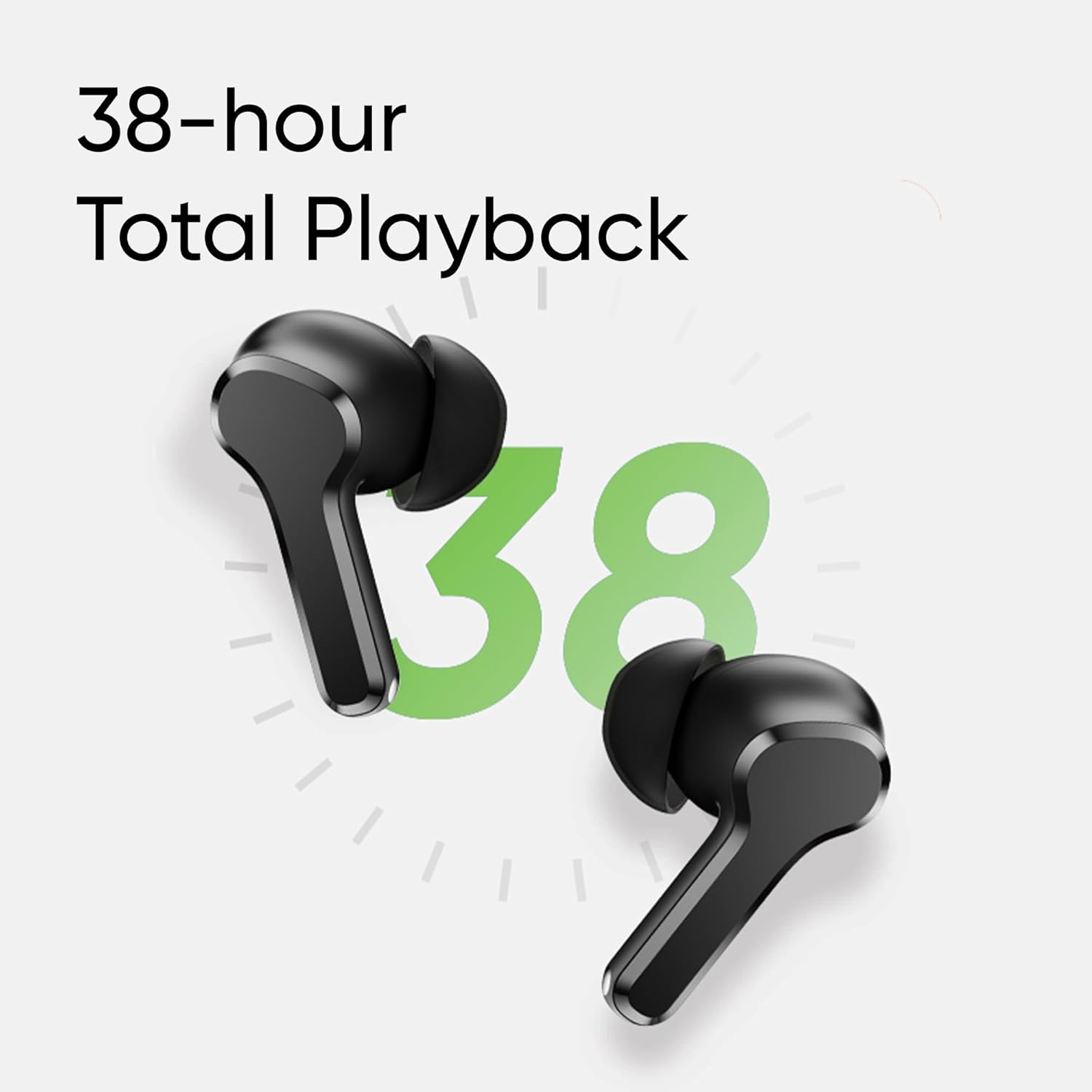
Image: Visual representation of AI ENC technology reducing background noise during calls.
4. Mode Bermain Game dengan Latensi Rendah
Activate the 88ms low latency gaming mode for a synchronized audio-visual experience, reducing audio delay during gaming or video playback. This mode can be toggled by pressing and holding both earbuds simultaneously.
Pemeliharaan
1. Pembersihan
- Bersihkan earbud dan casing pengisi daya secara teratur dengan kain yang lembut, kering, dan tidak berbulu.
- Lepaskan ujung earphone dan bersihkan dengan sabun lembut dan air, lalu keringkan sepenuhnya sebelum memasangnya kembali.
- Pastikan kontak pengisian daya pada kedua earbud dan wadahnya bebas dari debu dan kotoran.
2. Tahan Air (IPX5)
The realme Buds T110 are rated IPX5 for water resistance, meaning they are protected against low-pressure water jets from any direction. This makes them resistant to sweat and light splashes. They are not designed for submersion in water or use during swimming.

Image: Visual representation of the IPX5 water resistance feature, showing water droplets around an earbud.
Penyelesaian Masalah
- Tidak ada masalah suara/konektivitas: Ensure earbuds are charged. Place them back in the case, close the lid, then reopen to re-establish connection. Check your device's Bluetooth settings and ensure 'realme Buds T110' is connected. Try forgetting the device and re-pairing.
- Satu Earbud Tidak Berfungsi: Ensure both earbuds are charged. Place both earbuds in the charging case, close the lid, wait a few seconds, then open it again. If the issue persists, try resetting the earbuds.
- Masalah Pengisian Daya: Ensure the charging cable is securely connected to both the case and the power source. Clean the charging contacts on the earbuds and inside the case. Try a different charging cable or power adapter.
- Mengatur Ulang Earbud: Place both earbuds in the charging case. Press and hold the function button on the case for 10 seconds until the indicator light flashes rapidly. This will reset the earbuds to factory settings and clear all pairing records. You will need to re-pair them with your device.
Spesifikasi
| Fitur | Spesifikasi |
|---|---|
| Merek | realme |
| Nomor Model | RMA2306 |
| Penempatan Telinga | Di Telinga |
| Faktor Bentuk | Nirkabel Sejati |
| Impedansi | 32 Ohm |
| Versi Bluetooth | 5.4 |
| Jenis Penggerak Audio | Driver Dinamis |
| Ukuran Driver Audio | 10 Milimeter |
| Rata-rata Umur Baterai | 38 Jam (Total Pemutaran) |
| Waktu Pengisian Baterai | 10 Minutes for 120 Minutes Playback |
| Tingkat Tahan Air | Tingkat IPX5 |
| Kontrol Kebisingan | Pembatalan Kebisingan Lingkungan (ENC) |
| Latensi Rendah | 88 menit |
| Berat | 42 gram |
| Negara Asal | Vietnam |
Garansi dan Dukungan
Informasi Garansi
The realme Buds T110 come with a Garansi Produsen 1 Tahun Terhitung sejak tanggal pembelian. Harap simpan bukti pembelian Anda untuk klaim garansi. Garansi mencakup cacat produksi tetapi tidak mencakup kerusakan yang disebabkan oleh penyalahgunaan, kecelakaan, modifikasi tanpa izin, atau keausan normal.
Dukungan Pelanggan
For further assistance, technical support, or warranty claims, please contact realme customer service through their official website or the realme Link app. You can also refer to the official realme support page for FAQs and additional resources.


