
1. Pendahuluan
The Ytonet Laptop Sleeve is designed to provide protection and organization for your 15 to 16-inch laptop, notebook, or ultrabook. This sleeve features a water-resistant exterior, shock-absorbing padding, and a TSA-friendly design for convenient travel. It includes multiple compartments to keep your device and accessories organized.
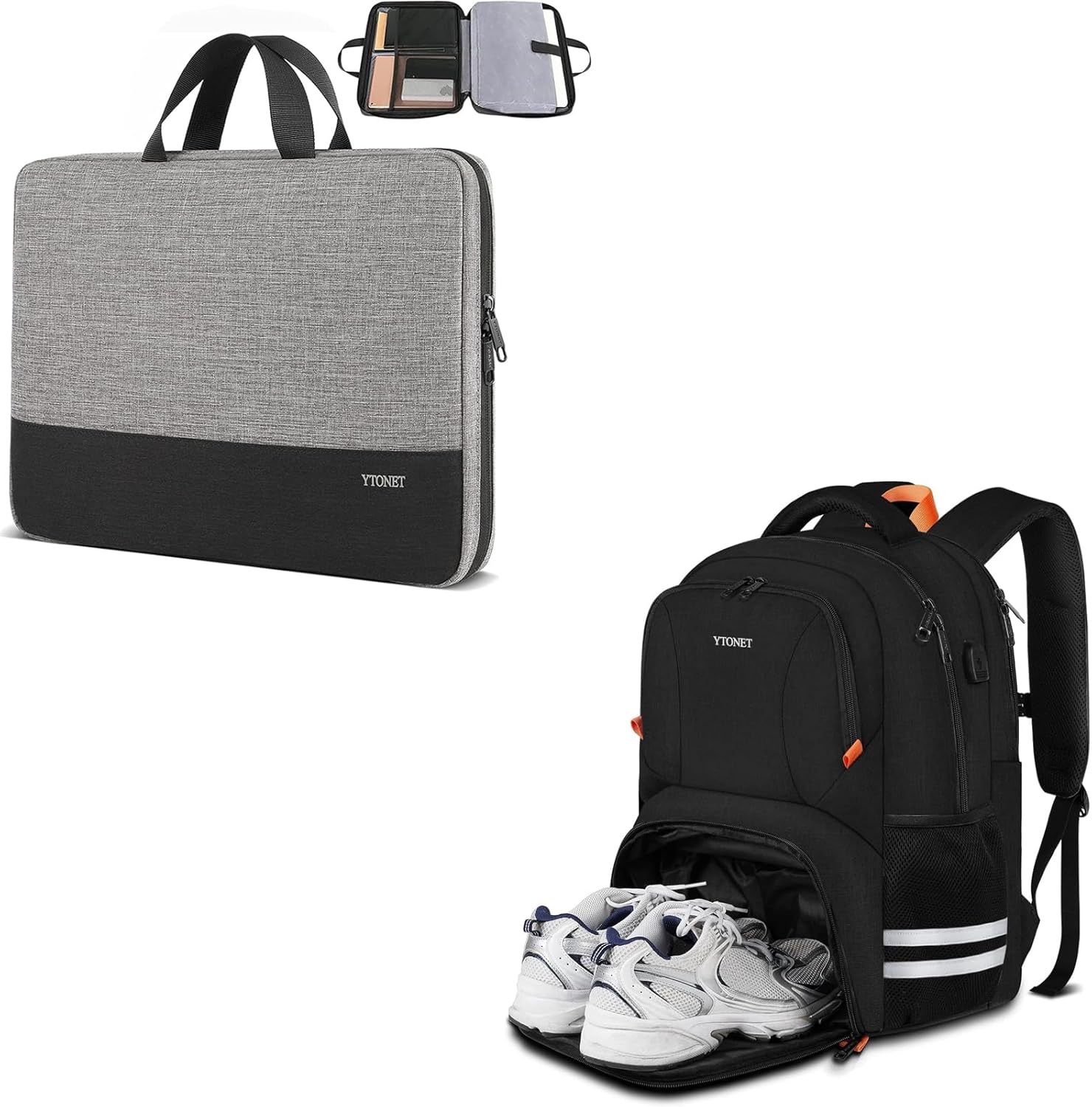
Image 1.1: The Ytonet 15.6-inch Laptop Sleeve in a closed position, showcasing its sleek design and two-tone grey and black fabric.
2. Pengaturan
2.1 Pembongkaran dan Pemeriksaan Awal
Carefully remove the laptop sleeve from its packaging. Inspect the sleeve for any signs of damage or manufacturing defects. If any issues are found, please refer to the warranty and support section.
2.2 Inserting Your Laptop
Before inserting your laptop, ensure its dimensions are compatible with the sleeve's internal compartment. The laptop compartment dimensions are 14.6 x 10.6 x 1.6 inches (L x W x H). Do not rely solely on diagonal screen size; measure your device for an accurate fit.
- Open the main zipper of the sleeve completely.
- Gently slide your laptop into the dedicated padded compartment.
- Ensure the laptop sits securely without excessive force.
- Close the zipper smoothly.

Image 2.1: The Ytonet 15.6-inch Laptop Sleeve shown open, revealing the main compartment and internal organization pockets.
3. Petunjuk Pengoperasian
3.1 Organizing Accessories
The sleeve features additional mesh pockets and compartments for organizing various accessories:
- Use the mesh pockets for smaller items like pens, cables, earphones, or a mouse.
- Larger pockets can accommodate mobile phones, iPads, or other laptop accessories.
3.2 Carrying the Case
The Ytonet Laptop Sleeve is designed for portability:
- Use the sturdy handle for hand-carrying.
- Its slim and lightweight design allows it to easily slide into a larger briefcase, backpack, or travel bag without adding significant bulk.

Image 3.1: Individuals demonstrating how to comfortably carry the Ytonet Laptop Sleeve by its handle, highlighting its portability.
3.3 TSA Friendly Design
The sleeve's design facilitates easier security checks at airports:
- The top-opening double zippers allow the sleeve to open 90-180 degrees, providing convenient access to your devices.
- This feature enables quick removal and re-insertion of laptops, tablets, and charger cables during TSA screening.

Image 3.2: An illustration of the Ytonet Laptop Sleeve's TSA-friendly design, showing easy access to devices for airport security checks.
4. Pemeliharaan
4.1 Petunjuk Pembersihan
To maintain the appearance and longevity of your laptop sleeve:
- Bersihkan bagian luar dengan iklanamp kain dan sabun lembut jika perlu.
- Avoid using harsh chemicals or abrasive cleaners, as these can damage the water-resistant nylon fabric.
- Allow the sleeve to air dry completely before reuse.
4.2 Perawatan Umum
- Avoid exposing the sleeve to extreme temperatures or direct sunlight for prolonged periods.
- Do not overfill the sleeve, as this can strain zippers and seams.
- Keep sharp objects away from the sleeve to prevent punctures or tears.

Gambar 4.1: Gambaran detail view highlighting the scratch-resistant nylon fabric, sturdy handle, and durable double metal zippers of the Ytonet Laptop Sleeve.
5. Penyelesaian masalah
5.1 Laptop Does Not Fit
- Re-verify your laptop's exact dimensions against the internal compartment size (14.6 x 10.6 x 1.6 inches).
- Ensure no bulky accessories are attached to the laptop that might prevent it from fitting.
5.2 Masalah Resleting
- If a zipper is stuck, gently try to move it back and forth. Do not force it.
- Check for any fabric or foreign objects caught in the zipper teeth.
For any persistent issues not covered here, please contact Ytonet customer support.
6. Spesifikasi
| Fitur | Detil |
|---|---|
| Merek | Ytonet |
| Tipe Produk | Laptop Sleeve / Computer Case |
| Dimensi Luar (P x L x T) | 15.7x11.2x2 inci |
| Laptop Compartment Dimensions (L x W x H) | 14.6x10.6x1.6 inci |
| Bahan | Water-resistant nylon fabric, polyester foam padding |
| Fitur Perlindungan | 3-layer protection (water-resistant surface, shockproof fabric, soft inner layer), bump and shock absorption, dust and scratch resistance |
| Fitur Utama | TSA Friendly, Portable Handle, Double Zippers, Organized Storage |
| Kesesuaian | Most 15-16 inch laptops including Acer Aspire E 15 E5-575 E5-576, Acer Aspire 6 Aspire 3 CB515 Chromebook, Acer Predator Helios 300, Acer Flagship CB3-532; HP OMEN 15 2018, HP 15-BA009DX, HP Pavilion Power 15, HP Pavilion Notebook 15, HP ProBook 450, 455, 650, Thinkpad T580 E580 P51. |

Image 6.1: A diagram illustrating the three layers of protection: water-resistant surface, shockproof fabric, and soft inner layer.
7. Garansi dan Dukungan
Specific warranty details for the Ytonet Laptop Sleeve are not provided in this manual. For warranty information, product support, or to address any concerns, please visit the official Ytonet store or contact their customer service directly.
Anda dapat menemukan informasi lebih lanjut dan detail kontak di Ytonet Store on Amazon.