Perkenalan
Thank you for choosing the Edifier X1 Lite True Wireless Earbuds. This manual provides detailed instructions on how to set up, operate, and maintain your new earbuds, ensuring you get the best possible audio experience. The Edifier X1 Lite earbuds are designed for powerful sound, clear calls, and long-lasting comfort, featuring Bluetooth 5.4 connectivity and IP54 sweat resistance.

Gambar: Lebih dariview of Edifier X1 Lite features, including dynamic drivers, AI call noise cancellation, extended battery life, Bluetooth 5.4, low latency, and IP54 certification.
Informasi Keselamatan
Harap baca semua petunjuk keselamatan dengan saksama sebelum menggunakan produk ini. Simpan panduan ini untuk referensi di kemudian hari.
- Jangan biarkan earbud atau wadah pengisi daya terkena suhu ekstrem, kelembapan, atau zat korosif.
- Hindari menjatuhkan atau membenturkan produk dengan keras.
- Jangan membongkar, memperbaiki, atau memodifikasi produk sendiri. Hubungi petugas servis resmi untuk mendapatkan bantuan.
- Keep the product away from children and pets to prevent accidental ingestion of small parts.
- Gunakan hanya kabel pengisi daya yang disediakan atau kabel setara yang bersertifikat.
- Mendengarkan dalam waktu lama dengan volume tinggi dapat menyebabkan kerusakan pendengaran. Sesuaikan volume ke tingkat yang aman.
Isi Paket
Verifikasi bahwa semua item ada dalam paket Anda:
- Edifier X1 Lite True Wireless Earbuds (Left and Right)
- Kotak Pengisian Daya
- Kabel Pengisian Daya USB
- User Manual (dokumen ini)
Produk Selesaiview
Familiarize yourself with the components of your Edifier X1 Lite earbuds and charging case.

Image: Edifier X1 Lite Earbuds and Charging Case.

Image: Internal structure of the earbud, showcasing the 13mm dynamic driver for enhanced sound quality.
The earbuds feature a compact design, with each earbud weighing only 4g for comfortable wear. The charging case is designed to be portable and provides additional battery life.

Gambar: Meledak view of the earbud highlighting the 13mm dynamic driver and AI algorithm for voice pickup.
Pengaturan
1. Mengisi Daya Earbud dan Casing
Sebelum penggunaan pertama, isi daya earbud dan casing pengisi daya hingga penuh.
- Tempatkan kedua earbud ke dalam wadah pengisi daya.
- Hubungkan wadah pengisi daya ke sumber listrik menggunakan kabel USB yang disediakan.
- The indicator light on the case will show charging status. Once fully charged, the light will indicate completion.
A full charge provides up to 7 hours of playtime for the earbuds, with an additional 19 hours from the charging case, totaling 26 hours. A quick 15-minute charge can provide 1.5 hours of playtime.

Image: Battery life details for Edifier X1 Lite earbuds, showing 26 hours total playtime and fast charging capability.

Image: Visual representation of the extended battery life and fast charging feature.
2. Pasangan Awal
Earbud akan secara otomatis memasuki mode pemasangan saat dikeluarkan dari wadah pengisian daya untuk pertama kalinya.
- Buka wadah pengisi daya dan keluarkan kedua earbud.
- Aktifkan Bluetooth di perangkat Anda (smartphone, laptop, dll.).
- Pencarian untuk "EDIFIER X1 Lite" in the list of available Bluetooth devices.
- Select "EDIFIER X1 Lite" to connect. You will hear a confirmation tone once connected.
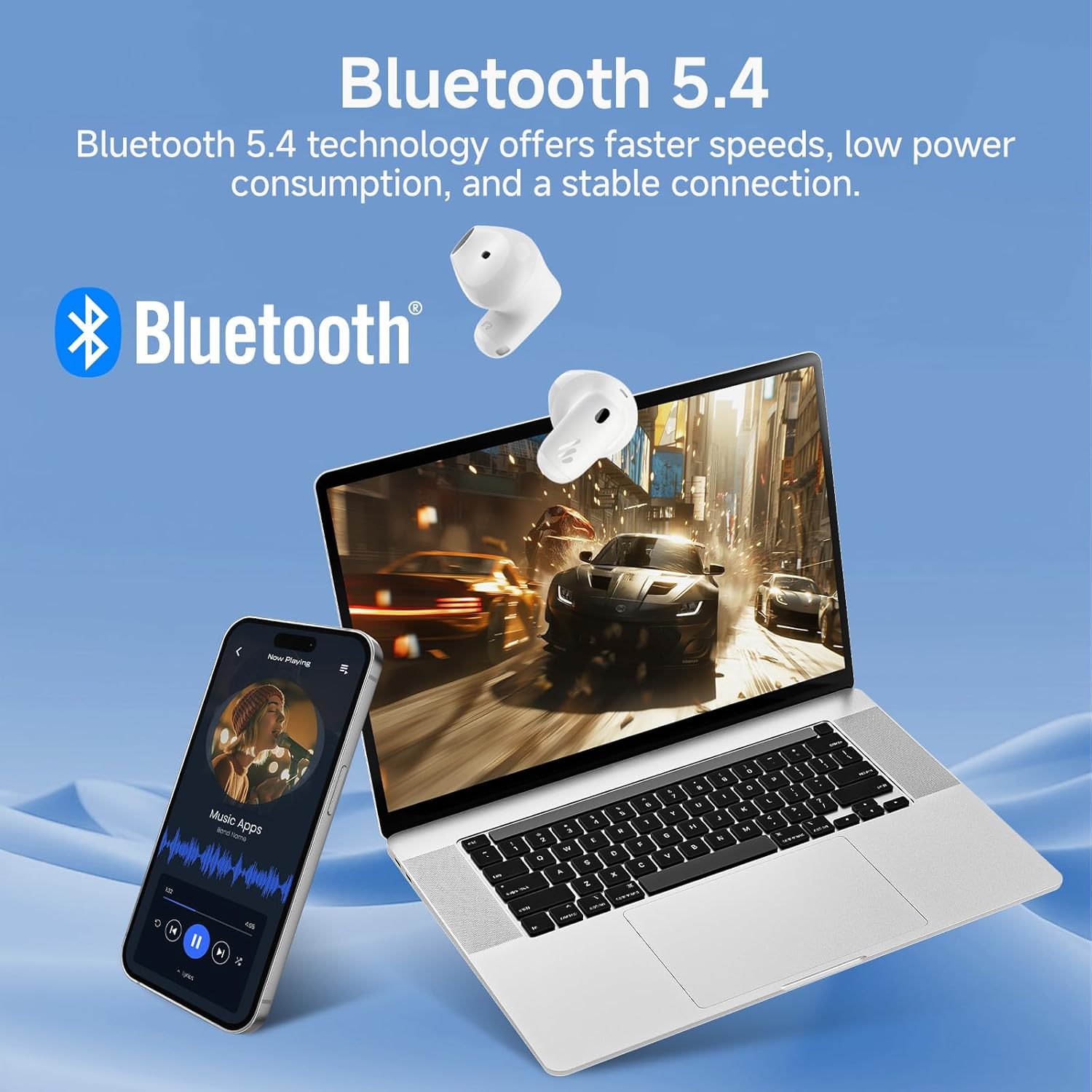
Image: Demonstrating Bluetooth 5.4 connectivity with various devices.
3. Connecting to a New Device
To connect to a new device or re-enter pairing mode:
- Pasang kembali kedua earbud ke dalam wadah pengisi daya.
- Press and hold the function button on the charging case for approximately 3 seconds until the indicator light flashes rapidly. This indicates pairing mode.
- On your new device, search for and select "EDIFIER X1 Lite" to connect.
Pengoperasian
1. Kontrol Sentuh
The Edifier X1 Lite earbuds feature intuitive touch controls. The touch sensitive area is located on the outer surface of each earbud.
| Tindakan | Earbud Kiri | Earbud Kanan |
|---|---|---|
| Putar/Jeda | Ketuk dua kali | Ketuk dua kali |
| Lagu Berikutnya | Tidak tersedia | Ketuk tiga kali |
| Trek Sebelumnya | Ketuk tiga kali | Tidak tersedia |
| Menjawab/Mengakhiri Panggilan | Ketuk dua kali | Ketuk dua kali |
| Tolak Panggilan | Tahan selama 2 detik | Tahan selama 2 detik |
| Aktifkan Asisten Suara | Tahan selama 2 detik | Tahan selama 2 detik |
| Mode Permainan Hidup/Mati | Ketuk empat kali lipat | Ketuk empat kali lipat |

Image: Visual guide to the touch controls on the earbuds.
2. Clear Calls with AI Algorithm
The Edifier X1 Lite earbuds utilize an AI algorithm voice pick-up technology to ensure clear communication, even in noisy environments. This technology intelligently filters out background noise, focusing on your voice.

Image: Demonstrating clear call quality enabled by AI noise reduction.
3. Low Latency Mode (Game Mode)
For an optimized gaming and video streaming experience, activate the ultra-low latency mode. This reduces audio delay to just 60ms, ensuring audio and video are perfectly synchronized.
- To activate/deactivate: Quadruple tap either earbud.

Image: Visualizing the ultra-low latency feature for gaming and video.
4. Aplikasi EDIFIER ConneX
Enhance your experience by downloading the EDIFIER ConneX app. The app allows for customization of sound profiles, touch controls, and access to additional features.
- Scan the QR code or visit the provided link to download the app.
- Connect your earbuds to the app to unlock full customization options.

Image: EDIFIER ConneX app interface and QR code for download.
Download the EDIFIER ConneX App: https://foreign-app.edifier.com/index.php/edifier_provider/public/appDownload.html?appTag=EdifierConneX
Pemeliharaan
Perawatan yang tepat memastikan umur panjang dan kinerja optimal earbud Anda.
1. Pembersihan
- Bersihkan earbud dan casing pengisi daya secara perlahan menggunakan kain yang lembut, kering, dan tidak berbulu.
- Jangan gunakan pembersih abrasif, alkohol, atau pelarut kimia.
- Pastikan kontak pengisian daya bersih dan bebas dari kotoran.
2. Water and Sweat Resistance (IP54)
The Edifier X1 Lite earbuds are IP54 certified, meaning they are protected against dust ingress and splashing water from any direction. This makes them suitable for active use and light rain.
- Jangan merendam earbud di dalam air.
- Do not expose them to strong jets of water.
- Pastikan earbud dalam keadaan kering sebelum memasukkannya kembali ke dalam wadah pengisian daya untuk mencegah kerusakan.

Image: Demonstrating the IP54 sweat-resistant feature for active daily use.
3. Penyimpanan
- Simpan earbud dalam wadah pengisi dayanya saat tidak digunakan untuk melindunginya dan menjaga dayanya tetap terisi.
- Simpan di tempat sejuk dan kering, terhindar dari sinar matahari langsung.
Penyelesaian Masalah
Jika Anda mengalami masalah apa pun, silakan lihat masalah umum dan solusi berikut:
| Masalah | Solusi yang mungkin |
|---|---|
| Tidak ada suara dari earbud |
|
| Earbud tidak dapat dipasangkan |
|
| Satu earbud tidak berfungsi |
|
| Kualitas panggilan buruk |
|
| Earbuds reconnect in case |
|
Spesifikasi
| Fitur | Detil |
|---|---|
| Nama Model | edifier-x1lite-p |
| Konektivitas | Nirkabel (Bluetooth 5.4) |
| Versi Bluetooth | 5.4 |
| Ukuran Driver Audio | Φ13mm Dynamic Driver |
| Respon Frekuensi | 20 Hz - 20,000 Hz |
| Daya Tahan Baterai (Earbud) | Hingga 7 jam |
| Daya Tahan Baterai (dengan Kotak Pengisi Daya) | Hingga total 26 jam |
| Pengisian Cepat | Pengisian daya 15 menit untuk waktu bermain 1.5 jam. |
| Latensi Audio | 60ms (Mode Latensi Rendah) |
| Teknologi Mikrofon | AI Algorithm Voice Pick-up |
| Tahan Air | IP54 Certified (Sweat and Splash Resistant) |
| Berat Earbud | Berat sekitar 4g per earbud. |
| Perangkat yang Kompatibel | Smartphones, Laptops, Tablets, Gaming Consoles |
| Metode Kontrol | Touch Control, EDIFIER ConneX App |
| Pabrikan | Pendidik |
| Negara Asal | Cina |
Garansi dan Dukungan
Edifier products come with a limited warranty. For detailed warranty information, please refer to the warranty card included in your package or visit the official Edifier weblokasi.
For technical support, troubleshooting assistance, or service inquiries, please contact Edifier customer support through their official website or the EDIFIER ConneX app.
Edifier Resmi Weblokasi: www.edifier.com


