
KU XIU K1 pro
KU XIU K1 Pro 3-in-1 Portable Wireless Charging Station User Manual
Model: K1 Pro
Perkenalan
The KU XIU K1 Pro is a versatile 3-in-1 magnetic charging station designed for convenience and portability. It integrates a 10000mAh power bank with wireless charging capabilities for iPhone 12-16 series, Apple Watch, and AirPods, alongside a 20W USB-C wired charging port. Its foldable design makes it an ideal companion for travel and daily use, providing efficient power delivery for multiple devices.
Apa yang Termasuk
- 1* K1 Pro 10000mAh Magnetic Wireless Power Bank
- 1* Kabel Pengisian Daya
- 1* Panduan Pengguna
Note: A 20W+ adapter is recommended for optimal performance and is not included.
Pengaturan
1. Pengisian Awal Power Bank
Before first use, fully charge your K1 Pro power bank. Connect the provided USB-C charging cable to the power bank's USB-C port and to a 20W or higher power adapter (not included). The indicator lights will show charging progress.
2. Unfolding the Charging Station
The K1 Pro features a precision sliding mechanism. Gently rotate the two sections of the charger to unfold it into its charging station configuration. This reveals the dedicated charging areas for your devices.

Image: The K1 Pro unfolded, ready for multi-device charging.
Petunjuk Pengoperasian
1. Wireless Charging for iPhone (MagSafe Compatible)
Place your iPhone 12-16 series (or newer MagSafe-compatible iPhone) onto the larger magnetic charging pad. The device will snap into place due to the strong magnetic suction. Wireless charging will begin automatically, delivering up to 15W fast charging.

Image: iPhone charging wirelessly on the main magnetic pad.
2. Wireless Charging for Apple Watch
For Apple Watch charging (Ultra 2/Ultra/S10/9/8/7/6/5/4/3/2/SE), place your watch onto the dedicated watch charging puck. Penting: Press the power button on the power bank once each time to initiate charging for the Apple Watch. This ensures efficient power management.
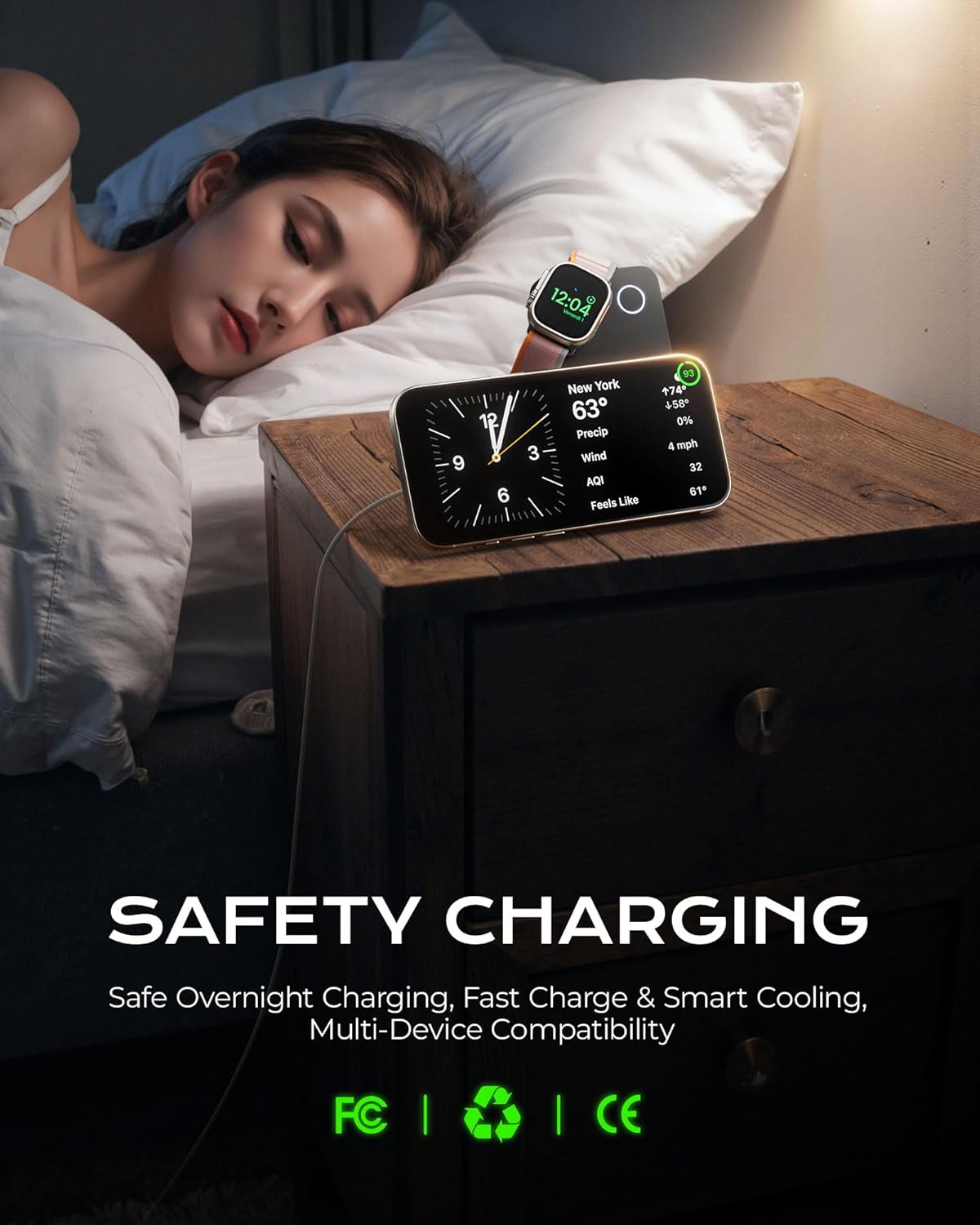
Image: Apple Watch charging on its designated spot.
3. Wireless Charging for AirPods
AirPods (4/3/2/Pro/Pro 2) can be charged on the smaller wireless charging area next to the watch charger. AirPods 4 noise cancelling version can be charged on the watch area. AirPods Pro/Pro 2/3 can also be charged on the phone area.

Image: AirPods charging on the wireless pad.
4. Wired Charging via USB-C
For other USB-C compatible devices, connect them to the power bank's USB-C port using a compatible cable. The power bank supports PD 20W output for fast wired charging.

Image: The K1 Pro demonstrating its 20W USB-C wired charging capability.
5. Menggunakan sebagai Power Bank Portabel
When folded, the K1 Pro functions as a compact 10000mAh power bank. Simply attach your MagSafe-compatible iPhone to the magnetic surface for on-the-go wireless charging. You can also use the USB-C port for wired charging of any compatible device.

Image: The K1 Pro attached to an iPhone, functioning as a portable power bank.
6. Adjustable Stand Functionality
The integrated adjustable stand allows you to prop up your iPhone for comfortable viewing while charging. Rotate the charger 90 degrees to find the optimal viewing angle for both portrait and landscape orientations.

Image: The K1 Pro in stand mode, supporting an iPhone for viewing.
7. Checking Power Bank Status
The power bank features indicator lights to show its remaining battery capacity. Refer to the small LED indicators on the side of the device to check the charge level.
Informasi Keselamatan
The K1 Pro is equipped with intelligent charging systems and safety features to protect your devices and the power bank itself. These include:
- NTC Temperature Sensor: Monitors and regulates the device's temperature to prevent overheating during charging.
- Deteksi Benda Asing (FOD): Prevents charging when foreign metal objects are detected on the wireless charging surface, ensuring safety and preventing damage.
- Perlindungan Overcharge: Automatically stops charging once devices are fully charged to extend battery lifespan.
- Perlindungan Sirkuit Pendek: Pengamanan terhadap korsleting listrik.
Always use the product in a well-ventilated area and avoid exposing it to extreme temperatures, direct sunlight, or moisture. Do not disassemble or attempt to repair the device yourself.

Image: Internal safety features of the K1 Pro.
Spesifikasi
| Merek | KU XIU |
| Nomor Model | K1 profesional |
| Dimensi Produk | 4.1x2.7x0.77 inci |
| Berat Barang | 13.4 ons |
| Kapasitas Baterai | 10000 mAh |
| Wireless Charging Output (iPhone) | Hingga 15W |
| Wireless Charging Output (Apple Watch/AirPods) | 5W |
| Masukan/Keluaran USB-C | PD 20W (Maks) |
| Warna | Hitam |
| Negara Asal | Cina |
Pemeliharaan
- Jaga kebersihan perangkat dengan mengelapnya menggunakan kain lembut dan kering.
- Avoid exposing the charger to liquids, dust, or extreme temperatures.
- Simpan perangkat di tempat yang sejuk dan kering saat tidak digunakan.
- Jangan menjatuhkan atau membiarkan perangkat terkena benturan keras.
Penyelesaian Masalah
1. Device Not Charging Wirelessly
- Ensure your device is properly aligned on the charging pad.
- Check for any foreign objects (keys, coins) between the charger and your device.
- Verify that your device is wireless charging compatible.
- For Apple Watch, remember to press the power button once to activate charging.
- Ensure the power bank itself has sufficient charge.
2. Pengisian Lambat
- Use a 20W or higher power adapter for optimal charging speed when recharging the power bank.
- Ensure your device supports fast wireless charging (15W for iPhone).
- Remove any thick phone cases that might impede wireless charging efficiency.
3. Power Bank Not Turning On/Responding
- Attempt to recharge the power bank.
- Press and hold the power button for a few seconds to see if it resets.
Garansi dan Dukungan
KU XIU offers 12 months of professional after-sales support for this product. If you encounter any issues or have questions regarding your K1 Pro 3-in-1 Portable Charger, please contact KU XIU customer service for assistance. Retain your proof of purchase for warranty claims.
Video Produk
Tonton video produk resmi untuk penjelasan yang lebih detail.view of the KU XIU K1 Pro 3-in-1 Charging Station:
Video: Official demonstration of the KU XIU Magnetic Foldable 3-in-1 Charging Station Power Bank by the seller.
Ask a question about this manual
Ask about setup, troubleshooting, compatibility, parts, safety, or missing instructions. Manuals+ will review the question and use this page’s manual context to help answer it.