
1. Pendahuluan
This manual provides essential information for setting up, operating, and maintaining your TCL 98Q7K 98-inch QLED 4K Google TV. This television features a stunning QLED 4K display with a 144 Hz panel for smooth motion, integrated Google TV for smart functionality, and advanced audio with Dolby Atmos. It also includes Google Assistant and Alexa compatibility for hands-free voice control, VisionHDR10+, and AiPQ™ processing for optimized picture quality.

2. Pengaturan
2.1 Unboxing dan Pemeriksaan Awal
Carefully remove the television from its packaging. Inspect the TV and all included accessories for any signs of damage. Keep the packaging materials for future transport or service needs.
2.2 Instalasi Berdiri
If you plan to use the TV with its included stand, follow these steps:
- Letakkan layar TV menghadap ke bawah pada permukaan yang lembut dan datar untuk mencegah goresan.
- Sejajarkan komponen dudukan dengan slot yang telah ditentukan di bagian bawah TV.
- Secure the stand using the screws provided in the accessory kit. Ensure all screws are tightened firmly.

2.3 Pemasangan di Dinding (Opsional)
For wall mounting, a compatible VESA wall mount (not included) is required. Due to the size and weight of the 98-inch television, professional installation is highly recommended to ensure safety and proper mounting. Refer to the wall mount manufacturer's instructions for specific installation details.
2.4 Menghubungkan Periferal
Connect your external devices such as Blu-ray players, gaming consoles, sound systems, and cable/satellite boxes to the appropriate ports on the TV. The TCL 98Q7K features 4 HDMI ports and 2 USB ports for versatile connectivity.
3. Petunjuk Pengoperasian
3.1 Daya Hidup/Mati
Connect the power cord to the TV and a power outlet. Press the power button on the remote control or on the TV itself to turn the television on or off.
3.2 Initial Setup with Google TV
Upon first power-on, the TV will guide you through the initial setup process for Google TV. This includes selecting your language, connecting to a Wi-Fi network, signing in with your Google account, and configuring basic settings. Follow the on-screen prompts.

3.3 Fungsi Kontrol Jarak Jauh
The included remote control allows you to navigate the TV's interface, adjust volume, change channels, and access smart features. It supports voice control via Google Assistant and Alexa. Insert the provided batteries into the remote control before use.
3.4 Smart Features and Voice Control
- Google TV: Access a wide range of streaming apps, movies, and shows.
- Asisten Google dan Alexa: Use voice commands for hands-free control of your TV, search for content, get information, and control smart home devices.
- Chromecast Bawaan: Tayangkan konten dari perangkat seluler Anda yang kompatibel langsung ke TV.
3.5 Fitur Permainan
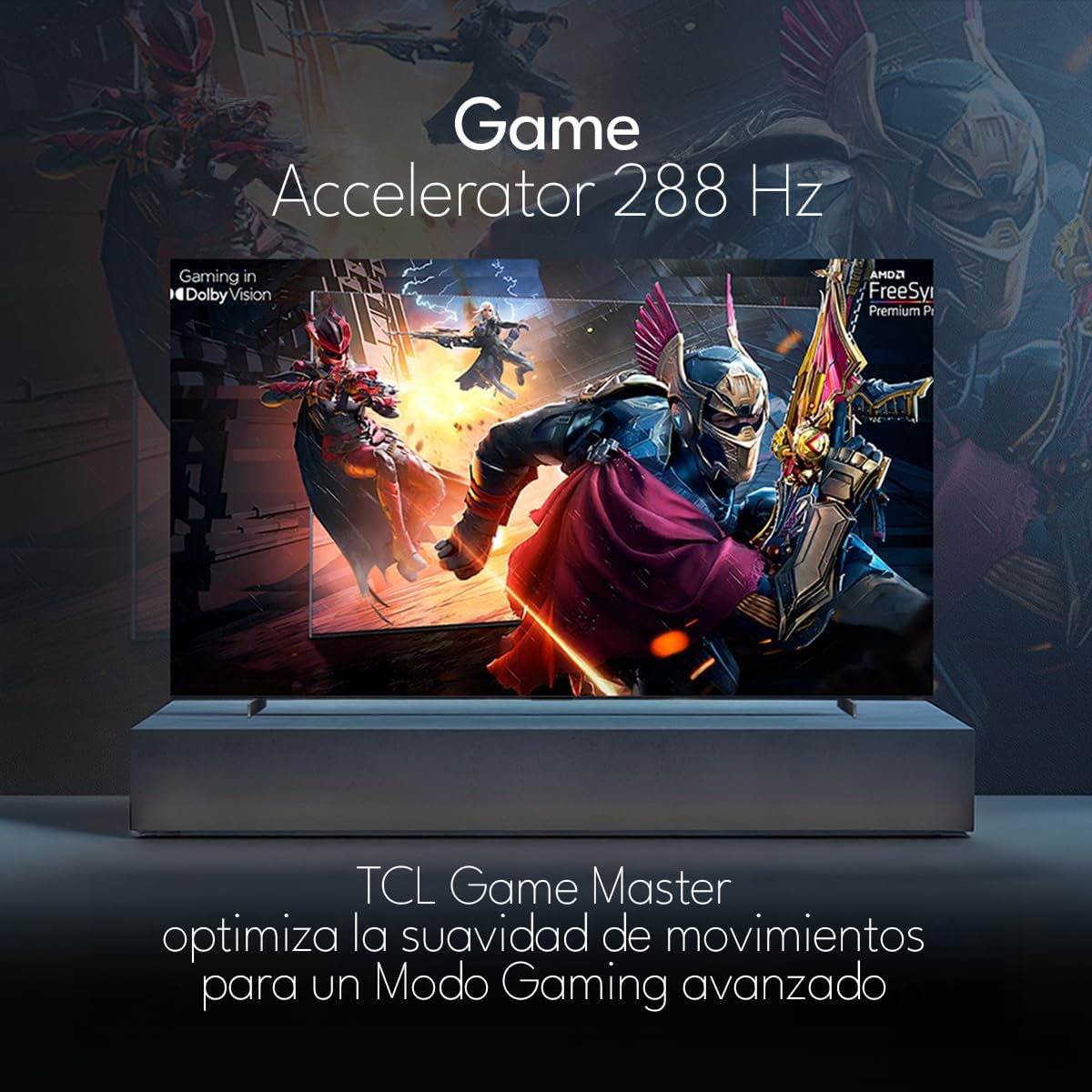
The TCL 98Q7K features a 144 Hz panel and Game Accelerator technology for an enhanced gaming experience with reduced latency and smoother motion.

3.6 Fitur Audio
Experience immersive sound with Dolby Atmos and the integrated ONKYO Hi-Fi System 2.1 Channels, providing clear vocals and deep bass.

3.7 Produk Lebih dariview Video
4. Pemeliharaan
4.1 Membersihkan Layar
Untuk membersihkan layar, usap layar secara perlahan menggunakan kain lembut bebas serat. Untuk noda membandel, usap layar secara perlahan.ampBasahi kain dengan air atau cairan pembersih layar khusus. Hindari penggunaan bahan kimia keras, bahan abrasif, atau penyemprotan cairan langsung ke layar.
4.2 Membersihkan Bodi TV
Wipe the TV body with a soft, dry cloth. Do not use liquid cleaners directly on the TV body.
4.3 Pembaruan Perangkat Lunak
Your TCL Google TV may receive automatic software updates. To manually check for updates, navigate to the settings menu, then select System > About > System update. Ensure your TV is connected to the internet for updates.
5. Penyelesaian masalah
Jika Anda mengalami masalah dengan TV Anda, lihat solusi umum berikut:
- Tidak Ada Daya:
Pastikan kabel daya terpasang dengan benar ke TV dan stopkontak yang berfungsi. Coba colokkan perangkat lain ke stopkontak yang sama untuk memastikan daya tersedia. - Tidak ada gambar atau suara:
Verify that the correct input source is selected (e.g., HDMI 1, AV). Check all cable connections between the TV and external devices. Ensure the volume is not muted or set to minimum. - Kontrol Jarak Jauh Tidak Berfungsi:
Ganti baterai pada remote control. Pastikan tidak ada penghalang antara remote dan sensor IR TV. - Masalah Koneksi Jaringan:
Check your Wi-Fi router and ensure it is powered on and functioning correctly. Restart the TV and your router. In the TV settings, verify the Wi-Fi connection status. - Masalah Kualitas Gambar (misalnya, buram, terdistorsi):
Check the resolution settings of your input source. Ensure the cables are not damaged. Adjust picture settings (brightness, contrast, sharpness) in the TV menu.
For persistent issues, consult the full electronic manual available through the TV's help menu or contact TCL customer support.
6. Spesifikasi
| Fitur | Spesifikasi |
|---|---|
| Ukuran Layar | 98 inci |
| Teknologi Tampilan | Lampu LED QLED |
| Resolusi | Resolusi 4K (3840x2160) |
| Tingkat Penyegaran | 144Hz |
| Dukungan Format HDR | Dolby Vision, HDR10, HDR10+, HLG |
| Kecerahan Puncak | 450 NITS |
| Sistem Suara | Dolby Atmos, Dolby Digital, ONKYO Hi-Fi System 2.1 Channels |
| Sistem Operasi | Google TV |
| Kontrol Suara | Asisten Google, Alexa |
| Konektivitas | Wi-Fi, Ethernet, 4x HDMI, 2x USB |
| Dimensi (dengan dudukan) | Ukuran 217.8x128.5x42 cm |
| Dimensi (tanpa dudukan) | 0.06prof. x 2.18an. x 1.25alt. Meters (approx. 6 cm depth) |
| Tahun Model | 2025 |
| Komponen yang Termasuk | Manual, Remote Control, Batteries |
7. Garansi dan Dukungan
7.1 Garansi Produk
The TCL 98Q7K television comes with a Garansi terbatas 2 tahun sejak tanggal pembelian. Garansi ini mencakup cacat produksi dan malfungsi dalam penggunaan normal. Harap simpan bukti pembelian Anda untuk klaim garansi.
7.2 Dukungan Pelanggan
For technical assistance, troubleshooting beyond this manual, or warranty inquiries, please contact TCL customer support. Refer to the contact information provided in the separate warranty card or visit the official TCL websitus untuk wilayah Anda.