
Perkenalan
Thank you for choosing the SHARE SUNSHINE Wireless Ergonomic Vertical Mouse. This device is designed to provide a comfortable and natural hand position, reducing wrist strain during extended use. It features adjustable angle, dual-mode connectivity (2.4G wireless and Bluetooth), a removable palm rest, and customizable RGB lighting. This manual provides detailed instructions for setup, operation, maintenance, and troubleshooting to ensure optimal performance and user experience.

Gambar 1: Selesaiview of the SHARE SUNSHINE Wireless Ergonomic Vertical Mouse.
Isi Paket
- 1 x SHARE SUNSHINE Wireless Ergonomic Vertical Mouse
- 1 x USB Receiver (stored in the mouse's battery compartment)
- 1 x Kabel Pengisian USB-C
- 1 x Panduan Pengguna
Fitur Produk
- Desain Vertikal Ergonomis: Promotes a natural handshake position to reduce wrist and forearm strain.
- Adjustable Angle Gradient: Customize the mouse angle for personalized comfort.
- Konektivitas Mode Ganda: Seamlessly switch between 2.4G wireless and Bluetooth modes.
- Removable Palm Rest: Provides additional wrist support and can be detached for preference.
- 6 Tombol yang Dapat Diprogram: Includes left/right click, scroll wheel, DPI button, and two side buttons.
- DPI yang dapat disesuaikan: Up to 3600 DPI for precise cursor control.
- Baterai Isi Ulang: Built-in battery for convenient charging.
- Pencahayaan RGB: Customizable lighting effects for aesthetic appeal.

Image 2: The adjustable angle feature allows users to find their preferred hand position.
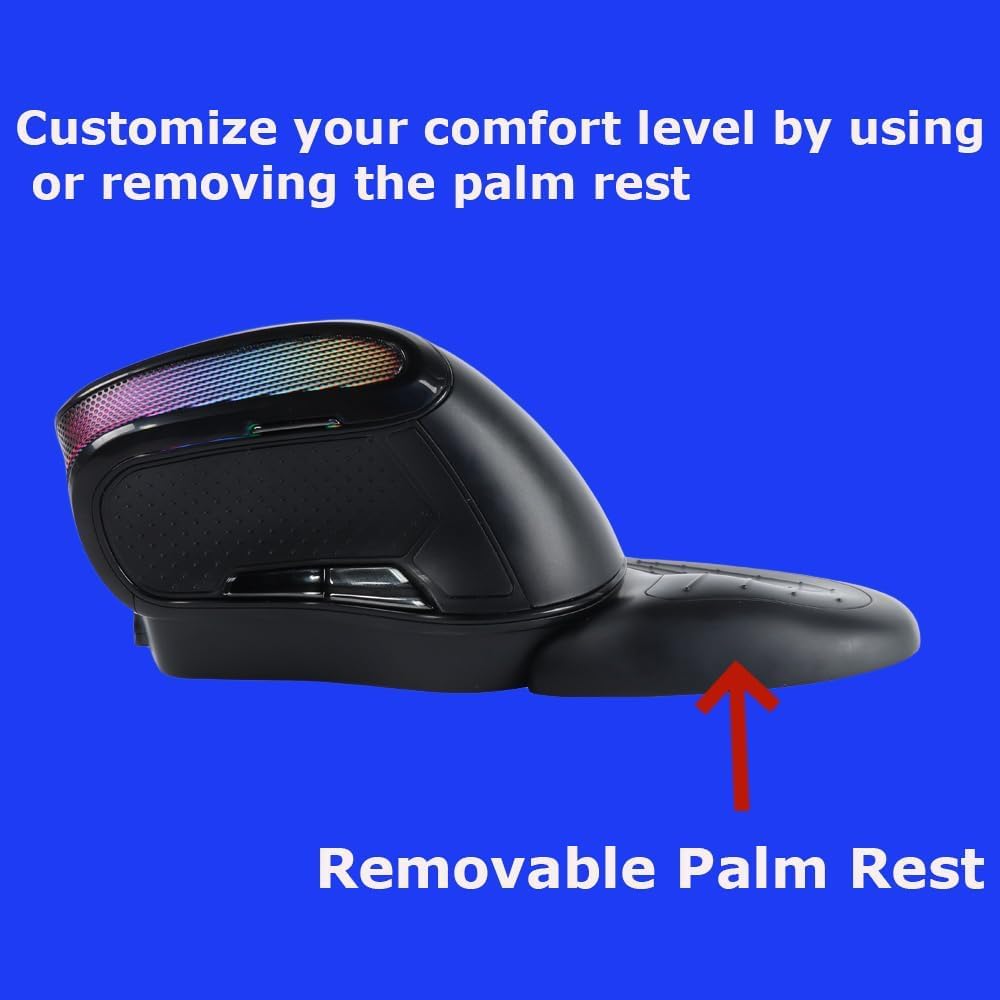
Image 3: The removable palm rest provides additional wrist support.
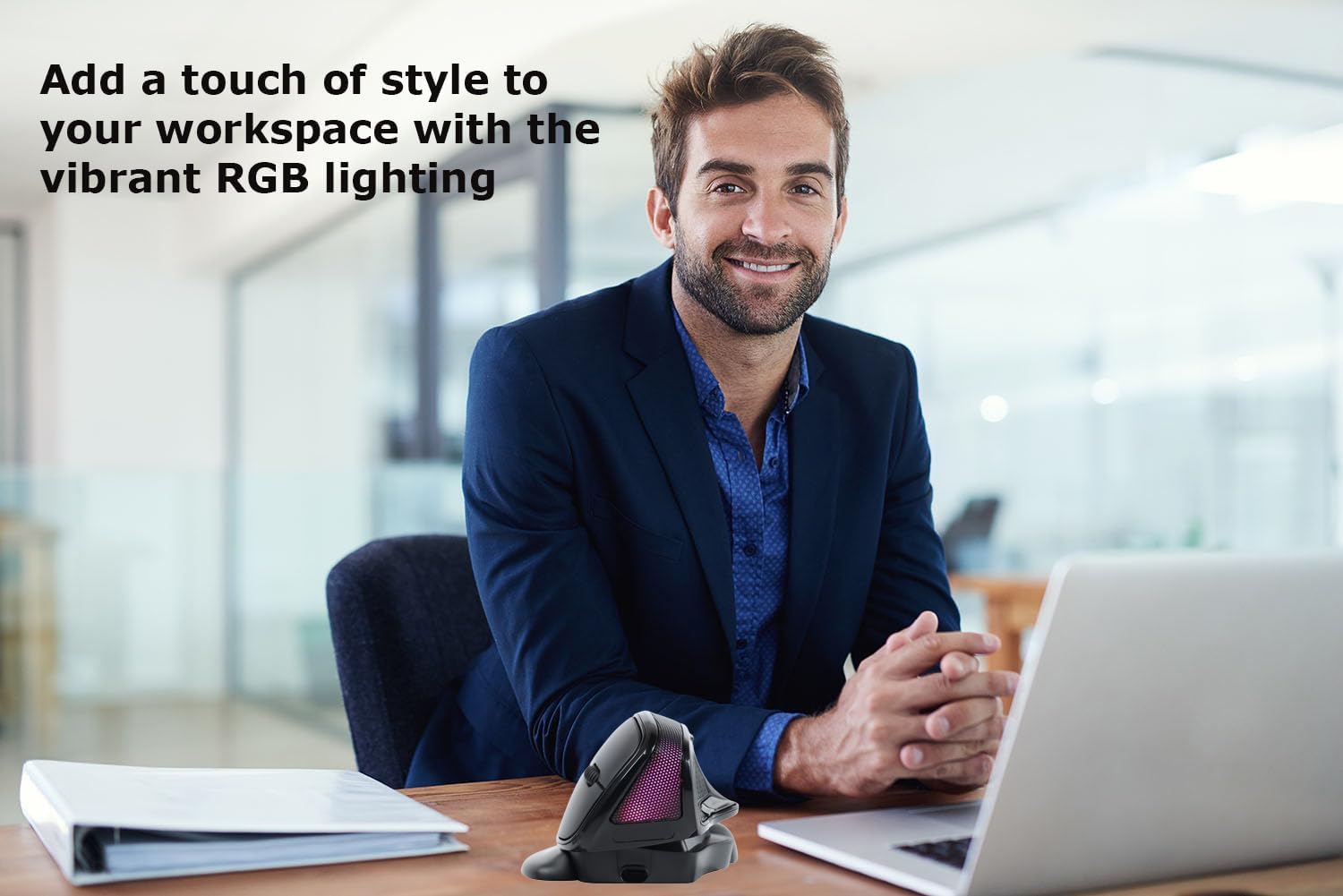
Image 4: The mouse features vibrant RGB lighting.
Pengaturan
1. Mengisi Daya Mouse
Before first use, fully charge the mouse. Connect the provided USB-C charging cable to the charging port on the front of the mouse and the other end to a USB power source (e.g., computer USB port, USB wall adapter). The RGB lighting may indicate charging status.
2. Koneksi Nirkabel 2.4G
- Cari penerima USB yang tersimpan di kompartemen di bagian bawah mouse.
- Colokkan penerima USB ke port USB yang tersedia di komputer Anda.
- Turn on the mouse using the power switch located at the bottom.
- The mouse should automatically connect to your computer. If not, try moving the mouse closer to the receiver or restarting your computer.
3. Koneksi Bluetooth
- Nyalakan mouse menggunakan sakelar daya.
- Press the mode switch button (usually on the bottom or top of the mouse) to switch to Bluetooth mode. The indicator light will flash, indicating it's in pairing mode.
- Di komputer atau perangkat Anda, buka pengaturan Bluetooth.
- Pencarian untuk new devices and select "SHARE SUNSHINE Mouse" (or similar name) from the list.
- Ikuti petunjuk di layar untuk menyelesaikan proses pemasangan.
Video 1: A short guide on connecting the mouse to your device.
Petunjuk Pengoperasian
1. Fungsi Tombol
- Klik Kiri Tombol: Fungsi klik utama standar.
- Klik Kanan Tombol: Fungsi klik sekunder standar.
- Roda Gulir: Scroll up/down, and middle click.
- Tombol DPI: Cycles through DPI settings (e.g., 800/1200/1600/2400/3600 DPI).
- Tombol Maju (Samping): Navigasi maju dalam web browser atau file penjelajah.
- Tombol Mundur (Samping): Navigasi mundur di web browser atau file penjelajah.
2. Penyesuaian DPI
Press the DPI button (usually located near the scroll wheel) to cycle through available DPI settings. Each press will change the cursor speed, indicated by a brief change in the RGB lighting or a specific LED indicator. Adjust to your preferred sensitivity.
3. Penyesuaian Sudut
The mouse features an adjustable angle mechanism. Gently rotate the top section of the mouse relative to its base to find the most comfortable angle for your hand and wrist. Ensure it clicks into place securely at your desired position.
4. Removable Palm Rest
The palm rest can be attached or detached based on your comfort preference. To attach, align the palm rest with the grooves on the mouse base and slide it into place until it locks. To remove, gently slide it off.
5. Kontrol Pencahayaan RGB
The RGB lighting typically cycles through various effects automatically. Some models may allow you to turn off the lighting or change modes by pressing a specific button combination (refer to specific product documentation if available, otherwise it's automatic).
Video 2: Demonstrating key operational features of the mouse.
Pemeliharaan
- Pembersihan: Gunakan kain lembut dan kering untuk menyeka permukaan mouse. Untuk kotoran yang membandel, sedikit keringkan.ampBilas kain dengan air atau larutan pembersih ringan. Hindari bahan kimia keras atau bahan abrasif.
- Penyimpanan: Bila tidak digunakan dalam jangka waktu lama, simpan mouse di tempat sejuk dan kering, terhindar dari sinar matahari langsung dan suhu ekstrem.
- Perawatan Baterai: To prolong battery life, avoid fully discharging the mouse frequently. Charge it when the low battery indicator appears.
Penyelesaian Masalah
| Masalah | Larutan |
|---|---|
| Tikus tidak merespons |
|
| Kursor tidak stabil atau lambat |
|
| Koneksi Bluetooth sering terputus |
|
| Pencahayaan RGB tidak berfungsi |
|
Spesifikasi
| Model | B0F7XJ9TPF |
| Konektivitas | Nirkabel 2.4G, Bluetooth |
| Pengaturan DPI | Dapat disesuaikan, hingga 3600 DPI |
| Tombol | 6 (Kiri, Kanan, Roda Gulir, DPI, Maju, Mundur) |
| Ergonomi | Vertical, Adjustable Angle, Removable Palm Rest |
| Penerangan | Bahasa Inggris: RGB |
| Sumber Daya | Baterai Isi Ulang |
| Kesesuaian | PC, Laptop, Computer, Macbook, Tablet (Windows, macOS, Android, iOS) |
Garansi dan Dukungan
The SHARE SUNSHINE Wireless Ergonomic Vertical Mouse comes with a garansi satu tahun bebas khawatir terhitung sejak tanggal pembelian. Garansi ini mencakup cacat produksi dan memastikan kinerja perangkat Anda yang andal.
For technical support, warranty claims, or any questions regarding your product, please contact SHARE SUNSHINE customer service through the retailer's platform or visit the official SHARE SUNSHINE store page on Amazon.
Harap simpan bukti pembelian Anda untuk tujuan garansi.