
Yunseity G04BS
Yunseity G04BS VR Headset User Manual
Model: G04BS
1. Pendahuluan
This manual provides comprehensive instructions for the safe and effective use of your Yunseity G04BS VR Headset. This 3D Virtual Reality Headset is designed for smartphones with screen sizes ranging from 5.5 to 7.2 inches, offering an immersive virtual reality experience with integrated Bluetooth headphones and eye protection features.
2. Informasi Keselamatan Penting
- Ketegangan mata: Take regular breaks (e.g., 10-15 minutes every 30 minutes) to prevent eye strain and discomfort. If you experience dizziness, nausea, or eye discomfort, discontinue use immediately.
- Kesadaran Lingkungan: Always be aware of your surroundings when using the VR headset. Ensure you have sufficient clear space to move freely without bumping into objects or people. Do not use near stairs, windows, or other hazards.
- Anak-anak: This device is suitable for children, but adult supervision is recommended, especially for extended use. The blue light blocking lenses are designed to protect eyes.
- Lamur: The headset is designed for users with myopia below 800 degrees. Adjust the interpupillary distance and focal length for optimal clarity.
- Pembersihan: Use only the provided cleaning cloth or a soft, dry microfiber cloth to clean the lenses. Do not use liquid cleaners or abrasive materials.
- Panas: Do not expose the headset to direct sunlight or extreme temperatures. The breathable panel helps dissipate heat from the phone during use.
3. Isi Paket
Verifikasi bahwa semua item ada dalam paket:
- 1 x Yunseity G04BS VR Headset
- 1 x Data Cable (for charging integrated headphones)
- 1 x Kain Pembersih
- 1 x Panduan Pengguna (dokumen ini)

Figure 3.1: Yunseity G04BS VR Headset and included accessories.
4. Produk Lebihview
Familiarize yourself with the various parts and controls of your VR headset.

Figure 4.1: Key features including the breathable panel, independent lens adjustment knobs, and comfortable PU leather cover.
- Tali Kepala yang Dapat Disesuaikan: Securely holds the headset in place and can be adjusted for various head sizes.
- Interpupillary Distance (IPD) Adjustment Knob: Located on the top, this knob allows you to adjust the distance between the lenses (60-70mm) to match your eye spacing for optimal clarity.
- Focal Distance Adjustment Knob: Also on the top, this knob adjusts the focus of the lenses, accommodating users with myopia up to 800 degrees.
- Phone Compartment: The front panel opens to securely hold your smartphone.
- Integrated Bluetooth Headphones: Built-in headphones provide immersive audio.
- Breathable Panel: The front panel is designed to allow airflow, helping to prevent phone overheating during extended use.
- PU Leather Cover: Soft and comfortable padding around the eyes, designed for breathability and easy cleaning.
5. Panduan Pengaturan
- Siapkan Ponsel Pintar Anda:
- Ensure your smartphone screen size is between 5.5 and 7.2 inches.
- Download and install VR-compatible applications or content from your phone's app store.
- For optimal experience, ensure your phone's battery is sufficiently charged.
- Masukkan Ponsel Pintar Anda:

Figure 5.1: Opening the phone compartment to insert your smartphone.
- Open the front cover of the VR headset.
- Carefully place your smartphone into the designated slot, ensuring it is centered and secure.
- Tutup penutup depan dengan rapat.
- Connect Bluetooth Headphones:

Figure 5.2: Wireless connection of the integrated Bluetooth headphones.
- Aktifkan fungsi Bluetooth pada ponsel cerdas Anda.
- The headset's integrated headphones will automatically connect to your phone when powered on. If not, search for "G04BS" or similar on your phone's Bluetooth settings and pair.
- Ensure the headphones are charged using the provided data cable if they do not power on.
- Sesuaikan Tali Kepala:
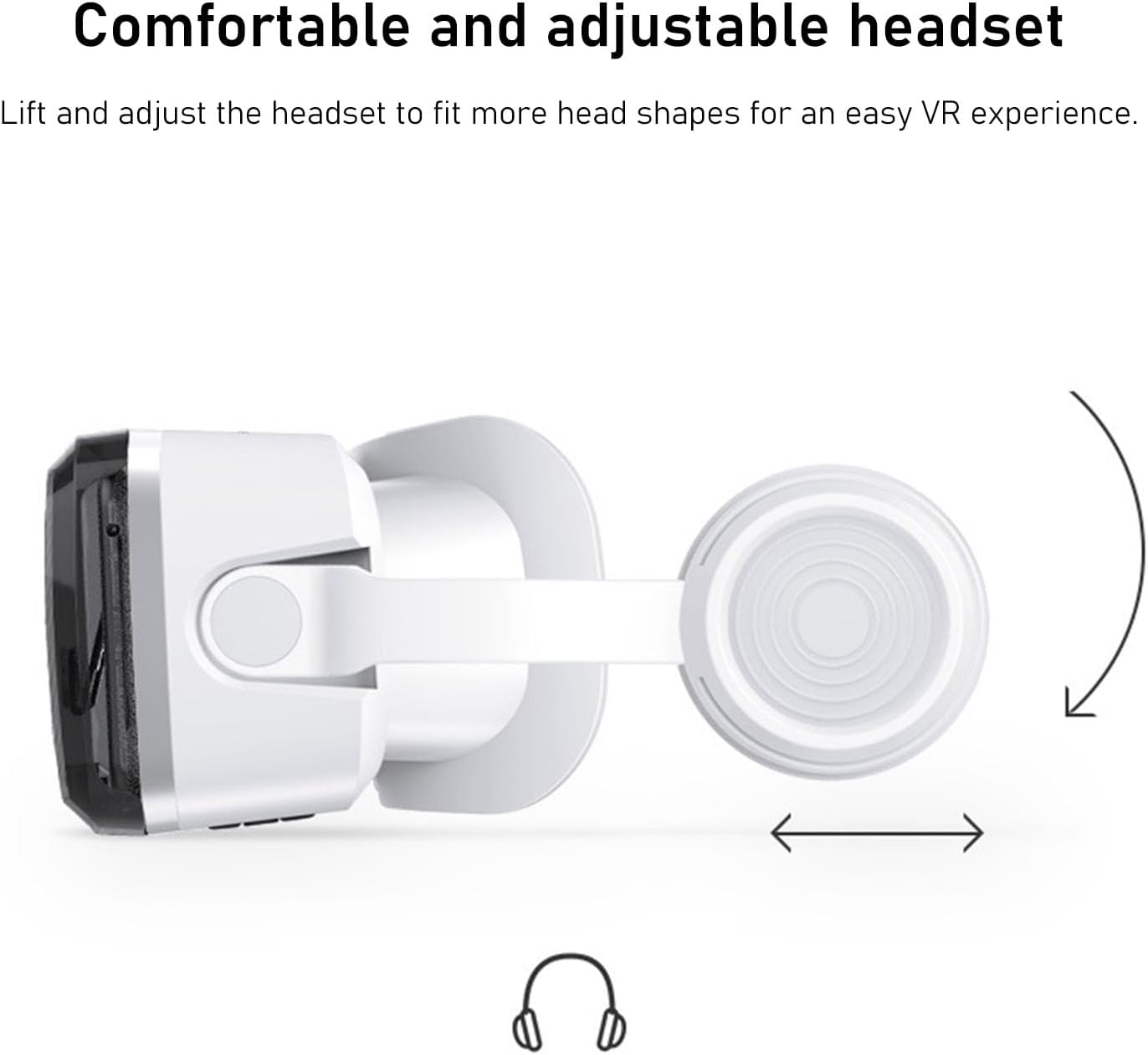
Figure 5.3: Adjusting the head straps for a comfortable and secure fit.
- Letakkan headset di kepala Anda.
- Adjust the top and side straps to ensure a snug yet comfortable fit. The headset should feel secure without applying excessive pressure.
- Adjust Interpupillary Distance (IPD) and Focal Distance:
- While wearing the headset and viewing content, use the IPD adjustment knob (usually on top) to move the lenses closer or further apart until the image appears as a single, clear picture.
- Use the focal distance adjustment knob (also on top) to fine-tune the clarity of the image. Rotate it until the content is sharp and in focus.
6. Petunjuk Pengoperasian
Once set up, your Yunseity G04BS VR Headset is ready for use.
- Launching VR Content:
- Open your desired VR application or video on your smartphone.
- Ensure the content is in a split-screen or VR format for proper viewing through the headset lenses.
- Pengalaman Imersif:
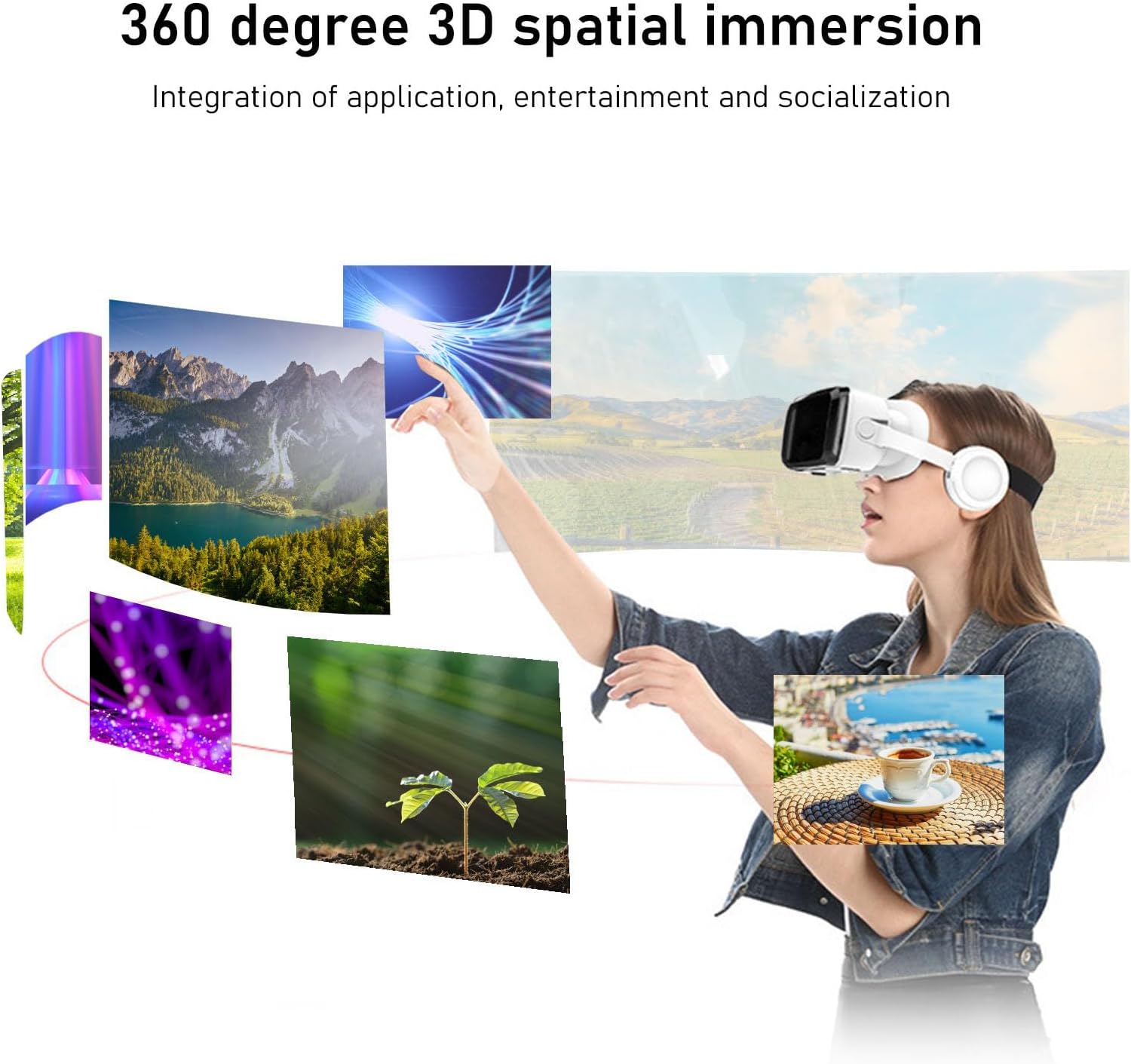
Figure 6.1: Experiencing 360-degree 3D spatial immersion.

Figure 6.2: Using the VR headset for a home theater experience.
- The headset provides a wide field of view untuk pengalaman yang mendalam.
- The integrated Bluetooth headphones deliver 3D phase sound for enhanced audio immersion.
- Kontrol Audio:

Figure 6.3: Core technology of sound quality for immersive audio.
- Adjust the volume directly on your smartphone.
- Ensure the headphones are properly positioned over your ears for the best sound quality.
7. Pemeliharaan dan Perawatan
- Membersihkan Lensa: Use the provided cleaning cloth or a soft, dry microfiber cloth to gently wipe the lenses. Do not use water, alcohol, or any chemical cleaners, as they may damage the lens coating.
- Cara Membersihkan Bodi Headset: Usap bagian luar headset dengan kain lembut yang sedikit kering.amp cloth. Avoid getting moisture into any openings. The PU leather cover can be wiped clean.
- Penyimpanan: Store the headset in a cool, dry place away from direct sunlight and extreme temperatures. Protect the lenses from scratches by keeping the headset in its original packaging or a protective case when not in use.
- Battery Care (Headphones): Recharge the integrated headphones regularly, even if not in frequent use, to maintain battery health. Use the provided data cable for charging.
8. Penyelesaian masalah
| Masalah | Kemungkinan Penyebab | Larutan |
|---|---|---|
| Gambar buram atau tidak fokus. | Incorrect focal distance or interpupillary distance (IPD) settings. | Adjust the focal distance knob until the image is clear. Adjust the IPD knob until the two images merge into one clear picture. |
| Tidak ada suara dari headphone. | Headphones not connected via Bluetooth, low battery, or phone volume is low. | Ensure Bluetooth is enabled on your phone and the headset is paired. Charge the headset headphones. Increase phone volume. |
| Phone overheating during use. | Extended use, demanding applications, or insufficient ventilation. | Take breaks from use. The breathable panel helps, but intense VR content can still generate heat. Remove phone and allow it to cool. |
| Headset feels uncomfortable. | Straps are too tight or too loose, or improper positioning. | Adjust the head straps for a balanced and comfortable fit. Ensure the headset is centered on your face. |
| Smartphone does not fit. | Smartphone screen size is outside the compatible range. | Ensure your phone's screen size is between 5.5 and 7.2 inches. |
9. Spesifikasi
| Fitur | Detil |
|---|---|
| Tipe Barang | Perangkat Genggam VR |
| Bahan | ABS |
| Jarak Antar Pupil (IPD) | 60 to 70mm (Adjustable) |
| Ukuran Layar Ponsel yang Kompatibel | 5.5 hingga 7.2 inci |
| Target User Myopia | Below 800 degrees |
| Jenis Lensa | Pemblokiran cahaya biru |
| Bluetooth Earphone Support | Ya |
| Wireless Distance (Bluetooth) | Hingga 10m |
| Headphone Battery Type | Baterai Li-ion 400mAh internal |
| Dimensi Paket | Ukuran 23x21x11 cm |
| Berat | 602 gram |
10. Garansi dan Dukungan
For warranty information, technical support, or customer service inquiries regarding your Yunseity G04BS VR Headset, please refer to the seller or manufacturer's official website. You can also visit the official Yunseity store on Amazon for more information:
Ask a question about this manual
Ask about setup, troubleshooting, compatibility, parts, safety, or missing instructions. Manuals+ will review the question and use this page’s manual context to help answer it.