
Perkenalan
Thank you for choosing the ANSTEN Bone Conduction Swimming Headphones. This manual provides essential information for the safe and effective use of your device. These headphones are designed for sports enthusiasts, offering bone conduction technology, IP68 waterproofing, Bluetooth 5.4 connectivity, and an integrated 32GB MP3 player for an enhanced audio experience during various activities, including swimming, running, and cycling.
Isi Paket
Silakan periksa paket untuk item berikut:
- 1 x ANSTEN Bone Conduction Swimming Headphones
- 1 x Telescopic Cable
- 1 x Panduan Pengguna
- 2 x Sponge Earplugs
- 2 x Kabel Pengisian Daya
Pengaturan
1. Mengisi Daya Headphone
Before first use, fully charge the headphones. Connect one of the provided charging cables to the charging port on the headphones and the other end to a USB power adapter (not included). A full charge takes less than 2 hours and provides up to 8 hours of continuous use.
Note: Ensure the charging port is dry before charging to prevent damage.
2. Pemasangan Bluetooth
- Power on the headphones. They will automatically enter Bluetooth pairing mode.
- On your smartphone or other Bluetooth-enabled device, open the Bluetooth settings.
- Pencarian untuk "ANSTEN ZXS870" (or similar) in the list of available devices and select it to pair.
- Once paired, you will hear a confirmation tone. The headphones can maintain a stable connection up to 10 meters.

Image: ANSTEN headphones highlighting Bluetooth 5.4 and MP3 mode capabilities. The image shows the internal components with '8Gb' and 'B5.4' labels, indicating 8GB memory and Bluetooth 5.4 technology. Note: The product features 32GB of internal storage as per specifications.
Koneksi Multi-Perangkat: The headphones support "one-to-two" pairing, allowing quick connection to multiple devices like mobile phones and tablets.
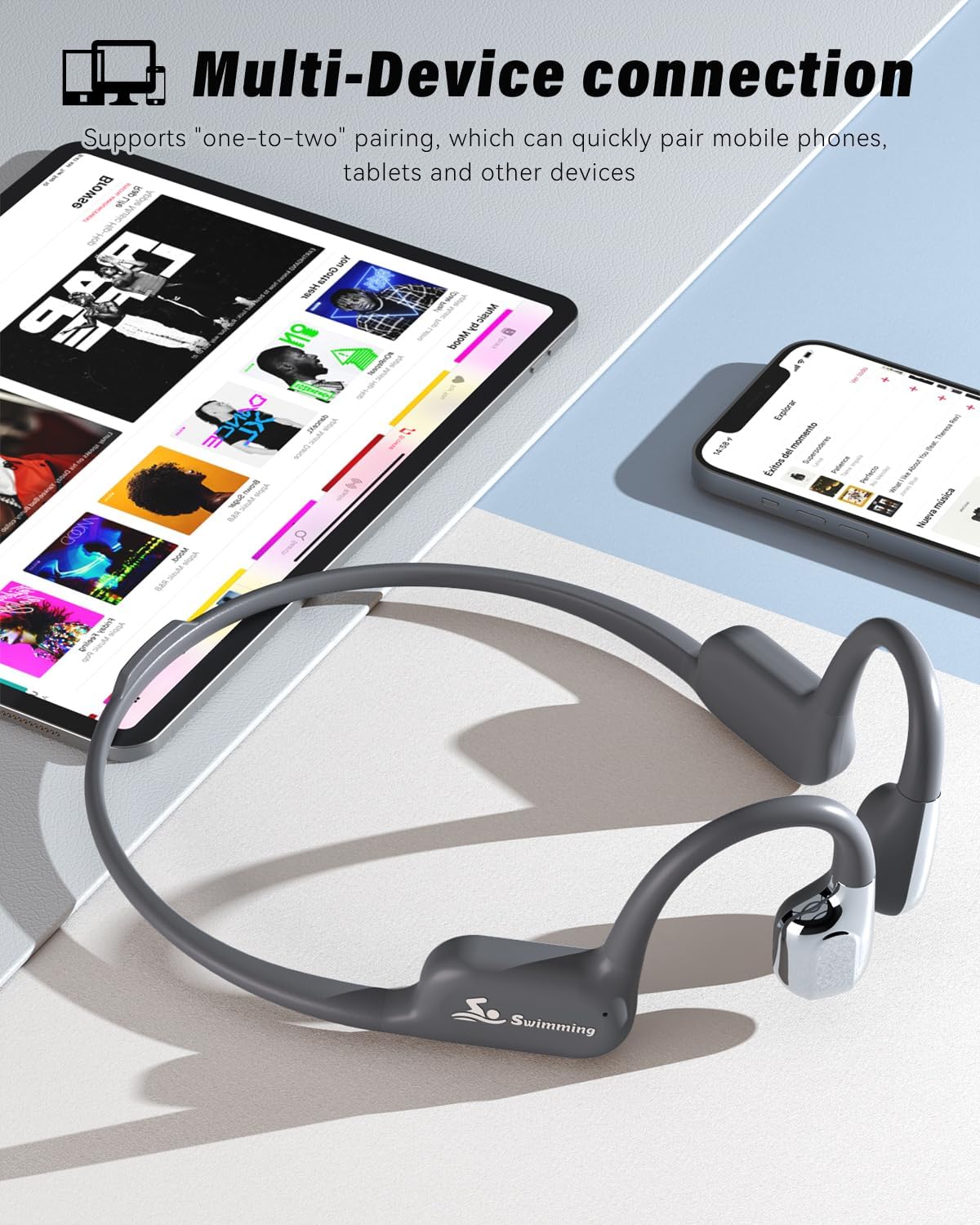
Image: ANSTEN headphones demonstrating multi-device connection, paired with both a smartphone and a tablet displaying music apps.
3. Using MP3 Mode (32GB Internal Storage)
The headphones have 32GB of internal storage, capable of holding up to 8000 songs. This mode is essential for underwater use as Bluetooth signals do not transmit through water.
- Connect the headphones to your computer using the provided charging cable.
- Headphone tersebut akan muncul sebagai drive yang dapat dilepas di komputer Anda.
- Seret dan lepas file audio MP3 yang Anda inginkan. files into the headphone's storage folder.
- Keluarkan perangkat dari komputer Anda dengan aman sekali files ditransfer.
- To switch to MP3 mode, press the designated mode button (refer to the operating instructions for button layout).
Petunjuk Pengoperasian
1. Daya Hidup/Mati
- Nyalakan: Press and hold the Power button for approximately 3 seconds until the indicator light turns on and you hear a power-on prompt.
- Matikan: Tekan dan tahan tombol Daya selama sekitar 5 detik hingga lampu indikator mati dan Anda mendengar perintah matikan daya.
2. Kontrol Volume
- Tingkatkan Volume: Tekan tombol Volume Naik (+).
- Kurangi Volume: Tekan tombol Volume Turun (-).
3. Kontrol Pemutaran Musik
- Putar/Jeda: Tekan tombol Multifungsi sekali.
- Lagu Berikutnya: Press and hold the Volume Up button (+) for 2 seconds.
- Lagu Sebelumnya: Press and hold the Volume Down button (-) for 2 seconds.
4. Switching Between Bluetooth and MP3 Mode
Locate the Mode button on the headphones. Press it once to toggle between Bluetooth mode and MP3 player mode. Remember to switch to MP3 mode when swimming.
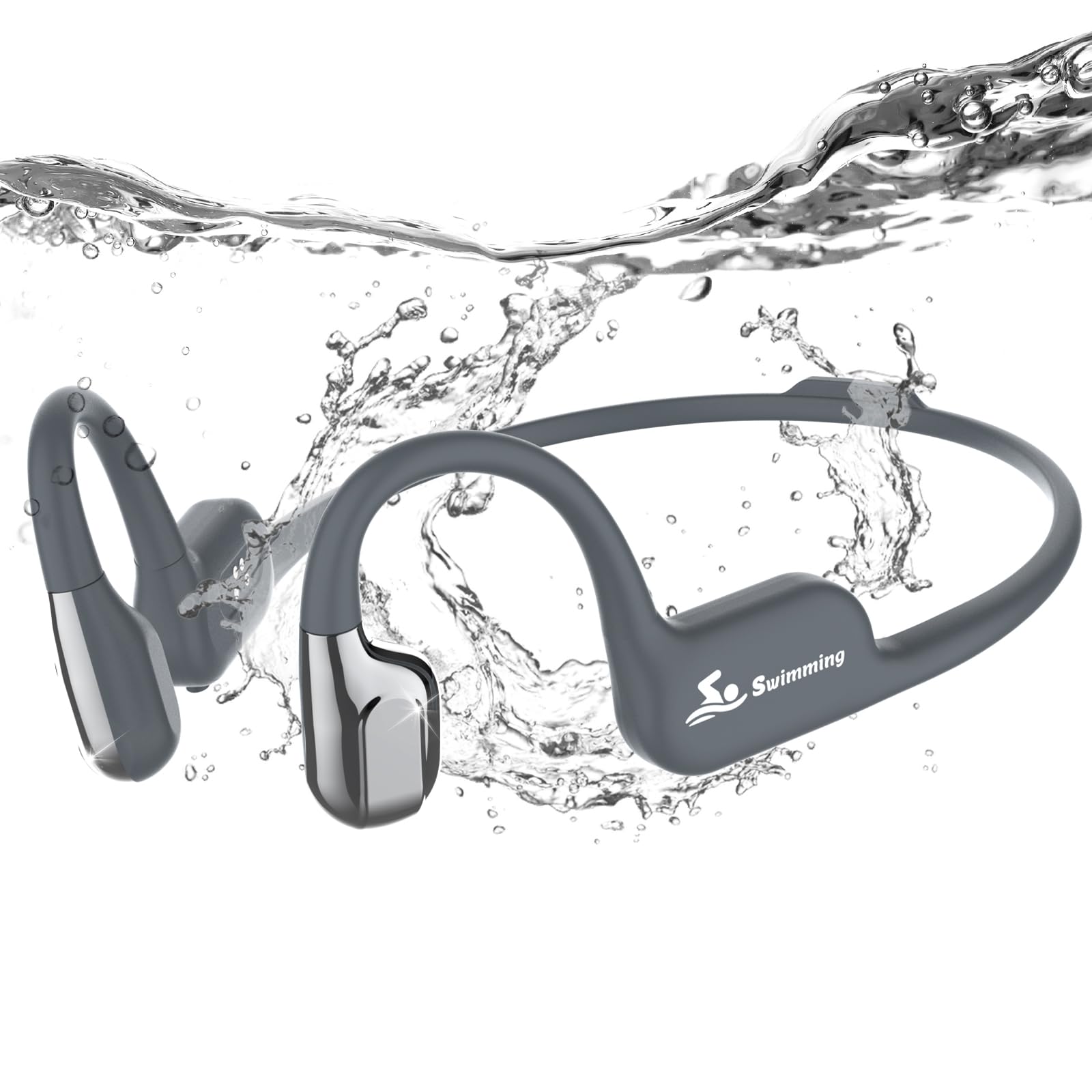
Image: A swimmer wearing ANSTEN bone conduction headphones in a pool, demonstrating the IP68 waterproof feature. Text overlay indicates immersion up to 3 meters and a reminder to switch to MP3 mode when swimming.
5. Call Handling
- Menjawab Panggilan: Press the Multifunction button once when a call comes in.
- Akhiri Panggilan: Press the Multifunction button once during a call.
- Tolak Panggilan: Press and hold the Multifunction button for 2 seconds when a call comes in.
6. Asisten Suara
To activate your device's voice assistant (Siri, Google Assistant, etc.), double-press the Multifunction button.
7. Mengenakan Headphone
The open-ear design ensures comfort and awareness of your surroundings. Place the bone conduction transducers on your cheekbones, just in front of your ears, with the band resting around the back of your head.

Image: A person running outdoors wearing ANSTEN open-ear headphones, illustrating the comfortable and secure fit for active use. The image also shows icons for 6-8 hours battery, 8GB storage (Note: The product features 32GB of internal storage as per specifications.), and 23.5g weight.

Image: A cyclist wearing ANSTEN bone conduction headphones, emphasizing safety by allowing awareness of surroundings while listening to music.
Pemeliharaan
- Pembersihan: After use, especially after swimming, rinse the headphones with fresh water and wipe them dry with a soft cloth. Do not use harsh chemicals or abrasive materials.
- Penyimpanan: Simpan headphone di tempat sejuk dan kering, jauhkan dari sinar matahari langsung dan suhu ekstrem.
- Port Pengisian Daya: Always ensure the charging port is completely dry before connecting the charging cable to prevent corrosion or damage.
- Tahan Air: While IP68 rated, avoid prolonged immersion beyond 3 meters and do not expose to high-pressure water jets.
Penyelesaian Masalah
| Masalah | Larutan |
|---|---|
| Headphone tidak menyala. | Pastikan headphone terisi penuh. Tekan dan tahan tombol Daya selama 3 detik. |
| Tidak dapat dipasangkan melalui Bluetooth. | Make sure the headphones are in Bluetooth pairing mode. Turn off and on Bluetooth on your device. Ensure no other devices are connected. Move closer to your device. |
| Tidak ada suara dalam mode MP3. | Ensure MP3 files are correctly transferred to the internal storage. Check volume levels. |
| No Bluetooth signal underwater. | This is normal. Bluetooth signals do not transmit through water. Switch to MP3 mode for underwater listening. |
| Daya tahan baterai pendek. | Ensure the headphones are fully charged. Battery life can vary based on volume level and usage. |
Spesifikasi
| Merek | ANTEN |
| Nomor Model | ZXS870 |
| Nama Model | S870 |
| Warna | Abu-abu gelap |
| Penempatan Telinga | Telinga Terbuka |
| Faktor Bentuk | Nirkabel Sejati |
| Teknologi Konektivitas | Nirkabel (Bluetooth 5.4) |
| Versi Bluetooth | 5.4 |
| Jangkauan Bluetooth | 10 Meter |
| Tingkat Tahan Air | IP68 (Immersible up to 3 meters) |
| Penyimpanan Internal | 32 GB |
| Jenis Penggerak Audio | Konduksi Tulang |
| Bahan Dalam | Titanium Skeleton |
| Kapasitas Baterai | 180 mAh |
| Daya Tahan Baterai Rata-rata | 8 jam |
| Waktu Pengisian Daya | Kurang dari 2 jam |
| Penggunaan yang Direkomendasikan | Fitness, Swimming, Sports |
| Perangkat yang Kompatibel | Smartphones and Computers |

Image: Detailed diagram of the ANSTEN headphones, highlighting the wraparound titanium skeleton, silicone material, 8GB memory card (Note: The product features 32GB of internal storage as per specifications.), Bluetooth 5.4, and ultra-long battery life.
Garansi dan Dukungan
ANSTEN provides a worry-free purchase experience. If you encounter any issues or have questions regarding your headphones, please do not hesitate to contact our customer support team. We are available 24/7 to assist with replacements or refunds as needed.
For support, please refer to the contact information provided on the product packaging or the official ANSTEN weblokasi.