
1. Pendahuluan
This manual provides essential information for the safe and effective operation of your Digitek LED-D432 Bi-Color LED Video Light Studio. Please read this manual thoroughly before using the product and retain it for future reference. The Digitek LED-D432 is a versatile lighting solution designed for photography, videography, and content creation, offering adjustable color temperature and brightness control.
2. Informasi Keselamatan
Untuk mencegah kerusakan pada produk atau cedera pada diri Anda atau orang lain, perhatikan tindakan pencegahan keselamatan berikut:
- Keamanan Listrik: Do not operate the light with wet hands. Ensure the power adapter and cables are undamaged. Disconnect power before cleaning or maintenance.
- Panas: The LED panel may become warm during extended use. Do not block ventilation openings. Avoid touching the LED surface directly when hot.
- Perlindungan Mata: Do not look directly into the illuminated LED panel for prolonged periods, as it may cause eye strain or damage.
- Penggunaan Baterai: If using external batteries (F-960/F-770 type), ensure they are compatible and correctly installed. Do not short-circuit, disassemble, or expose batteries to extreme temperatures.
- Lingkungan: Use the light in a dry environment. Protect it from water, moisture, and corrosive liquids. Avoid dropping or subjecting the light to strong impacts.
- Anak-anak: Jauhkan produk dari jangkauan anak-anak.
3. Isi Paket
Verifikasi bahwa semua item yang tercantum di bawah ini disertakan dalam paket Anda:
- Digitek LED-D432 Bi-Color Light
- Adaptor Sepatu Dingin
- Panduan Pengguna
Note: Battery is not included with this product and must be purchased separately.

Image: The package includes the LED D432 Bi-Color Light, a Cold Shoe Adapter, and this User Manual. Batteries are sold separately.
4. Produk Lebihview
The Digitek LED-D432 Bi-Color LED Video Light features 432 high-quality LEDs, providing a powerful 35W output. It is designed for consistent and bright illumination, suitable for various shooting conditions.
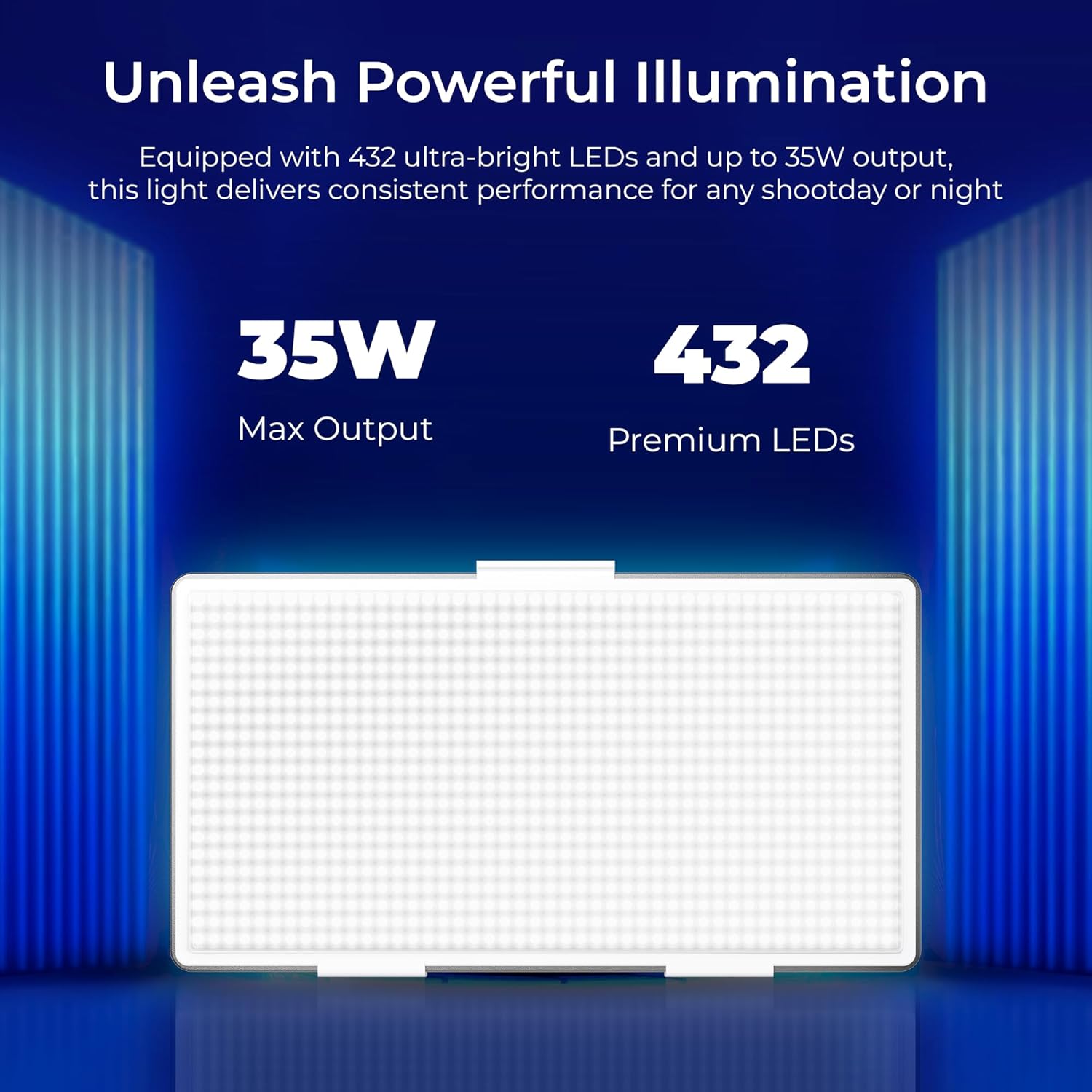
Image: The Digitek LED-D432 light delivers a maximum output of 35W using 432 premium LEDs for powerful illumination.
Fitur Utama:
- Penerangan yang Kuat: 35W output with 432 LEDs.
- Suhu Warna yang Dapat Disesuaikan: Range from 2500K (warm) to 9900K (cool daylight).
- Kontrol Kecerahan: Smooth dimming from 1% to 100%.
- Opsi Pemasangan: Integrated 1/4" screw port for tripods, light stands, or camera rigs.
- Fleksibilitas Daya: Compatible with F-960 and F-770 external batteries (not included) for portable use.
- Sudut Sinar Lebar: 120° for uniform lighting.
- Desain Tahan Lama: Constructed from ABS+PC material for portability and resilience.
5. Pengaturan
5.1 Memasang Lampu
The LED-D432 features a standard 1/4" screw port for easy attachment to various photographic accessories.
- Locate the 1/4" screw port at the bottom of the light unit.
- Attach the light to a compatible tripod, light stand, or camera rig by screwing it onto the 1/4" mounting screw until secure.
- If using the cold shoe adapter, attach it to the 1/4" screw port first, then mount it onto a camera's hot shoe or cold shoe mount.

Image: The Digitek LED-D432 light can be mounted on a light stand or tripod using its built-in 1/4" screw port.
5.2 Menyalakan Lampu
The LED-D432 can be powered using either an AC adapter (not included) or compatible external batteries.
- Menggunakan Daya AC: Connect a compatible DC power adapter (check product specifications for voltage and current requirements) to the DC input port on the light. Plug the adapter into a wall outlet.
- Menggunakan Baterai: Insert a fully charged F-960 or F-770 type battery (not included) into the battery slot on the back of the light, ensuring correct polarity.
6. Petunjuk Pengoperasian
6.1 Daya Hidup/Mati
Locate the power switch on the side or back of the unit. Toggle the switch to the 'ON' position to turn on the light. Toggle to 'OFF' to power down.
6.2 Menyesuaikan Kecerahan
The LED-D432 offers precise brightness control from 1% to 100%.
- Once the light is on, locate the brightness control knob (often labeled 'DIM' or with a brightness icon).
- Putar kenop searah jarum jam untuk meningkatkan kecerahan dan berlawanan arah jarum jam untuk mengurangi kecerahan.
- The current brightness level will be displayed on the unit's screen (if available).

Image: The Digitek LED-D432 provides full dimming from 0% to 100% with uniform brightness and no flickering.
6.3 Menyesuaikan Suhu Warna
The bi-color feature allows you to adjust the color temperature from warm (2500K) to cool daylight (9900K).
- Locate the color temperature control knob (often labeled 'CCT' or with a color temperature icon).
- Rotate the knob to adjust the color temperature. Turning it towards lower Kelvin values will produce warmer light, while higher Kelvin values will produce cooler light.
- The selected color temperature will be displayed on the unit's screen (if available).
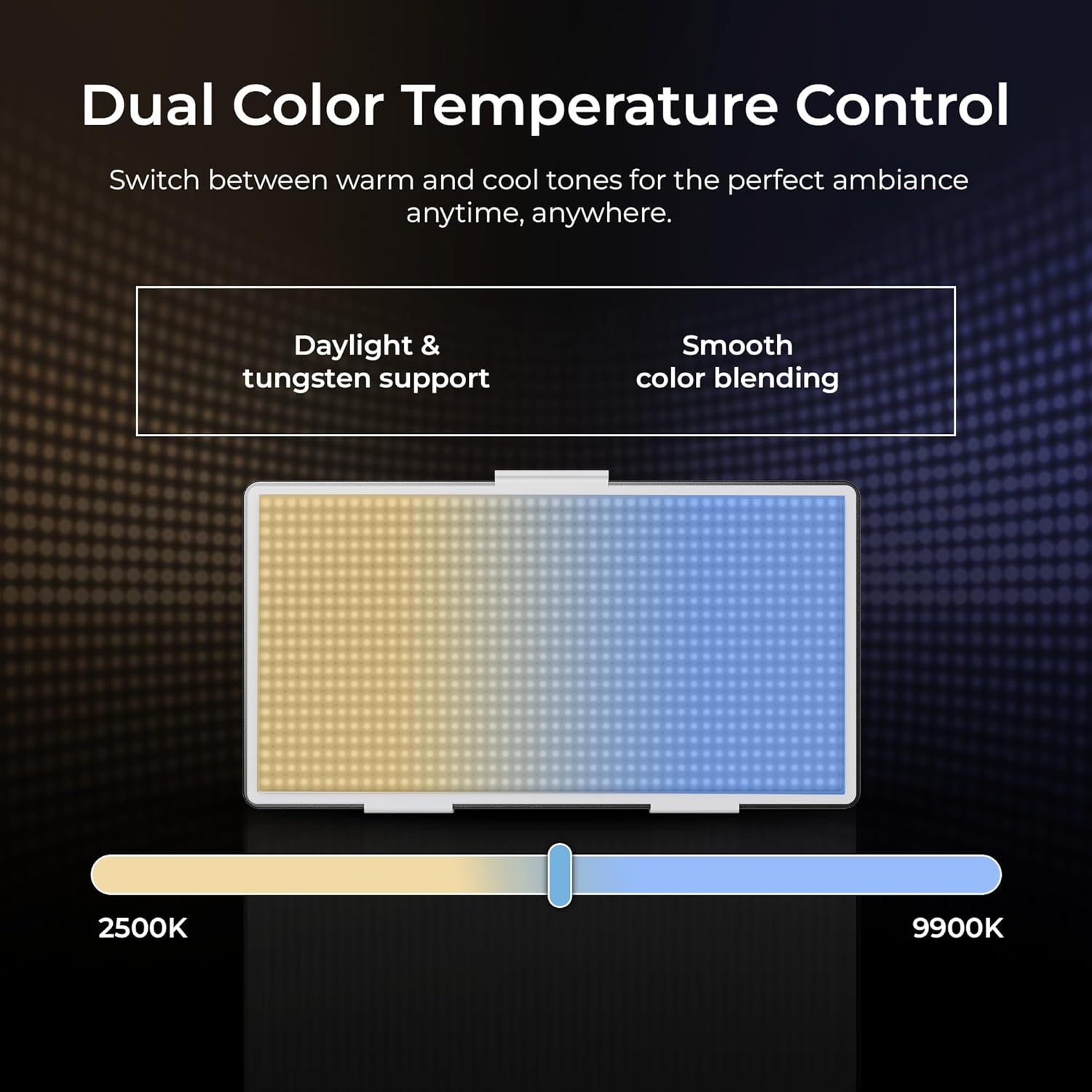
Image: The Digitek LED-D432 allows dual color temperature control, switching between warm (2500K) and cool (9900K) tones for versatile lighting.
6.4 Aplikasi Serbaguna
The LED-D432 is suitable for a variety of uses, including portrait photography, product photography, and video production, providing consistent and controllable illumination.

Image: The Digitek LED-D432 is ideal for various applications such as portrait shoots, product photography, and video production.
7. Pemeliharaan
7.1 Pembersihan
Untuk mempertahankan kinerja dan penampilan yang optimal:
- Ensure the light is turned off and disconnected from power before cleaning.
- Gunakan kain lembut dan kering untuk menyeka bagian luar lampu.
- Untuk kotoran membandel, sedikit damp Kain lap dapat digunakan, diikuti dengan kain kering.
- Do not use harsh chemicals, solvents, or abrasive cleaners, as these can damage the finish or internal components.
7.2 Penyimpanan
When not in use, store the light in a cool, dry place, away from direct sunlight and extreme temperatures. If using external batteries, remove them from the unit before long-term storage.
8. Penyelesaian masalah
If you encounter issues with your Digitek LED-D432, refer to the following common problems and solutions:
| Masalah | Kemungkinan Penyebab | Larutan |
|---|---|---|
| Lampu tidak menyala. | No power, battery depleted, or power switch off. | Ensure power adapter is connected or battery is charged and inserted correctly. Check power switch position. |
| Lampu berkedip-kedip atau tidak stabil. | Low battery power or faulty power connection. | Recharge or replace battery. Check power cable connection. |
| Cannot adjust brightness/color temperature. | Control knob malfunction or unit locked. | Ensure no lock function is active (if applicable). Try restarting the unit. If problem persists, contact support. |
| Light gets excessively hot. | Blocked ventilation or prolonged high-power use. | Ensure ventilation openings are clear. Reduce brightness or allow the unit to cool down. |
If the problem persists after attempting these solutions, please contact Digitek customer support.
9. Spesifikasi
Technical specifications for the Digitek LED-D432 Bi-Color LED Video Light Studio:
| Fitur | Spesifikasi |
|---|---|
| Nomor Model | LED-D432 Bi-Color |
| Daya Keluaran | 35W |
| Jumlah LED | 432 |
| Kisaran Suhu Warna | 2500K - 9900K |
| Kontrol Kecerahan | 1% - 100% |
| Pemasangan | 1/4-inch Screw Port |
| Baterai yang Kompatibel | F-960 / F-770 series (not included) |
| Dimensi Produk | Ukuran 18.1x4.8x20.6 cm |
| Berat Barang | 1.5 kg |
| Bahan | ABS+PC |
10. Garansi dan Dukungan
10.1 Informasi Garansi
Digitek products are manufactured under strict quality standards. This product is covered by a limited warranty against manufacturing defects. Please refer to the warranty card included with your purchase or visit the official Digitek websitus untuk mengetahui syarat dan ketentuan garansi secara terperinci.
10.2 Dukungan Pelanggan
For technical assistance, service, or inquiries, please contact IMS Mercantiles Limited, the manufacturer and importer of Digitek products.
- Pabrikan: IMS Mercantiles Limited
- Alamat: 704, 7th floor, Ring Road Mall, Sec-3, Rohini, Delhi 110085
- Customer Helpline (Toll Free): Nomor telepon 1800-123-544-444
- E-mail: support@digitek.net.in