
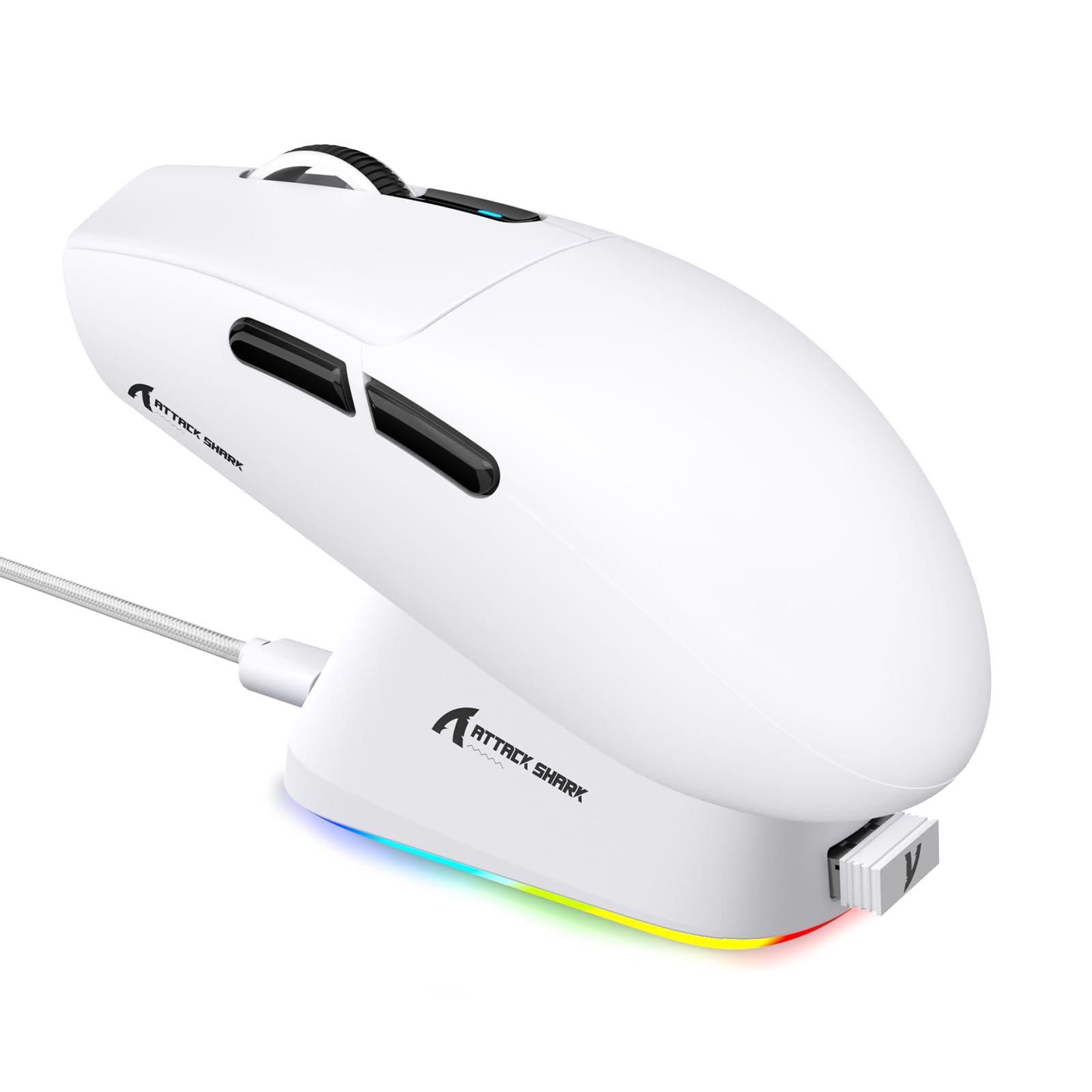
1. Pendahuluan
This manual provides detailed instructions for the setup, operation, maintenance, and troubleshooting of your ATTACK SHARK G3PRO Wireless Gaming Mouse. Please read this manual thoroughly to ensure proper use and to maximize your gaming experience.

Gambar: Sebuah overview of the ATTACK SHARK G3PRO mouse and its features, including magnetic fast charging, PAW3311 sensor, web cloud drive, RGB rapid charging dock, and lightweight design.
2. Isi Paket
Verifikasi bahwa semua item ada dalam paket Anda:
- ATTACK SHARK G3PRO Wireless Gaming Mouse
- RGB Magnetic Charging Dock
- Penerima USB 2.4G
- Kabel Pengisian/Data USB-C ke USB-A
- Panduan Pengguna
3. Pengaturan
3.1 Pengisian Awal
Before first use, it is recommended to fully charge the mouse. Connect the USB-C cable to the charging dock and a power source. Place the mouse onto the magnetic charging dock. The RGB lighting on the dock will indicate charging status.
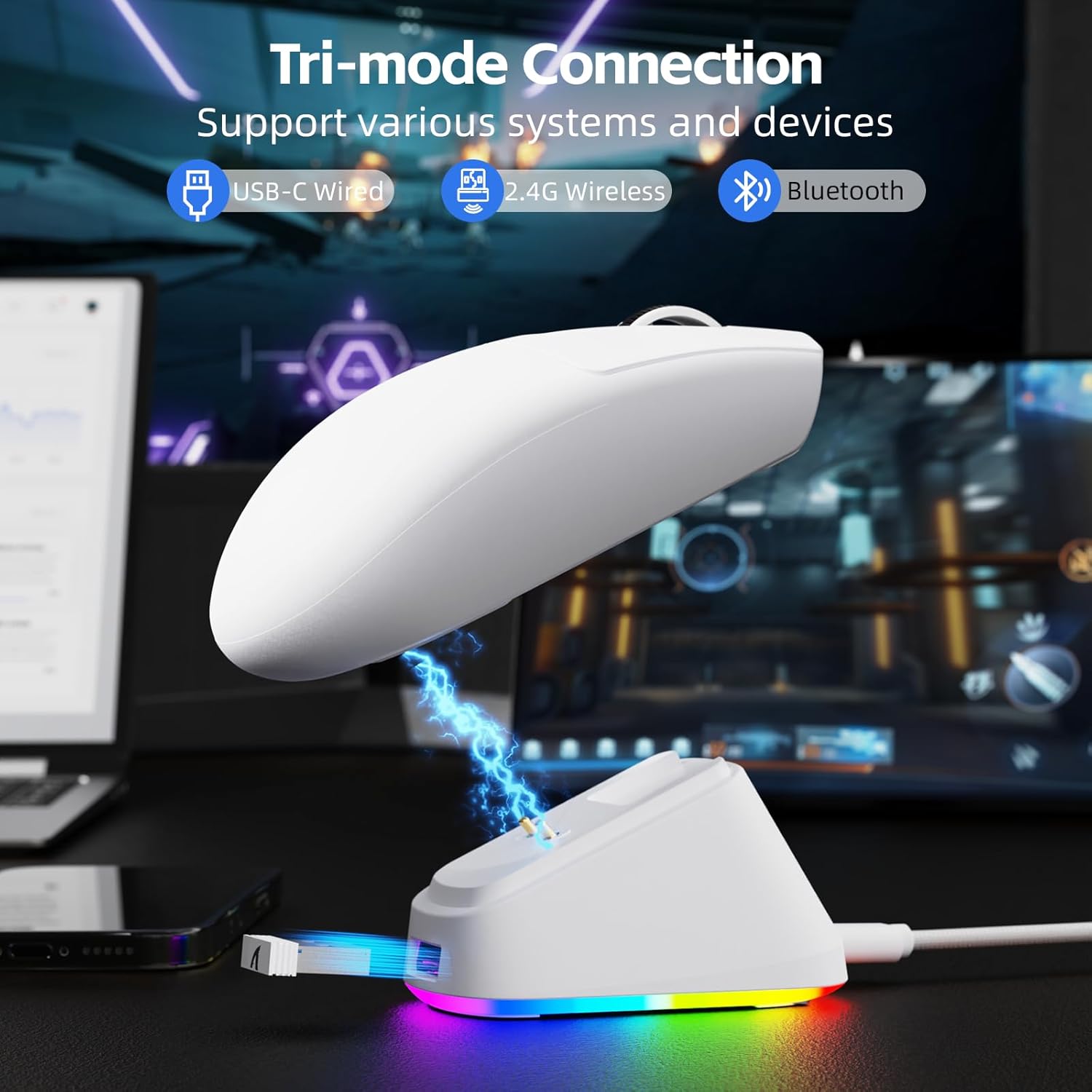
Image: The ATTACK SHARK G3PRO mouse magnetically attached to its RGB charging dock, showing the charging thimbles and USB-C port.
For a visual guide on charging, please watch the following video:
Video: This video demonstrates the magnetic charging dock and its features for the ATTACK SHARK G3PRO Wireless Gaming Mouse.
3.2 Menghubungkan Mouse
The G3PRO supports three connection modes: 2.4GHz Wireless, Bluetooth, and USB-C Wired. A switch on the bottom of the mouse allows you to select the desired mode.

Image: The ATTACK SHARK G3PRO mouse with visual indicators for Wired, 2.4G, and Bluetooth connectivity modes.
Mode Nirkabel 2.4GHz:
- Locate the 2.4G USB receiver, typically stored within the charging dock or the mouse itself.
- Colokkan penerima USB ke port USB yang tersedia di komputer Anda.
- Set the switch on the bottom of the mouse to "2.4G".
- Mouse tersebut seharusnya terhubung secara otomatis.
Mode Bluetooth:
- Set the switch on the bottom of the mouse to "BT".
- Di komputer atau perangkat Anda, buka pengaturan Bluetooth dan aktifkan Bluetooth.
- Pencarian untuk new devices and select "ATTACK SHARK G3PRO" to pair.
Mode Kabel USB-C:
- Hubungkan kabel USB-C langsung dari mouse ke komputer Anda.
- Mouse akan berfungsi sebagai mouse berkabel dan mengisi daya secara bersamaan.
For a visual guide on product features and connectivity, please watch the following video:
Video: This video demonstrates the various color options and the magnetic charging feature of the ATTACK SHARK G3PRO Wireless Gaming Mouse, showcasing desain dan fungsinya.
4. Mengoperasikan Mouse
4.1 Fungsi Tombol
The ATTACK SHARK G3PRO features 5 programmable buttons:
- Klik kiri: Tindakan utama.
- Klik kanan: Menu aksi/konteks sekunder.
- Roda Klik/Gulir Tengah: Scroll up/down, middle click for universal scroll or other functions.
- Tombol Maju: Default for navigating forward in web peramban/folder.
- Tombol Mundur: Default for navigating backward in web peramban/folder.
- Sakelar DPI: Berganti-ganti melalui level DPI yang telah ditentukan sebelumnya.

Image: A detailed diagram illustrating the location and default functions of the multi-functional buttons on the ATTACK SHARK G3PRO mouse.

Gambar: Sebuah ledakan view and labeled diagram of the G3PRO mouse components, including buttons, switches, charging points, and the 2.4G/OFF/BT mode switch.
4.2 Penyesuaian DPI
The mouse features a dedicated DPI switch to cycle through various sensitivity levels, ranging from 800 to 25,000 DPI. The current DPI setting is indicated by an LED light.

Image: A visual representation of the 25,000 DPI optical sensor's precision and how mouse movement trajectory sensitivity scales with DPI settings.
4.3 Tingkat Pemungutan Suara
The G3PRO supports a 1000Hz polling rate in both wired and 2.4GHz wireless modes, ensuring rapid response times for competitive gaming.

Image: A diagram illustrating the 1000Hz polling rate capability in both wired and wireless modes, highlighting millisecond response times.
5. Software and Customization
Customize your G3PRO mouse settings using the intuitive web driver or downloadable software from ATTACK SHARK. This allows for personalization of DPI, polling rate, macros, and more.
- Web Pengemudi: Akses web-based configuration tool for quick adjustments without installation.
- Downloadable Software: Untuk kustomisasi tingkat lanjut dan profesionalfile management, download the dedicated software.

Image: A screenshot of the ATTACK SHARK Hub software interface, showing options for mouse settings, DPI settings, parameter settings, macro editing, and personal center.

Image: The cloud-driven programming interface for the G3PRO mouse, displaying options for button settings, DPI adjustments, polling rate settings, and power management.
6. Pemeliharaan
6.1 Pembersihan
Untuk menjaga performa optimal, bersihkan mouse Anda secara teratur. Gunakan kain lembut dan kering untuk menyeka permukaannya. Untuk kotoran yang membandel, gunakan kain yang sedikit kering.amp Kain dapat digunakan, untuk memastikan tidak ada kelembapan yang masuk ke komponen internal. Hindari bahan kimia keras atau bahan abrasif.
6.2 Penyimpanan
When not in use for extended periods, store the mouse and charging dock in a cool, dry place. Ensure the USB receiver is securely stored, ideally within the charging dock's designated slot, to prevent loss.
7. Penyelesaian masalah
| Masalah | Kemungkinan Penyebab | Larutan |
|---|---|---|
| Tikus tidak merespons (2.4G) | Low battery; Receiver not plugged in; Incorrect mode selected; Driver issue. | Charge the mouse; Ensure receiver is firmly plugged in; Set mouse to "2.4G" mode; Reinstall mouse drivers. |
| Mouse tidak merespons (Bluetooth) | Low battery; Bluetooth not enabled on device; Not paired; Incorrect mode selected. | Charge the mouse; Enable Bluetooth on your device; Re-pair the mouse in Bluetooth settings; Set mouse to "BT" mode. |
| Charging dock RGB not lighting up | Cable not connected; Power source issue. | Ensure USB-C cable is securely connected to dock and power source; Try a different USB port or power adapter. |
| Pelacakan yang tidak konsisten | Dirty sensor; Uneven surface; Interference (wireless). | Clean the optical sensor; Use a clean, even mouse pad; Reduce wireless interference by moving other devices or using wired mode. |
| Tombol tidak merespons | Konflik perangkat lunak; Kerusakan fisik. | Check software settings for button remapping; Test on another computer; Contact support if physical damage is suspected. |
8. Spesifikasi
| Fitur | Detil |
|---|---|
| Merek | SERANGAN HIU |
| Model | G3PRO |
| Warna | Putih |
| Teknologi Konektivitas | 2.4Ghz Wireless, Bluetooth, USB-C Wired |
| Teknologi Deteksi Gerakan | Optik (Sensor PAW3311) |
| DPI Maks | 25,000DPI |
| Tingkat Polling | frekuensi 1000Hz |
| Percepatan | 40G |
| Kecepatan Pelacakan | 400 IPS |
| Saklar | Mechanical (100 Million Clicks) |
| Kapasitas Baterai | 500 mAh |
| Daya Tahan Baterai | Hingga 200 jam |
| Berat | 59g ± 3g |
| Tombol | 5 |
| Orientasi Tangan | Sangat pandai |
| Perangkat yang Kompatibel | Laptop, Komputer Pribadi, Ponsel Pintar, Tablet |
| Sistem Operasi | Jendela, macOS |
For a comparison of G3 and G3PRO models, refer to the image below:

Image: A table comparing the specifications of the ATTACK SHARK G3 and G3PRO models, highlighting differences in components and features.
9. Informasi Keselamatan
- Hindarkan perangkat dari suhu atau kelembapan ekstrem.
- Hindari menjatuhkan atau membenturkan perangkat dengan keras.
- Jauhkan dari jangkauan anak-anak.
- Jangan mencoba membongkar atau memodifikasi perangkat, karena hal ini akan membatalkan garansi dan dapat menyebabkan kerusakan.
- Use only the provided charging cable and dock.
10. Garansi dan Dukungan
The ATTACK SHARK G3PRO Wireless Gaming Mouse comes with a standard manufacturer's warranty. For detailed warranty information, please refer to the warranty card included in your package or visit the official ATTACK SHARK weblokasi.
For technical support, troubleshooting assistance, or to inquire about replacement parts, please contact ATTACK SHARK customer service through their official websitus atau informasi kontak yang tersedia dalam kemasan produk Anda.
Resmi Weblokasi: ATTACK SHARK Store on Amazon