Perkenalan
This manual provides essential instructions for the safe operation, setup, and maintenance of your KFPLAN KF29 1:28 RC Car with WiFi Camera. This high-speed off-road vehicle features an integrated camera for real-time photo and video recording via a dedicated app, offering a first-person view driving experience. Its robust design and 2.4GHz remote control system ensure precise handling across various terrains, suitable for both indoor and outdoor use.
Informasi Keselamatan
Please read all safety warnings and instructions before operating the KFPLAN KF29 RC Car. Failure to follow these instructions may result in injury or damage to the product. Keep this manual for future reference.
- This product is recommended for users aged 12 years and above.
- Operate the RC car in open areas, away from people, pets, and obstacles.
- Do not operate near water sources unless the product is specifically designed for aquatic use (this model is an off-road car).
- Ensure batteries are charged correctly and handled safely. Do not overcharge or short-circuit batteries.
- Selalu matikan mobil RC dan remote control saat tidak digunakan.
- Jauhkan bagian-bagian kecil dari jangkauan anak-anak untuk mencegah bahaya tersedak.
Isi Paket
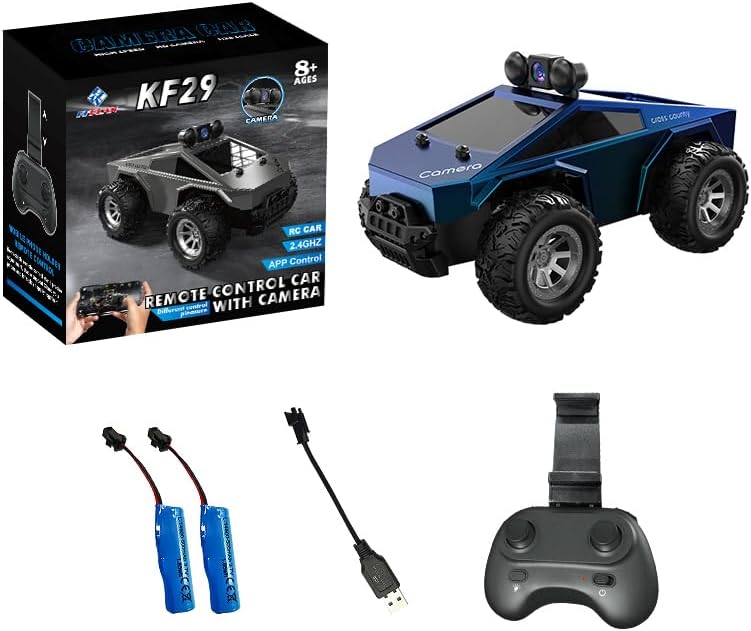
Image: KFPLAN KF29 RC Car, remote control, two batteries, and a USB charging cable.
Verifikasi bahwa semua item ada dalam paket:
- KFPLAN KF29 1:28 RC Car (Blue)
- 2.4GHz Remote Control
- Baterai Isi Ulang (x2)
- Kabel Pengisian Daya USB
- User Manual (dokumen ini)
Pengaturan
- Charge the Car Batteries:
Connect the provided USB charging cable to the car's battery and a suitable USB power adapter (not included). The charging indicator will show the charging status. Ensure batteries are fully charged before first use. Charging typically takes about 1 hour for approximately 20 minutes of operation.
- Pasang Baterai Kontrol Jarak Jauh:
Open the battery compartment on the remote control and insert 3 AAA batteries (not included), ensuring correct polarity.
- Pasang Aki Mobil:
Open the battery compartment on the RC car and securely connect a charged battery. Close the compartment.
- Download and Install the App (for FPV function):
Scan the QR code in the manual (or on the packaging) to download the dedicated control app for your smartphone. Install the app.
Petunjuk Pengoperasian
Operasi Kontrol Jarak Jauh

Image: Diagram of the remote control showing the smartphone holder, speed switch, camera operation button, forward/backward control, left/right turn control, light on/off button, and power switch.
- Nyalakan:
Turn on the RC car's power switch. Then, turn on the remote control's power switch. The remote control and car will automatically pair.
- Kontrol Mengemudi:
- Maju mundur: Use the left joystick/trigger for forward and backward movement.
- Belok Kiri/Kanan: Use the right joystick/wheel for steering left and right.
- Sakelar Kecepatan: Use the speed switch button (labeled on diagram) to toggle between high and low-speed modes.
- Lampu:
Press the light on/off button to control the car's headlights.
App Control (First-Person View)
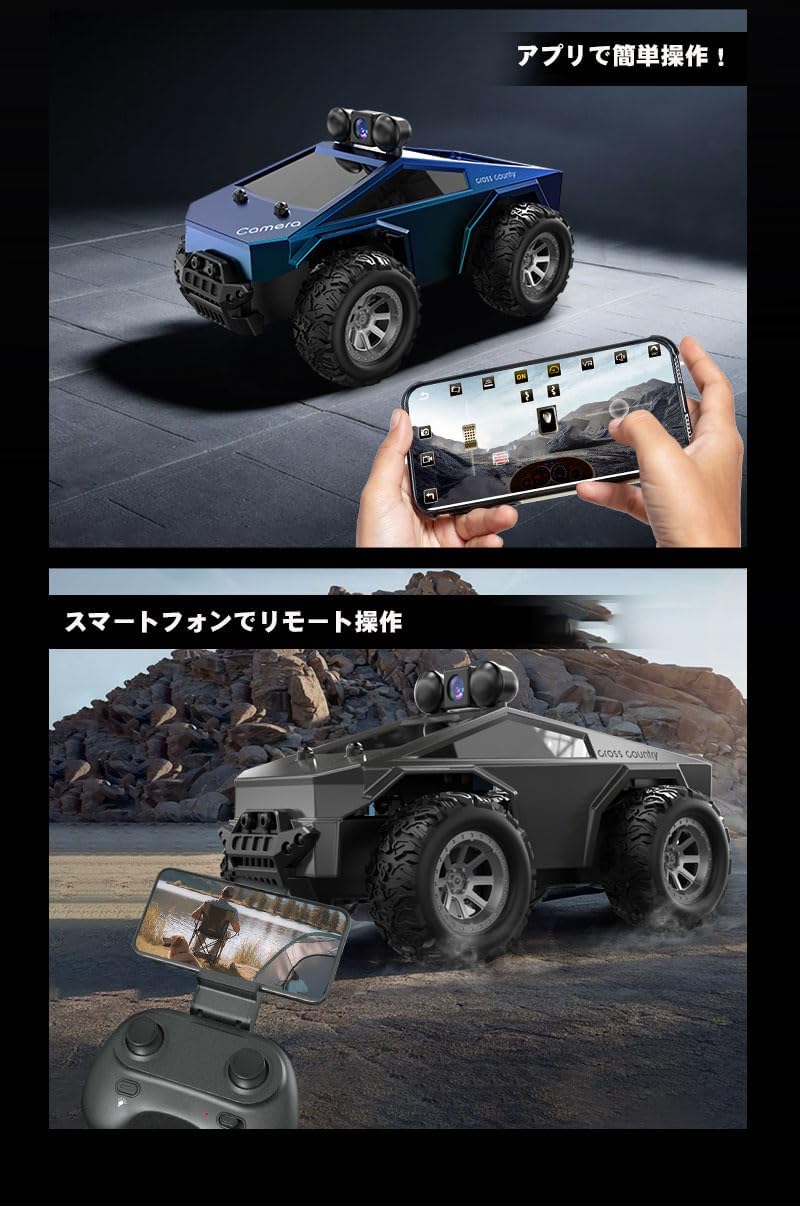
Image: A user operating the KFPLAN KF29 RC Car using a smartphone app, showing the live camera feed and virtual controls.
- Connect to Car's WiFi:
Turn on the RC car. On your smartphone, go to WiFi settings and connect to the car's WiFi network (usually named "WIFI-UFO-******" or similar, as noted in a review). The password should be in the manual or on the car/packaging.
- Luncurkan Aplikasi:
Open the installed control app. You should see a live feed from the car's camera.
- Fungsi Kamera:
- Foto: Tap the camera icon in the app to take a photo.
- Rekaman video: Tap the video icon to start/stop recording.
- Camera Operation Button (on remote): Long press to start/stop recording, short press to take a photo.
- Driving via App:
Use the virtual joysticks or motion controls within the app to drive the car while viewing the first-person perspective.
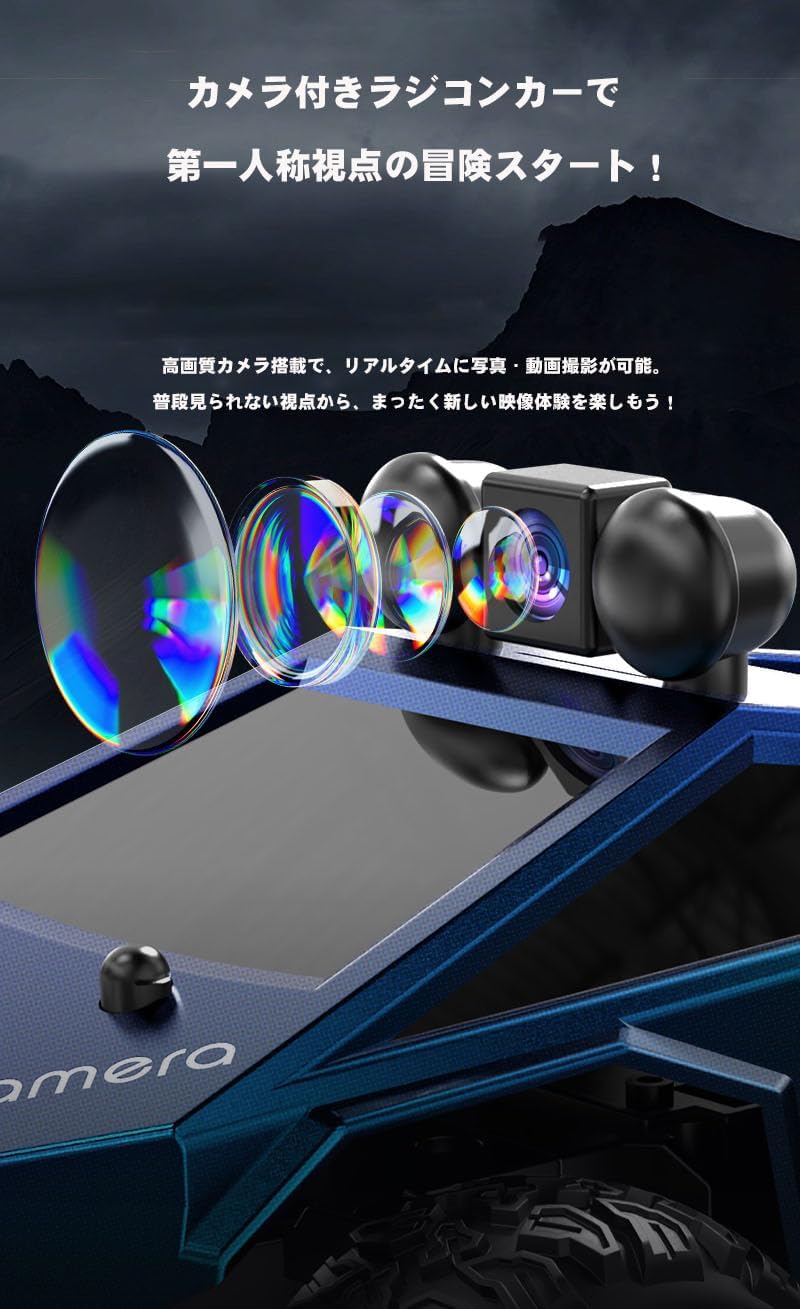
Gambar: Detail view of the high-definition camera mounted on the KFPLAN KF29 RC Car, highlighting its lenses.

Image: The KFPLAN KF29 RC Car demonstrating its ability to traverse different surfaces, including rocky paths, grassy areas, and sandy terrain.
Pemeliharaan
- Clean the car regularly with a soft, dry cloth. Avoid using water or harsh chemicals.
- Inspect the wheels and chassis for any debris or damage after each use.
- Store the RC car and remote control in a cool, dry place away from direct sunlight.
- Remove batteries from the remote control if not used for extended periods.
Penyelesaian Masalah
| Masalah | Larutan |
|---|---|
| Mobil tidak merespon remote. |
|
| Camera feed not appearing in app. |
|
| Waktu pengoperasian yang singkat. |
|
Spesifikasi
- Model: KF29
- Skala: 1:28
- Kontrol: 2.4GHz Remote Control, App Control (WiFi FPV)
- Kamera: Integrated for Photo/Video Recording
- Sumber Daya: Rechargeable Batteries (for car), AAA Batteries (for remote)
- Bahan Utama: Plastik
- Dimensi Produk: Ukuran 15x10x8 cm
- Berat Produk: 410 gram
- Usia yang Direkomendasikan Pabrikan: 12 tahun ke atas
Garansi dan Dukungan
Specific warranty information and customer support details are not provided in the product listing. Please refer to the packaging or contact the retailer/manufacturer directly for warranty claims or technical assistance.
Video Produk
No official product videos directly relevant to the KFPLAN KF29 model were found from the seller in the provided data.