1. Pendahuluan
Thank you for choosing the UCOCARE Mini Portable Projector V18. This projector is designed to provide a high-quality visual and audio experience for various entertainment and presentation needs. Featuring native 1080P resolution with 4K support, AI-enhanced visuals and audio, and smart screen adjustments, it offers versatility and ease of use. Please read this manual thoroughly before using the product to ensure proper operation and to maximize its lifespan.
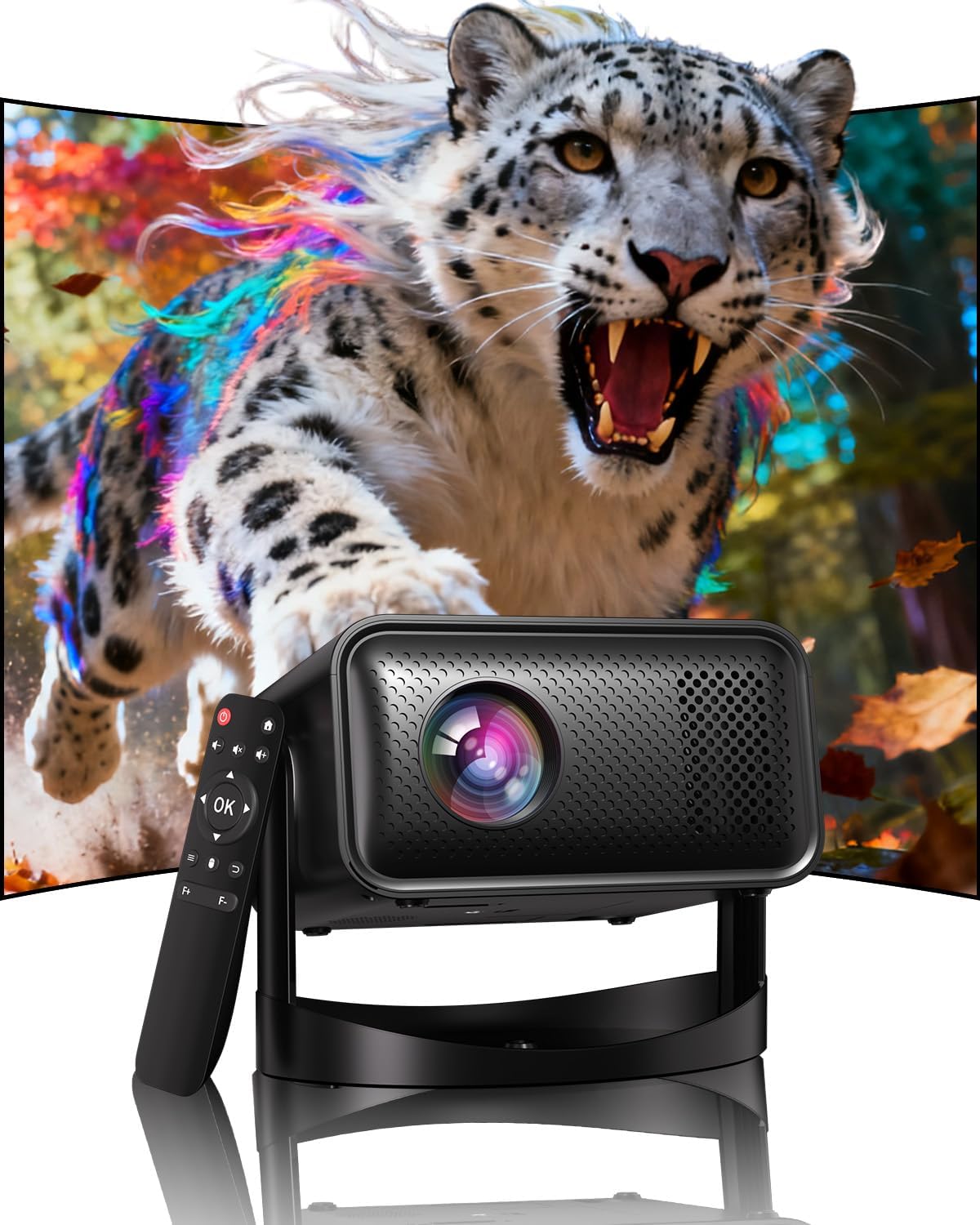
Image: The UCOCARE Mini Portable Projector V18, showcasing its compact design and the vibrant projection capabilities.
2. Informasi Keselamatan
- Jangan melihat langsung ke lensa proyektor saat lampuamp sedang aktif.
- Pastikan ventilasi yang baik di sekitar proyektor untuk mencegah panas berlebih.
- Gunakan hanya adaptor daya yang disertakan dengan perangkat.
- Jauhkan proyektor dari air, kelembapan, dan bahan yang mudah terbakar.
- Hindari meletakkan proyektor pada permukaan yang tidak stabil.
- Jangan mencoba membongkar atau memperbaiki proyektor sendiri. Hubungi dukungan pelanggan untuk mendapatkan bantuan.
3. Isi Paket
Verifikasi bahwa semua item ada dalam paket Anda:
- UCOCARE Mini Portable Projector V18
- Kontrol Jarak Jauh
- Kabel Listrik
- User Manual (dokumen ini)
4. Produk Lebihview
The UCOCARE V18 projector combines advanced features in a compact design, making it suitable for various environments. It weighs approximately 2.09 pounds and measures 8.35 x 8.03 x 5.28 inches.

Image: The compact and lightweight design of the UCOCARE Mini Portable Projector V18, highlighting its dimensions and portability.
4.1 Fitur Utama
- Resolusi Asli 1080P dengan Dukungan 4K: Delivers sharp and detailed images.
- AI-Enhanced Visuals: Improves detail, contrast, and color for a lifelike viewpengalaman ing.
- AI-Enhanced Audio: Provides clear dialogue and rich, distortion-free sound.
- Smart Screen Adjustment: Features electric focus, 50%-100% zoom, and auto keystone correction.
- Wi-Fi Dual-Band: Supports 2.4GHz/5GHz for stable and high-speed streaming.
- Konektivitas Bluetooth: For wireless audio devices.
- 180° Flexible Rotating Stand: Allows projection on walls, ceilings, or tables.
- Konektivitas Universal: HDMI, USB, and 3.5mm audio jack.
5. Pengaturan
5.1 Penempatan
Position the projector on a stable surface. The 180° flexible rotating stand allows you to adjust the projection angle to suit your needs, whether projecting on a wall, ceiling, or screen.
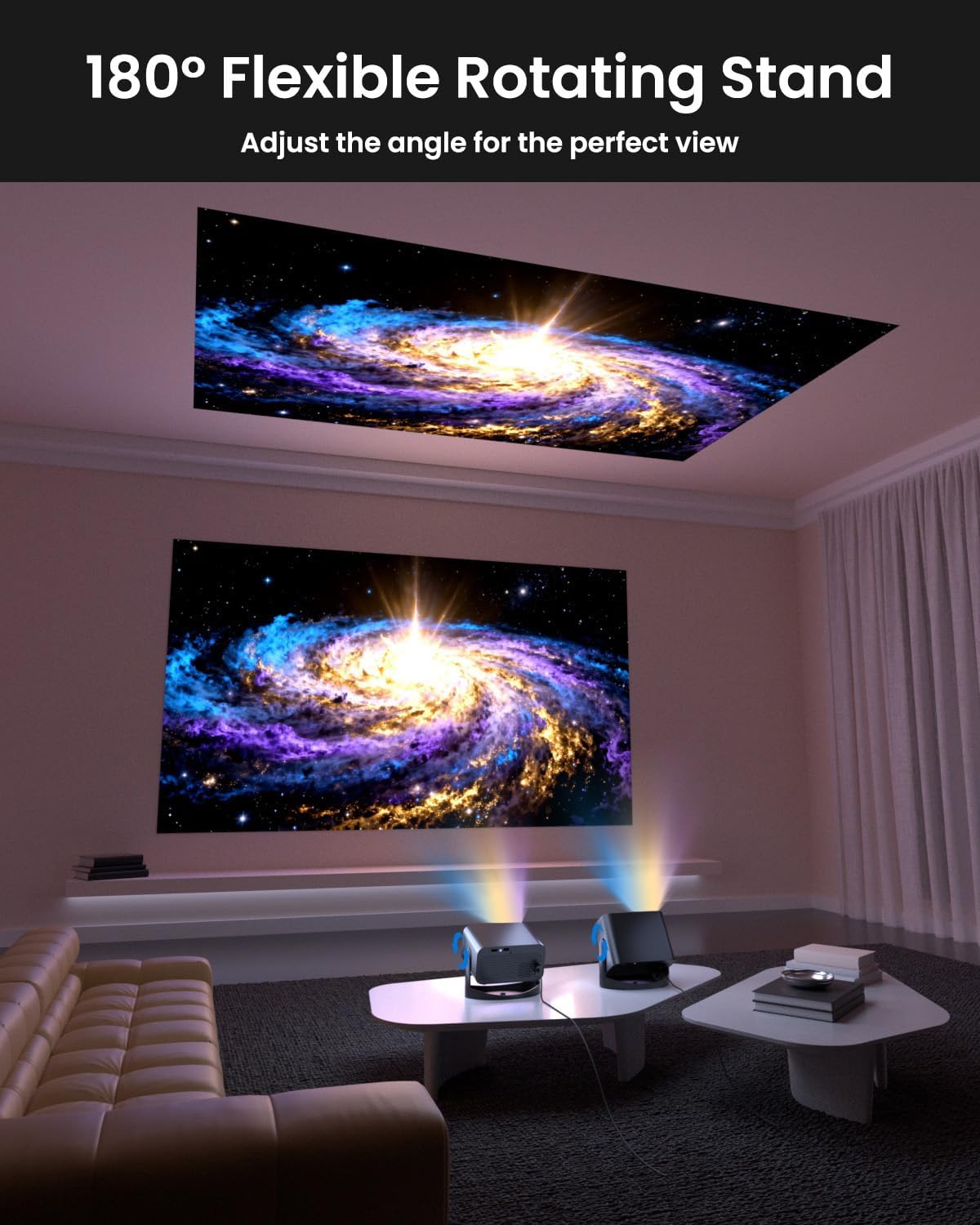
Image: The UCOCARE Mini Portable Projector V18 demonstrating its flexible 180° rotating stand, allowing projection onto various surfaces.
5.2 Sambungan Daya
- Hubungkan kabel daya ke port input daya proyektor.
- Hubungkan ujung lain kabel daya ke stopkontak.
- Tekan tombol daya pada proyektor atau remote control untuk menyalakannya.
5.3 Initial Screen Adjustment
The projector features smart screen adjustment for optimal viewing.
- Fokus Listrik: Use the remote control to activate one-touch electric focus for a clear image.
- Koreksi Keystone Otomatis: Proyektor akan secara otomatis mengoreksi distorsi vertikal.
- Zoom Function (50%-100%): Adjust the screen size without moving the projector using the remote control.

Image: Visual representation of the smart screen adjustment features: Electric Focus, 50%-100% Zoom, and Auto Keystone Correction.
5.4 Koneksi Jaringan (WiFi)
- Buka menu 'Pengaturan' pada proyektor.
- Pilih 'Jaringan' atau 'Pengaturan WiFi'.
- Choose your desired 2.4GHz or 5GHz WiFi network from the list.
- Masukkan kata sandi dan sambungkan.
5.5 Pemasangan Bluetooth
- Buka menu 'Pengaturan' dan pilih 'Bluetooth'.
- Aktifkan Bluetooth di proyektor.
- Put your Bluetooth audio device (e.g., speaker, headphones) into pairing mode.
- Pilih perangkat Anda dari daftar di layar proyektor untuk dipasangkan.
6. Operasi
6.1 Menghubungkan Perangkat Eksternal
Proyektor ini mendukung berbagai sumber input:
- HDMI: Connect devices like laptops, gaming consoles, or TV sticks using an HDMI cable.
- Kabel USB: Plug in a USB drive to play media files secara langsung.
- Jack Audio 3.5mm: Hubungkan speaker atau headphone berkabel eksternal.
- Transmisi Nirkabel: Stream content from your smartphone or tablet via WiFi.

Gambar: Lebih dariview of the UCOCARE Mini Portable Projector V18's universal multi-device connectivity options.
6.2 Kualitas Gambar
Experience stunning visuals with AI-enhanced technology.

Image: The UCOCARE Mini Portable Projector V18's AI-enhanced video quality, detailing 4K support, HDR 10+, Native 1080P, and Wide Color Gamut.
6.3 Kualitas Audio
The projector features AI-enhanced audio for an immersive sound experience.
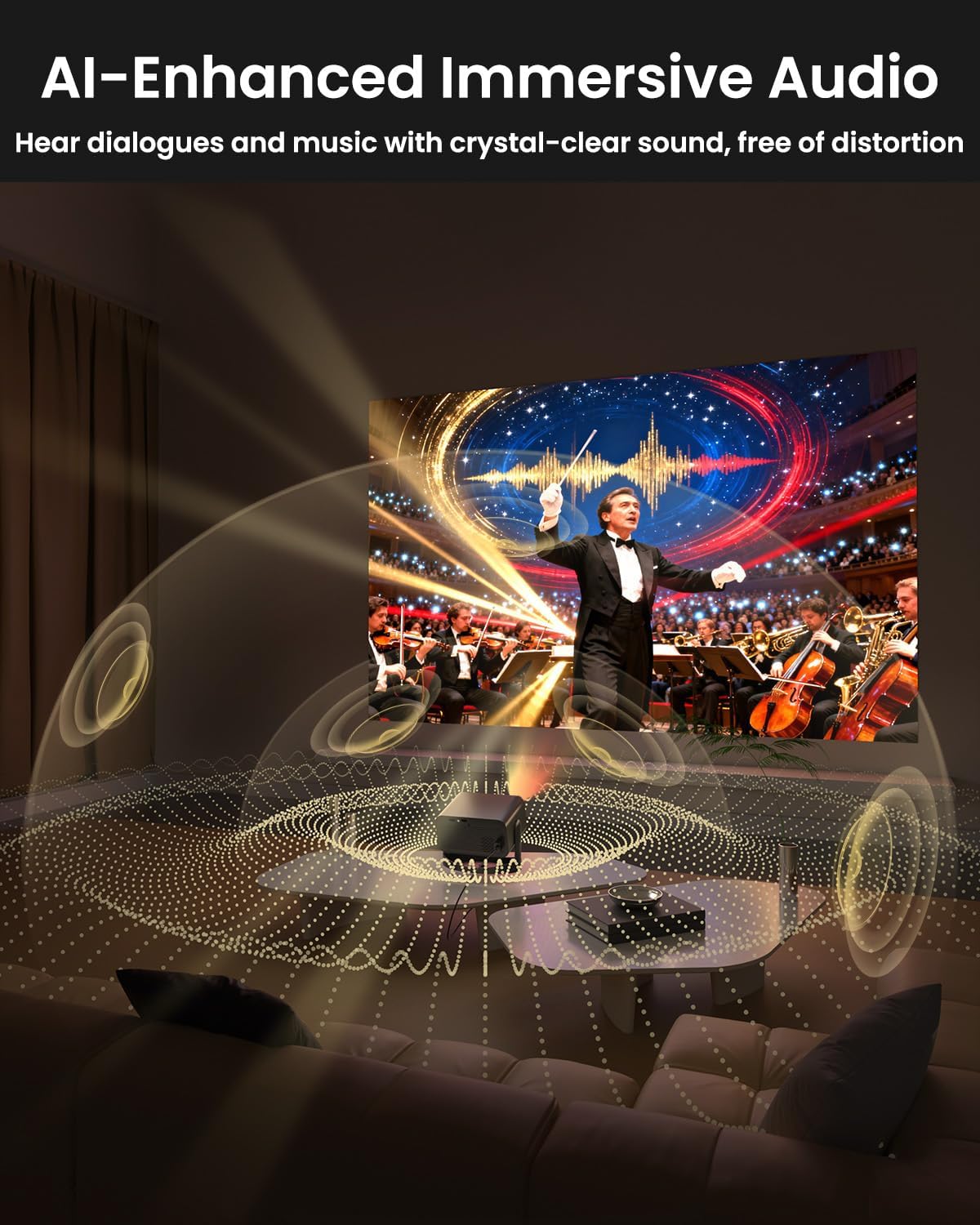
Image: The UCOCARE Mini Portable Projector V18 delivering AI-enhanced immersive audio, creating a surround sound experience.
6.4 Fungsi Kontrol Jarak Jauh
The included remote control allows you to navigate menus, adjust volume, change input sources, and control playback. Refer to the remote control diagram in your quick start guide for specific button functions.
6.5 Skenario Penggunaan
The UCOCARE V18 projector is versatile for various uses:
- Teater Rumah: Enjoy movies and shows on a large screen.
- Permainan: Connect your console for an immersive gaming experience.
- Presentasi Bisnis: Project documents and slides for meetings.
- Bedtime Relax: Project calming visuals or stories onto the ceiling.

Image: The UCOCARE Mini Portable Projector V18 adapting to various scenarios, including home theater, business, gaming, and relaxation.
7. Pemeliharaan
7.1 Membersihkan Lensa
Gunakan kain lembut dan bebas serat yang dirancang khusus untuk lensa optik untuk menyeka lensa proyektor dengan lembut. Hindari penggunaan bahan abrasif atau bahan kimia keras.
7.2 Penghilangan Debu
Regularly clean the projector's exterior with a soft, dry cloth. For ventilation openings, use a soft brush or compressed air to remove dust buildup, ensuring proper airflow.
7.3 Penyimpanan
Jika tidak digunakan dalam waktu lama, simpan proyektor di tempat yang sejuk dan kering, jauhkan dari sinar matahari langsung dan suhu ekstrem. Gunakan kemasan asli atau casing pelindung untuk mencegah debu dan kerusakan.
8. Penyelesaian masalah
Jika Anda mengalami masalah dengan proyektor Anda, lihat masalah umum dan solusi berikut:
| Masalah | Kemungkinan Penyebab | Larutan |
|---|---|---|
| Tidak ada gambar di layar | Power cable disconnected, incorrect input source, lens cap on. | Periksa sambungan daya, pilih sumber input yang benar, lepaskan penutup lensa. |
| Gambar buram | Focus not adjusted, projector too far/close. | Use electric focus function. Adjust projector distance if necessary. |
| Tidak ada suara | Volume too low, external audio device not connected, incorrect audio output. | Increase volume, check Bluetooth connection or 3.5mm cable, select correct audio output in settings. |
| WiFi/Bluetooth connectivity issues | Out of range, incorrect password, interference. | Ensure projector is within range of router/device. Re-enter password. Reduce interference. |
| Kontrol jarak jauh tidak berfungsi | Batteries low/dead, obstruction, remote not paired. | Replace batteries. Remove obstructions. Re-pair remote if applicable. |
9. Spesifikasi
| Fitur | Detil |
|---|---|
| Merek | UCOCARE |
| Nomor Model | Bahasa Indonesia: V18 |
| Resolusi Tampilan | Native 1920 x 1080 (1080P), 4K Supported |
| Teknologi Konektivitas | 2.4GHz/5GHz Wi-Fi, Bluetooth, 3.5mm Jack, HDMI, USB |
| Fitur Khusus | 4K Supported, Native 1080P, Adjustable Stand, Electric Focus, Auto Keystone, Portable Mini Size, Built-In 2.4G/5GHz WiFi, Built-In Bluetooth |
| Berat Barang | 2.09 pon |
| Dimensi Paket | 8.35x8.03x5.28 inci |
| Penggunaan yang Direkomendasikan | Bisnis, Pendidikan, Permainan, Sinema Rumah |
10. Garansi dan Dukungan
UCOCARE products are manufactured to high-quality standards. For warranty information, please refer to the documentation included with your purchase or visit the official UCOCARE website. If you require technical assistance or have questions not covered in this manual, please contact UCOCARE customer support.
Contact information can typically be found on the product packaging or the official brand weblokasi.