
1. Pendahuluan
This manual provides essential information for setting up, operating, maintaining, and troubleshooting your vivo Y31 5G smartphone. Please read this manual carefully before using your device to ensure proper functionality and safety.
2. Pengaturan
2.1. Unboxing dan Isi Paket
Verifikasi bahwa semua item ada dalam paket produk Anda:
- vivo Y31 5G Smartphone
- Adaptor Daya
- Kabel USB
- Ejektor Baki SIM
- Sarung Telepon
- Pelindung Layar (Terpasang Sebelumnya)
2.2. Pemasangan Kartu SIM dan Kartu microSD
- Temukan tempat kartu SIM di sisi ponsel Anda.
- Masukkan alat pelepas baki SIM ke dalam lubang kecil di samping baki dan tekan perlahan hingga baki keluar.
- Place your Nano-SIM card(s) and/or microSD card into the designated slots on the tray. Ensure the gold contacts face downwards. The vivo Y31 5G supports Dual SIM functionality.
- Masukkan kembali baki secara hati-hati ke dalam telepon hingga terkunci pada tempatnya.
2.3. Pengaktifan dan Pengaturan Awal
- Tekan dan tahan tombol daya (terletak di sisi kanan) hingga logo vivo muncul.
- Follow the on-screen instructions to select your language, connect to a Wi-Fi network, set up your Google account, and configure security settings (fingerprint, face unlock, PIN/pattern).
3. Mengoperasikan Perangkat Anda
3.1. Navigasi Dasar
The vivo Y31 5G operates on Funtouch OS 15. Use touch gestures for navigation:
- Mengetuk: Pilih item atau buka aplikasi.
- Geser: Gulir layar atau daftar.
- Mencubit: Memperbesar atau memperkecil foto dan web halaman.
- Tombol Daya: Press to wake/sleep the screen, long-press to power off or restart.
- Tombol Volume: Sesuaikan volume media, volume panggilan, atau volume nada dering.
3.2. Fitur Kamera
Perangkat ini dilengkapi dengan sistem kamera yang serbaguna:
- Kamera Belakang: 50 MP main camera for high-resolution photos, complemented by a 0.08 MP secondary lens.
- Kamera Depan: 8 MP selfie camera for clear self-portraits.
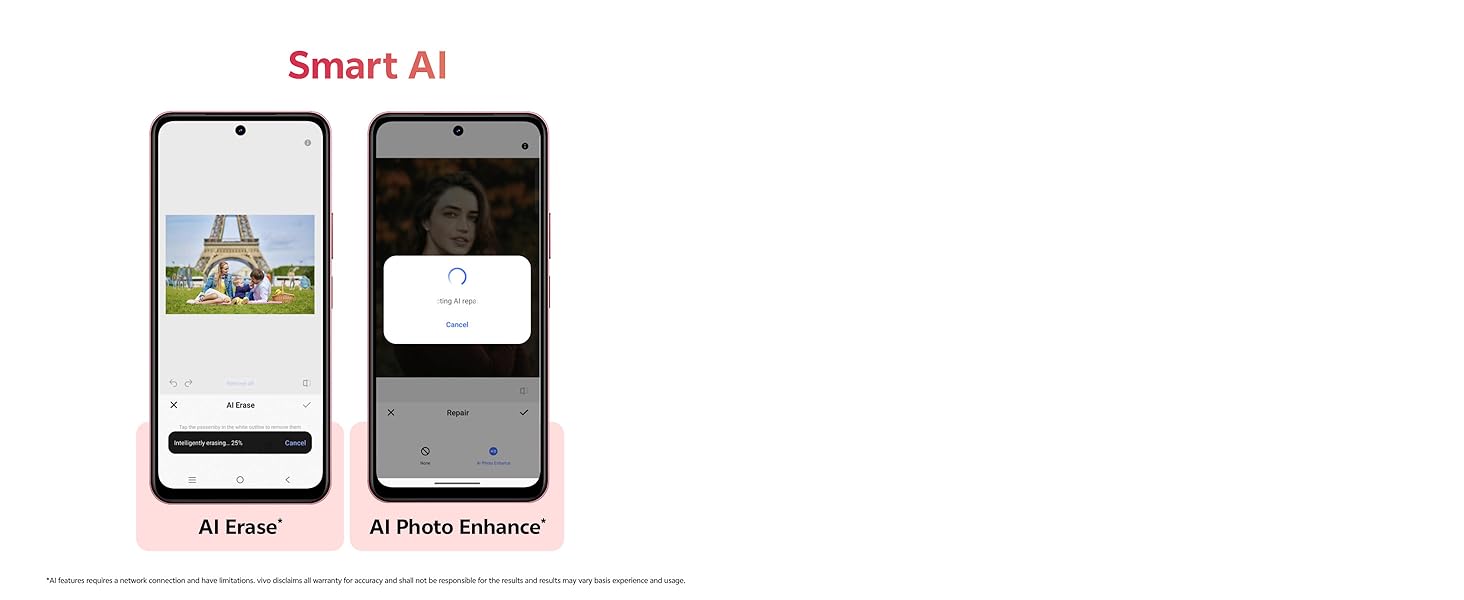
Image showing the 50MP AI Camera setup with 8MP HD Portrait Camera and 50MP HD Main Camera.
3.3. Fitur AI Cerdas
Enhance your photos with built-in AI capabilities:
- Penghapusan AI: Intelligently remove unwanted objects or people from your photos.
- Peningkatan Foto dengan AI: Automatically optimize image quality for better colors, contrast, and detail.
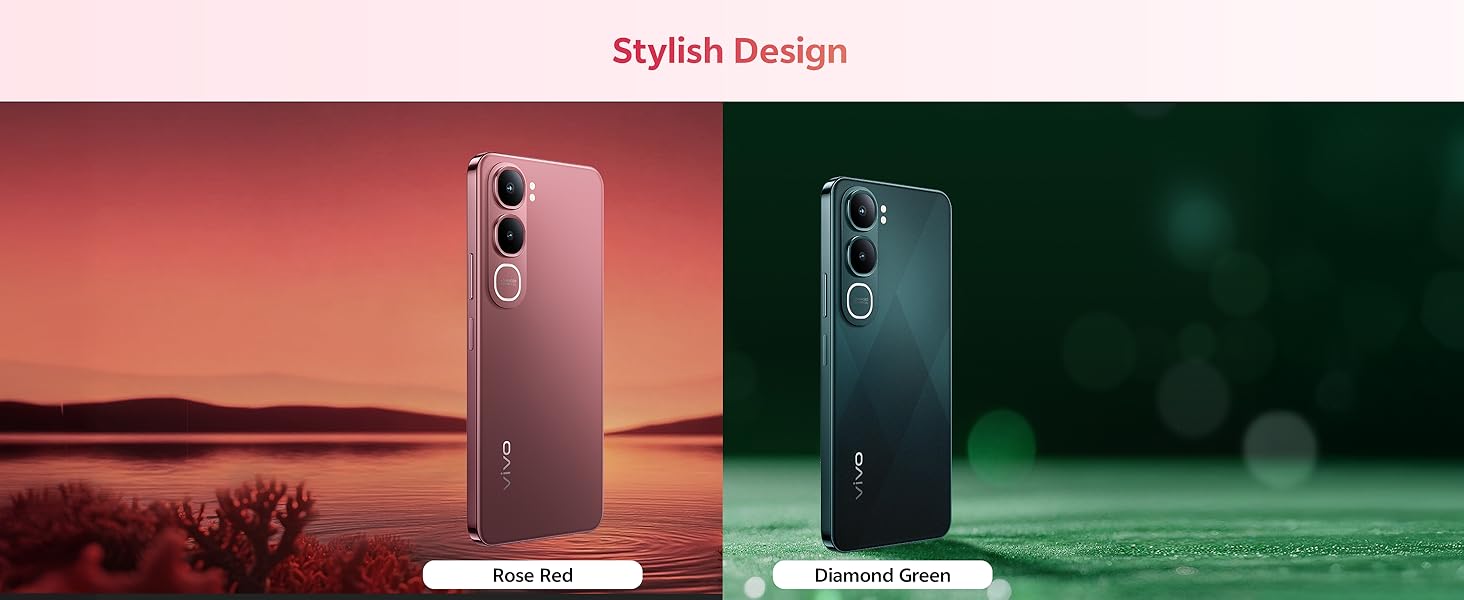
Diagram illustrating the Smart AI features, including AI Erase and AI Photo Enhance, on the vivo Y31 5G.
3.4. Baterai dan Pengisian Daya
The vivo Y31 5G features a large 6500 mAh battery with 44W fast charging support. Use the provided power adapter and USB cable for optimal charging performance.
Illustration of the 6500 mAh battery and 44W FlashCharge capability of the vivo Y31 5G.
3.5. Tampilan
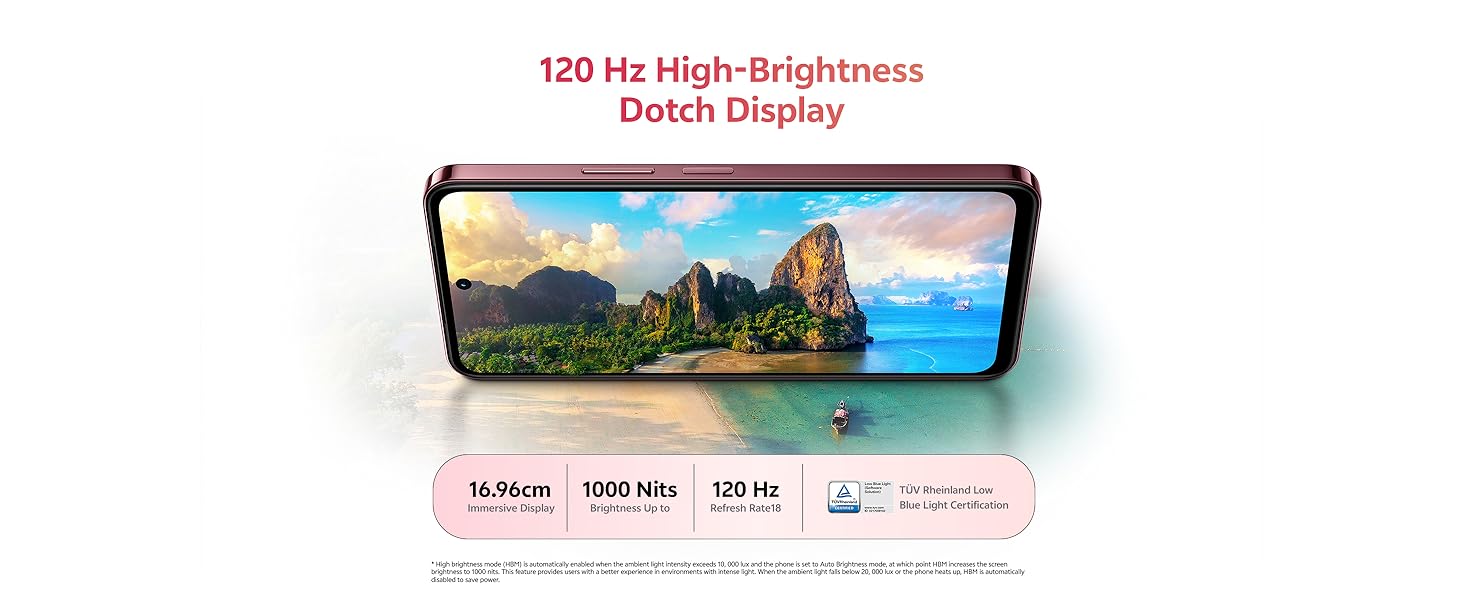
Enjoy an immersive visual experience with the 16.96 cm (6.68 inch) 120 Hz High-Brightness Dotch Display, offering up to 1000 Nits brightness and TÜV Rheinland Low Blue Light Certification for eye comfort.
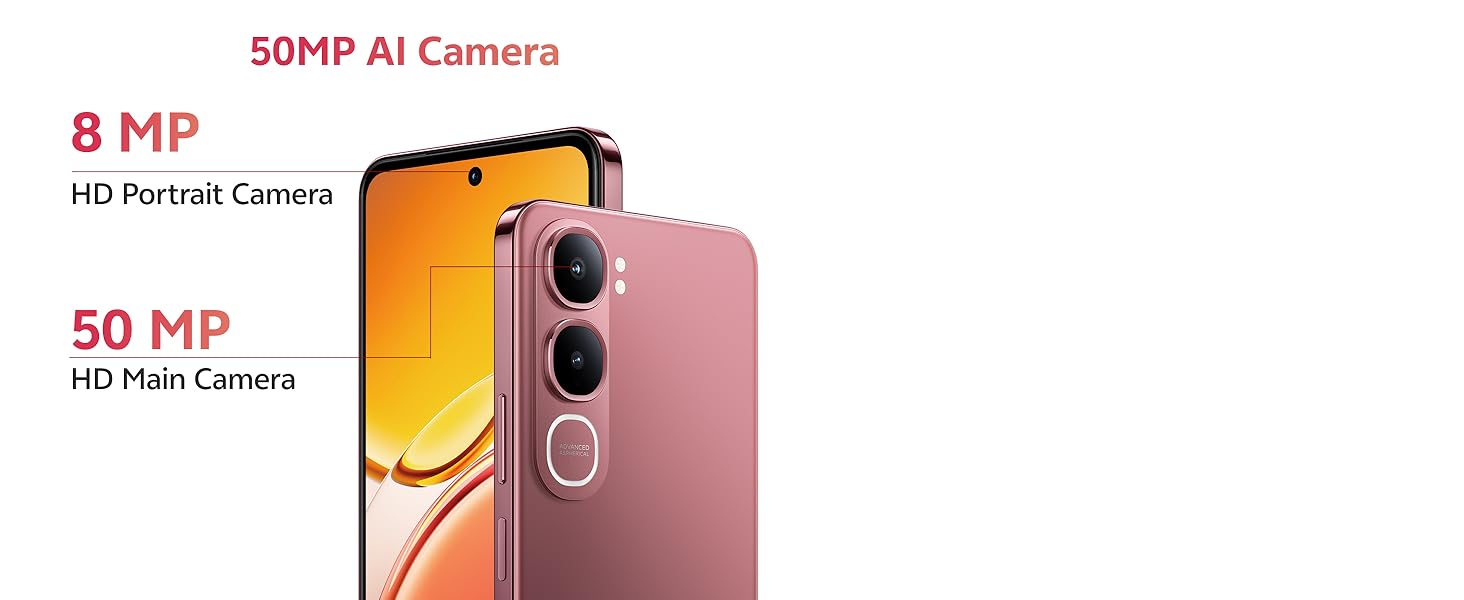
Image highlighting the 120 Hz High-Brightness Dotch Display of the vivo Y31 5G.
3.6.Audio
The device features Dual Speakers with 400% volume capability and Hi-Res Audio Certification for an enhanced audio experience.
Visual representation of the Dual Speaker system and Hi-Res Audio certification on the vivo Y31 5G.
3.7. Konektivitas
The vivo Y31 5G supports Bluetooth for wireless accessory connection and GPS for navigation services.
4. Pemeliharaan
4.1. Membersihkan Perangkat Anda
- Gunakan kain lembut dan tidak berbulu untuk membersihkan layar dan badan ponsel.
- Hindari penggunaan bahan kimia keras, pembersih abrasif, atau udara bertekanan.
4.2. Perawatan Baterai
- Hindari memaparkan ponsel pada suhu ekstrem.
- Jangan sering-sering mengosongkan baterai sepenuhnya.
- Use only original vivo chargers and cables.
4.3. Pembaruan Perangkat Lunak
Periksa dan instal pembaruan perangkat lunak secara berkala untuk memastikan kinerja, keamanan, dan akses ke fitur-fitur baru yang optimal. Buka Pengaturan > Pembaruan sistem untuk memeriksa pembaruan yang tersedia.
4.4. Fitur Ketahanan
The vivo Y31 5G is designed with enhanced durability:
- IP68/69 Rating: Provides protection against dust and water ingress. The device can withstand submersion in fresh water up to 1.5 meters for up to 30 minutes. It also features Wet-Hand Touch Technology for smooth control even with wet hands, and One-Tap Water Ejection.
- SGS Gold Label Five-Star Drop Resistance Certification: Indicates enhanced resistance to accidental drops.
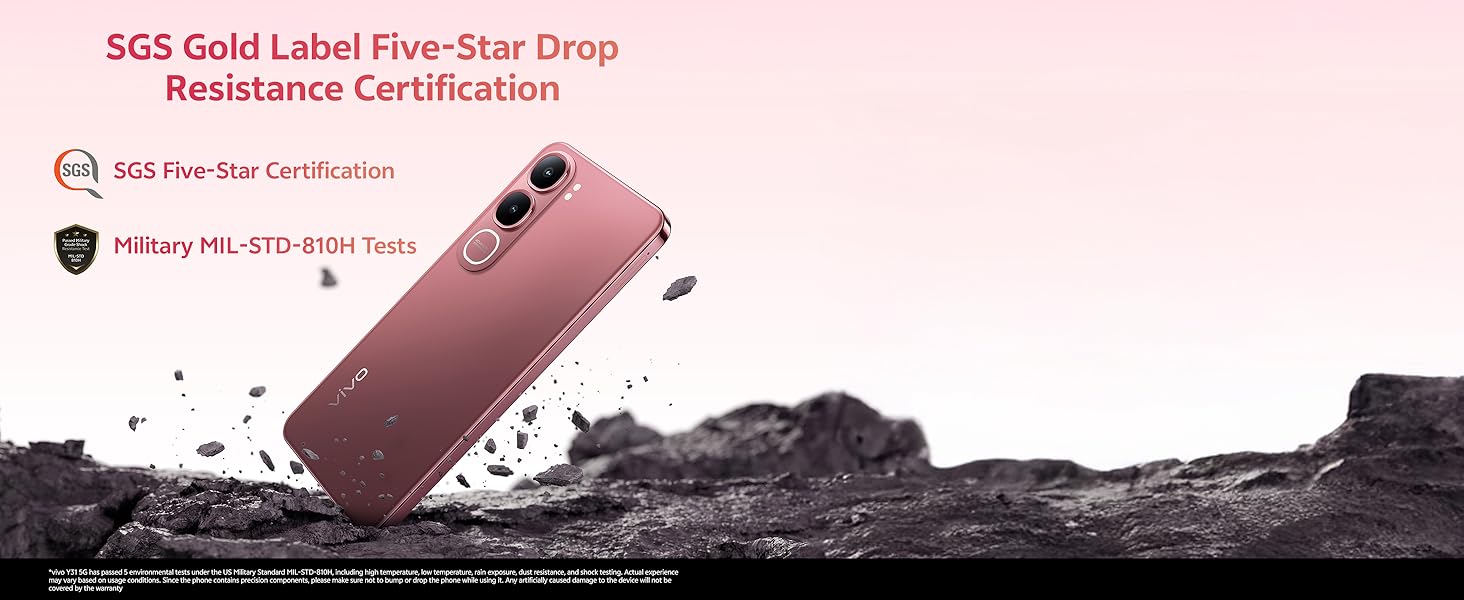
Image illustrating the IP68/69 water and dust resistance rating, Wet-Hand Touch technology, and One-Tap Water Ejection feature of the vivo Y31 5G.

Image showing the SGS Gold Label Five-Star Drop Resistance Certification for the vivo Y31 5G.
5. Penyelesaian masalah
This section addresses common issues you might encounter with your vivo Y31 5G.
5.1. Ponsel Tidak Menyala
- Ensure the battery is charged. Connect the phone to its charger for at least 15 minutes.
- Tekan dan tahan tombol Daya selama 10-15 detik untuk memaksa memulai ulang.
5.2. Daya Tahan Baterai yang Buruk
- Kurangi kecerahan layar.
- Tutup aplikasi yang tidak digunakan yang berjalan di latar belakang.
- Nonaktifkan Wi-Fi, Bluetooth, atau GPS saat tidak digunakan.
- Periksa penggunaan baterai di Pengaturan > Baterai untuk mengidentifikasi aplikasi yang menghabiskan banyak daya.
5.3. Masalah Konektivitas (Wi-Fi/Bluetooth)
- Aktifkan dan nonaktifkan Wi-Fi atau Bluetooth.
- Mulai ulang telepon Anda.
- Untuk Wi-Fi, lupakan jaringan tersebut lalu sambungkan kembali.
5.4. Aplikasi Crash atau Macet
- Force close the app (swipe up from the bottom and swipe the app away).
- Hapus cache dan data aplikasi di Pengaturan > Aplikasi > [Nama Aplikasi] > Penyimpanan.
- Perbarui aplikasi ke versi terbaru dari Google Play Store.
5.5. Reset Pabrik
Jika masalah berlanjut, Anda dapat mempertimbangkan untuk melakukan reset pabrik. Peringatan: Ini akan menghapus semua data di ponsel Anda. Cadangkan data penting sebelum melanjutkan.
- Pergi ke Pengaturan > Sistem > Opsi pengaturan ulang.
- Memilih Hapus semua data (reset pabrik).
- Konfirmasikan keputusan Anda dan masukkan PIN/pola Anda jika diminta.
6. Spesifikasi
Key technical specifications for the vivo Y31 5G smartphone:
| Fitur | Spesifikasi |
|---|---|
| Nomor Model | tahun 31 |
| Sistem Operasi | Funtouch OS 15 |
| Prosesor | Qualcomm Snapdragon Octa-Core (2.2 GHz CPU Speed) |
| RAM | 4 GB |
| Penyimpanan Internal | 128 GB |
| Ukuran Layar | 16.96cm (6.68 inci) |
| Resolusi Tampilan | Ukuran 1608x720 |
| Kamera Belakang | 50MP + 0.08MP |
| Kamera Depan | 8 MP |
| Kapasitas Baterai | 6500 mAh |
| Pengisian daya | Pengisian Cepat 44W |
| Konektivitas | Bluetooth, GPS |
| Fitur Khusus | Basic Phone, Bluetooth Enabled, Built-In GPS, Camera, Dual SIM |
| Dimensi (P x L x T) | Ukuran 16.6x7.7x0.8 cm |
| Berat Barang | 209 gram |
| Warna | Diamond Green |
| Tahan Air/Debu | IP68/69 Rating |
| Tahan Jatuh | SGS Gold Label Five-Star Certified |
7. Garansi dan Dukungan
7.1. Informasi Garansi
Your vivo Y31 5G smartphone comes with a standard manufacturer's warranty. Please refer to the warranty card included in your package for specific terms, conditions, and duration. Keep your proof of purchase for warranty claims.
7.2. Dukungan Pelanggan
For technical assistance, service, or further inquiries, please contact vivo customer support. You can find contact details on the official vivo websitus atau dalam dokumentasi yang disertakan dengan perangkat Anda.
Pabrikan: vivo Mobile India Pvt Ltd Plot No 08, Sector 24, Yamuna Expressway Area, Gautam Buddha Nagar, Uttar Pradesh, 201310


