
1. Pendahuluan
This manual provides essential information for the safe and efficient operation of your RUIZU 163GB Android MP3 Player. Please read it thoroughly before using the device.
The RUIZU Android MP3 Player is a versatile portable media device running on Android 13, offering extensive music and video playback capabilities, Wi-Fi and Bluetooth connectivity, and parental control features.
2. Isi Paket
Verifikasi bahwa semua item ada dalam paket:
- 1 x RUIZU 163GB Android MP3 Player with Bluetooth and WiFi
- 1 x USB-C cable for charging & file transfer
- 1 x headphone stereo berkabel 3.5 mm
- 1 x casing pelindung
- 1 x Screen protector
- 1 x User Manual (English & Japanese)

Image: Contents of the RUIZU MP3 Player package, showing the device, USB-C cable, wired headphones, protective case, and screen protector.
3. Pengaturan
3.1 Pengisian Awal
Before first use, fully charge the device. Connect the provided USB-C cable to the player and a compatible USB power adapter (not included) or a computer's USB port. The charging indicator will show progress.
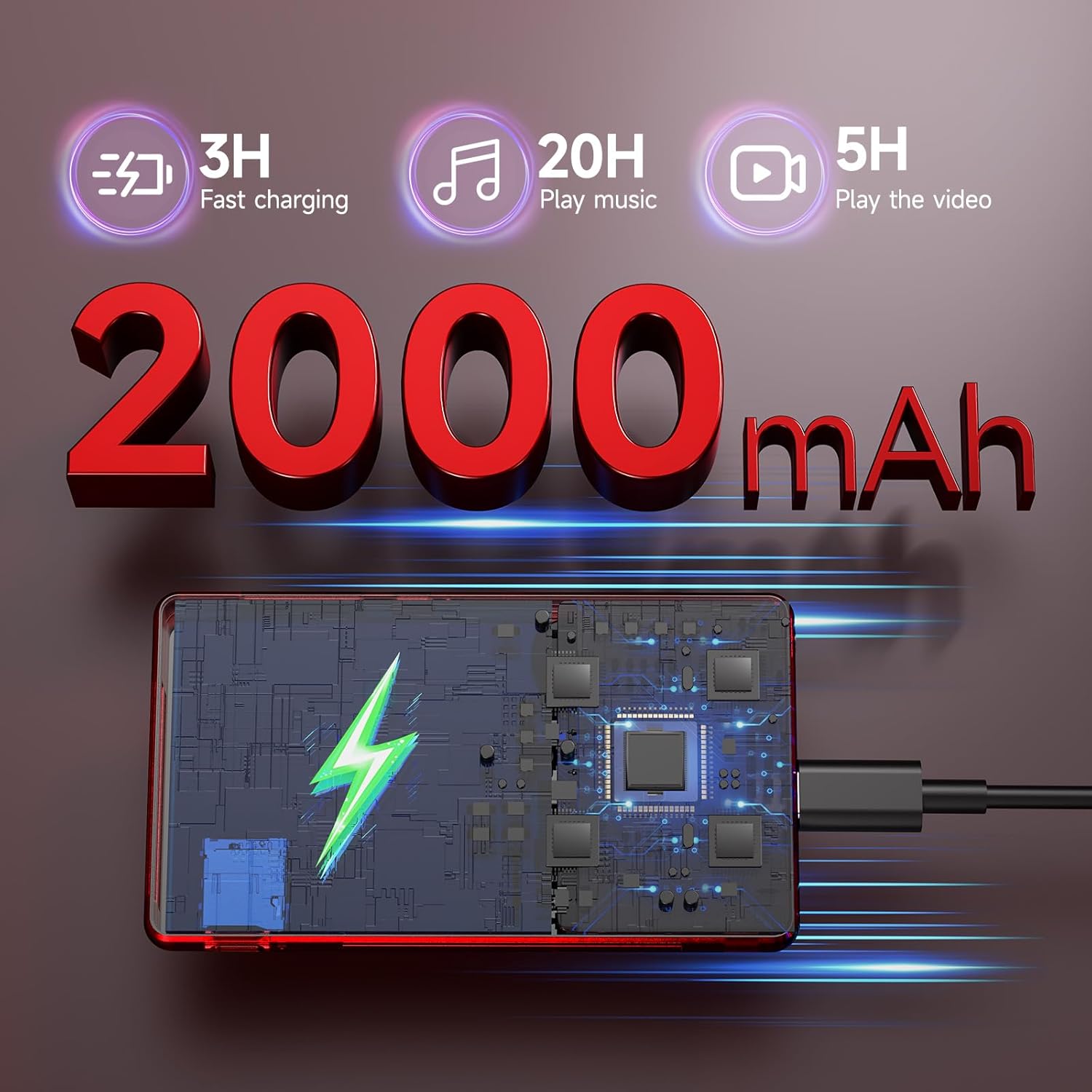
Image: The RUIZU MP3 Player connected to a USB-C charging cable, illustrating its 2000mAh battery and charging process.
3.2 Daya Hidup/Mati
- Untuk menghidupkan: Tekan dan tahan tombol Daya hingga layar menyala.
- Untuk mematikan: Tekan dan tahan tombol Daya, lalu pilih 'Matikan' dari pilihan yang ada.
3.3 Instalasi Kartu Micro SD
The device comes with a pre-installed 128GB Micro SD card. To install or replace a Micro SD card (up to 1TB supported):
- Temukan slot kartu Micro SD di sisi perangkat.
- Masukkan kartu Micro SD secara perlahan ke dalam slot hingga terdengar bunyi klik pada tempatnya.
- Untuk melepasnya, dorong kartu ke dalam hingga terlepas.
4. Petunjuk Pengoperasian
4.1 Antarmuka Pengguna dan Navigasi
The RUIZU MP3 Player features a 4.5-inch IPS touchscreen for intuitive navigation. Swipe, tap, and pinch to interact with applications and settings.

Image: The RUIZU MP3 Player showcasing its 4.5-inch full touch screen during video playback, highlighting its IPS panel.
4.2 Pemutaran Musik
The device supports various audio formats including MP3, WAV, FLAC, AAC, APE, OGG, M4A, WMA, MP2, AMR, and MID.
4.2.1 Offline Music
Use the built-in offline music app to manage and play your local music collection. You can scan all songs or specific folders, search for tracks, and create playlists.

Gambar: Detail view of the RUIZU MP3 Player's local music player application, showing options for scanning music, managing downloads, equalizer settings, and supported audio formats.
4.2.2 Streaming Musik
With Wi-Fi connectivity (2.4GHz & 5GHz), you can stream music from preloaded applications such as Spotify Kids, Pandora, Amazon Music, Tidal, and Deezer. Access the Google Play Store to download additional streaming services.
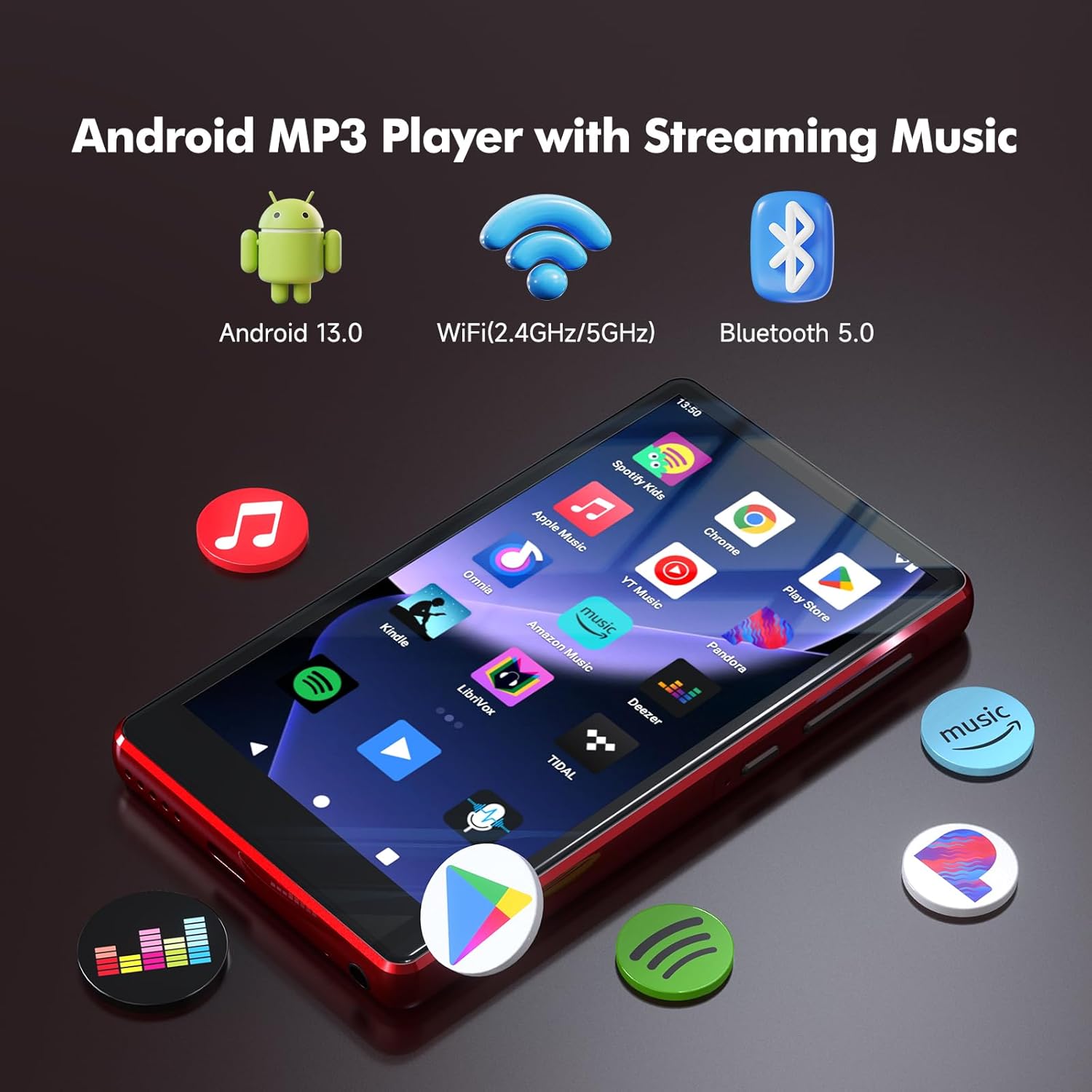
Image: The RUIZU Android MP3 Player's home screen, featuring icons for various streaming music applications and highlighting its Android 13, Wi-Fi, and Bluetooth 5.0 capabilities.
4.3 Konektivitas Bluetooth
The device features Bluetooth 5.0 for connecting to wireless headphones, speakers, or car audio systems. It supports two-way Bluetooth for enhanced functionality.
4.4 Pemutaran Video
The player supports 720p and 1080p HD video playback on its 4.5-inch IPS screen.
4.5 File Transfer
Transfer files to and from the device using the USB-C cable connected to a computer or via Bluetooth from an Android phone. Catatan: iOS file Transfer data tidak didukung melalui Bluetooth.
4.6 Kontrol Orang Tua
The device integrates Google's parental control system, allowing you to manage app access, set passwords for downloads, and limit content to ensure a safe experience for children.
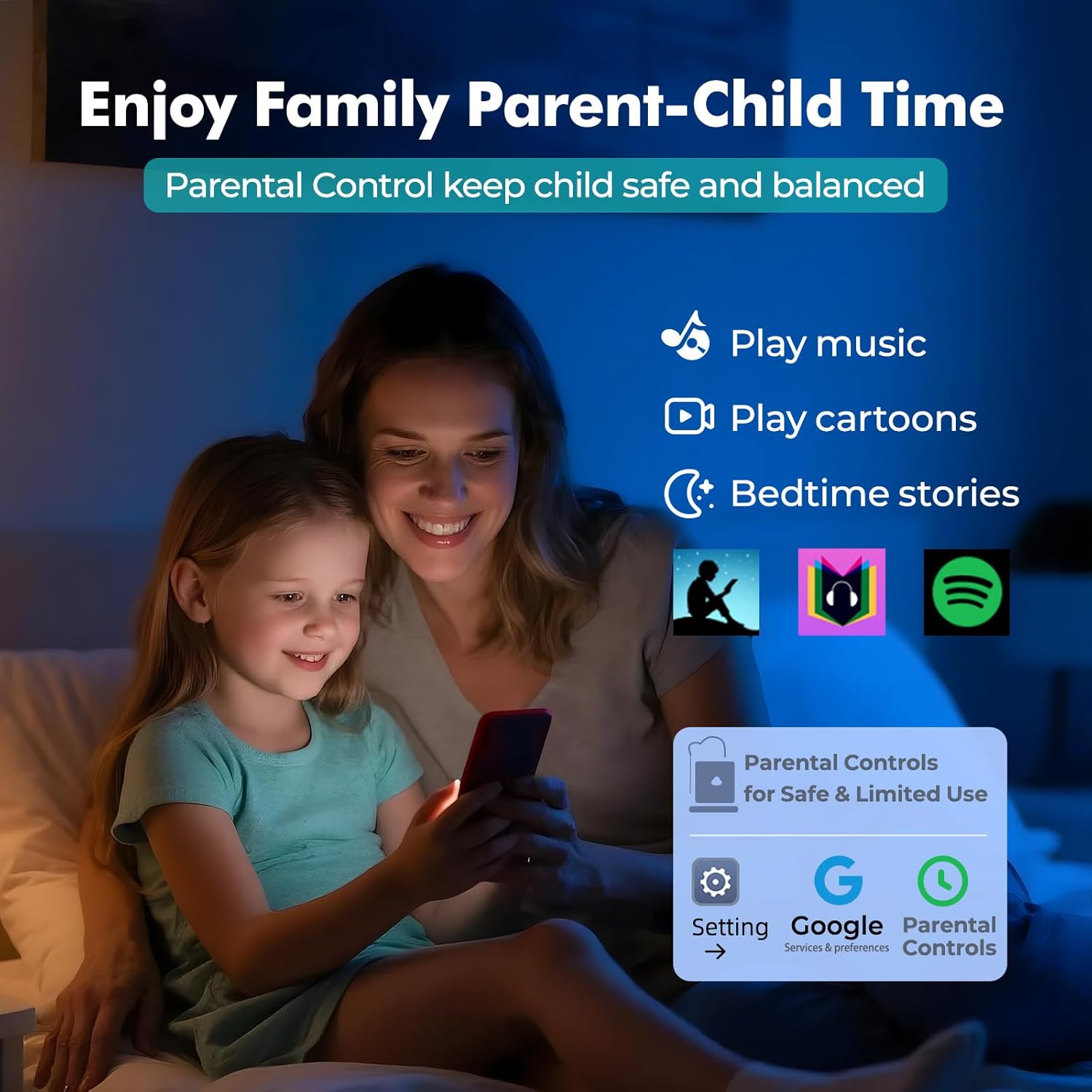
Image: A visual representation of the parental control features on the RUIZU MP3 Player, showing a parent and child interacting with the device and the parental control interface.
4.7 Fitur Tambahan
The RUIZU MP3 Player includes a built-in FM radio, voice recorder, file manager, and calendar.
5. Pemeliharaan
5.1 Perawatan Baterai
To prolong battery life, avoid extreme temperatures and fully discharge and recharge the device periodically. The 2000mAh battery provides up to 20 hours of music playback or 5 hours of video playback on a single charge.
5.2 Pembersihan
Lap perangkat dengan kain lembut dan kering. Hindari penggunaan bahan kimia keras atau bahan abrasif.
5.3 Pembaruan Perangkat Lunak
As an Android device, the player may receive software updates. Ensure your device is connected to Wi-Fi to check for and install updates, which can improve performance and add new features.
6. Penyelesaian masalah
If you encounter issues with your RUIZU MP3 Player, refer to the following common solutions:
- Perangkat tidak menyala: Pastikan baterai terisi daya. Hubungkan ke sumber daya dan coba lagi.
- Tidak dapat terhubung ke Wi-Fi/Bluetooth: Check that Wi-Fi/Bluetooth is enabled in settings. Ensure you are within range of the network/device.
- Musik tidak diputar: Verify the audio file format is supported. Check volume settings. Ensure the Micro SD card is properly inserted.
- Kinerja lambat: Close unused applications. Clear cache if necessary. Consider a factory reset as a last resort (this will erase all data).
7. Spesifikasi
| Fitur | Spesifikasi |
|---|---|
| Merek | RUIZU |
| Nomor Model | THM16Red |
| Sistem Operasi | Android 13 |
| Prosesor | Prosesor 8-inti MTK6762 |
| RAM | 3 GB |
| Penyimpanan Internal | 32 GB |
| Penyimpanan yang Dapat Diperluas | Up to 1TB via Micro SD (128GB card included) |
| Ukuran Layar | 4.5 inci |
| Teknologi Tampilan | Layar LCD IPS |
| Konektivitas | Aux, Bluetooth 5.0, USB-C, Wi-Fi (2.4GHz & 5GHz) |
| Kapasitas Baterai | 2000 mAh |
| Daya Tahan Baterai (Musik) | Hingga 20 Jam |
| Daya Tahan Baterai (Video) | Hingga 5 Jam |
| Format Audio yang Didukung | MP3, WAV, FLAC, APE, OGG, M4A, AAC, WMA, MP2, AMR, MID |
| Video Playback | 720p & 1080p HD |
| Fitur Khusus | Built-In Speaker, FM Radio, Touch Screen, Voice Recorder, Equalizer, Parental Control |

Image: An internal diagram of the RUIZU MP3 Player, illustrating the 8-core MTK6762 processor, 3GB RAM, 32GB internal storage, and the included 128GB Micro SD card.
8. Video Produk
Video: Sebuah overview of the RUIZU 163GB MP3 Player, demonstrating its features such as Bluetooth and Wi-Fi connectivity, streaming capabilities, and user interface.
9. Garansi dan Dukungan
9.1 Informasi Garansi
For warranty-related inquiries, please contact RUIZU customer support.
9.2 Dukungan Pelanggan
If you require further assistance or have questions not covered in this manual, please contact our support team via email at dukungan@ruizutek.com.