
1. Pendahuluan
The Redragon GS821 Soundbar is a versatile audio system designed to enhance your entertainment experience. It features dual powerful drivers and dual diaphragms for high-fidelity stereo sound, rich bass, and clear dialogue. With multiple connectivity options including HDMI ARC, Optical, Bluetooth 5.3, AUX, and USB, it integrates seamlessly with various devices such as TVs, PCs, projectors, and smartphones. The soundbar also offers three specialized equalizer modes to optimize audio for movies, music, and dialogue.
This manual provides detailed instructions for setting up, operating, and maintaining your Redragon GS821 Soundbar. Please read it thoroughly before use to ensure proper functionality and to maximize your audio experience.
2. Isi Paket
Verifikasi bahwa semua item yang tercantum di bawah ini disertakan dalam paket Anda:
- Redragon GS821 Soundbar
- Kontrol Jarak Jauh
- Adaptor Daya
- Kabel Audio 3.5mm
- Kit Pemasangan Dinding (sekrup dan jangkar)
- User Manual (dokumen ini)
3. Produk Lebihview
3.1 Tampak Depan dan Samping View
The soundbar features a sleek, compact design suitable for various placements.

The Redragon GS821 Soundbar, a compact audio device designed for TV and PC use.
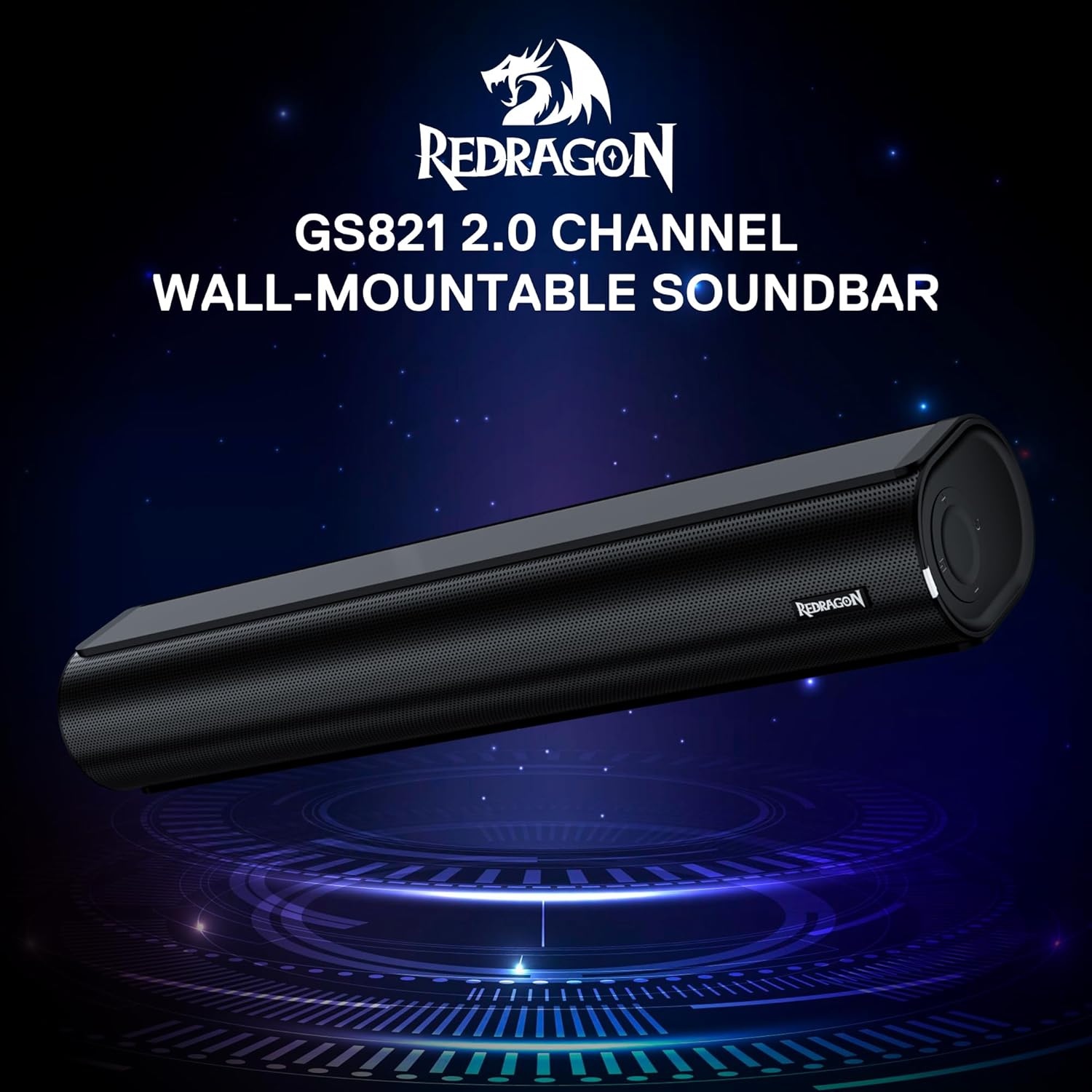
The Redragon GS821 Soundbar showing its compact dimensions: 15.9 inches wide, 4 inches deep, and 2.8 inches high.

Sebuah meledak view illustrating the dual 45mm sound units and internal components of the Redragon GS821 Soundbar, designed for Hi-Fi stereo sound.
3.2 Panel Belakang dan Koneksi
The rear panel provides various ports for connecting to your devices.
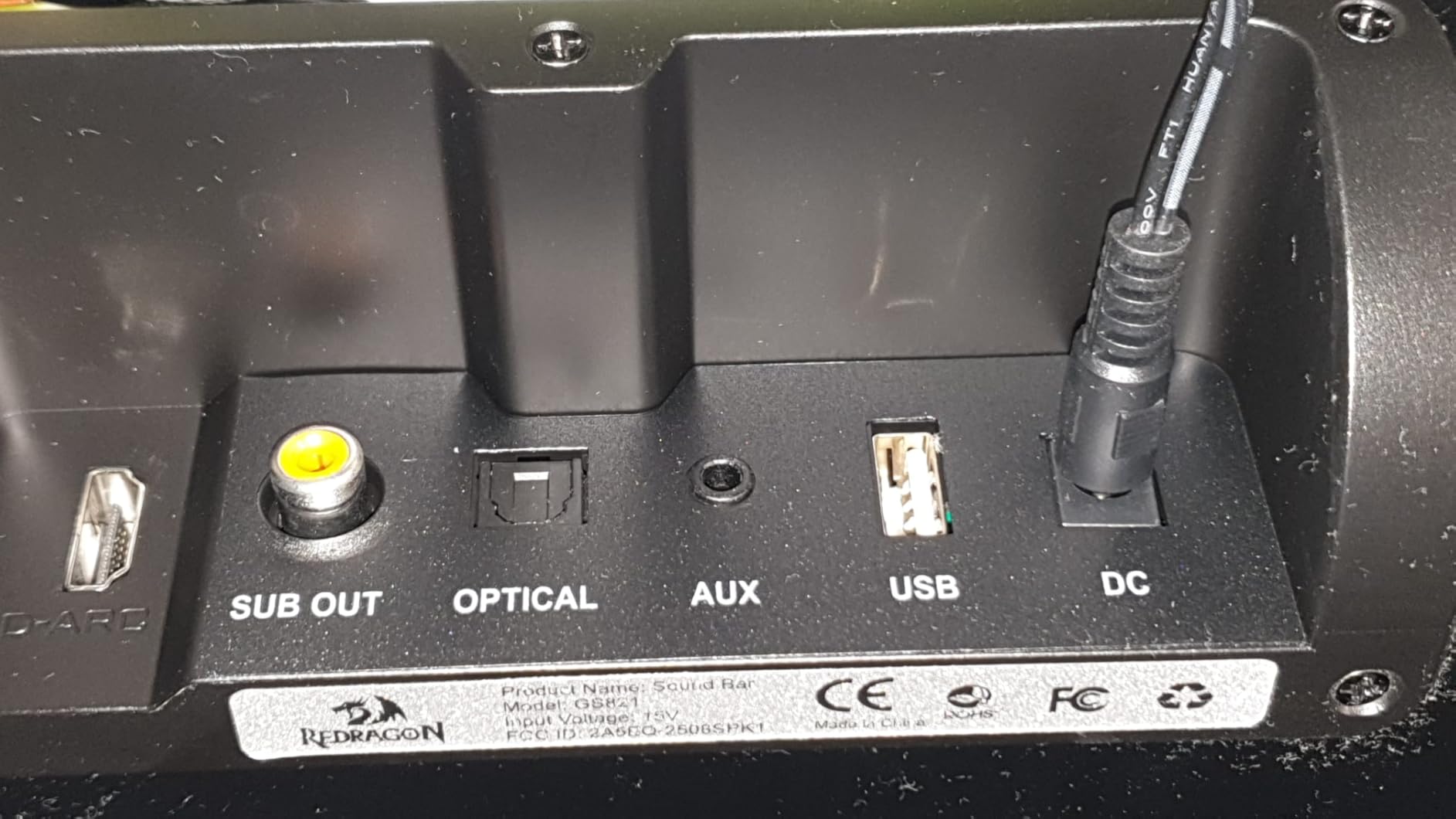
The rear panel of the Redragon GS821 Soundbar, featuring various input ports including HDMI ARC, Optical, AUX, and USB for versatile connectivity.
3.3 Controls and Remote
The soundbar can be controlled via its side buttons or the included remote control.

The included remote control for the Redragon GS821 Soundbar, alongside the manual control buttons located on the side of the soundbar for easy access.
4. Pengaturan
4.1 Penempatan
The Redragon GS821 Soundbar can be placed on a tabletop or mounted on a wall.
- Penempatan Meja: Position the soundbar on a flat, stable surface directly in front of your TV or monitor. Ensure it does not block any sensors or the screen.
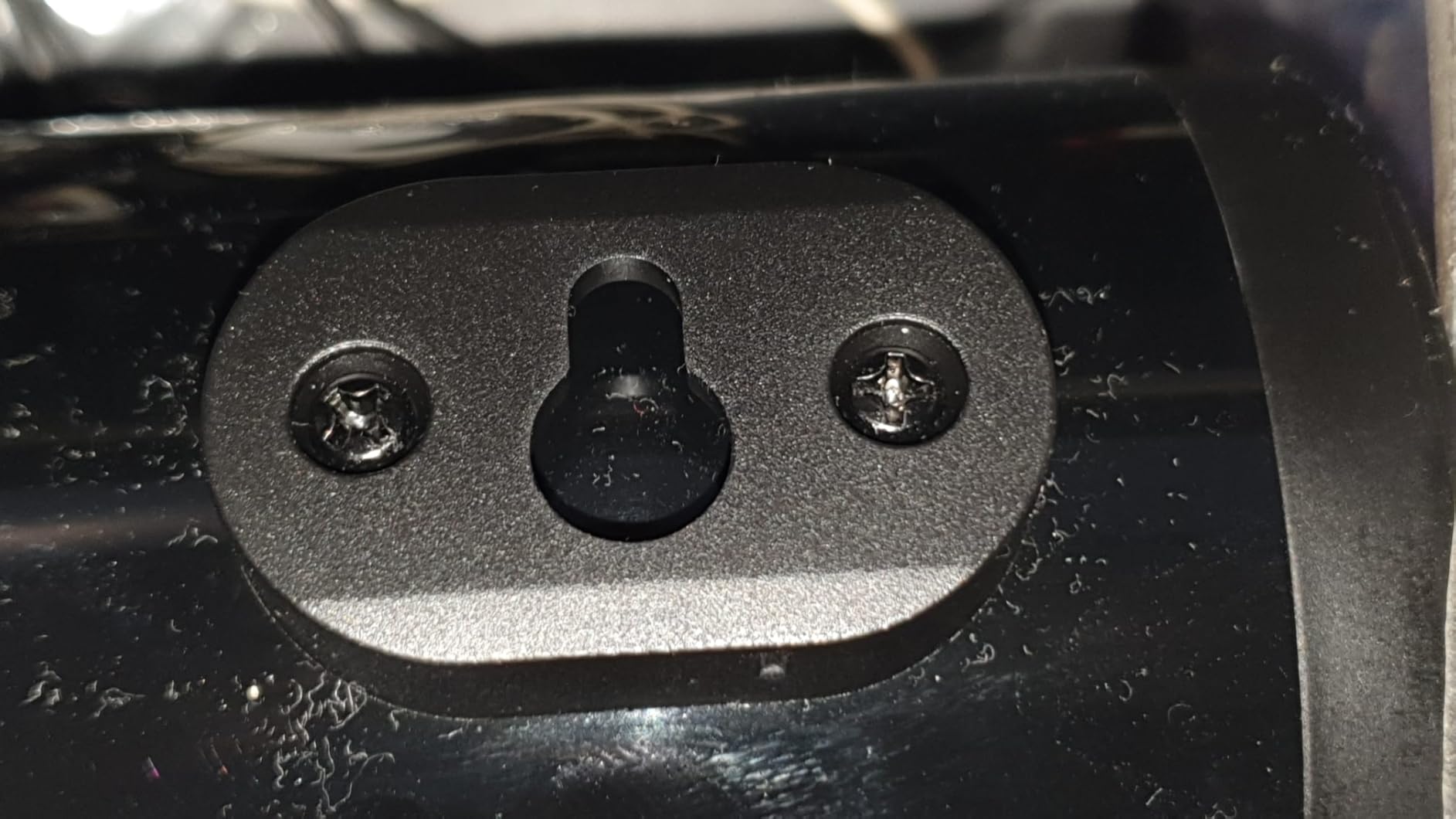
- Pemasangan di dinding: Use the provided wall mounting kit. Mark the desired positions on the wall, drill pilot holes, insert anchors, and secure the soundbar using the screws. Ensure the soundbar is level and securely fastened.
4.2 Sambungan Daya
- Hubungkan adaptor daya ke port DC IN pada soundbar.
- Hubungkan adaptor daya ke stopkontak di dinding.
4.3 Koneksi Audio
Choose one of the following methods to connect the soundbar to your audio source:
- ARC HDMI: Connect an HDMI cable from the soundbar's HDMI ARC port to your TV's HDMI ARC port. Ensure your TV's HDMI ARC function is enabled in its settings.
- Optik: Connect an optical cable from the soundbar's OPTICAL port to your TV's or device's optical output port.
- AUX (3.5mm): Use the provided 3.5mm audio cable to connect the soundbar's AUX port to the headphone jack or audio output of your device.
- Kabel USB: Masukkan flash drive USB yang berisi audio files into the USB port. The soundbar will automatically detect and play compatible audio files.
- Bluetooth dapat digunakan untuk berbagai keperluan, seperti: For wireless connection, refer to section 5.3 Bluetooth Pairing.
5. Petunjuk Pengoperasian
5.1 Daya Hidup/Mati
- Tekan tombol daya pada soundbar atau remote control untuk menghidupkan atau mematikan unit.
5.2 Pilihan Masukan
Cycle through input modes using the 'M' button on the soundbar or the 'Input' button on the remote control. The LED indicator will change color to show the active input:
A guide to the LED indicator colors on the Redragon GS821 Soundbar, showing which color corresponds to each input mode (Standby, BT, ARC, Optical, AUX, USB).
- Merah: Siaga
- Biru: Bluetooth (BT)
- Sian: HDMI ARC
- Putih: Optik
- Kuning: Kabel Tambahan
- Ungu: USB
5.3 Pemasangan Bluetooth
Untuk menghubungkan perangkat Anda melalui Bluetooth:

A visual representation of the advanced Bluetooth 5.3 technology integrated into the Redragon GS821 Soundbar, ensuring ultra-low latency for perfect audio synchronization.
- Switch the soundbar to Bluetooth mode (Blue LED). The soundbar will enter pairing mode automatically.
- Pada perangkat Anda (ponsel pintar, tablet, dll.), aktifkan Bluetooth dan cari perangkat yang tersedia.
- Select "Redragon GS821" from the list to pair.
- Setelah dipasangkan, indikator LED akan berhenti berkedip dan tetap berwarna biru solid.
5.4 Mode EQ
The soundbar offers three specialized EQ modes to optimize your listening experience. Press the EQ button on the remote control to cycle through them:

An illustration of the three specialized sound modes available on the Redragon GS821 Soundbar: Music, Movie, and Dialogue, each optimized for different audio experiences.
- Mode Film: Enhances surround sound effects for cinematic immersion.
- Mode Musik: Boosts bass and high frequencies for a rich, full-bodied audio experience.
- Modus Dialog: Isolates and clarifies human voices, ideal for news, podcasts, or talk shows.
5.5 Kontrol Volume
Adjust the volume using the volume buttons on the soundbar or the remote control.
- Tekan + untuk meningkatkan volume.
- Tekan - untuk mengurangi volume.
- Tekan tombol Bisu button on the remote to mute/unmute the sound.
6. Pemeliharaan
- Pembersihan: Gunakan kain lembut dan kering untuk membersihkan permukaan soundbar. Jangan gunakan cairan pembersih atau bahan abrasif.
- Penyimpanan: Bila tidak digunakan dalam jangka waktu lama, simpan soundbar di tempat sejuk dan kering, terhindar dari sinar matahari langsung dan suhu ekstrem.
- Hindari Hambatan: Ensure the speaker grilles are not obstructed to maintain optimal sound quality.
7. Penyelesaian masalah
| Masalah | Larutan |
|---|---|
| Tidak ada daya | Pastikan adaptor daya terhubung dengan aman ke soundbar dan stopkontak yang berfungsi. |
| Tidak ada suara | Check the input source selection. Ensure the volume is not muted and is turned up. Verify audio cables are correctly connected. If using HDMI ARC, ensure the TV's ARC function is enabled. |
| Masalah pemasangan Bluetooth | Ensure the soundbar is in Bluetooth mode. Turn off and on Bluetooth on your device. Move your device closer to the soundbar. Forget the device from your Bluetooth list and try pairing again. |
| Kontrol jarak jauh tidak berfungsi | Check the battery in the remote control and replace if necessary. Ensure there are no obstructions between the remote and the soundbar. |
| Kualitas suara buruk / Distorsi | Adjust the volume level. Try different EQ modes. Ensure the audio source is of good quality. Check cable connections for any damage. |
8. Spesifikasi
| Fitur | Nilai |
|---|---|
| Merek | Naga Merah |
| Nomor Model | GS821 |
| Daya Keluaran Maksimum Speaker | 20 Watt |
| Respon Frekuensi | 20000Hz |
| Teknologi Konektivitas | Bluetooth (BT 5.3), HDMI ARC, Optical, USB, 3.5mm AUX |
| Mode Keluaran Audio | Stereo |
| Jenis Pemasangan | Dudukan Meja, Dapat Dipasang di Dinding |
| Warna | Hitam |
| Dimensi Barang (P x L x T) | 2.8"Panjang x 15.9"Lebar x 4"T |
| Signal-to-Noise Ratio | 80dB |
| Perangkat yang Kompatibel | Desktop, Laptop, Projector, Tablet, Television |
9. Informasi Garansi
The Redragon GS821 Soundbar comes with a Garansi 1 Tahun from the date of purchase. This warranty covers manufacturing defects and workmanship under normal use. It does not cover damage caused by misuse, accidents, unauthorized modifications, or external factors. Please retain your proof of purchase for warranty claims.
10. Dukungan Pelanggan
If you encounter any issues or have questions regarding your Redragon GS821 Soundbar that are not addressed in this manual, please contact Redragon customer support. Refer to the official Redragon webSilakan lihat situs web atau kemasan produk Anda untuk informasi kontak terbaru.
For online support and FAQs, visit: www.redragonzone.com