
1. Pendahuluan
This manual provides detailed instructions for the safe installation, operation, and maintenance of your TCL HFSB-000000D 72-inch 8-blade ceiling fan with integrated LED light and remote control. Please read this manual thoroughly before installation and retain it for future reference.
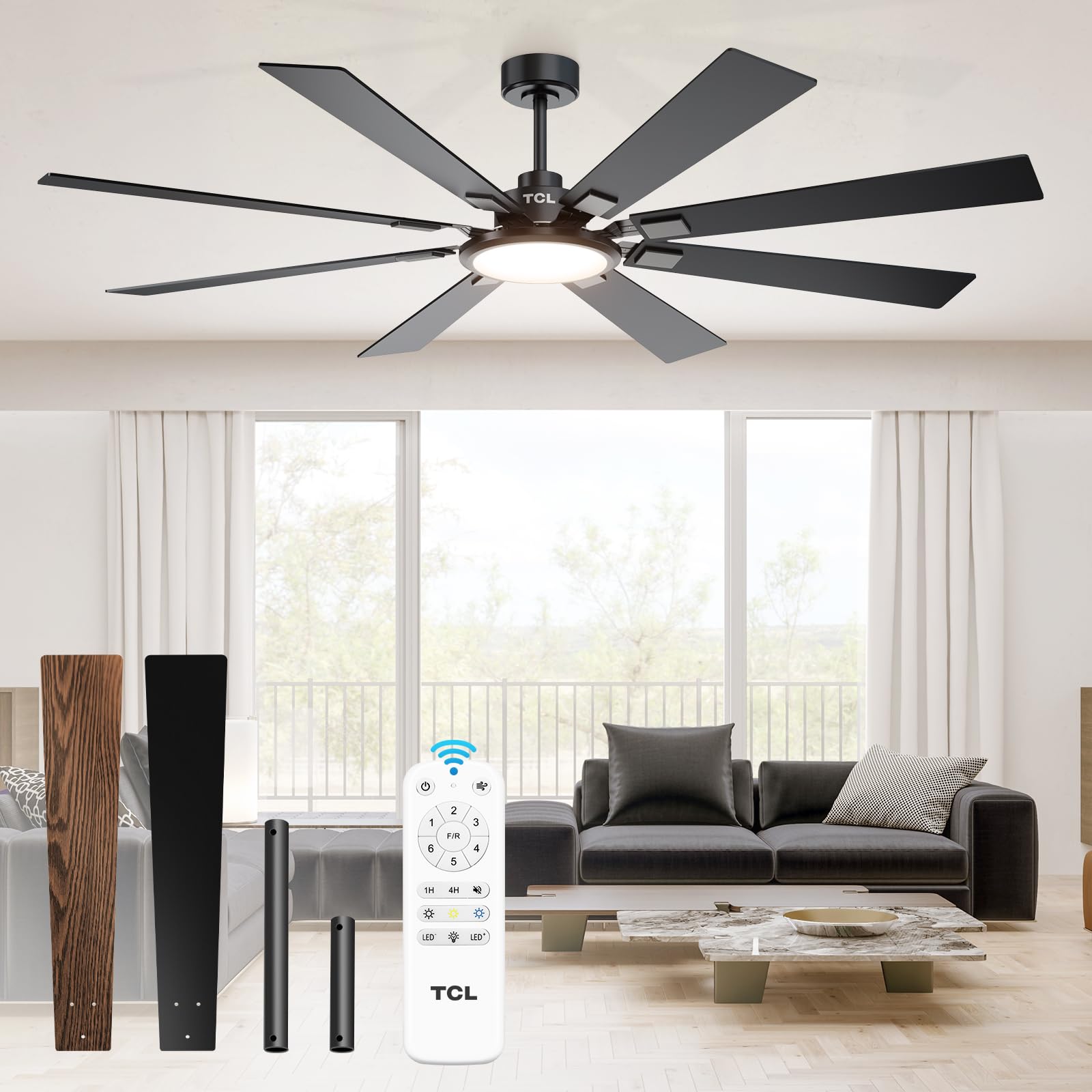
Figure 1: TCL 72-Inch 8-Blade Ceiling Fan with Light and Remote.
2. Informasi Keselamatan
To reduce the risk of electric shock, fire, or injury to persons, read and follow all instructions carefully. Always disconnect power at the main circuit breaker before beginning installation or performing any maintenance. Ensure all wiring is in accordance with national and local electrical codes. If you are unsure about wiring, consult a qualified electrician.
- Pasang kipas hanya pada kotak stopkontak yang bertanda 'Dapat Diterima untuk Penopang Kipas dengan Berat 35 lbs (15.9 kg) atau Kurang' dan gunakan sekrup pemasangan yang disertakan dengan kotak stopkontak tersebut.
- Jangan menekuk dudukan mata pisau selama pemasangan, penyeimbangan, atau pembersihan.
- Jauhkan tangan dari bilah kipas saat kipas beroperasi.
- Jangan operasikan kipas jika ada bagian yang rusak.
3. Isi Paket
Verifikasi bahwa semua komponen tersedia sebelum memulai instalasi:
- 1 Ceiling Fan with 8 Blades
- Manual Instruksi
- Kontrol Jarak Jauh
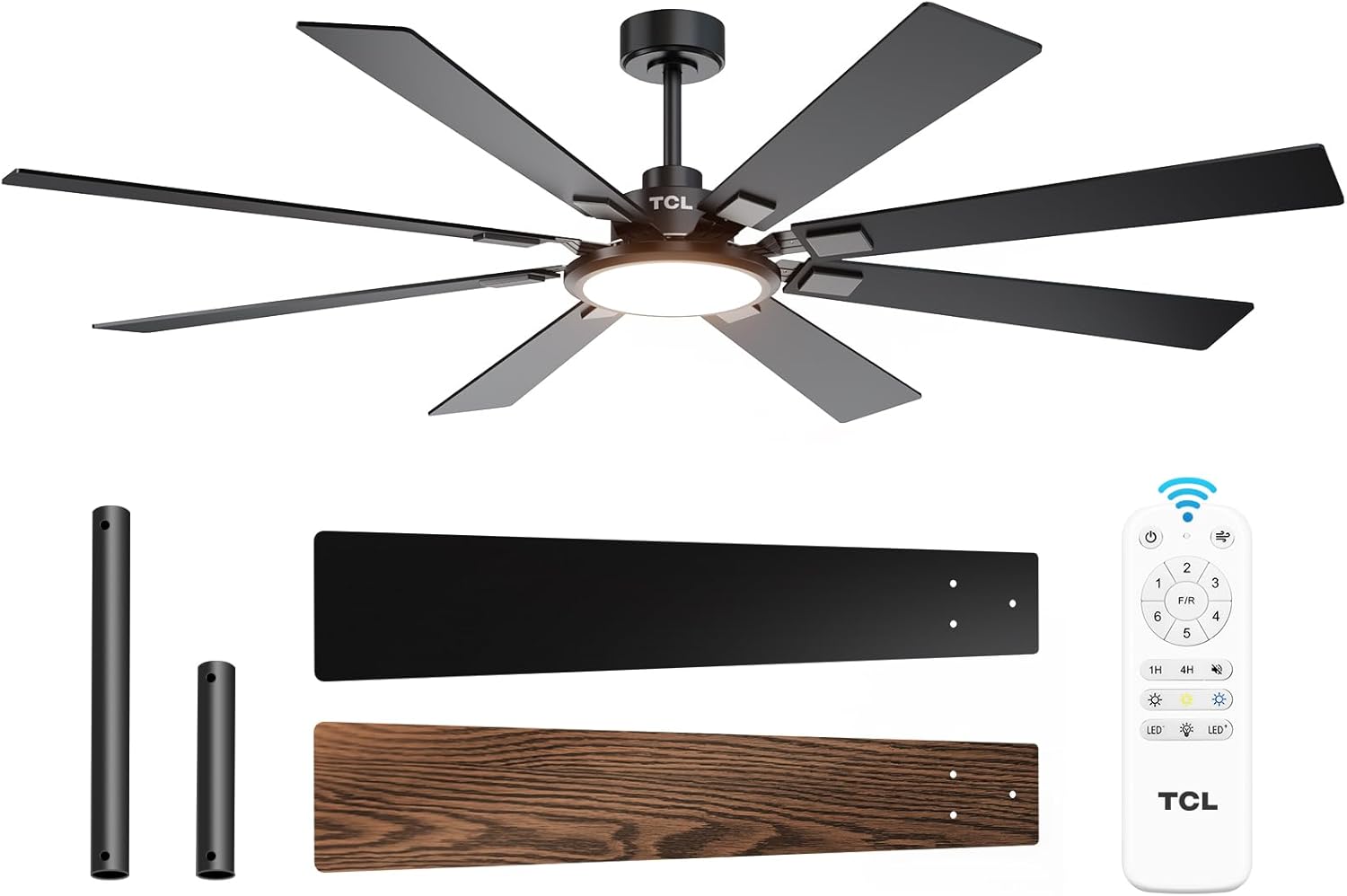
Gambar 2: Komponen yang disertakan.
4. Pengaturan dan Instalasi
Follow these steps to install your TCL ceiling fan. It is recommended to have a second person assist with installation due to the fan's size and weight.
- Pemutusan Daya: Turn off power at the circuit breaker to the room where you are installing the fan.
- Hapus Perlengkapan Lama: Carefully remove any existing ceiling fan or light fixture and its mounting bracket.
- Pasang Braket Pemasangan: Secure the new TCL mounting bracket to the ceiling outlet box using the provided screws. Ensure it is firmly attached and rated for fan support.
- Merakit Downrod dan Motor: Attach the chosen downrod (5-inch or 10-inch) to the fan motor assembly.
- Perakitan Kipas Gantung: Carefully lift and hang the fan motor assembly onto the mounting bracket.
- Koneksi Kabel: Connect the fan's wiring to the household wiring. Ensure ground, neutral (white), and live (black) wires are connected correctly. If a red wire is present and not needed for your setup, cap and tape it securely. Place the receiver unit within the mounting bracket canopy.
- Kanopi Aman: Slide the canopy up and secure it to the mounting bracket, ensuring no wires are pinched.
- Pasangkan Bilah: Remove the screws from the blade attachment points on the motor. Attach each of the 8 fan blades using the provided screws, ensuring they are locked in tightly.
- Pasang Kit Lampu: Connect the light kit wiring to the fan motor wiring. Secure the light kit to the fan motor assembly with the three screws.
- Attach Light Cover: Gently twist or snap the light cover into place over the LED light panel.
- Pulihkan Daya: Nyalakan kembali daya pada pemutus arus.
Video 1: Installation Guide for TCL Ceiling Fan. This video demonstrates the step-by-step process of installing the TCL 72-inch ceiling fan, from preparing the electrical box to attaching the blades and light kit.
5. Petunjuk Pengoperasian
Your TCL ceiling fan is operated using the included remote control. The remote allows you to control fan speeds, light settings, and timer functions.
5.1 Fungsi Kontrol Jarak Jauh
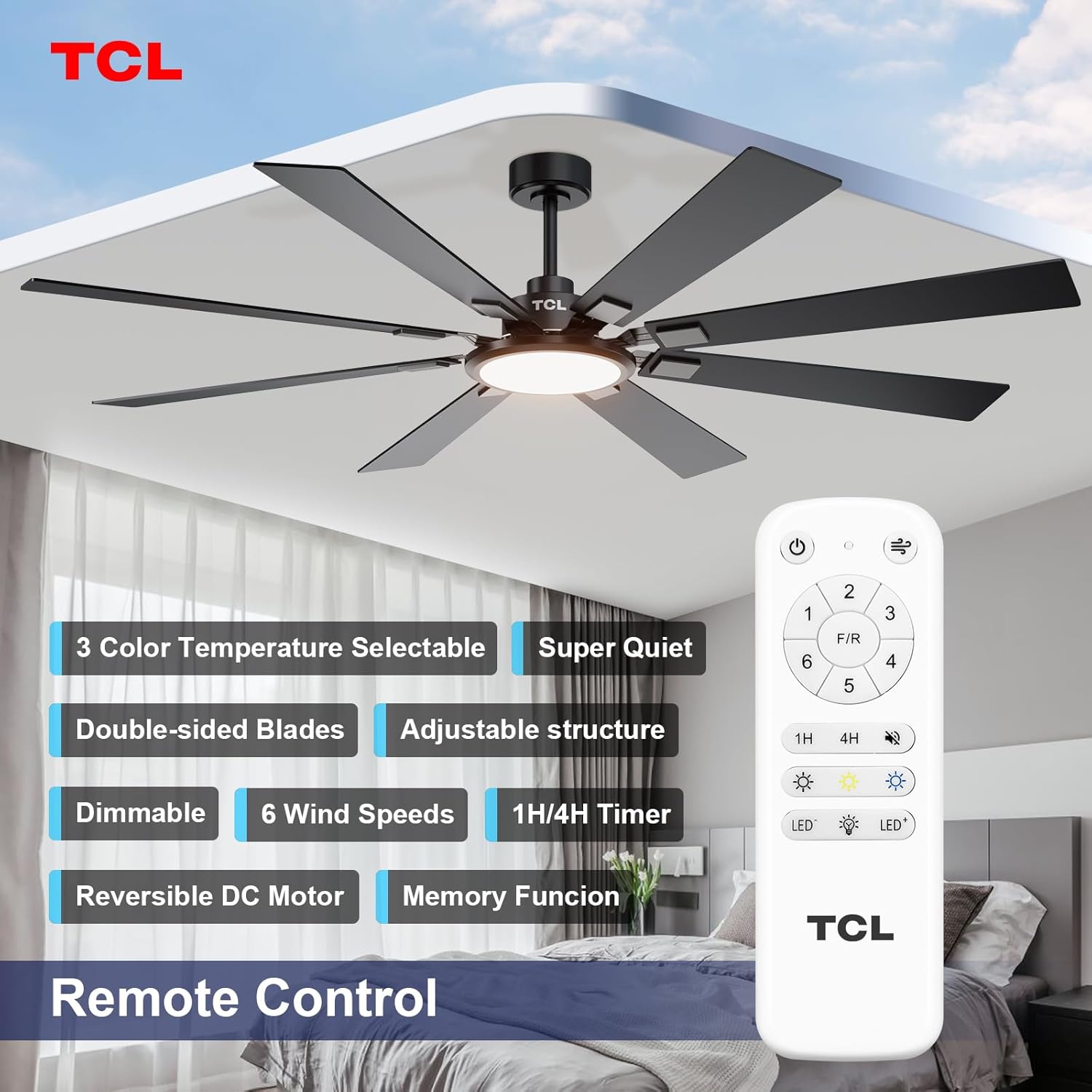
Gambar 3: Tata Letak Kontrol Jarak Jauh.
- Tombol Daya: Menyalakan/mematikan kipas angin dan lampu.
- Tombol Kecepatan Kipas (1-6): Mengatur kecepatan kipas dari 1 (terendah) hingga 6 (tertinggi).
- Tombol F/R (Maju/Mundur): Changes the direction of the fan blades. Use forward (counter-clockwise) for cooling in summer and reverse (clockwise) for circulating warm air in winter.
- Timer Buttons (1H, 4H): Mengatur kipas agar mati secara otomatis setelah 1 atau 4 jam.
- Tombol nyala/mati lampu: Toggles the LED light on or off.
- Light Dimming Buttons (LED+, LED-): Adjusts the brightness of the LED light.
- Color Temperature Buttons (Light Bulb Icons): Cycles through the three available color temperatures (2700K Warm White, 4000K Natural White, 6500K Cool White).

Figure 4: Customizable Light Settings.

Figure 5: Reversible DC Motor Function.
Video 2: TCL Ceiling Fan Light and Speed Control. This video demonstrates the various light settings (color temperature and dimming) and fan speed adjustments using the remote control.
6. Pemeliharaan
Perawatan rutin memastikan kinerja optimal dan umur panjang kipas Anda.
- Pembersihan: Bersihkan kipas secara berkala dengan kain lembut.amp kain. Jangan gunakan pembersih atau pelarut yang bersifat abrasif karena dapat merusak lapisan akhir.
- Inspeksi Pisau: Check the fan blades for any signs of damage or warping. Ensure all blade screws are tight.
- Kencangkan Koneksi: Periksa secara berkala semua sambungan listrik dan perangkat keras pemasangan untuk memastikan kekencangannya.
- Tidak Perlu Pelumasan: The fan's motor is permanently lubricated and does not require oiling.
7. Penyelesaian masalah
Jika Anda mengalami masalah dengan kipas angin Anda, lihat masalah umum dan solusi berikut:
| Masalah | Kemungkinan Penyebab | Larutan |
|---|---|---|
| Kipas tidak mulai | Tidak ada daya ke kipas; Sambungan kabel longgar; Baterai kendali jarak jauh lemah. | Periksa pemutus sirkuit; Pastikan semua sambungan kabel terpasang dengan aman; Ganti baterai remote control. |
| Kipas bergetar | Sekrup bilah longgar; Bilah tidak seimbang; Braket pemasangan longgar. | Tighten all blade screws; Use balancing kit (not included) to balance blades; Ensure mounting bracket is securely fastened. |
| Lampu tidak bekerja | Sambungan kabel ke perangkat lampu longgar; masalah pada driver LED. | Check light kit wiring connections; Contact customer support if LED driver is suspected. |
| Kontrol jarak jauh tidak berfungsi | Baterai lemah atau habis; Remote tidak terhubung dengan kipas. | Replace batteries; Refer to remote pairing instructions (usually involves pressing a button on the remote within a few seconds of turning on power to the fan). |
8. Spesifikasi
| Fitur | Detil |
|---|---|
| Merek | TCL |
| Nomor Model | HFSB-000000D |
| Warna | Hitam |
| Bahan | Logam, kayu |
| Gaya | Modern |
| Rentang Bilah | 72 inci |
| Jumlah Bilah | 8 |
| Tipe Motor | Motor DC Reversibel |
| Sumber Cahaya | LED terintegrasi |
| Wat ringantage | 36W |
| Suhu Warna | 2700K-6500K (Stepless Dimmable) |
| Kecerahan | 3000 lumens |
| Metode Kontrol | Kontrol Jarak Jauh |
| Penggunaan Dalam/Luar Ruangan | Dalam Ruangan, Luar Ruangan (Damp (Dinilai) |
| Jil.tage | 120 Volt |
| Berat Barang | 12.4 pon |
| Dimensi Barang (P x L x T) | 72"P x 72"L x 20"T |
9. Garansi dan Dukungan
This product comes with a manufacturer's warranty. Please refer to the warranty card included in your package or visit the official TCL website for detailed warranty terms and conditions. For technical support, replacement parts, or any inquiries, please contact TCL customer service.
TCL Customer Service: Visit the TCL Store on Amazon