Perkenalan
This manual provides detailed instructions for the setup, operation, and maintenance of your ILIFE A30 Pro Robot Vacuum and Mop Combo. Please read this manual thoroughly before using the product to ensure proper function and longevity.
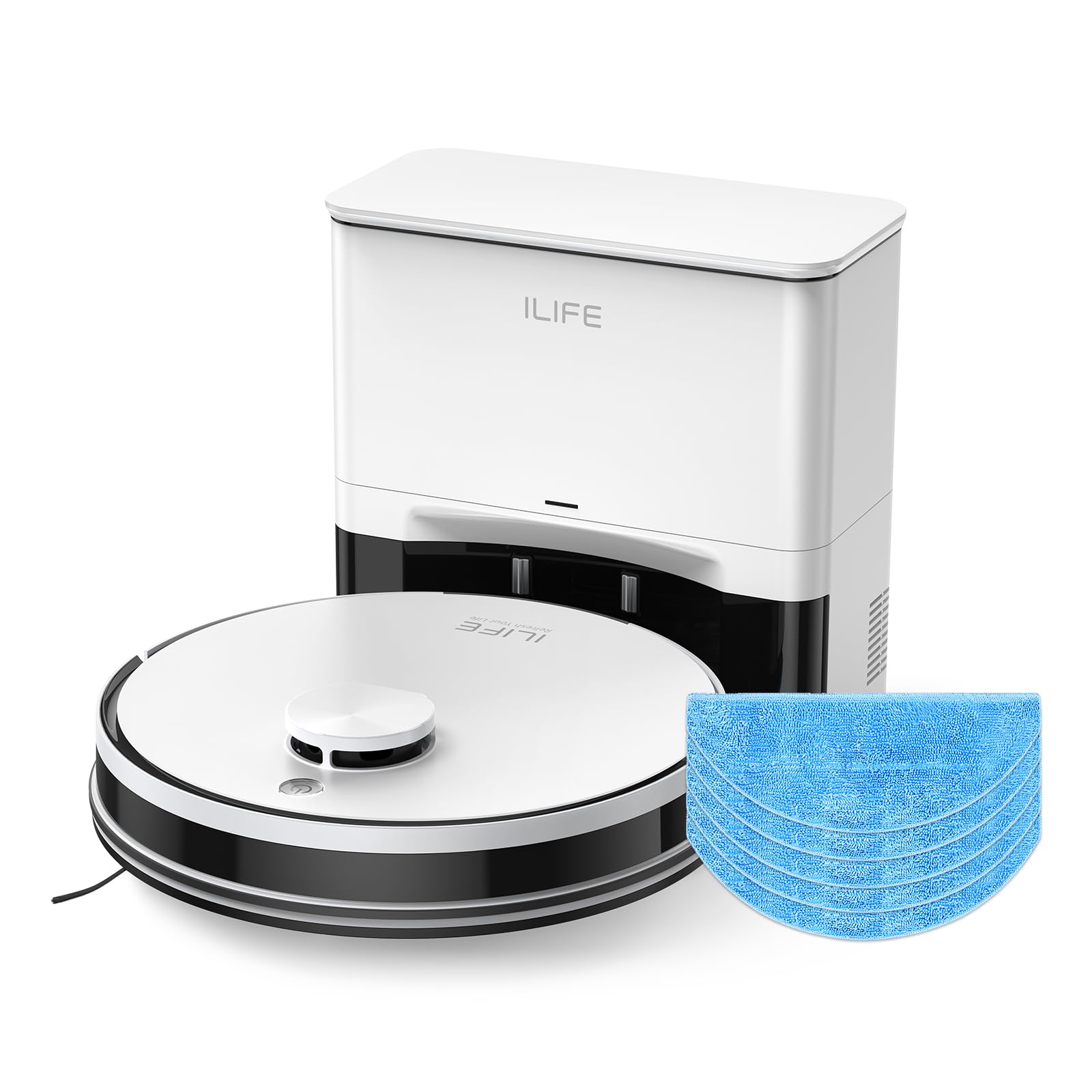
Figure 1: ILIFE A30 Pro Robot Vacuum and Mop Combo with its self-empty station, remote control, and a smartphone displaying the app interface.
1. Pengaturan
1.1 Unboxing dan Penempatan Awal
Carefully remove all components from the packaging. Ensure all accessories are present, including the robot vacuum, self-empty station, remote control, replacement mop cloths, and dust bags.
- Place the self-empty station against a wall in an open area, ensuring no obstacles are within 1 meter (3 feet) to the sides and 1.5 meters (5 feet) in front.
- Plug the self-empty station into a power outlet.
- Ensure the robot vacuum is placed on the charging contacts of the self-empty station to begin initial charging.
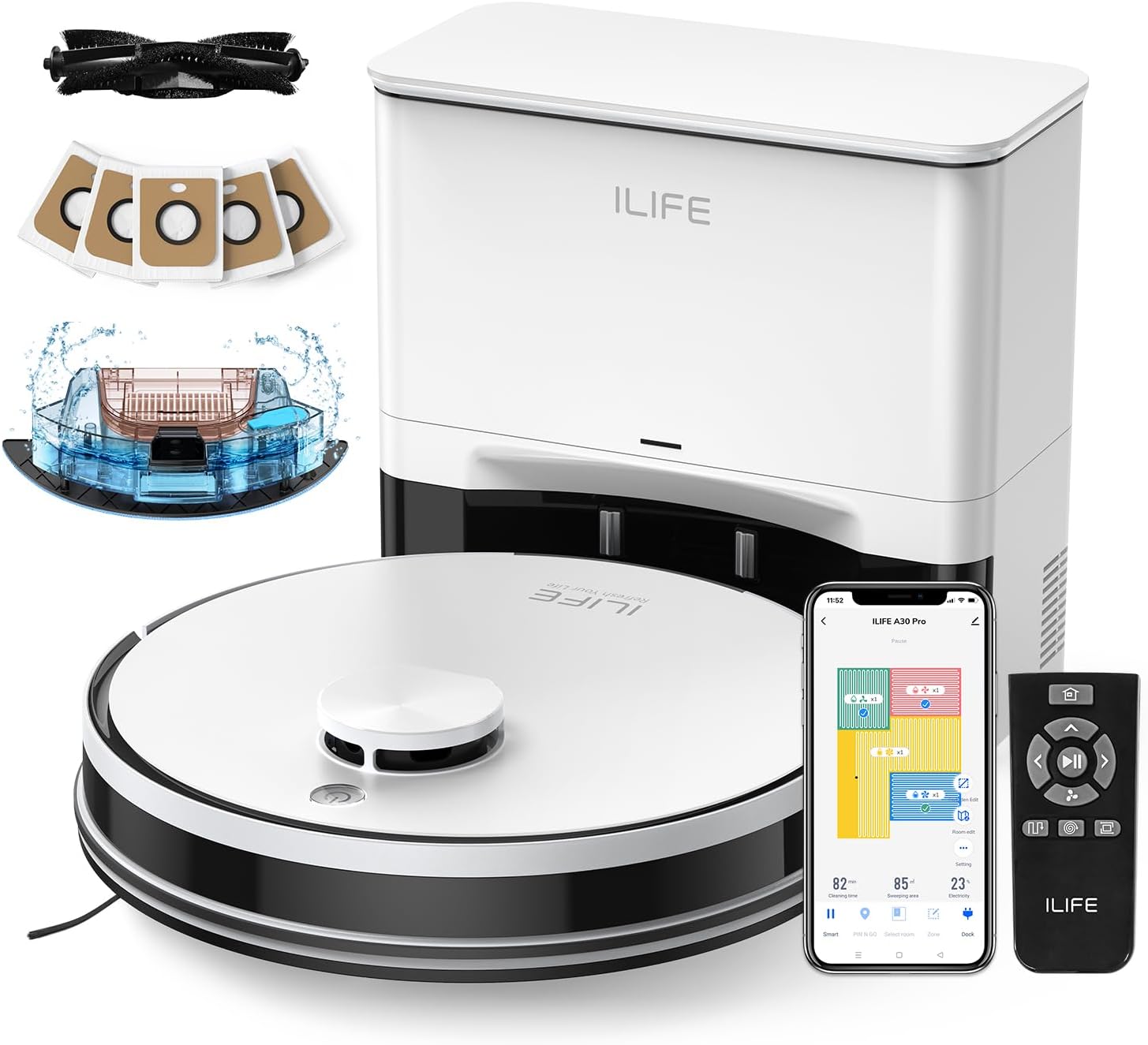
Figure 2: The ILIFE A30 Pro Robot Vacuum and Mop Combo with its various accessories, including replacement mop cloths and dust bags.
1.2 App Setup (ILIFEClean App)
- Download the "ILIFEClean" app from your smartphone's app store.
- Buka aplikasi dan ikuti petunjuk di layar untuk membuat akun.
- Select "Add Device" within the app.
- Ensure your smartphone's Bluetooth is enabled and connected to a 2.4GHz WiFi network (5GHz networks are not supported).
- On the robot vacuum, press and hold the power button for approximately 5 seconds until the indicator light flashes, indicating pairing mode.
- Follow the remaining prompts in the app to connect your robot vacuum. The app will automatically map your home during the first cleaning cycle.

Figure 3: The ILIFEClean App provides comprehensive control over the robot vacuum, including no-go zones, room editing, zone cleaning, scheduling, suction levels, and water levels.
2. Mengoperasikan Robot Penyedot Debu
2.1 Operasi Dasar
- To start cleaning, press the power button on the robot vacuum once. The robot will automatically undock and begin cleaning.
- To pause or stop cleaning, press the power button again.
- The robot is equipped with sensors to navigate around obstacles and clean corners effectively.

Figure 4: The robot vacuum utilizes LiDAR navigation for smart home mapping, path planning, and efficient cleaning.
2.2 Mode dan Pengaturan Pembersihan
The ILIFE A30 Pro offers Sweep, Vacuum, and Mop 3-in-1 functionality. You can adjust settings via the ILIFEClean app or the remote control.
- Mode Hisap: Choose from Quiet (500Pa), Standard (1000Pa), Strong (1800Pa), and Max (5000Pa) depending on your cleaning needs.
- Tingkat Air: For mopping, select Low, Medium, or High water output.
- Area Pembersihan: Use the app to set no-go zones, virtual walls, or select specific rooms/zones for cleaning.
- Carpet and Hard Floors: The robot seamlessly transitions between hard floors and carpets. For mopping, remove the mop holder when cleaning carpets.

Figure 5: The A30 Pro features a 2-in-1 integrated water tank for simultaneous vacuuming and mopping. The mop holder can be removed if mopping is not desired.
2.3 Remote Control and App Control
The robot vacuum can be controlled using the included remote or the ILIFEClean app.
- Kontrol Jarak Jauh: Use the remote to start/stop cleaning, change directions, adjust suction/water levels, and send the robot back to its charging station.
- Kontrol Aplikasi: The ILIFEClean app allows for advanced features such as setting cleaning schedules, managing maps, and integrating with voice assistants like Amazon Alexa and Google Home.

Figure 6: Control your ILIFE A30 Pro using the dedicated app, remote, or voice commands for a seamless cleaning experience.
3. Pemeliharaan
3.1 Self-Emptying Station and Dust Bags
The self-empty station automatically empties the robot's dustbin into a 2.5L capacity dust bag after each cleaning cycle. Each bag can hold dust and debris for up to 8 weeks, providing up to 280 days of hands-free cleaning with the included 5 bags.
- To replace a full dust bag, open the lid of the self-empty station and pull out the bag using its tab. Dispose of the full bag and insert a new one.

Figure 7: The self-empty station with 5x 2.5L dust bags offers extended hands-free cleaning for up to 280 days.
3.2 Mop Cloths and Water Tank
- To attach a mop cloth, align it with the mop holder and secure it.
- To fill the 200ml water tank, open the blue tab on the tank, fill with clean water, and close the tab securely. Do not add cleaning solutions to the water tank to avoid corrosion.
- Ensure the mop holder is properly attached to the robot for mopping functions.

Figure 8: A replacement mop cloth for the ILIFE A30 Pro.
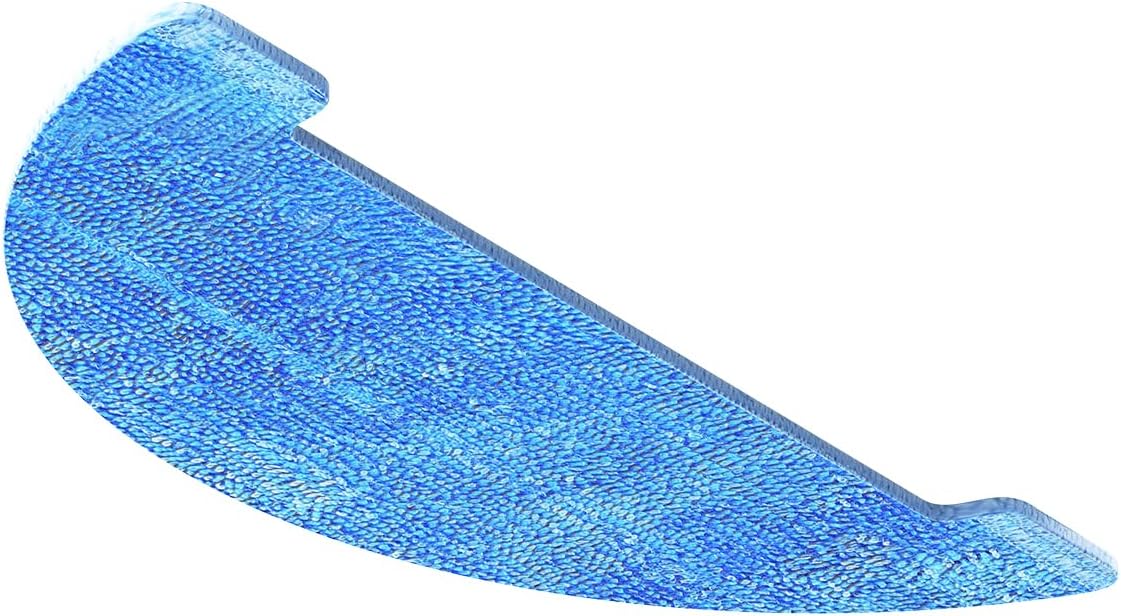
Gambar 9: Sisi view of the mop cloth, illustrating its design for effective floor cleaning.
4. Penyelesaian masalah
If you encounter any issues with your ILIFE A30 Pro, please refer to the following common solutions:
- Robot tidak menyala: Ensure the robot is fully charged and properly docked. Check if the power button is pressed correctly.
- Masalah konektivitas aplikasi: Verify your WiFi network is 2.4GHz. Ensure Bluetooth is enabled on your phone. Try restarting both the app and the robot.
- Robot terjebak: Use the app to define no-go zones around areas where the robot frequently gets stuck (e.g., loose cables, high thresholds). Clear any obstacles from the cleaning path.
- Kinerja pembersihan yang buruk: Check and clean the main brush, side brushes, and filters. Empty the dust bag if it's full. Ensure the water tank is filled for mopping.
- Masalah mengepel: Ensure the mop cloth is clean and properly attached. Verify the water tank is filled and the water level is set appropriately in the app.
5. Spesifikasi
| Fitur | Detil |
|---|---|
| Model | A30 Pro |
| ASIN | B0FSXKDGG5 |
| Daya Hisap | Up to 5000Pa (Max Mode) |
| Kapasitas Kantong Debu | 5 x 2.5L (up to 280 days hands-free) |
| Kapasitas Tangki Air | 200ml (integrated 2-in-1 with dustbin) |
| Mode Pembersihan | Sweep, Vacuum, Mop (3-in-1) |
| Navigasi | LiDAR Navigation, Smart Home Mapping |
| Kontrol Aplikasi | ILIFEClean App (2.4GHz WiFi only) |
| Kompatibilitas Asisten Suara | Amazon Alexa, Google Beranda |
6. Garansi & Dukungan
For warranty information and customer support, please refer to the warranty card included in your product packaging or visit the official ILIFE website. You may also find additional support resources and FAQs within the ILIFEClean app settings.