
Perkenalan
This manual provides detailed instructions for the setup, operation, maintenance, and troubleshooting of your Hwagol Smart Watch. Please read this manual thoroughly before using the device to ensure proper function and longevity.
Apa yang ada di dalam kotak
Verifikasi bahwa semua item ada dalam paket:
- Hwagol Smart Watch (Model 619704314148)
- Kabel Pengisian Daya
- Interchangeable Straps (typically one stainless steel and two silicone straps)
- User Manual (dokumen ini)
Pengaturan
1. Mengisi Daya Perangkat
Before first use, fully charge your Hwagol Smart Watch. Connect the provided charging cable to the charging port on the back of the watch and to a standard USB power adapter (not included). The watch display will indicate charging status.

Image: The Hwagol Smart Watch connected to its charging cable, illustrating the charging process.
2. Instalasi dan Pemasangan Aplikasi
Untuk membuka fungsionalitas penuh jam tangan pintar Anda, Anda perlu menginstal aplikasi pendamping di ponsel cerdas Anda.
- Unduh Aplikasi: Pencarian untuk the recommended companion app (e.g., 'FitCloudPro' or similar, as indicated in the watch's quick start guide or packaging) in your smartphone's app store (Google Play Store for Android, Apple App Store for iOS).
- Instal dan Buka: Install the app and open it. Follow the on-screen prompts to create an account or log in.
- Aktifkan Bluetooth: Pastikan Bluetooth diaktifkan di ponsel cerdas Anda.
- Pasangkan Jam Tangan: In the app, navigate to the device pairing section. Select your Hwagol Smart Watch from the list of available devices. Confirm the pairing request on both your phone and the watch if prompted.
3. Konfigurasi Awal
After successful pairing, configure basic settings:
- Informasi Pribadi: Enter your age, height, weight, and gender in the app for accurate health tracking.
- Izin: Grant necessary permissions to the app (e.g., notification access, location services) for full functionality.
- Tonton Wajah: Customize your watch face through the app or directly on the watch. Over 200 online UI options are available.
Petunjuk Pengoperasian
1. Navigasi Dasar
The Hwagol Smart Watch features a 1.52-inch HD touch screen with 360*360 resolution.
- Geser ke Atas/Bawah: Akses pengaturan cepat atau notifikasi.
- Geser ke Kiri/Kanan: Navigate through widgets and main functions (e.g., activity, heart rate, weather).
- Mengetuk: Pilih item atau konfirmasi tindakan.
- Tekan Tombol Samping: The watch typically has side buttons for power, back, or quick access to sport modes. Refer to the watch's on-screen prompts for specific button functions.
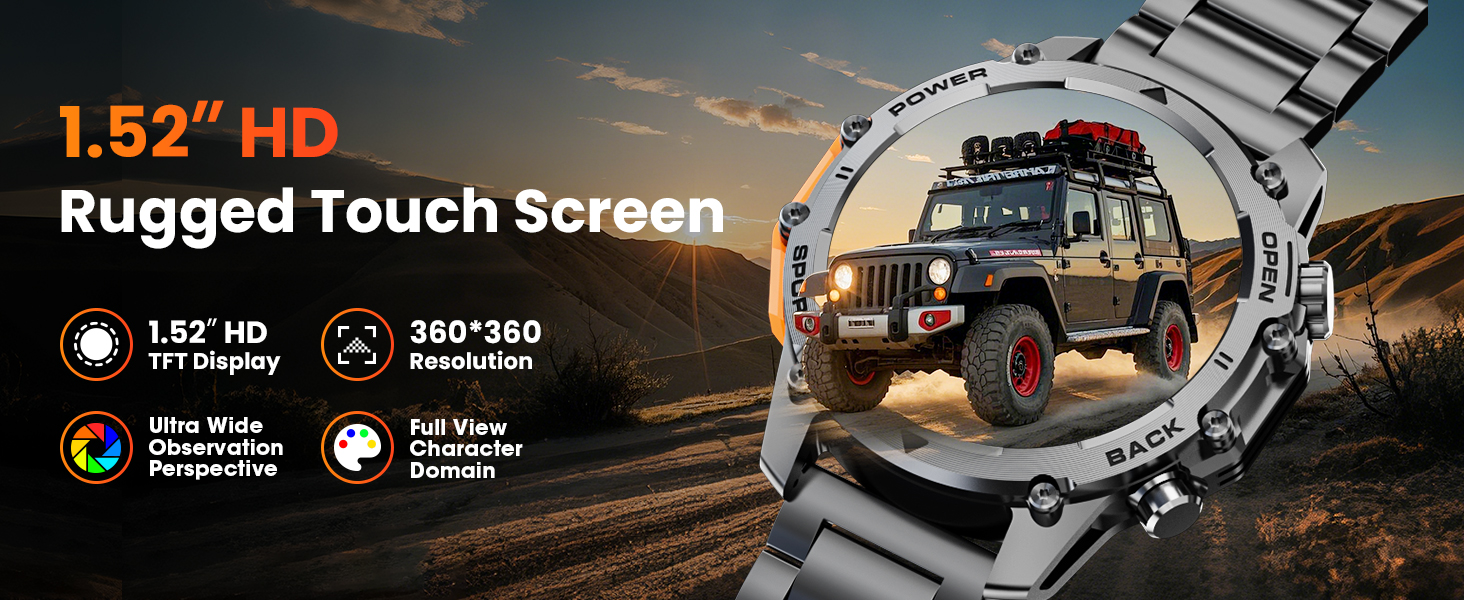
Image: A close-up of the Hwagol Smart Watch display, highlighting its 1.52-inch HD screen and resolution.
2. Panggilan Bluetooth
Setelah terhubung dengan ponsel cerdas Anda, Anda dapat melakukan dan menerima panggilan langsung dari jam tangan Anda.
- Membuat panggilan: Akses papan tombol atau daftar kontak pada jam tangan untuk memulai panggilan.
- Menerima Panggilan: Saat ada panggilan masuk, jam tangan akan menampilkan ID penelepon. Ketuk ikon hijau untuk menjawab atau ikon merah untuk menolak.
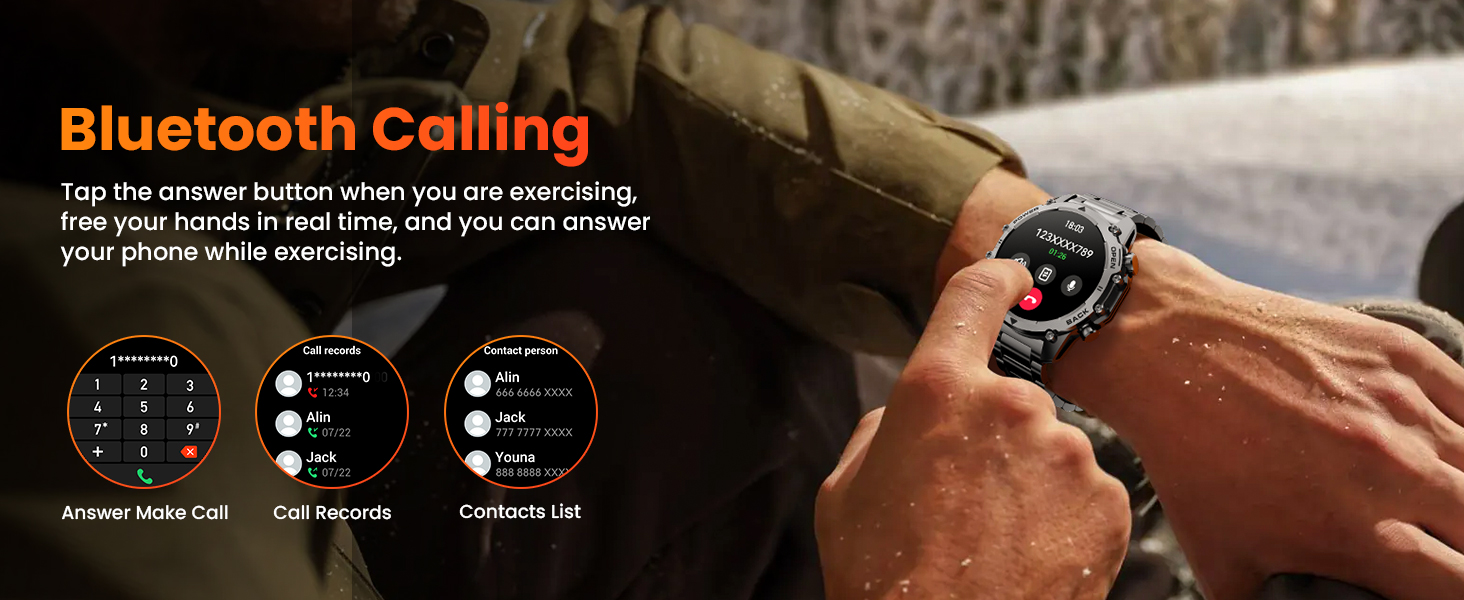
Image: The Hwagol Smart Watch displaying an incoming call, demonstrating the Bluetooth calling function.
3. Notifikasi Cerdas
Terima pemberitahuan dari telepon pintar Anda langsung di jam tangan Anda.
- Ensure notification permissions are granted to the app on your smartphone.
- Notifications for calls, messages, and various social media apps will be displayed on the watch screen.
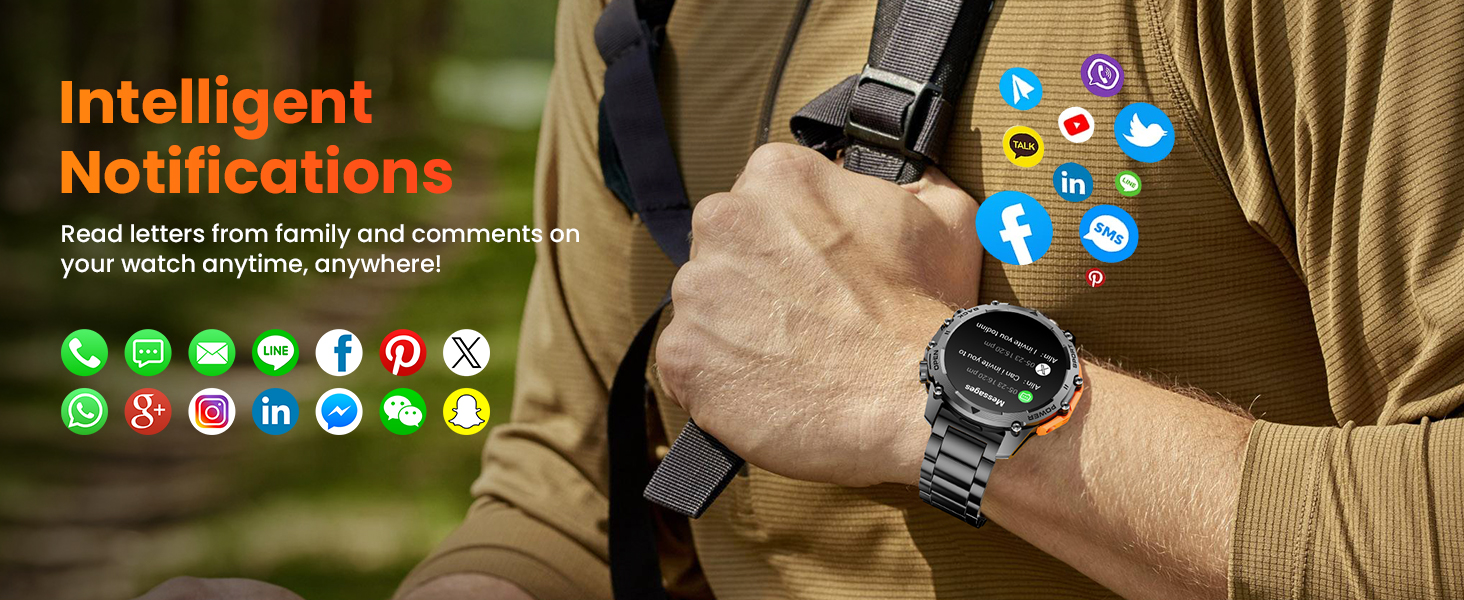
Image: The Hwagol Smart Watch showing various app notification icons, illustrating the intelligent notification feature.
4. Mode Olahraga
The watch supports over 100 sport modes for tracking various physical activities.
- Access the 'Sport' menu on the watch.
- Select your desired activity (e.g., running, cycling, mountaineering).
- The watch will track metrics such as steps, distance, calories burned, and heart rate during your workout.

Image: The Hwagol Smart Watch displaying various sport mode icons and activity tracking data.
5. Pemantauan Kesehatan 24/7
Jam tangan tersebut terus memantau metrik kesehatan utama.
- Monitor Denyut Jantung: Menyediakan data detak jantung secara real-time.
- Monitor Oksigen Darah (SpO2): Mengukur tingkat saturasi oksigen darah.
- Pelacakan Kualitas Tidur: Memantau pola tidur Anda, termasuk tidur nyenyak, tidur ringan, dan waktu bangun.
- View detailed historical data for all health metrics within the companion app.
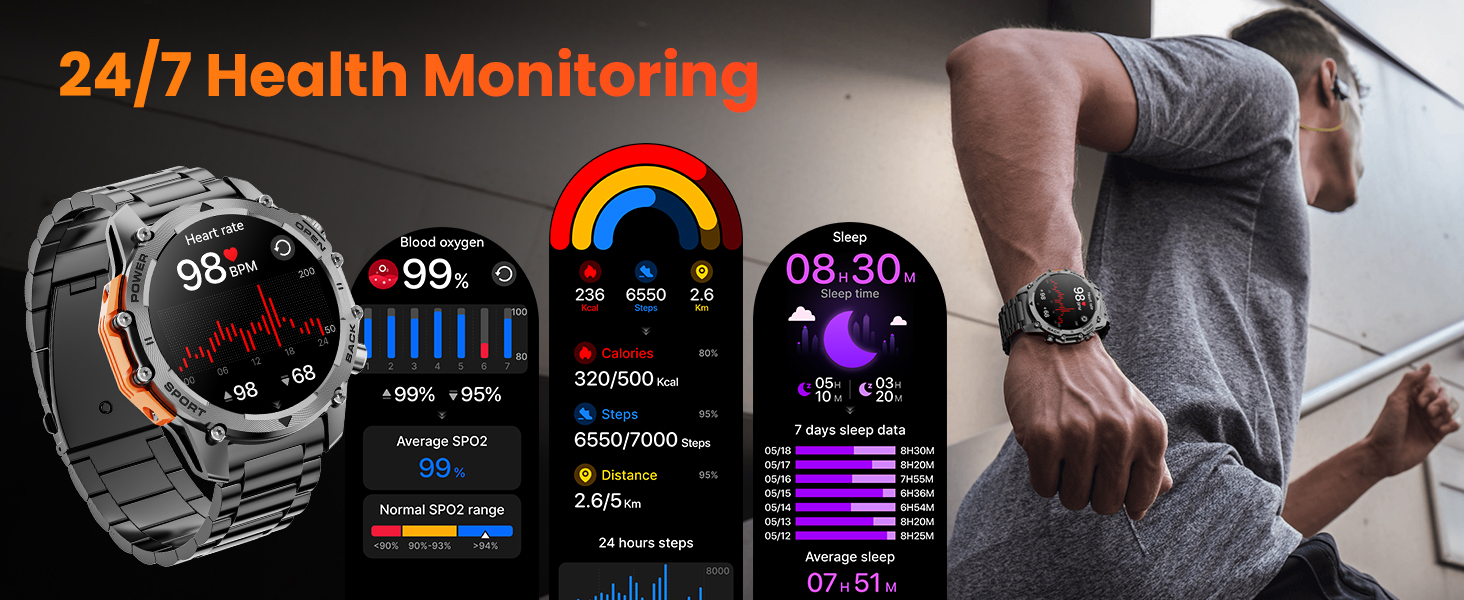
Image: The Hwagol Smart Watch displaying heart rate, blood oxygen, and sleep tracking data.
6. Senter
Activate the super bright flashlight feature for illumination in dark environments.
- Access the flashlight function from the quick settings menu or a dedicated app on the watch.
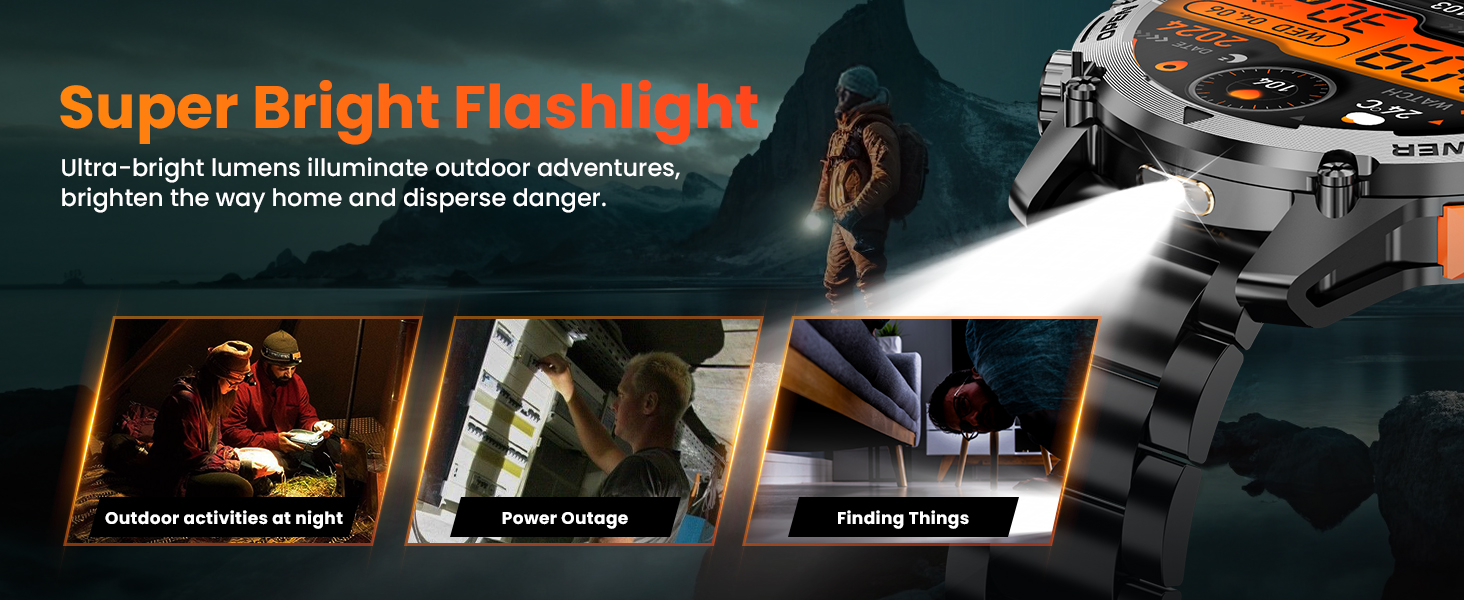
Image: The Hwagol Smart Watch with its flashlight activated, showing its utility in various scenarios.
7. Fitur Lainnya
The Hwagol Smart Watch includes several additional useful functions:
- Kontrol Pemutar Musik: Kontrol pemutaran musik di ponsel cerdas Anda (putar, jeda, lewati lagu).
- Remote Photo Taking: Gunakan jam tangan Anda sebagai tombol rana jarak jauh untuk kamera ponsel cerdas Anda.
- Prakiraan Cuaca: View Kondisi cuaca dan prakiraan cuaca terkini.
- Kalkulator: Melakukan perhitungan dasar.
- Asisten Suara: Berinteraksi dengan asisten suara ponsel cerdas Anda.
- Jam Alarm: Atur alarm langsung dari jam tangan Anda.
- Pengingat untuk Minum Air Putih: Dapatkan pengingat untuk tetap terhidrasi.
- Pelatihan Pernapasan: Latihan pernapasan terpandu untuk relaksasi.
- Mobile Phone Search: Temukan ponsel cerdas Anda yang terhubung dengan cara membuatnya berdering.
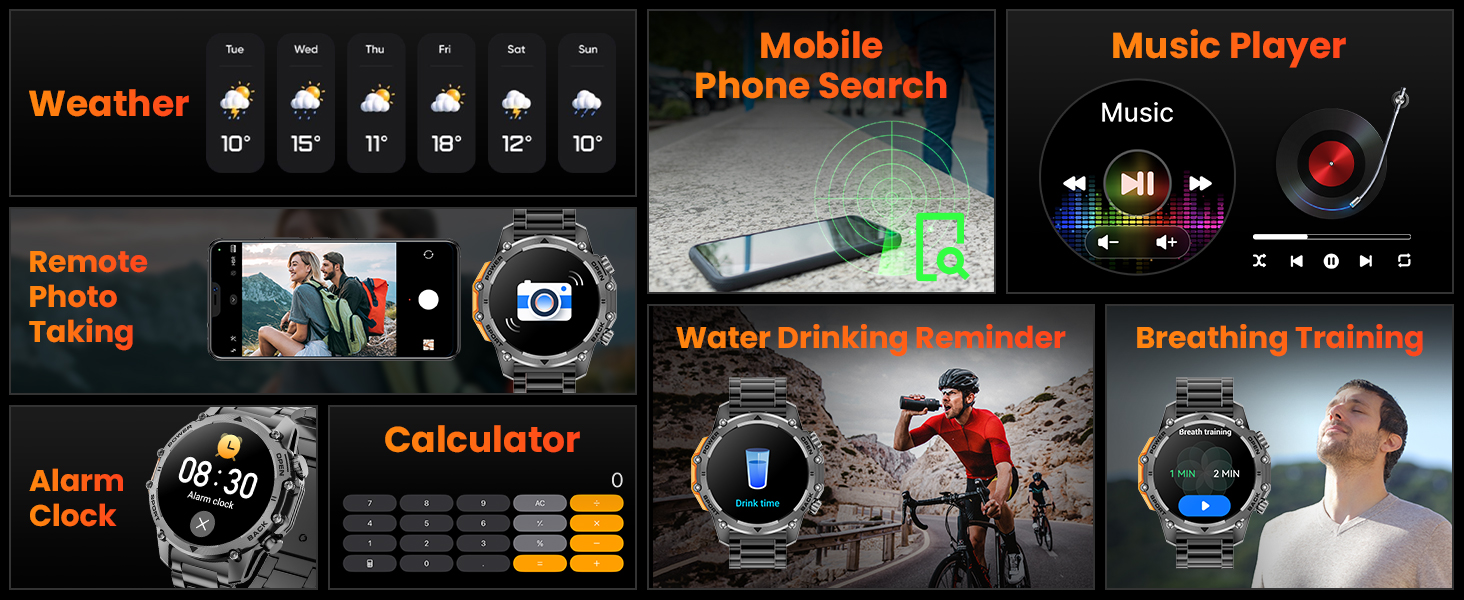
Image: A collage of the Hwagol Smart Watch's various features including weather, music control, remote camera, calculator, and health reminders.
Pemeliharaan
1. Pembersihan
Pembersihan rutin membantu menjaga penampilan dan fungsionalitas jam tangan.
- Usap layar dan bodi jam tangan dengan kain lembut.amp, kain bebas serat.
- For silicone straps, wash with mild soap and water, then rinse thoroughly and dry.
- For metal straps, use a soft brush to remove debris from links, then wipe with a damp kain.
- Hindari penggunaan bahan kimia keras atau bahan abrasif.
2. Penggantian Tali
The Hwagol Smart Watch comes with interchangeable straps (stainless steel and silicone) to suit different occasions.
- To remove a strap, locate the quick-release pins on the underside of the strap where it connects to the watch body.
- Geser pin ke dalam untuk melepaskan tali pengikat.
- To attach a new strap, align one end of the pin with the watch lug hole, then slide the other end of the pin inwards and guide it into the opposite lug hole. Release the pin to secure the strap.

Image: The Hwagol Smart Watch with its various interchangeable straps and a tool for replacement.
3. Tahan Air
The watch is designed to be water-resistant. However, it is not suitable for deep diving or high-pressure water activities. Avoid prolonged exposure to hot water or steam.
Penyelesaian Masalah
If you encounter issues with your Hwagol Smart Watch, refer to the following common solutions:
| Masalah | Solusi yang mungkin |
|---|---|
| Jam tangan tidak mau menyala | Pastikan jam tangan terisi penuh. Hubungkan ke pengisi daya minimal 30 menit. |
| Tidak dapat dipasangkan dengan ponsel pintar | Ensure Bluetooth is enabled on your phone. Restart both the watch and phone. Make sure the watch is not already paired with another device. Try resetting the watch to factory settings. |
| Pemberitahuan tidak diterima | Check app permissions on your phone for notification access. Ensure the app is running in the background. Disable 'Do Not Disturb' mode on both devices. Verify that notifications are enabled within the watch app settings. |
| Data kesehatan yang tidak akurat | Ensure the watch is worn snugly on your wrist, not too tight or too loose. Update your personal information (age, height, weight) in the app. Clean the sensor on the back of the watch. |
| Daya tahan baterai pendek | Reduce screen brightness. Turn off continuous heart rate monitoring if not needed. Limit frequent use of power-intensive features like Bluetooth calling. Ensure the watch is fully charged. |
Spesifikasi
- Nomor Model: 619704314148
- Merek: Hwagol
- Ukuran Layar: 1.52 inci
- Tipe Tampilan: TFT HD, 360*360 Resolution
- Kapasitas Baterai: 500 mAh
- Daya Tahan Baterai: 4-6 days (heavy use), 20 days (standby)
- Konektivitas: Bahasa Indonesia: Bluetooth
- Kompatibilitas Sistem Operasi: Bahasa Indonesia: Android, iOS
- Bahasa Indonesia: Melalui Smartphone
- Pemantauan Kesehatan: Heart Rate, Blood Oxygen (SpO2), Sleep Tracking
- Mode Olahraga: 100+
- Daya tahan: Military-grade (wear-resistant, shock-resistant, water-resistant, sand-resistant)
- Berat Barang: 0.634 ons
- Dimensi Paket: 6.73x3.74x1.34 inci

Image: The Hwagol Smart Watch highlighting its 3-proof military-grade durability against impact, dust, high, and low temperatures.
Garansi dan Dukungan
For warranty information and customer support, please refer to the documentation included with your purchase or contact Hwagol customer service through their official websitus. Simpan bukti pembelian Anda untuk klaim garansi.
- Pabrikan: Hwagol
- ASIN: B0G5MSRRTG