
Perkenalan
This manual provides essential information for the safe and effective use of your WALKINGPAD Z1R Foldable Treadmill. Please read all instructions carefully before assembly, operation, or maintenance. Keep this manual for future reference.
Informasi Keselamatan Penting:
- Pastikan treadmill ditempatkan pada permukaan yang rata dan stabil.
- Maintain a clear space of at least 20 inches (50 cm) around the treadmill.
- Jangan biarkan anak-anak atau hewan peliharaan berada di dekat treadmill selama pengoperasian.
- Always use the safety handle bar for added stability, especially during initial use or if you feel unsteady.
- Disconnect power when not in use or before cleaning/maintenance.
Apa yang ada di dalam kotak
Verifikasi bahwa semua komponen ada saat membuka kemasan:
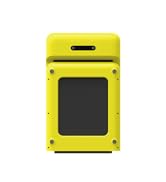
- WALKINGPAD Z1R Treadmill Unit
- Kabel Listrik
- Kontrol Jarak Jauh
- Silicone Oil (for lubrication)
- User Manual (dokumen ini)
- Bagian manset lengan kemeja
Pengaturan
- Membuka Treadmill: Carefully unfold the treadmill from its compact storage position. Ensure the running deck is fully extended and locked into place before use.
- Attaching the Safety Handle Bar: The Z1R features a removable handle bar for enhanced safety and stability. Insert the handle bar into the designated slots on the treadmill base and secure it using the provided fasteners or locking mechanisms.
- Sambungan Daya: Connect the power cord to the treadmill and then to a suitable electrical outlet. Ensure the power switch on the treadmill is in the 'Off' position before plugging it in.
- Penempatan: Position the treadmill on a level surface. For under-desk use, ensure sufficient clearance for the handle bar if attached, or remove it for a more compact setup.


Petunjuk Pengoperasian
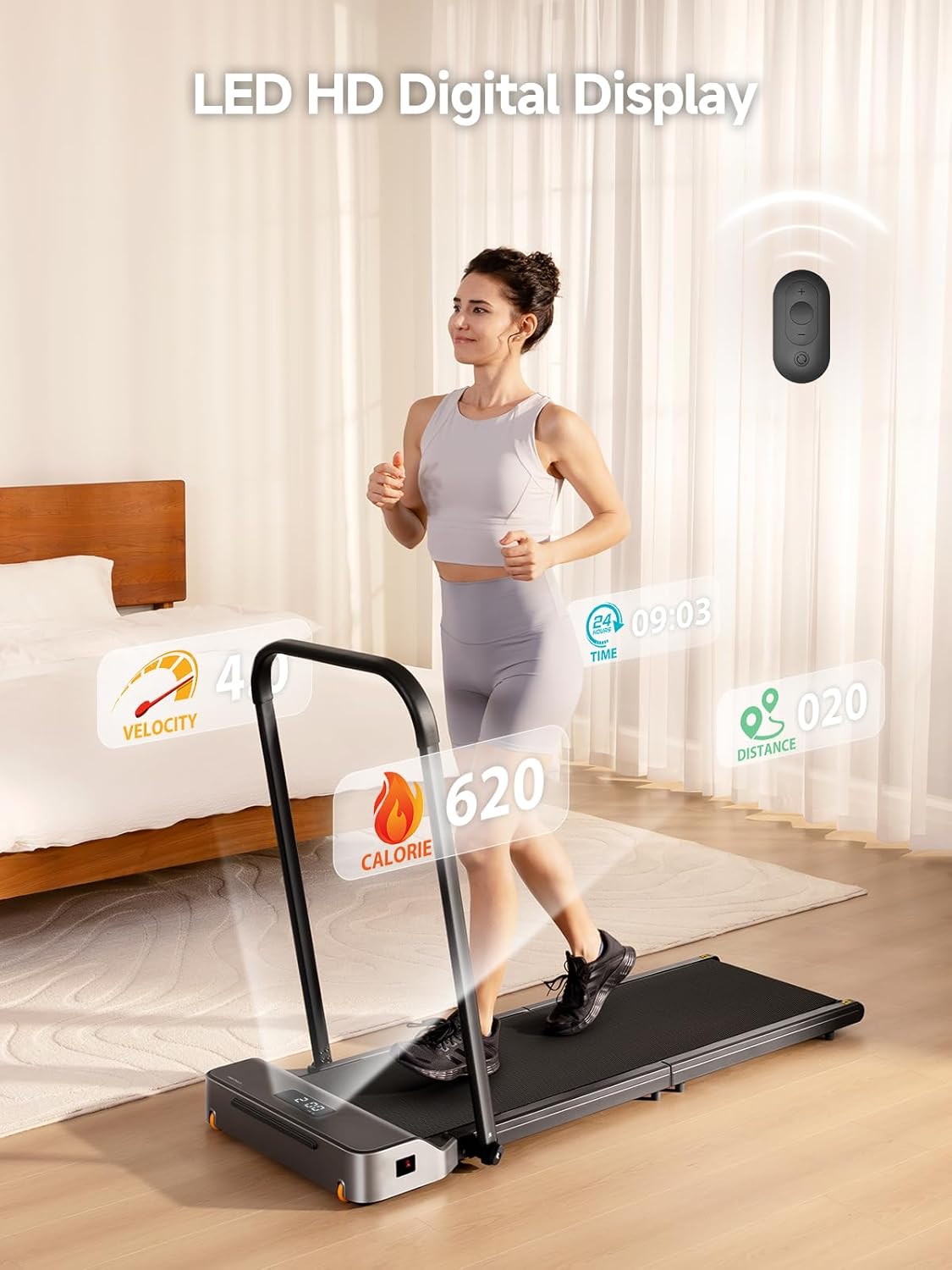
- Nyalakan: Flip the main power switch to the 'On' position. The LED display will illuminate.
- Memulai Latihan: Use the included remote control to start the treadmill. Press the 'Start' button. The treadmill will begin at a low speed.
- Menyesuaikan Kecepatan: Use the '+' and '-' buttons on the remote control to adjust the speed. The speed range is 1-5 MPH. Adjust gradually to a comfortable pace.
- Using the APP Control: Download the WALKINGPAD app on your smartphone. Pair your device with the treadmill via Bluetooth. The app allows for advanced control, tracking, and recording of your fitness progress.
- Kemajuan Pemantauan: The LED display shows key metrics such as speed, distance, time, and calories burned. The app provides a more detailed overview of your workout data.
- Menghentikan Latihan: Press the 'Stop' button on the remote control or within the app to safely stop the treadmill.

Pemeliharaan
- Pelumasan: Apply silicone oil to the running belt every 3 months or after 100 hours of use, whichever comes first. Lift the edge of the belt and apply a small amount of oil to the center of the deck. Run the treadmill at a low speed for 5 minutes to distribute the lubricant.
- Pembersihan: Bersihkan treadmill dengan adamp Bersihkan dengan kain setelah setiap penggunaan. Hindari penggunaan pembersih abrasif.
- Penyesuaian Sabuk: If the running belt becomes misaligned or slips, refer to the detailed instructions in the app or contact customer support for guidance on adjusting the belt tension and alignment.
Penyelesaian Masalah
- Mesin treadmill tidak menyala: Check if the power cord is securely plugged in and the main power switch is 'On'. Ensure the safety key (if applicable) is correctly inserted.
- Suara-suara yang Tidak Biasa: Inspect the running belt for any obstructions. If the noise persists, it may indicate a need for lubrication or belt adjustment.
- Kendali Jarak Jauh Tidak Merespons: Check the battery in the remote control. Ensure there are no obstructions between the remote and the treadmill's receiver.
- Masalah Konektivitas Aplikasi: Ensure Bluetooth is enabled on your device and the treadmill. Try restarting both the app and the treadmill.
For further assistance, please refer to the comprehensive troubleshooting guide in the WALKINGPAD app or contact customer support.
Spesifikasi
| Fitur | Spesifikasi |
|---|---|
| Nama Model | WalkingPad Z1R |
| Rentang Kecepatan | 1-5 Miles per Hour (MPH) |
| Rekomendasi Berat Maksimum | 242 pon |
| Berat Barang | 57 pon |
| Tenaga Kuda Motor | 2 Tenaga Kuda (Tanpa Sikat) |
| Dimensi Produk (Tidak Terlipat) | 55.9"Panjang x 23.2"Lebar x 37.9"T |
| Ukuran Terlipat | 49.2" x 23.2" x 5.5" |
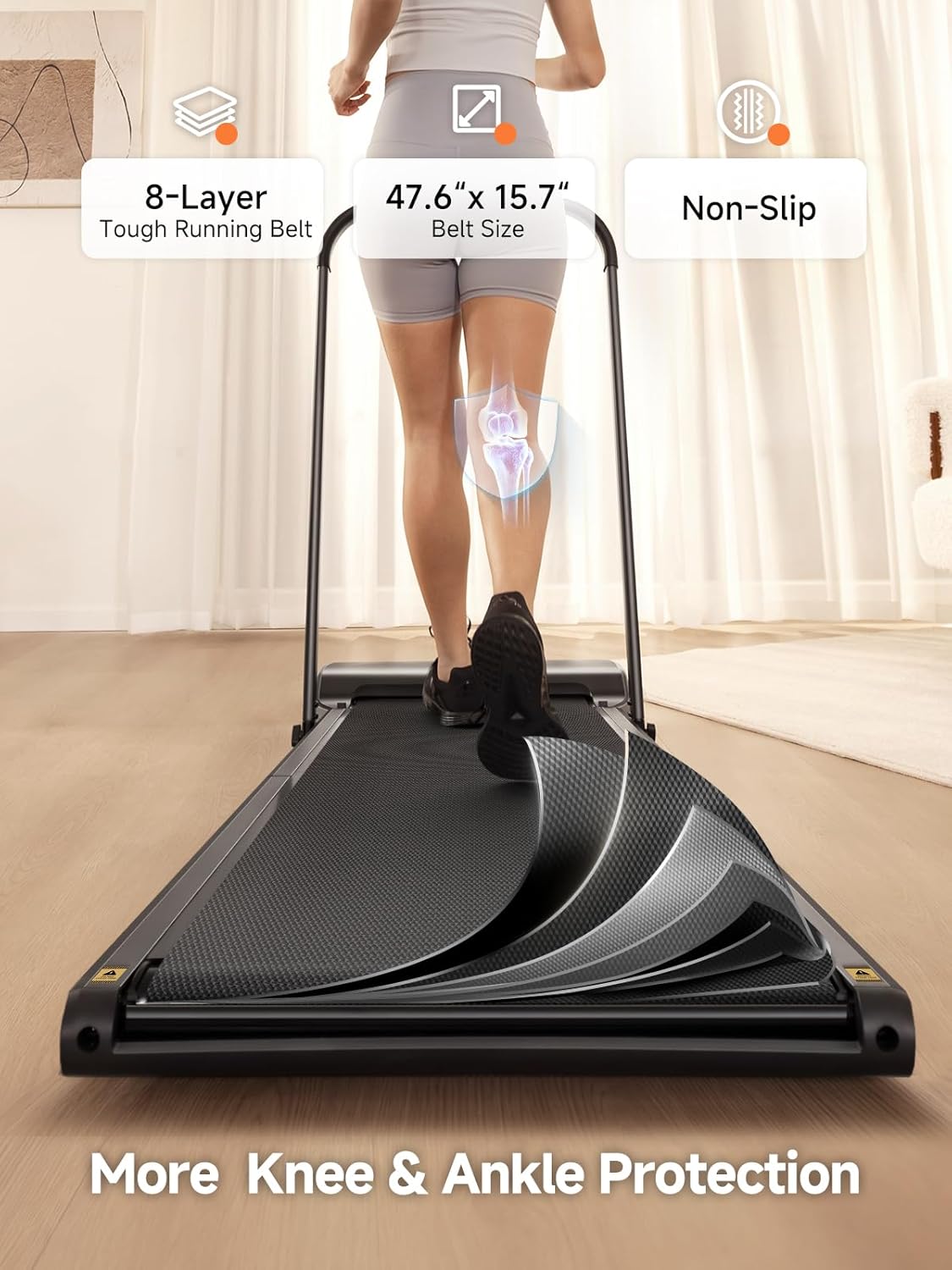
| Panjang Dek | 47.6 inci |
| Lebar Dek | 15.7 inci |
| Bahan | Bingkai Aluminium |
| Jenis Tampilan | DIPIMPIN |
| Fitur Khusus | Adjustable Speed, Compact Design, Foldable, Removable Handle Bar, 8-Layer Shock-absorbing Running Belt |


Garansi & Dukungan
The WALKINGPAD Z1R Treadmill comes with a Garansi 1 Tahun sejak tanggal pembelian, mencakup cacat produksi dan malfungsi dalam penggunaan normal. Harap simpan bukti pembelian Anda untuk klaim garansi.
For technical support, warranty inquiries, or replacement parts, please contact WALKINGPAD customer service:
- E-mail: dukungan@walkingpad.com
- Telepon: Nomor telepon 1-888-927-6888
- Weblokasi: www.walkingpad.com