Perkenalan
This instruction manual provides essential information for the proper installation and maintenance of your Panasonic MC-V350B Type UB-9 Replacement Upright Vacuum Cleaner Belts. Adhering to these instructions will help ensure optimal performance and longevity of your vacuum cleaner.
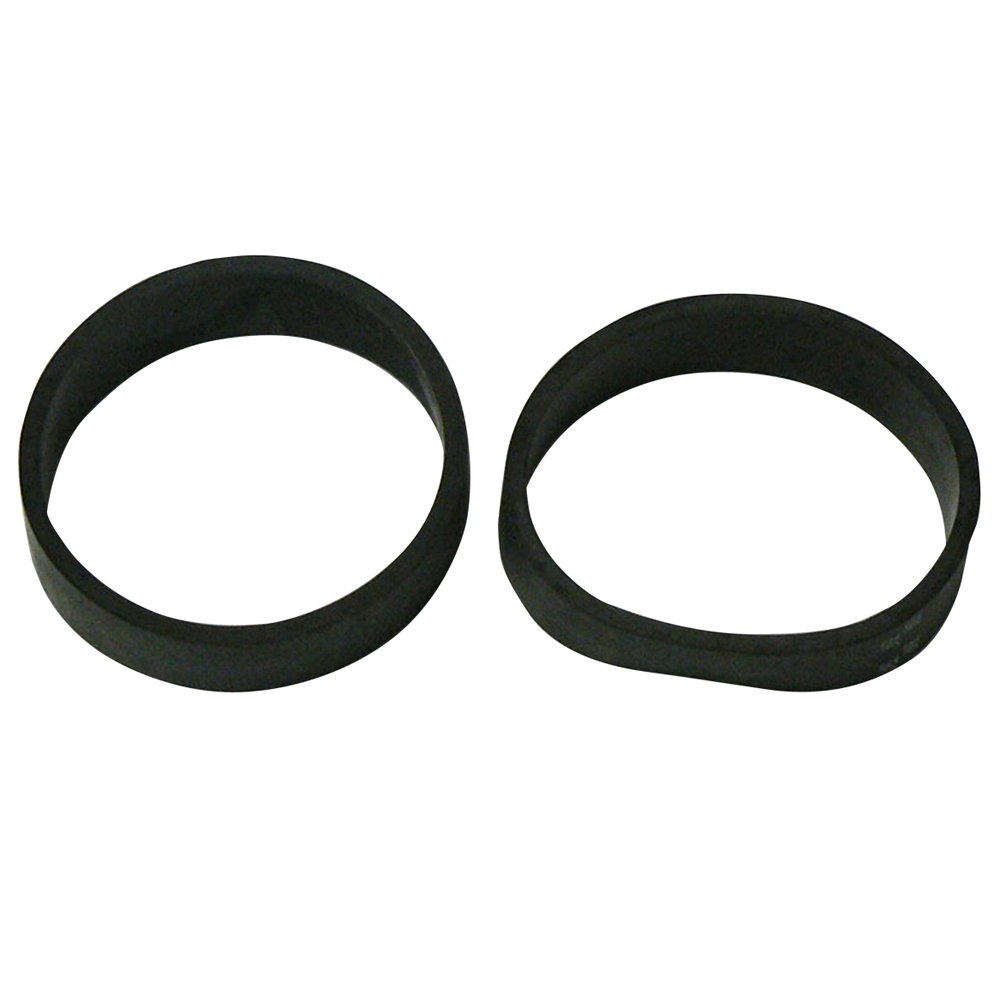
This image displays the front of the product packaging for the Panasonic MC-V350B Type UB-9 Replacement Upright Vacuum Cleaner Belts. The packaging indicates it contains 2 belts and is compatible with Panasonic MC-V75** series vacuum cleaners. It also highlights that the product is 'Made in USA of U.S. and Foreign Components' and includes the UPC 037988958092.
Informasi Keselamatan
- Always unplug the vacuum cleaner from the power outlet before attempting any maintenance or belt replacement.
- Wear appropriate protective gear, such as gloves, if necessary.
- Ensure the vacuum cleaner is stable and on a flat surface during maintenance.
- Use only genuine Panasonic replacement belts to ensure proper fit and performance.
Pengaturan dan Instalasi
These belts are designed for Panasonic upright vacuum cleaners, specifically replacing Type UB-9 belts and compatible with MC-V75** series models.
Belt Replacement Procedure:
- Cabut steker penyedot debu: Disconnect the vacuum cleaner from the electrical outlet to prevent accidental startup.
- Mengakses Rol Kuas: Lay the vacuum cleaner flat on its front or back. Locate and remove the bottom plate or brush roll cover. This usually involves unscrewing a few screws.
- Lepaskan Sabuk Lama: Carefully remove the worn or broken belt from the brush roll and motor shaft. Note how the old belt was routed.
- Area Bersih: Clean any debris, hair, or dust from the brush roll, motor shaft, and belt path.
- Pasang Sabuk Baru: Loop one end of the new Panasonic MC-V350B Type UB-9 belt around the motor shaft. Stretch the other end of the belt around the brush roll. Ensure the belt is centered and not twisted.
- Berkumpul kembali: Place the brush roll back into its housing, ensuring the belt remains properly seated. Reattach the bottom plate or brush roll cover and secure it with screws.
- Tes: Plug the vacuum cleaner back in and test its operation to ensure the brush roll spins correctly.
Pertimbangan Operasi
After successful installation of the new belt, your vacuum cleaner's brush roll should operate effectively, aiding in debris agitation and pickup. If the brush roll does not spin or spins intermittently, refer to the Troubleshooting section.
Pemeliharaan
- Pemeriksaan Rutin: Periodically inspect the vacuum belt for signs of wear, cracking, stretching, or breakage. This can be done when cleaning the brush roll.
- Pembersihan Rol Sikat: Regularly remove hair and debris from the brush roll to prevent strain on the belt and motor.
- Frekuensi Penggantian: Belts typically need replacement every 6 to 12 months, depending on usage, or immediately if signs of wear or damage are observed.
Penyelesaian Masalah
- Rol Sikat Tidak Berputar:
- Check if the belt is broken or dislodged. Replace if broken, re-seat if dislodged.
- Ensure the brush roll is free of obstructions (e.g., tangled hair, carpet fibers).
- Verify the bottom plate is securely reattached.
- Reduced Suction/Cleaning Performance:
- A stretched or worn belt may not allow the brush roll to spin at optimal speed. Consider replacing the belt.
- Check for clogs in the vacuum hose or filters.
Spesifikasi
| Merek | Panasonic |
| Nomor Model | MC-V350B |
| Jenis | UB-9 |
| Kuantitas | Paket 2 |
| Perangkat yang Kompatibel | Panasonic Upright Vacuum Cleaners (MC-V75** series) |
| Dimensi Produk | 6.3x3.3x0.9 inci |
| Berat Barang | 1 pon |
| Nomor Identifikasi Perdagangan Global (GTIN) | 00037988958092 |
Informasi Garansi
Specific warranty details for this replacement part are not provided in the product information. Please refer to your original vacuum cleaner's warranty documentation or contact Panasonic customer support for information regarding replacement parts.
Dukungan Pelanggan
For further assistance or inquiries regarding your Panasonic vacuum cleaner or replacement parts, please visit the official Panasonic support websitus atau hubungi departemen layanan pelanggan mereka.
Panasonic Resmi Weblokasi: Www.panasonic.com


