Perkenalan
This manual provides detailed instructions for the setup, operation, maintenance, and troubleshooting of your TIMEX Expedition Chronograph T49747 watch. Please read this guide thoroughly to ensure proper use and care of your timepiece.
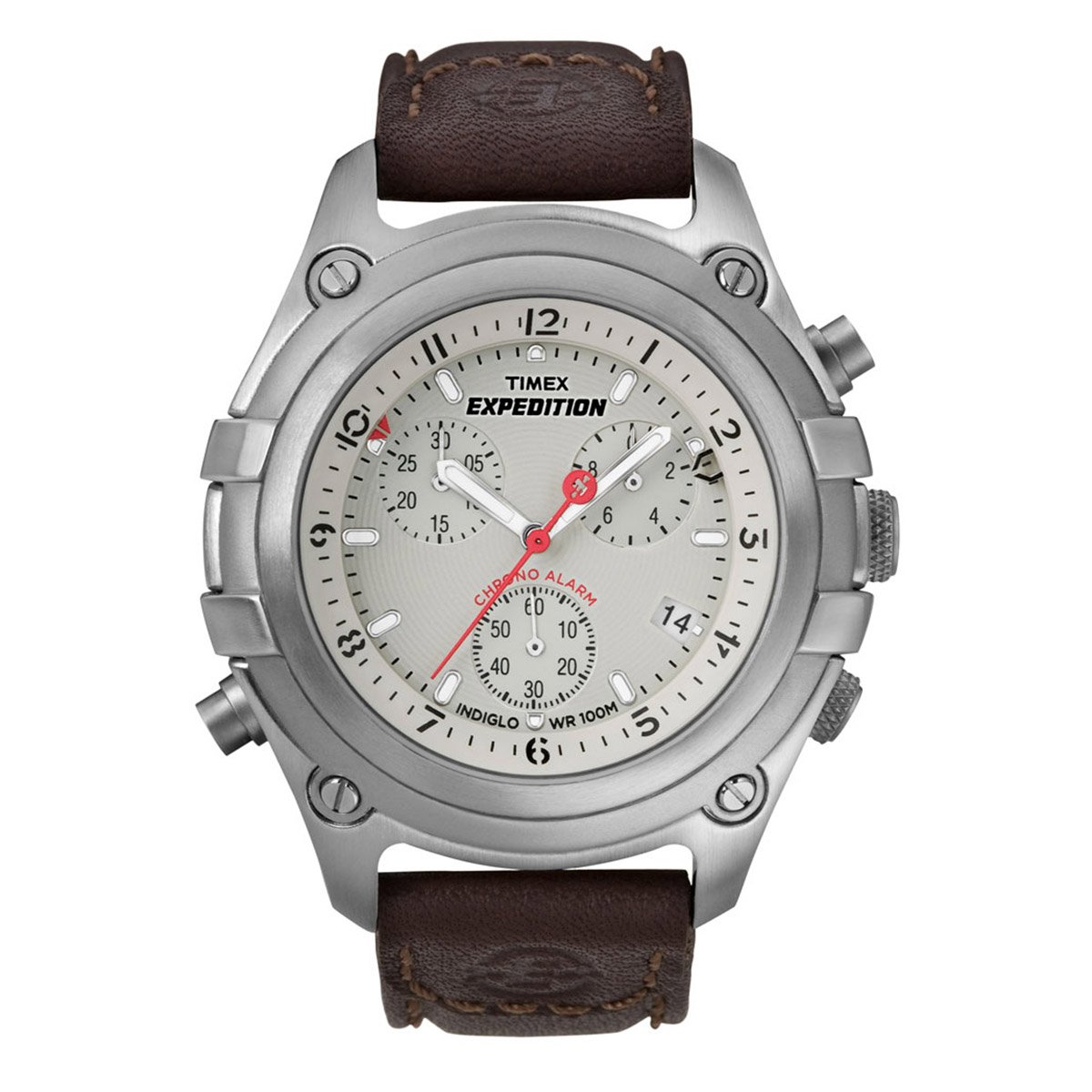
Image: The TIMEX Expedition Chronograph T49747 watch, featuring a white dial and a brown leather strap.
Pengaturan
1. Mengatur Waktu
- Tarik kenopnya ke luar klik kedua posisi.
- Putar kenop searah jarum jam atau berlawanan arah jarum jam untuk mengatur jarum jam dan menit ke waktu yang diinginkan.
- Dorong mahkota kembali ke posisi normal untuk memulai jam.
2. Menetapkan Tanggal
- Tarik kenopnya ke luar klik pertama posisi.
- Turn the crown clockwise or counter-clockwise to set the date.
- Dorong kenop kembali ke posisi normal.
3. Chronograph Hand Reset
If the chronograph hands do not reset to the zero position, follow these steps:
- Tarik kenopnya ke luar klik kedua posisi.
- Press the top pusher (A) repeatedly to advance the chronograph seconds hand.
- Press the bottom pusher (B) repeatedly to advance the chronograph minute hand.
- Once all chronograph hands are aligned to the 12 o'clock (zero) position, push the crown back in to the normal position.
Petunjuk Pengoperasian
1. Menggunakan Kronograf
- Ke awal the chronograph, press the top pusher (A).
- Ke berhenti the chronograph, press the top pusher (A) again.
- Ke mengatur ulang the chronograph to zero, press the bottom pusher (B) while the chronograph is stopped.
2. Indiglo Night-Light
To activate the Indiglo night-light, press and hold the crown (C) for a few seconds. The entire dial will illuminate for easy viewdalam kondisi cahaya rendah.
3. Fungsi Alarm
This watch features an alarm function. Refer to the detailed instructions provided in the full product manual for setting and activating the alarm. Typically, the alarm is set by pulling the crown to a specific position and rotating it to align the alarm hand with the desired time.
Pemeliharaan
1. Penggantian Baterai
The watch is powered by a quartz movement and requires a battery. When the watch stops or the Indiglo light dims significantly, the battery may need replacement. It is recommended to have the battery replaced by an authorized TIMEX service center to ensure proper sealing and water resistance.
2. Pembersihan
Clean your watch regularly with a soft, dry cloth. For water-resistant models, a slightly damp Kain dapat digunakan, kemudian dikeringkan. Hindari penggunaan pembersih kimia atau bahan abrasif.
3. Tahan Air
This watch has a water resistance depth of 100 Meter. This means it is suitable for swimming and snorkeling, but not for high-impact water sports or diving. Ensure the crown is fully pushed in before any contact with water. Do not operate the pushers or crown while the watch is wet.
Penyelesaian Masalah
1. Jam Tangan Tidak Berjalan
- Ensure the crown is fully pushed into the normal operating position.
- If the watch still does not run, the battery may need to be replaced.
2. Chronograph Hands Not Resetting to Zero
Refer to the "Chronograph Hand Reset" section under Setup for detailed instructions on how to recalibrate the chronograph hands.
3. Indiglo Not Working
- Ensure the battery is not low. A dim or non-functional Indiglo is often an indicator of a low battery.
- Press and hold the crown firmly.
Spesifikasi
| Nomor Model | T49747 |
| Merek | WAKTU |
| Jenis Tampilan | Kronograf |
| Jenis Gerakan | Kuarsa |
| Diameter Kasus | 43 Milimeter |
| Ketebalan casing | 18 Milimeter |
| Bahan Pita | Kulit |
| Warna Pita | Cokelat |
| Warna Pelat Nomor | Putih |
| Bahan Kristal | Mineral |
| Kedalaman Tahan Air | 100 Meter |
| Berat Barang | 89 gram |
Garansi dan Dukungan
Informasi Garansi
Produk ini dilengkapi dengan Garansi pabrik 1 Tahun from the date of purchase. To claim your warranty, you must produce either the original bill copy/invoice or the warranty card at any authorized Timex service center.
Dukungan Pelanggan
For any service-related inquiries or feedback, please contact Timex India customer support:
- Nomor bebas pulsa: 1800 419 2727 (Monday to Sunday, 10:00 am to 7:00 pm, except government holidays)
- E-mail: custservice@timexindia.com, feedback@timexindia.com
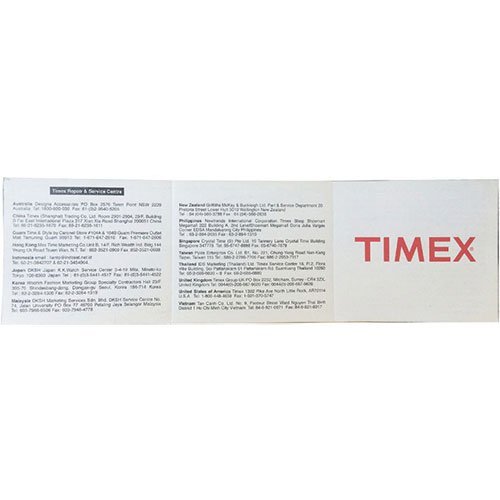
Image: A leaflet displaying Timex repair and service center contact information for various regions.


