Perkenalan
Thank you for choosing the Lexon Prism Speaker. This portable Bluetooth speaker is designed to deliver quality audio with convenient connectivity. This manual provides detailed instructions on how to set up, operate, and maintain your speaker to ensure optimal performance and longevity.
Harap baca manual ini dengan saksama sebelum menggunakan produk dan simpan untuk referensi di kemudian hari.
Isi Paket
Pastikan semua item ada dalam paket:
- Lexon Prism Speaker (Model LA87N)
- Kabel Pengisian Daya USB
- User Manual (dokumen ini)
Pengaturan
1. Mengisi Speaker
Before first use, fully charge the Lexon Prism Speaker.
- Locate the USB charging port on the speaker.
- Connect one end of the provided USB charging cable to the speaker's charging port.
- Hubungkan ujung lain kabel USB ke adaptor daya USB yang kompatibel (tidak disertakan) atau port USB komputer.
- Lampu indikator pengisian daya akan menyala, biasanya berwarna merah, selama pengisian. Lampu akan mati atau berubah warna (misalnya, biru atau hijau) saat daya terisi penuh.
- Pengisian daya penuh biasanya memakan waktu sekitar 2-3 jam.
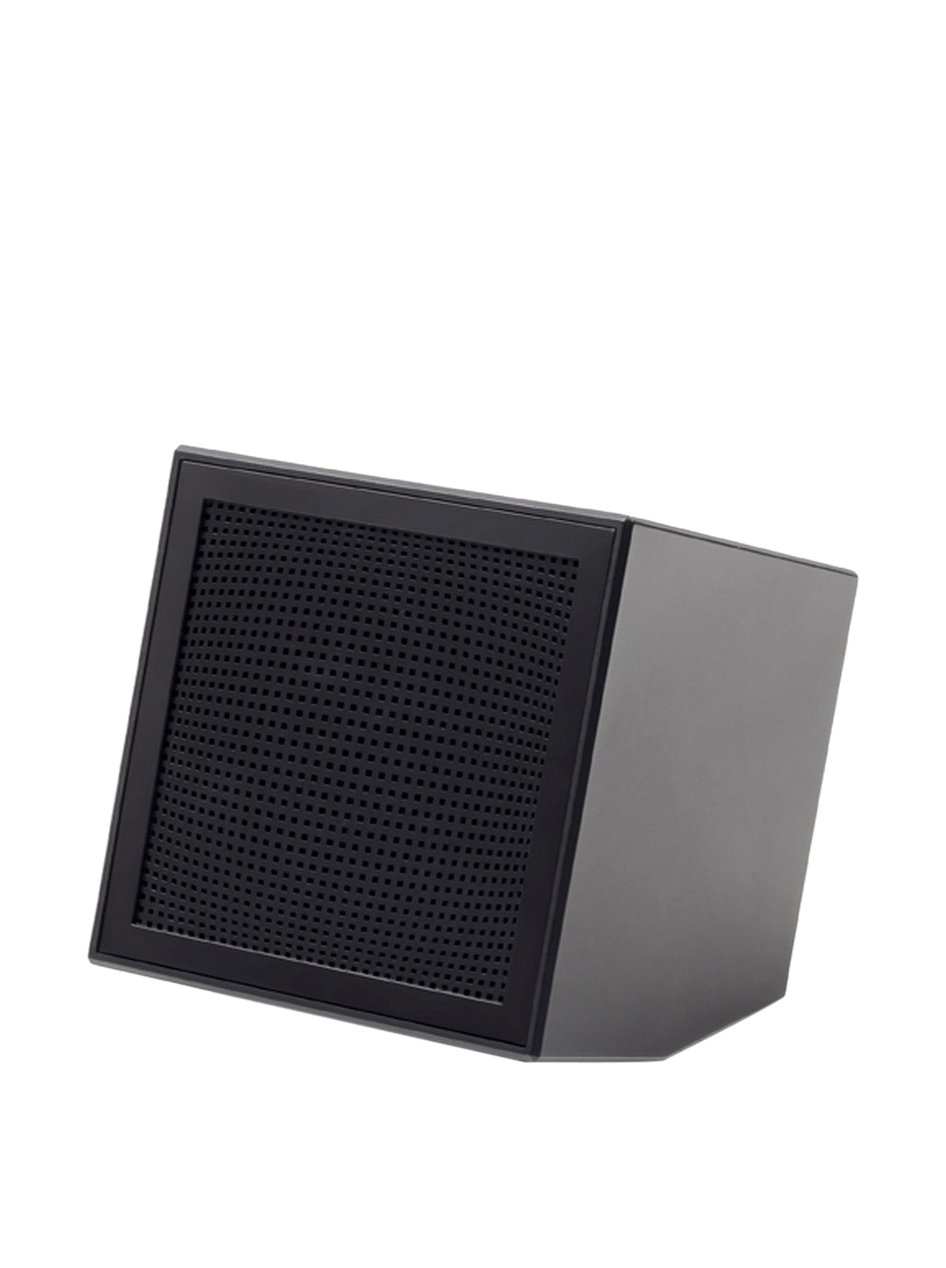
Image: The Lexon Prism Speaker, a compact black cube with a speaker grille, ready for use.
Petunjuk Pengoperasian
1. Menghidupkan/Mematikan
- To power on: Press and hold the power button (usually marked with a power symbol) for a few seconds until you hear an audible tone or see an indicator light.
- To power off: Press and hold the power button again for a few seconds until you hear an audible tone or the indicator light turns off.
2. Pemasangan Bluetooth
Pair your Lexon Prism Speaker with a Bluetooth-enabled device (e.g., smartphone, tablet, computer).
- Ensure the speaker is powered on and in pairing mode. The Bluetooth indicator light will typically flash rapidly.
- Di perangkat Anda, buka pengaturan Bluetooth dan aktifkan Bluetooth.
- Pencarian untuk available devices. The speaker should appear as "Lexon Prism" or a similar name.
- Select "Lexon Prism" from the list to connect.
- Once successfully paired, you will hear a confirmation tone, and the Bluetooth indicator light will stop flashing and remain solid.
- Speaker akan secara otomatis mencoba menyambung kembali ke perangkat terakhir yang dipasangkan saat dihidupkan.
3. Pemutaran Audio
After successful pairing, you can play audio from your connected device. Use your device's controls for:
- Memutar/Menghentikan musik
- Menyesuaikan volume
- Skipping tracks (if supported by speaker controls)
The speaker itself may have basic controls for volume and playback, refer to the physical buttons on your device.
Pemeliharaan dan Perawatan
- Pembersihan: Use a soft, dry cloth to wipe the surface of the speaker. Do not use abrasive cleaners, alcohol, or chemical solvents, as these may damage the finish.
- Penyimpanan: Simpan speaker di tempat yang sejuk dan kering, jauh dari sinar matahari langsung dan suhu ekstrem saat tidak digunakan dalam jangka waktu lama.
- Paparan Air: This speaker is not waterproof. Avoid exposing it to water, rain, or excessive moisture.
- Dampak: Hindari menjatuhkan speaker atau membenturkannya dengan keras, karena dapat merusak komponen internal.
Penyelesaian Masalah
| Masalah | Solusi yang mungkin |
|---|---|
| Speaker tidak menyala. | Ensure the speaker is fully charged. Connect it to a power source using the USB cable and allow it to charge for at least 30 minutes before attempting to power on again. |
| Tidak dapat memasangkan dengan perangkat Bluetooth. |
|
| Tidak ada suara atau volume rendah. |
|
| Distorsi suara. |
|
Spesifikasi
| Fitur | Detil |
|---|---|
| Nomor Model | LA87N |
| Merek | Lekson |
| Daya Keluaran | 3 Watt |
| Teknologi Konektivitas | Bluetooth, USB |
| Sumber Daya | Bertenaga Baterai |
| Bahan | ABS |
| Dimensi (P x L x T) | Ukuran 8x8x8 cm |
| Berat | 405 gram |
| Warna | Hitam |
Garansi dan Dukungan
Lexon products are manufactured to the highest quality standards. For information regarding warranty coverage, terms, and conditions, please refer to the warranty card included with your purchase or visit the official Lexon weblokasi.
If you encounter any issues not covered in the troubleshooting section or require further assistance, please contact Lexon customer support through their official websitus atau informasi kontak yang diberikan bersama dokumentasi produk Anda.
Please have your model number (LA87N) and proof of purchase ready when contacting support.


