1. Pendahuluan
The Cuddeback CuddeLink 2+1 Cellular Starter Kit provides a comprehensive solution for remote wildlife monitoring and security. This kit includes one CuddeLink Cell Home unit and two CuddeLink IR Remote Cameras, designed to establish a wireless network for image transmission. The Cell Home unit acts as the central hub, collecting images from all linked remote cameras and transmitting them to your device via LTE cellular service. The remote cameras capture high-quality images and relay them to the Cell Home without requiring individual cellular plans, offering flexible placement options.
This manual provides detailed instructions for the setup, operation, and maintenance of your CuddeLink system to ensure optimal performance.
2. Isi Paket
Verify that all items listed below are present in your kit:
- 1 x CuddeLink Cell Home Unit (LLC-H)
- 2 x CuddeLink IR Remote Cameras (LL-2A)
- 3 x Tali Pemasangan
- 3 x Braket Pemasangan
- 3 x Antennas (one for each unit)
- Instruksi Manual (dokumen ini)

Image: The CuddeLink 2+1 Cellular Starter Kit includes one CuddeLink Home Unit and two L-Series IR Remote Cameras, along with necessary accessories for initial setup.
3. Produk Lebihview
3.1 CuddeLink System Architecture
The CuddeLink system operates on a network principle where multiple remote cameras communicate wirelessly with a single Cell Home unit. The Cell Home then utilizes cellular service (AT&T or Verizon) to transmit collected images to the user. This design allows for extensive coverage with only one cellular data plan.
3.2 Fitur Utama
- Network Capacity: Supports up to 23 remote cameras linked to one Cell Home unit.
- Kecepatan Pemicu: Fast 1/4 second trigger speed for capturing rapid movement.
- Konektivitas Seluler: Pre-installed AT&T and Verizon SIM cards for broad network compatibility.
- Sumber Daya: Each unit requires 4 D-cell batteries (not included) for operation.
- Daisy-Chain Transmission: Images are transmitted from camera to camera, extending the network range up to 2+ miles.
- Camera Link Range: Each camera can link to another unit up to 1/4 mile away, even in dense terrain.
- Kualitas gambar: Features high-quality timelapse and advanced low-glow IR night vision modes.
- Penyimpanan: Compatible with SD cards up to 256GB (not included).
- Gambar Tagging: Photos are tagged with date, time, moon phase, and camera ID.
- Kontrol Jarak Jauh: Kelola pengaturan kamera dan view images via a dedicated app or web peramban.

Image: The CuddeLink Cell Home and two remote cameras, illustrating the core components of the starter kit.

Image: A visual representation of the CuddeLink network, demonstrating how cameras daisy-chain to extend range and transmit images to the central Cell Home unit.
4. Pengaturan
4.1 Pemasangan Baterai
- Open the battery compartment on each CuddeLink unit (Cell Home and Remote Cameras).
- Insert 4 new D-cell batteries into each unit, ensuring correct polarity (+/-).
- Tutup rapat tempat baterai.
4.2 Cara Memasukkan Kartu SD
- Locate the SD card slot on each unit.
- Insert a compatible SD card (up to 256GB, not included) into the slot until it clicks into place.
- It is recommended to format the SD card using the camera's menu system after insertion.
4.3 Pemasangan Antena
- Screw the provided antennas onto the designated ports on the top of each CuddeLink unit.
- Ensure the antennas are securely tightened but do not overtighten.
4.4 Memasang Unit
- Select a suitable location for each camera, typically a tree or post, ensuring a clear line of sight between units for optimal network performance.
- Use the provided mounting straps and brackets to securely attach each unit.
- Position the cameras to cover the desired monitoring area.
4.5 Initial Power-On and Network Linking
- Power on the CuddeLink Cell Home unit first.
- Follow the on-screen prompts or refer to the unit's display for initial setup, including selecting your cellular carrier (AT&T or Verizon).
- Power on the CuddeLink IR Remote Cameras. They will automatically attempt to connect to the nearest Cell Home unit or another linked remote camera.
- Verify successful linking on the display of each unit.
4.6 App/Web Pengaturan Peramban
- Download the official Cuddeback app from your device's app store or visit the Cuddeback websitus untuk web akses peramban.
- Create an account and register your CuddeLink Cell Home unit using the provided serial number.
- Configure camera settings, view images, and manage your network through the app or web antarmuka.

Image: The CuddeLink mobile application allows users to control cameras and view captured images remotely.
5. Petunjuk Pengoperasian
5.1 Pengambilan Gambar
The remote cameras are equipped with motion sensors that trigger image capture. With a 1/4 second trigger speed, the cameras are designed to capture fast-moving subjects effectively.
5.2 Transmisi Gambar
Once an image is captured by a remote camera, it is wirelessly transmitted through the CuddeLink network to the Cell Home unit. The Cell Home then sends these images to your registered account, accessible via the mobile app or web peramban.
5.3 Mode Operasi
- Mode Siang Hari: Captures full-color images in daylight conditions.
- Mode Penglihatan Malam: Utilizes advanced low-glow infrared (IR) technology to capture clear black and white images in low-light or nighttime conditions.
- Mode Selang Waktu: Captures images at set intervals, useful for monitoring slow-moving events or changes over time.

Gambar: Examples of daytime color photography and advanced low-glow IR night vision images captured by CuddeLink cameras.
5.4 Manajemen Jarak Jauh
Use the Cuddeback app or web portal to:
- View gambar dan video yang diambil.
- Adjust camera settings (e.g., trigger delay, photo resolution, mode).
- Monitor battery levels and SD card capacity.
- Receive notifications for new activity.
6. Pemeliharaan
6.1 Penggantian Baterai
Regularly check battery levels via the app or unit display. Replace all 4 D-cell batteries in a unit simultaneously to ensure consistent power and optimal performance. Battery life can vary based on usage and environmental conditions.
6.2 Manajemen Kartu SD
Monitor the remaining capacity of your SD cards. When full, images will no longer be saved. You can either replace the SD card with a new one or format the existing card (which will erase all stored images). It is recommended to back up important images before formatting.
6.3 Pembersihan
Periodically clean the camera lens and IR array with a soft, lint-free cloth to ensure clear image quality. Wipe down the camera housing to remove dirt, dust, or debris that may accumulate.
6.4 Pembaruan Firmware
Check the Cuddeback website or app periodically for available firmware updates. Firmware updates can improve performance, add new features, or resolve known issues. Follow the provided instructions carefully when performing updates.

Image: Details on power and storage, including battery requirements and SD card compatibility.
7. Penyelesaian masalah
If you encounter issues with your CuddeLink system, refer to the following common problems and solutions:
- No Images Received:
- Check battery levels in all units.
- Ensure SD cards are properly inserted and have sufficient space.
- Verify that all cameras are linked to the Cell Home unit and the Cell Home has cellular signal.
- Confirm your cellular data plan is active and not expired.
- Check camera placement for obstructions or insufficient motion in the detection zone.
- Kualitas Gambar Buruk:
- Clean the camera lens and IR array.
- Pastikan kamera terpasang dengan aman untuk mencegah pergerakan.
- Check settings in the app to ensure appropriate resolution and mode are selected.
- Delayed Image Transmission:
- Image transmission time can vary based on cellular network congestion and signal strength.
- Ensure the Cell Home unit has a strong cellular signal. Relocate if necessary.
- Verify that remote cameras are within effective range of other linked cameras or the Cell Home.
- Daya Tahan Baterai Pendek:
- Ensure you are using fresh, high-quality D-cell batteries.
- Frequent image capture, video recording (if enabled), and cold temperatures can reduce battery life.
- Consider using a Cuddeback solar panel add-on for extended runtime.
- Missing SIM Card:
- The kit is advertised with AT&T & Verizon SIM cards installed. If a SIM card is missing, contact Cuddeback customer support immediately.
For further assistance, refer to the official Cuddeback support resources or contact customer service.
8. Spesifikasi
| Fitur | Spesifikasi |
|---|---|
| Nomor Model | KT-001 |
| Merek | orang tua |
| Penggunaan Dalam/Luar Ruangan | Luar ruangan |
| Sumber Daya | Battery Powered (4 x D-cell batteries per unit, not included) |
| Protokol Konektivitas | Radio Frequency (CuddeLink network), LTE (Cellular transmission) |
| Komunikasi Nirkabel | Wi-Fi (for local network management) |
| Tipe Pengendali | Aplikasi, Jarak Jauh |
| Jenis Pemasangan | Gunung Pohon |
| Kecepatan Pemicu | 1/4 Detik |
| Kapasitas Jaringan | Up to 23 remote cameras per Cell Home |
| Camera Link Range | Up to 1/4 mile per camera link |
| Total Network Range | 2+ miles (daisy-chain) |
| Jenis Memori Flash | SD |
| Ukuran Kartu SD Maks | 256 GB |
| Warna | Coklat kecokelatan |
| Bahan | Plastik |
| Dimensi Barang (P x L x T) | 3.5 x 3.5 x 6 inci (per unit) |
| Berat Barang | 4.13 Pounds (likely for the kit) |
| Fitur Khusus | Image Sensor, Motion Sensor, Time-Lapse, Low-Glow IR Night Vision |
| UPC | 700868100248 |
9. Garansi dan Dukungan
For information regarding product warranty, please refer to the documentation included with your purchase or visit the official Cuddeback website. For technical support, troubleshooting assistance beyond this manual, or inquiries about parts and service, please contact Cuddeback customer service directly.
Cuddeback Customer Service: Refer to the contact information provided on the Cuddeback websitus atau dalam kemasan produk Anda.
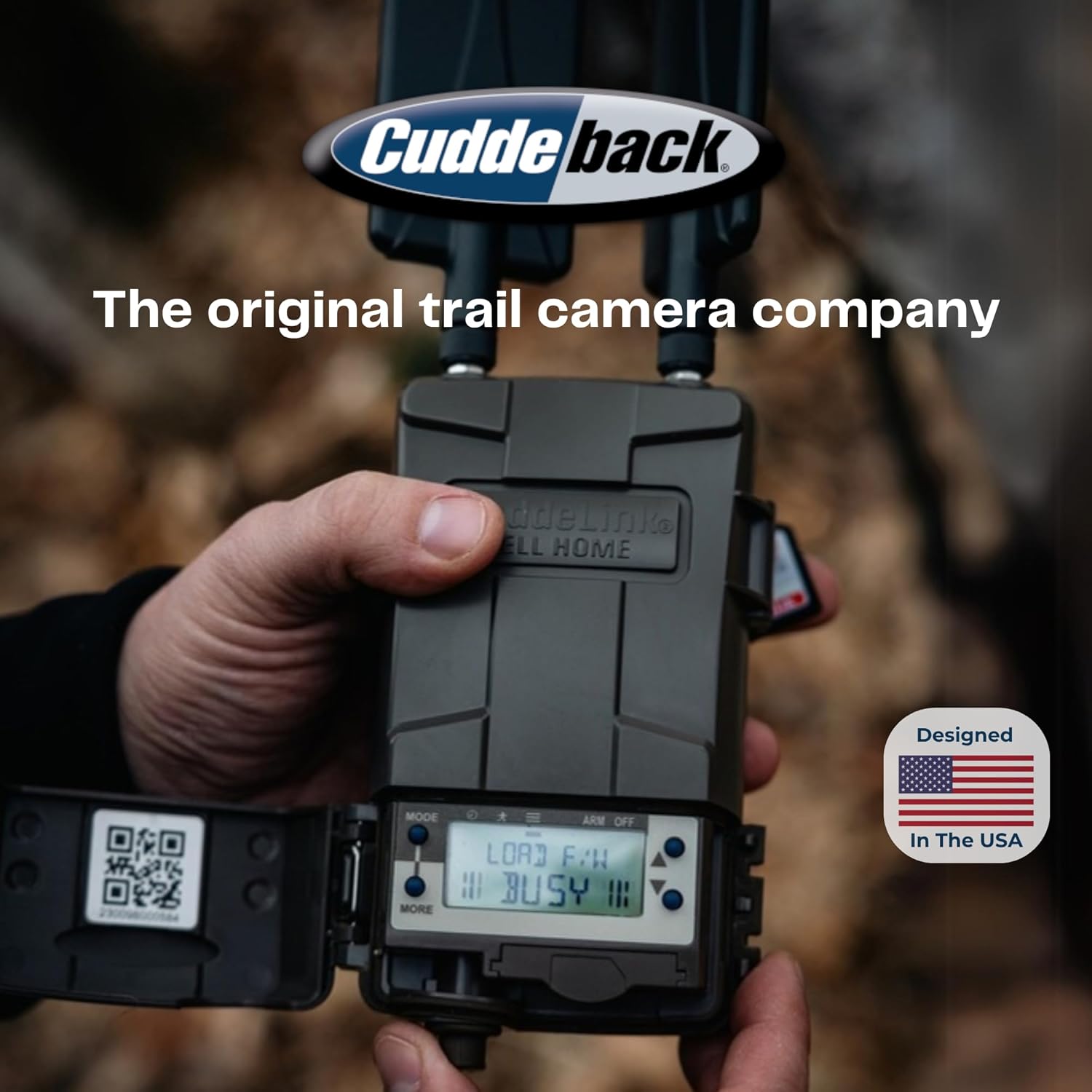
Image: Cuddeback trail camera, highlighting the brand's commitment to design in the USA.


