Perkenalan
This manual provides essential information for setting up, operating, and maintaining your Gigaset A170 digital cordless phone. Please read these instructions carefully to ensure proper use and to benefit from all features.

Image: The Gigaset A170 cordless phone, showing the handset docked in its base station.
Pengaturan
Follow these steps to set up your Gigaset A170 phone for the first time.
1. Membuka Kemasan dan Komponen
Sebelum memulai, pastikan semua komponen ada di dalam paket:
- 1 Gigaset A170 base station
- 1 Gigaset A170H handset
- 1 plug-in power adapter
- 1 telephone connection cable
- 2 rechargeable AAA batteries
- 1 battery compartment cover
- 1. Panduan pengguna (dokumen ini)
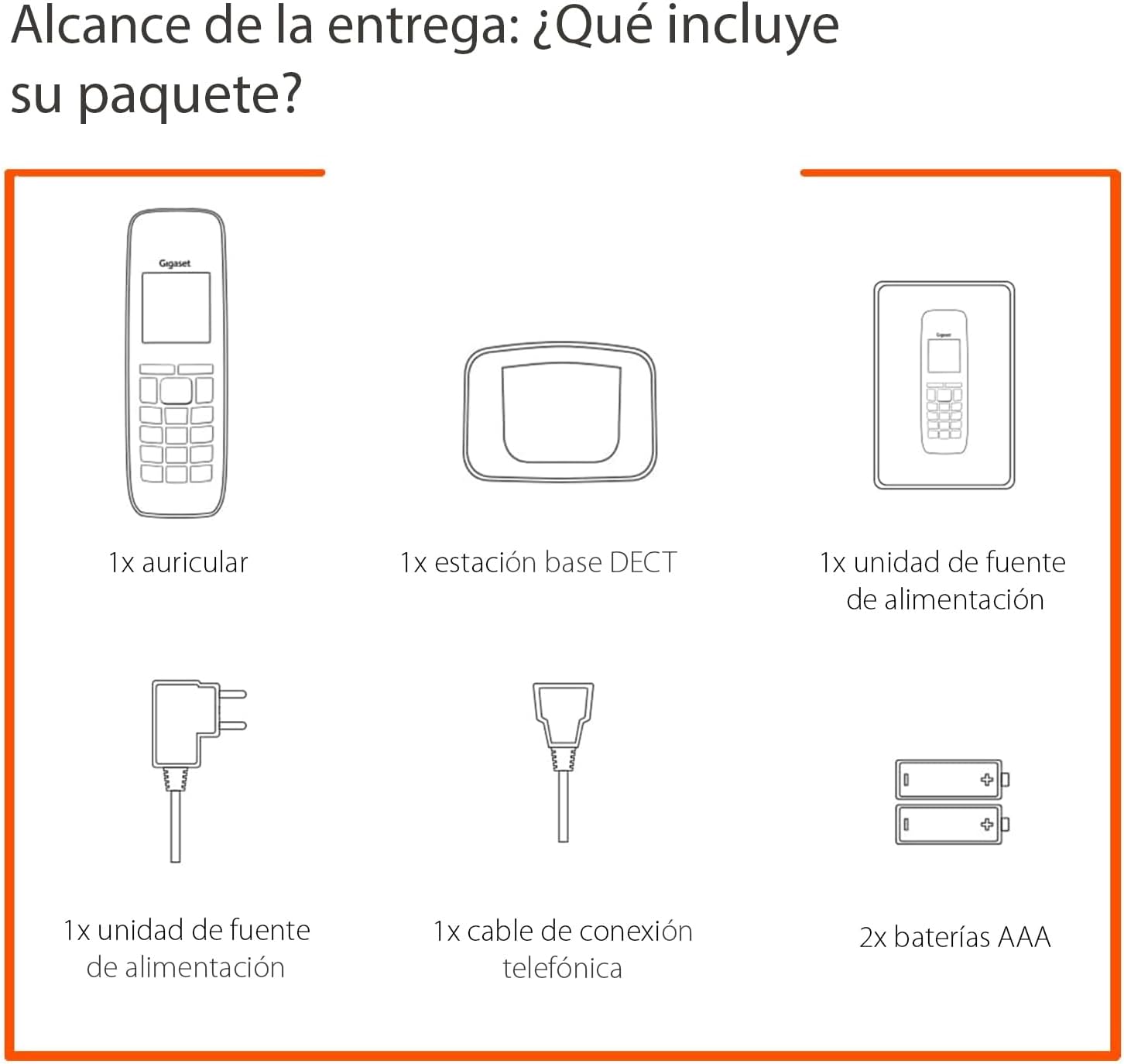
Image: Diagram illustrating the components included in the Gigaset A170 package, such as the handset, base, power adapter, phone cable, and batteries.
2. Menghubungkan Stasiun Pangkalan
- Hubungkan adaptor daya: Plug the power adapter into the base station and then into a wall outlet.
- Connect the telephone cable: Plug the telephone cable into the base station and then into your telephone wall socket.
3. Inserting Batteries into the Handset
- Lepaskan penutup tempat baterai pada bagian belakang telepon genggam.
- Insert the two supplied AAA rechargeable batteries, ensuring correct polarity (+/-).
- Ganti penutup ruang baterai.
- Place the handset on the base station to charge. The handset display will indicate charging. Allow the batteries to charge for at least 6 hours before first use.
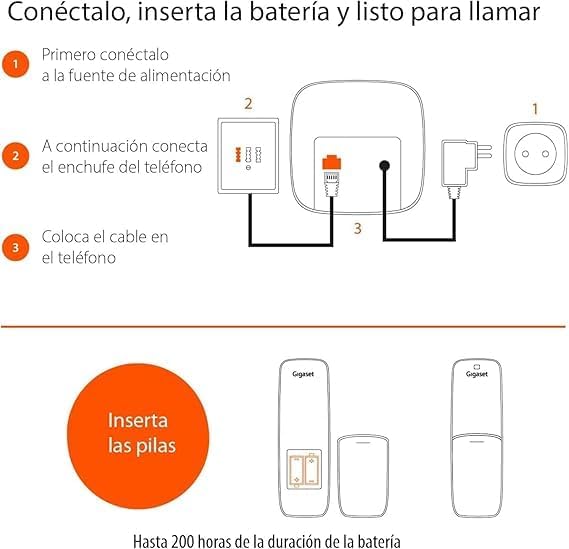
Image: A diagram showing the steps to connect the base station to power and the phone line, and how to insert batteries into the handset.
Petunjuk Pengoperasian
This section covers basic functions and how to navigate your Gigaset A170 phone.
1. Melakukan dan Menerima Panggilan
- Melakukan panggilan: Press the green call key ☎, then dial the number. Alternatively, dial the number first and then press the call key.
- Menerima panggilan: When the phone rings, press the green call key ☎ untuk menjawab.
- Mengakhiri panggilan: Press the red end call key ☒.
2. Menyesuaikan Volume Handset
During a call, you can adjust the handset volume using the navigation keys. The A170 offers up to 5 adjustable volume levels.
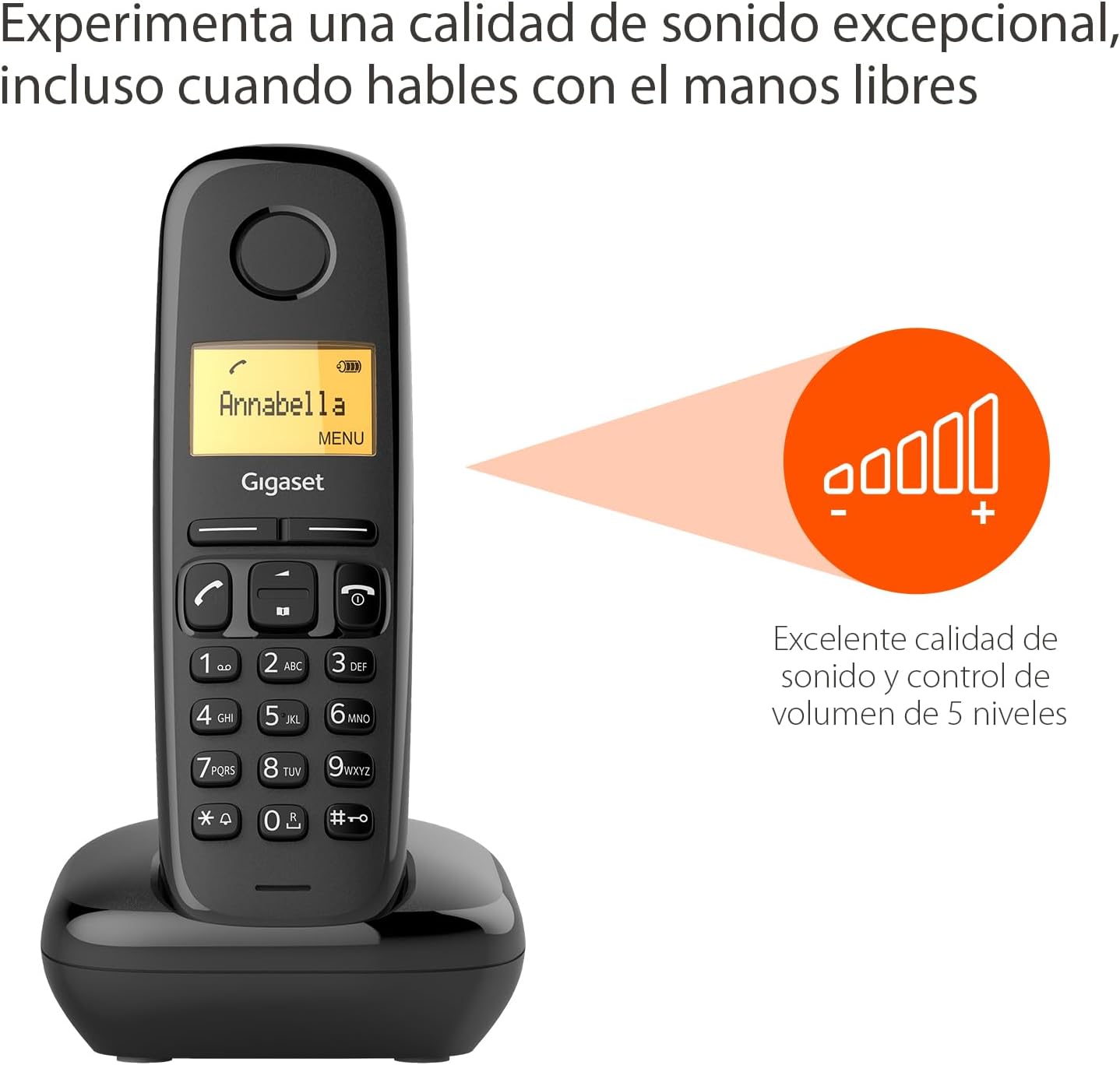
Image: The Gigaset A170 handset displaying an indicator for excellent sound quality and 5-level volume control.
3. Navigasi Menu
The Gigaset A170 features an intuitive icon-based menu. Use the navigation keys to scroll through menu options and the central key to select.
- Mengakses menu: Press the 'MENU' key (usually the central key when not in a call).
- Menggulir: Use the up/down navigation keys to move through menu items.
- Memilih: Press the central key to confirm a selection.
- Keluar: Press the red end call key ☒ untuk keluar dari menu.
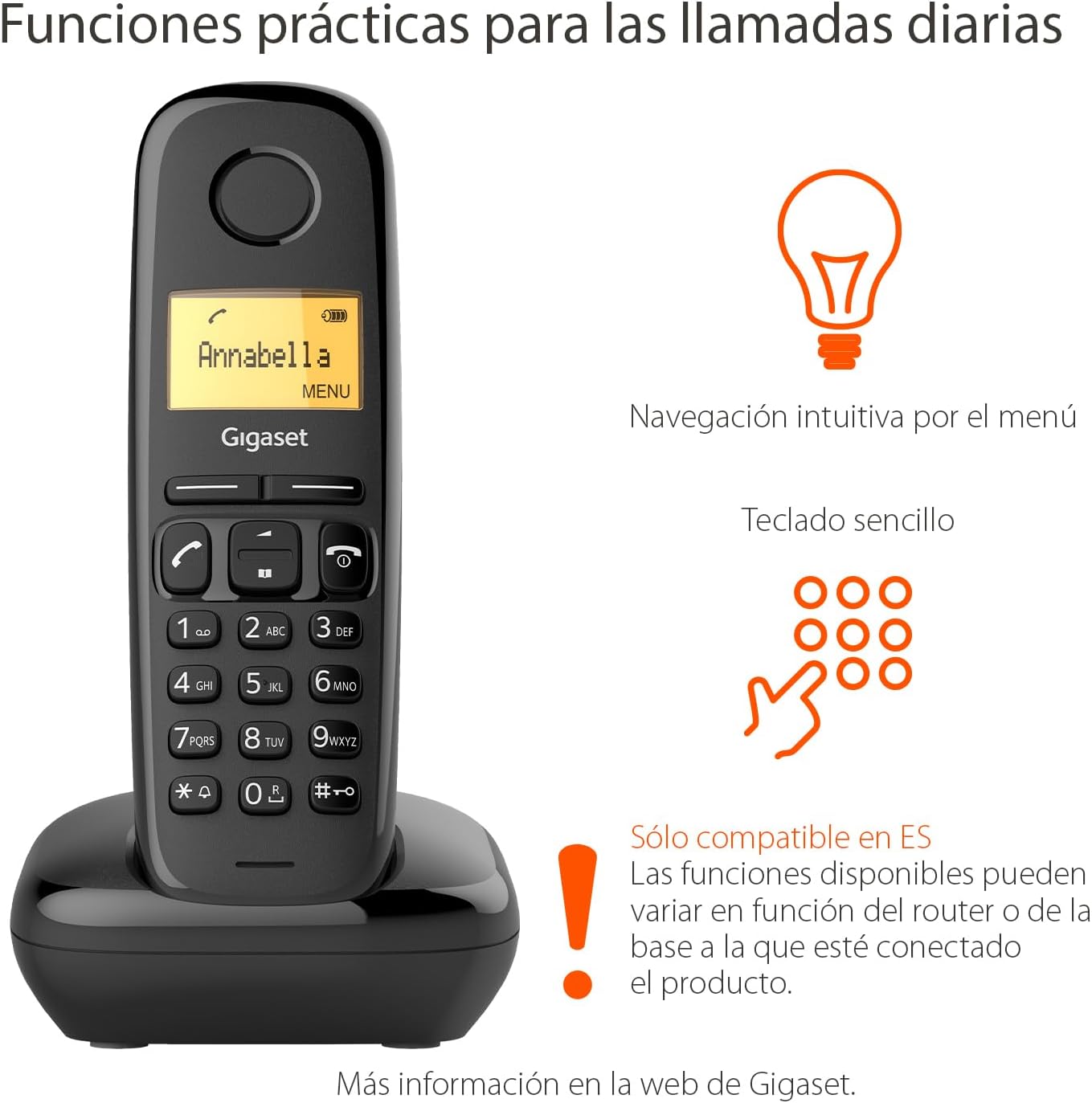
Image: The Gigaset A170 handset highlighting intuitive menu navigation and a simple keypad for practical daily calls.
4. Buku Telepon
The phonebook can store up to 50 contacts. To add a contact:
- Go to the 'Phonebook' menu.
- Select 'New Entry'.
- Masukkan nama dan nomor menggunakan papan tombol.
- Simpan entri.
5. Speed Dial Keys
The Gigaset A170 supports programmable speed dial keys for quick access to frequently called numbers. Refer to the on-screen menu for programming instructions.
Pemeliharaan
Proper care ensures the longevity of your Gigaset A170 phone.
1. Pembersihan
- Wipe the handset and base station with a damp kain.
- Do not use cleaning agents or solvents that could damage the surfaces.
2. Perawatan Baterai
- Only use the recommended rechargeable AAA batteries.
- Jika telepon tidak akan digunakan dalam jangka waktu lama, keluarkan baterai dari telepon.
- Buang baterai lama sesuai peraturan setempat.
Penyelesaian Masalah
If you encounter issues with your Gigaset A170, try these solutions:
| Masalah | Kemungkinan Penyebab | Larutan |
|---|---|---|
| No display on handset | Batteries are empty or incorrectly inserted. | Check battery insertion and charge the handset on the base station. |
| Tidak ada nada sambung | Telephone cable not connected or faulty. | Ensure the telephone cable is securely connected to the base station and the wall socket. Test with another phone if possible. |
| Tidak dapat membuat/menerima panggilan | Base station not powered or out of range. | Check power connection to the base station. Ensure handset is within range of the base. |
| Kualitas suara buruk | Gangguan atau handset terlalu jauh dari stasiun pangkalan. | Dekati stasiun pangkalan. Hindari menempatkan stasiun pangkalan di dekat perangkat elektronik lainnya. |
Spesifikasi Teknis
- Merek: Gigaset
- Nomor Model: Nomor telepon A170
- Tipe Telepon: DECT (Digital Enhanced Cordless Telecommunications)
- Warna: Hitam
- Bahan: Plastik
- Sumber Daya: Corded Electric (for base station)
- Baterai: 2 baterai isi ulang AAA (termasuk)
- Kapasitas Buku Telepon: Up to 50 contacts
- Jenis Pemanggil: Papan tombol tunggal
- Tipe Sistem Penjawab: Digital
- Product Dimensions (Handset): 48x32x156mm (PxLxT)
- Item Weight (Handset): 108 gram
- Fitur Khusus: Adjustable handset volume (5 levels), DTMF/Pulse dialing, ECO DECT technology for reduced energy consumption.
Garansi dan Dukungan
Gigaset products are designed and manufactured in Germany, ensuring high quality and durability.
Pelayanan pelanggan
For product inquiries or technical assistance, please contact Gigaset customer service at Telepon: 02871-912 912. Standard landline rates may apply depending on your service provider.
Harap simpan bukti pembelian Anda untuk klaim garansi.


