1. Pendahuluan
The SureCall Flare 3.0 is a cell phone signal booster designed to enhance 5G/4G LTE voice, text, and data signals within homes and offices. This system is compatible with all major North American cellular carriers, including AT&T, T-Mobile, Verizon, Sprint, Straight Talk, and U.S. Cellular. It is engineered to improve signal strength in areas up to 3500 sq ft, reducing dropped calls, improving audio quality, and accelerating data speeds. The Flare 3.0 features an integrated indoor antenna and a powerful Yagi outdoor antenna for optimal signal capture and distribution.
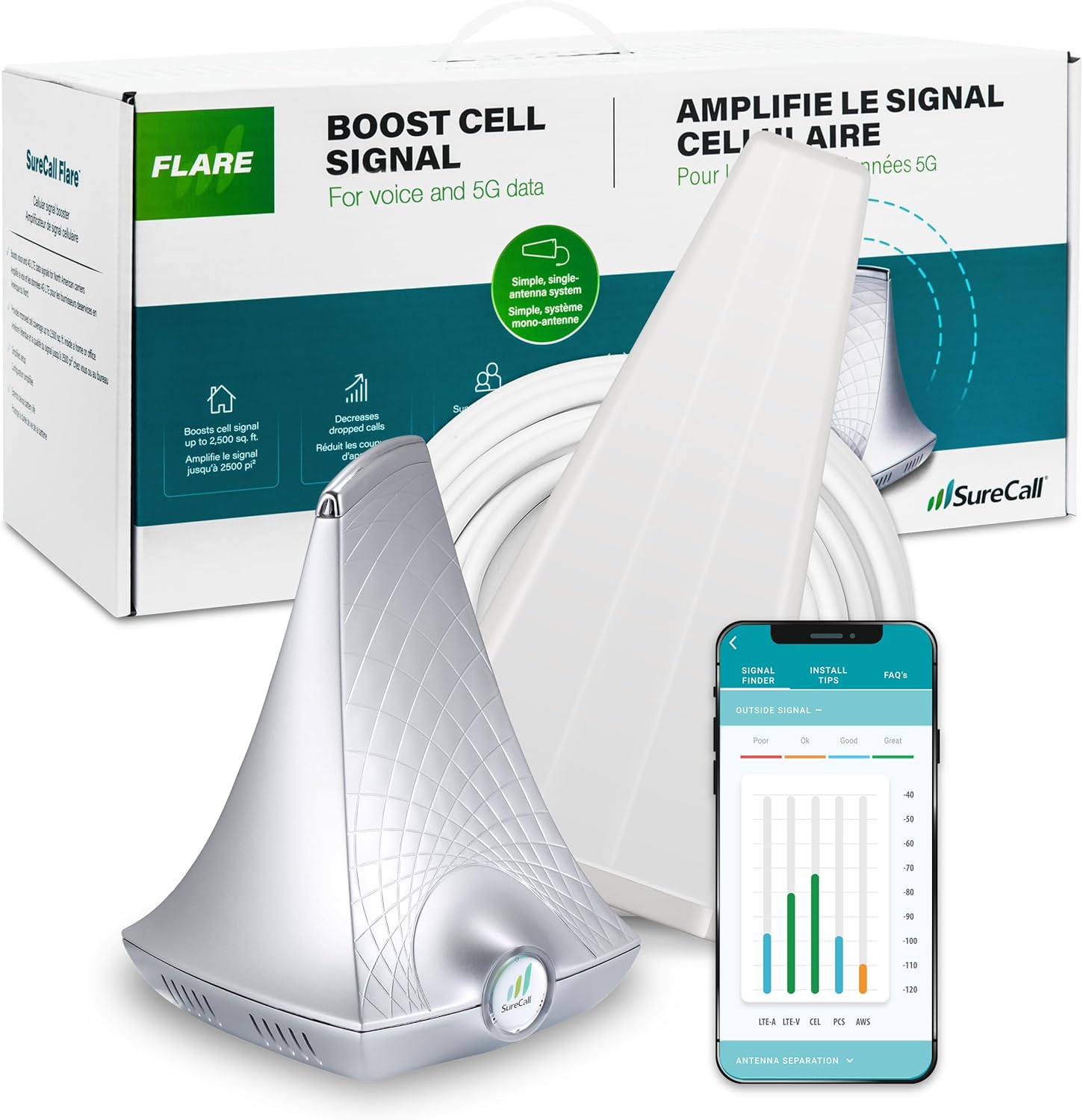
Image: SureCall Flare 3.0 kit components, including the booster, Yagi antenna, and a mobile app interface.
2. Isi Paket
Verify that all items are present in your SureCall Flare 3.0 package:
- Flare 3.0 Signal Booster (Base Unit with integrated indoor antenna)
- Yagi Outdoor Antenna
- Kabel Koaksial RG-6 50 kaki
- Kabel Listrik
- Mounting Kit for Yagi Antenna
- User Manual (dokumen ini)

Image: Visual representation of the Flare 3.0 kit contents.
3. Pengaturan dan Instalasi
Pemasangan yang benar sangat penting untuk kinerja optimal. Ikuti langkah-langkah ini dengan cermat:
3.1 Penempatan Antena Luar Ruangan
The Yagi outdoor antenna must be mounted in a location with the strongest possible existing cell signal. It should be aimed towards the nearest cell tower for your carrier. Use a mobile application or online resources to identify the direction of your closest cell tower.
- Mount the Yagi antenna on a pole as high as possible, ideally above the roofline.
- Ensure the antenna is securely fastened using the provided mounting kit.
- Aim the antenna precisely towards the cell tower.

Image: Using a mobile app to determine optimal outdoor antenna placement and direction.
3.2 Indoor Unit Placement and Separation
The Flare 3.0 base unit, which contains the indoor antenna, should be placed in the area where you need improved signal. A critical aspect of installation is maintaining sufficient separation between the outdoor Yagi antenna and the indoor Flare 3.0 unit to prevent oscillation (feedback loop).
- Place the Flare 3.0 unit on a tabletop or shelf in the desired coverage area.
- Maintain a minimum of 30 feet of horizontal separation between the outdoor Yagi antenna and the indoor Flare 3.0 unit. Without this separation, performance may be reduced.
- The included 50 ft RG-6 coaxial cable connects the outdoor antenna to the Flare 3.0 unit.

Image: System setup diagram showing the required separation between outdoor and indoor units.
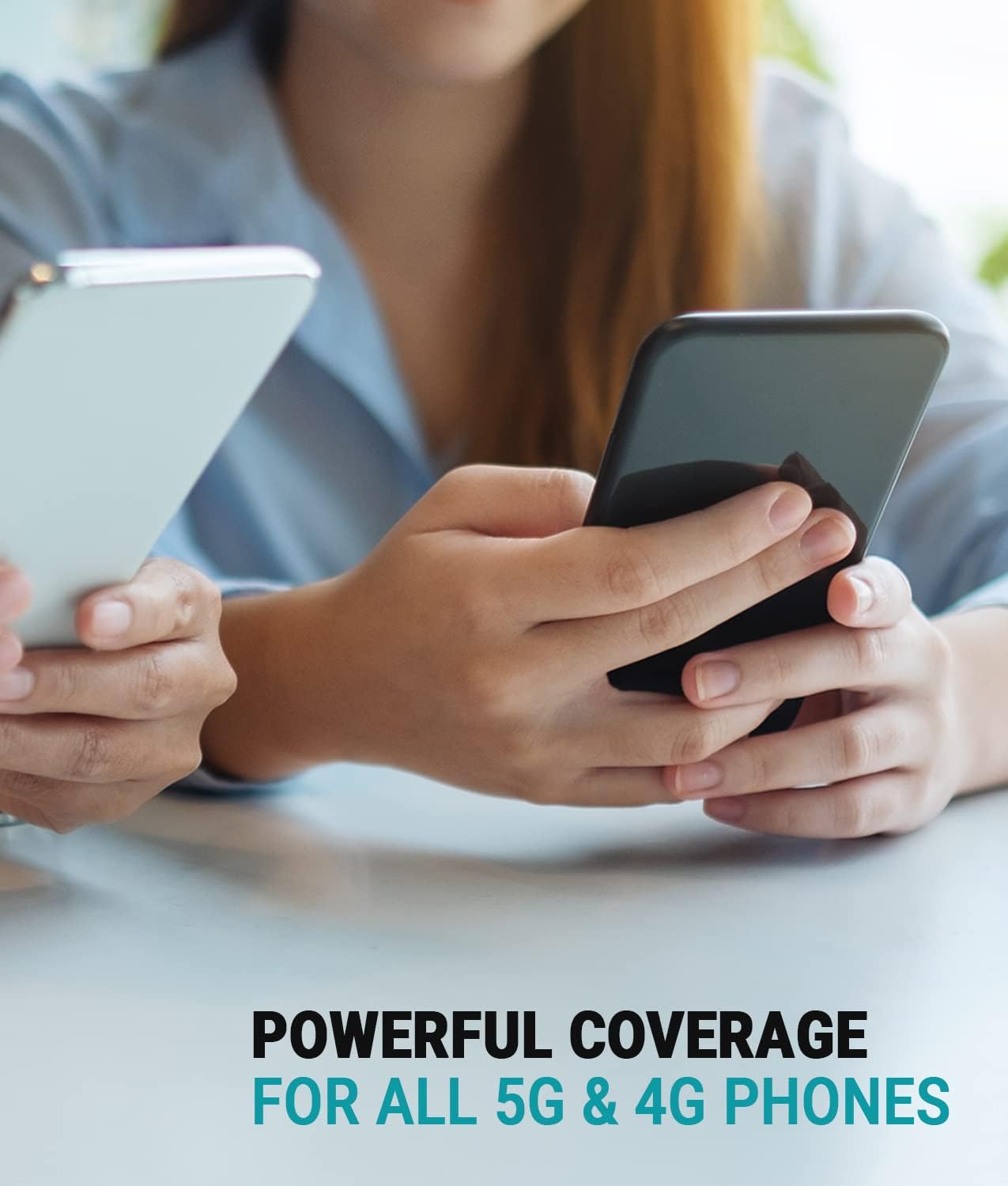
Image: Mobile app assisting in confirming ideal separation between components.
3.3 Sambungan Daya
Once both antennas are positioned and connected, plug the power cord into the Flare 3.0 unit and then into a standard electrical outlet. The unit will automatically begin boosting the signal.
4. Operating the SureCall Flare 3.0
The Flare 3.0 operates automatically once powered on. It captures weak outdoor cellular signals, amplifies them, and rebroadcasts them indoors. It also amplifies your phone's outgoing signal back to the cell tower.
4.1 Area Cakupan
The indoor coverage area provided by the Flare 3.0 depends on the existing outdoor signal strength at the Yagi antenna's location:
- 1-2 bars outside: Approximately 1500 sq ft inside.
- 3-4 bars outside: Approximately 2500 sq ft inside.
- 5 bars outside: Up to 3500 sq ft inside.
If there is no usable signal at the exterior antenna location, a signal booster will not function.

Image: Illustration of indoor coverage area based on booster placement.
4.2 2XP Technology
The Flare 3.0 incorporates 2XP technology, which delivers 2x uplink power. This feature is particularly beneficial for improving performance in remote areas where the signal from your phone back to the cell tower might be weak.

Image: Visual representation of 2XP technology enhancing signal for users.
5. Pemeliharaan
The SureCall Flare 3.0 is designed for minimal maintenance. Keep the unit and antennas clean and free from obstructions. Periodically check cable connections to ensure they are secure. No user-serviceable parts are inside the booster unit.
6. Penyelesaian masalah
If you experience issues with your Flare 3.0, consider the following:
- Tidak Ada Peningkatan Sinyal:
- Ensure there is at least 1 bar of usable cell signal outside your home where the Yagi antenna is mounted. Boosters amplify existing signals; they do not create them.
- Verify the Yagi antenna is correctly aimed at the nearest cell tower.
- Periksa kekencangan semua sambungan kabel.
- Reduced Coverage Area:
- Confirm the minimum 30 feet of separation between the outdoor Yagi antenna and the indoor Flare 3.0 unit. Insufficient separation can lead to oscillation and reduced performance.
- Adjust the position of the indoor unit to optimize coverage in specific areas.
- Lampu Indikator:
- Refer to the full user manual for detailed explanations of the indicator lights on the Flare 3.0 unit. These lights provide information about the system's operational status and potential issues.

Image: Reminder to check for existing outdoor signal before installation.
7. Spesifikasi
| Fitur | Detil |
|---|---|
| Nomor Model | SC-Flare3US |
| Dimensi Produk | 9x18x10 inci |
| Berat Barang | 7.85 pon |
| Keuntungan Maksimum | 72dB |
| Area Cakupan | Up to 3500 sq ft (dependent on outdoor signal) |
| Jaringan yang Didukung | 5G/4G LTE Voice, Text, Data |
| Operator yang Didukung | All North American carriers (AT&T, T-Mobile, Verizon, Sprint, Straight Talk, U.S. Cellular, etc.) |
| Fitur Khusus | 2XP technology, FCC Approved |
8. Garansi dan Dukungan
SureCall products are designed and tested in the USA using high-quality components. The Flare 3.0 comes with an industry-best Garansi 3 tahun. For any technical assistance or support, please contact SureCall's US-based customer support team. SureCall is an authorized Verizon 5G Signal Booster Vendor.
For further information or to contact support, visit the official SureCall webkunjungi situs web atau lihat detail kontak yang tertera dalam dokumentasi produk Anda.

Image: SureCall's US-based customer support team.


