Perkenalan
Thank you for choosing the Edifier TWS1 True Wireless Stereo Earbuds. This manual provides essential information for the proper use and maintenance of your device. The TWS1 earbuds offer a wire-free audio experience with dynamic stereo sound. They feature an impressive 32-hour total playtime with the charging case and are designed with an IPX5 rating for splash and sweat resistance, making them suitable for various activities.
Please read this manual thoroughly before operating the earbuds to ensure optimal performance and longevity.
Isi Paket
Verifikasi bahwa semua item yang tercantum di bawah ini disertakan dalam paket Anda:
- Edifier TWS1 True Wireless Stereo Earbuds (Left and Right)
- Kotak Pengisian Daya
- Kabel Pengisian Daya USB
- Tersedia Berbagai Ukuran Ujung Earphone (Kecil, Sedang, Besar)
- Panduan Pengguna
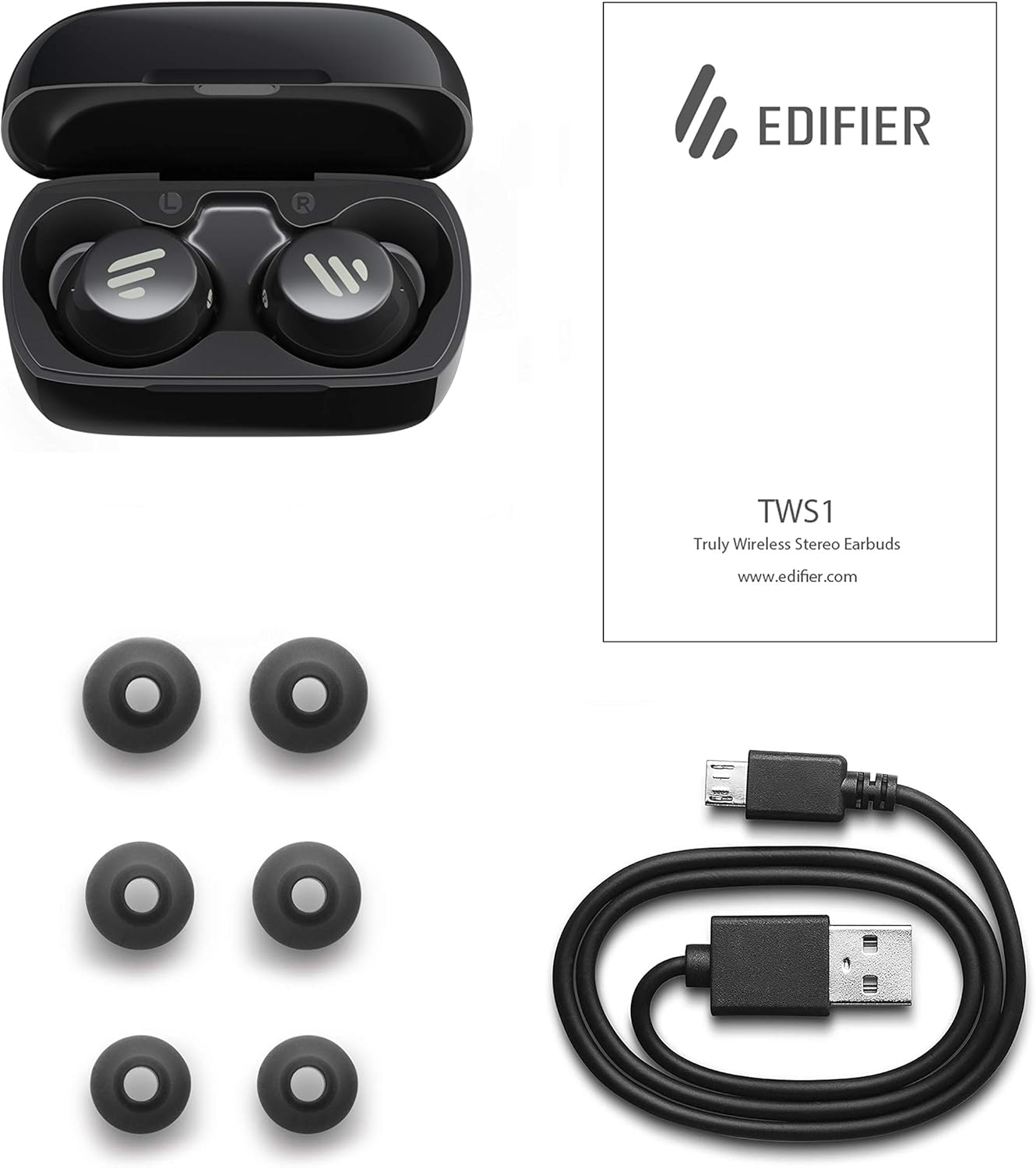
Image: The Edifier TWS1 earbuds, charging case, USB charging cable, and various sizes of ear tips are displayed alongside the user manual, illustrating the complete package contents.
Pengaturan
1. Mengisi Daya Earbud dan Casing
Before first use, fully charge the earbuds and the charging case. Place the earbuds into the charging case. Connect the USB charging cable to the charging port on the case and a power source. The indicator light on the case will show charging status. Once fully charged, the indicator will change or turn off.
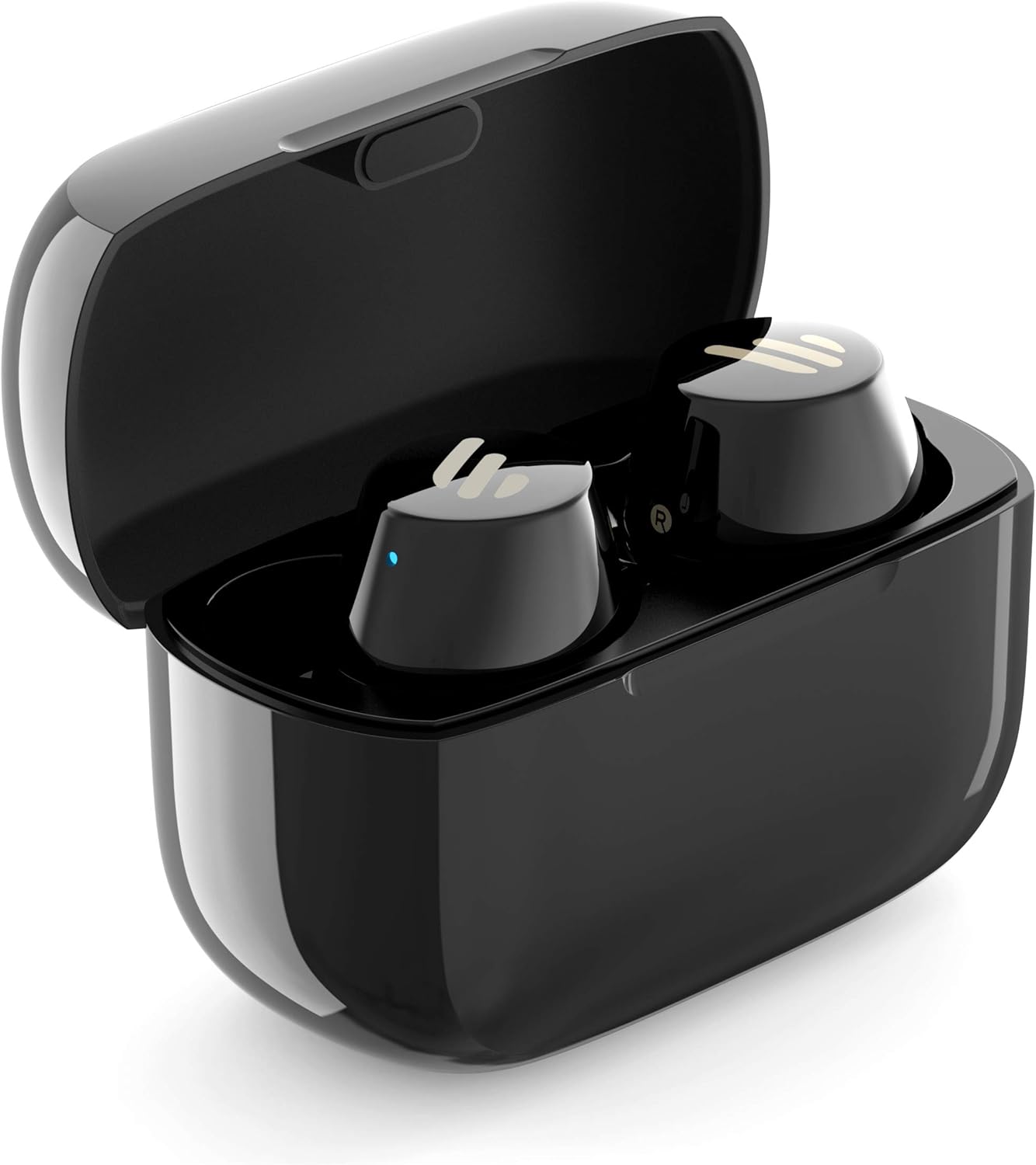
Image: The Edifier TWS1 earbuds are shown nestled within their open charging case, with a blue indicator light visible, signifying charging or power status.
2. Memasangkan dengan Perangkat
- Pastikan earbud terisi dayanya.
- Open the charging case. The earbuds will automatically enter pairing mode, and the indicator light on one earbud will flash rapidly.
- Pada perangkat Anda (smartphone, tablet, laptop), aktifkan Bluetooth dan cari perangkat baru.
- Select "EDIFIER TWS1" from the list of available devices.
- Setelah terhubung, lampu indikator pada earbud akan berhenti berkedip.
3. Memasang Earbud
Choose the ear tips that provide the most comfortable and secure fit for your ears. Insert the earbuds into your ear canals and gently twist them until they feel snug and stable. A proper fit is crucial for optimal sound quality and noise isolation.
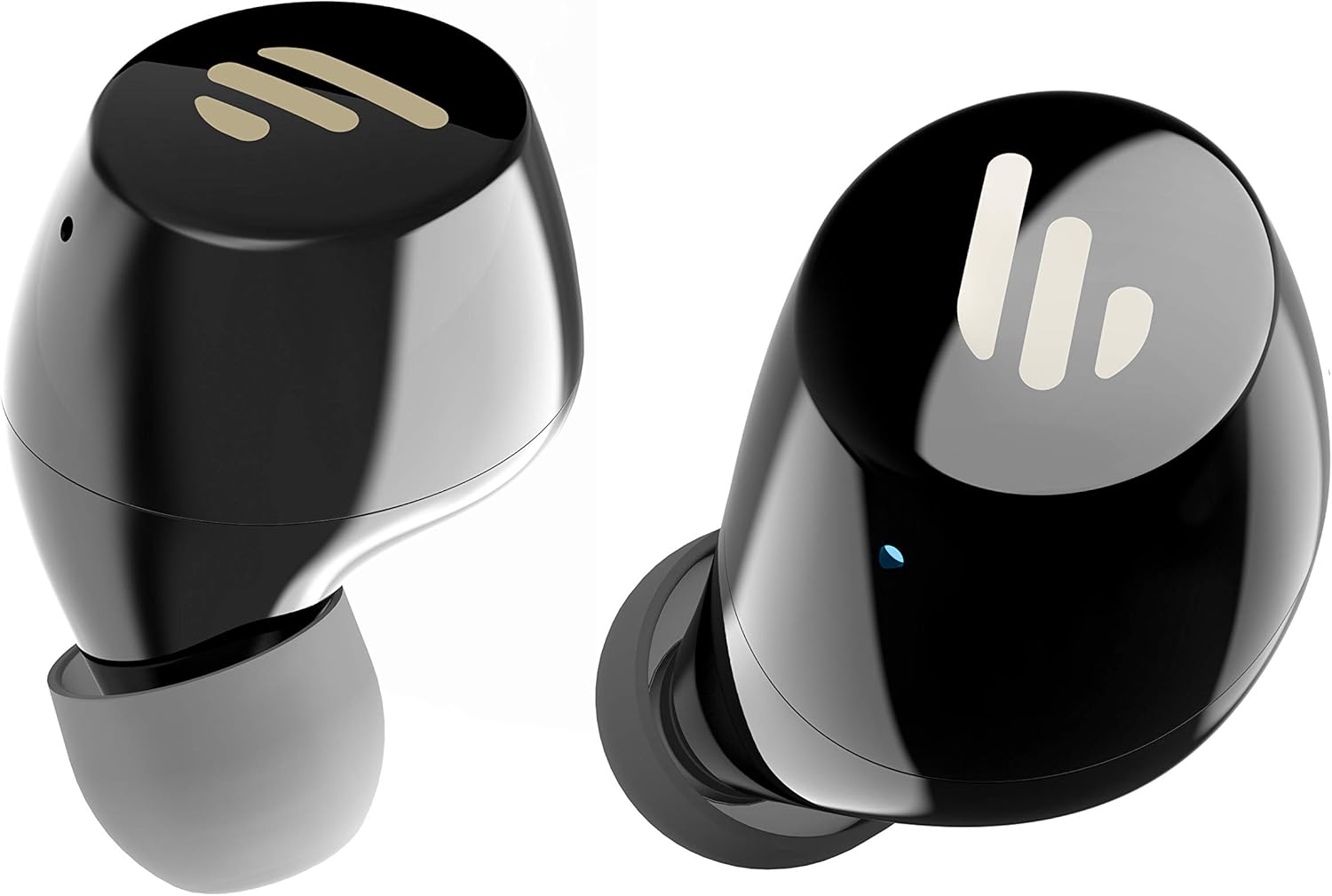
Gambar: Detail view of the Edifier TWS1 earbuds, highlighting their ergonomic shape and the silicone ear tips designed for a comfortable and secure in-ear fit.
Petunjuk Pengoperasian
The Edifier TWS1 earbuds feature touch controls for easy operation.
- Nyalakan: Earbud akan menyala secara otomatis saat dikeluarkan dari wadah pengisian daya.
- Matikan: Masukkan kembali earbud ke dalam wadah pengisian daya untuk mematikan daya secara otomatis.
- Putar/Jeda: Ketuk dua kali panel sentuh pada salah satu earbud.
- Lagu Berikutnya: Triple-tap the touch panel on the right earbud.
- Lagu Sebelumnya: Triple-tap the touch panel on the left earbud.
- Menjawab/Mengakhiri Panggilan: Ketuk dua kali panel sentuh pada salah satu earbud.
- Tolak Panggilan: Press and hold the touch panel on either earbud for 2 seconds.
- Aktifkan Voice Assistant: Press and hold the touch panel on the left earbud for 2 seconds.
Pemeliharaan
- Pembersihan: Regularly clean the earbuds and charging case with a soft, dry cloth. Do not use abrasive cleaners or solvents.
- Tahan Air: The earbuds are IPX5 rated, meaning they are resistant to splashes and sweat. Do not submerge them in water or expose them to heavy rain. Ensure the charging port is dry before charging.
- Penyimpanan: Saat tidak digunakan, simpan earbud di dalam wadah pengisi dayanya untuk melindungi dan menjaga dayanya tetap terisi. Simpan di tempat yang sejuk dan kering, jauhkan dari suhu ekstrem.
- Perawatan Baterai: Untuk menjaga daya tahan baterai, hindari mengosongkan daya earbud dan wadah pengisi daya sepenuhnya terlalu sering. Isi daya secara teratur, meskipun tidak digunakan terus-menerus.
Penyelesaian Masalah
If you encounter issues with your Edifier TWS1 earbuds, please refer to the following common solutions:
| Masalah | Larutan |
|---|---|
| Earbud tidak menyala. | Ensure the earbuds and charging case are fully charged. Place earbuds in the case and close it, then open to power on. |
| Tidak dapat dipasangkan dengan perangkat. | Make sure Bluetooth is enabled on your device. Ensure earbuds are in pairing mode (flashing indicator). Try forgetting the device in your Bluetooth settings and re-pairing. |
| Hanya satu earbud yang berfungsi. | Place both earbuds back into the charging case, close the lid, and then open it again. This should re-sync them. If the issue persists, try resetting the earbuds. |
| Tidak ada suara atau volume rendah. | Check the volume level on both your device and the earbuds. Ensure earbuds are properly seated in your ears. Try cleaning the ear tips and speaker mesh. |
| Masalah pengisian daya. | Ensure the charging cable is securely connected. Try a different USB port or power adapter. Clean the charging contacts on the earbuds and inside the case. |
Reset Pabrik
If problems persist, a factory reset may resolve them:
- Tempatkan kedua earbud ke dalam wadah pengisi daya.
- Press and hold the touch panel on both earbuds simultaneously for approximately 8 seconds until the indicator lights flash rapidly, then release.
- Keluarkan earbud dari wadahnya dan coba pasangkan kembali dengan perangkat Anda.
Spesifikasi
| Fitur | Detil |
|---|---|
| Nama Merek | Pendidik |
| Nama Model | TWS1 BK |
| Nomor Model Barang | TWS1_BK |
| Warna | Hitam |
| Bahan | Plastik |
| Teknologi Konektivitas | Nirkabel |
| Teknologi Komunikasi Nirkabel | Bahasa Indonesia: Bluetooth |
| Faktor Bentuk Headphone | Di Telinga |
| Penempatan Telinga | Di Telinga |
| Soket Headphone | Tidak ada Jack |
| Metode Kontrol | Menyentuh |
| Tingkat Tahan Air | Tahan Air (IPX5) |
| Perangkat yang Kompatibel | Ponsel pintar, Tablet, Laptop, Komputer desktop |
| Penggunaan Khusus Untuk Produk | Komunikasi |
| Dimensi Produk | 2.32 x 1.72 x 2.04 cm; 130 gram |
| Komponen yang Termasuk | TWS1 Earbuds |
| Deskripsi Rentang Usia | Dewasa |
Garansi dan Dukungan
Edifier products are designed and manufactured to the highest quality standards. For information regarding warranty coverage, please refer to the warranty card included with your product or visit the official Edifier website. For technical support or further assistance, please contact Edifier customer service through their official channels.