1. Petunjuk Keselamatan Penting
Harap baca semua petunjuk dengan saksama sebelum pemasangan dan penggunaan. Simpan panduan ini untuk referensi di kemudian hari.
Keamanan Umum
- Pastikan catu daya terputus sebelum pemasangan, perawatan, atau pembersihan.
- Peralatan ini tidak ditujukan untuk digunakan oleh orang (termasuk anak-anak) dengan keterbatasan fisik, sensorik, atau mental, atau kurang pengalaman dan pengetahuan, kecuali mereka telah diberi pengawasan atau petunjuk mengenai penggunaan peralatan oleh orang yang bertanggung jawab atas keselamatan mereka.
- Anak-anak harus diawasi untuk memastikan mereka tidak bermain-main dengan peralatan tersebut.
Keamanan Listrik
- All electrical connections must be made by a qualified electrician and conform to local codes and regulations.
- Pastikan voltage and frequency of your power supply match the specifications of the fan.
- The fan must be properly grounded to prevent electric shock.
Keamanan Instalasi
- Mount the fan to a ceiling structure capable of supporting a minimum of 15 kg (33 lbs).
- Ensure there is adequate clearance between the fan blades and any obstacles (walls, furniture) and the floor. A minimum distance of 2.3 meters (7.5 feet) from the floor to the blades is recommended.
- Do not install the fan in a location where it can be easily reached by children or pets.
2. Produk Lebihview
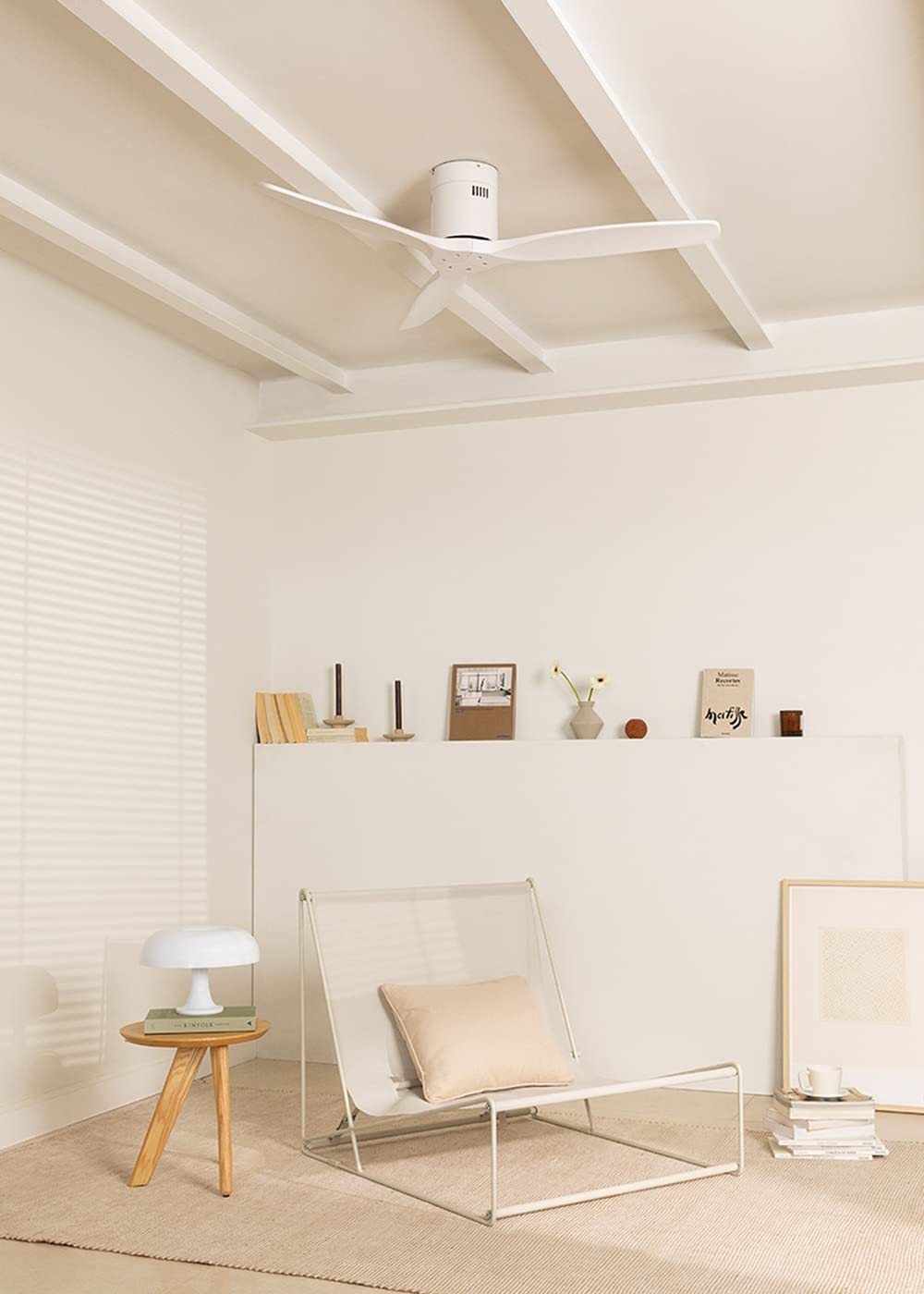
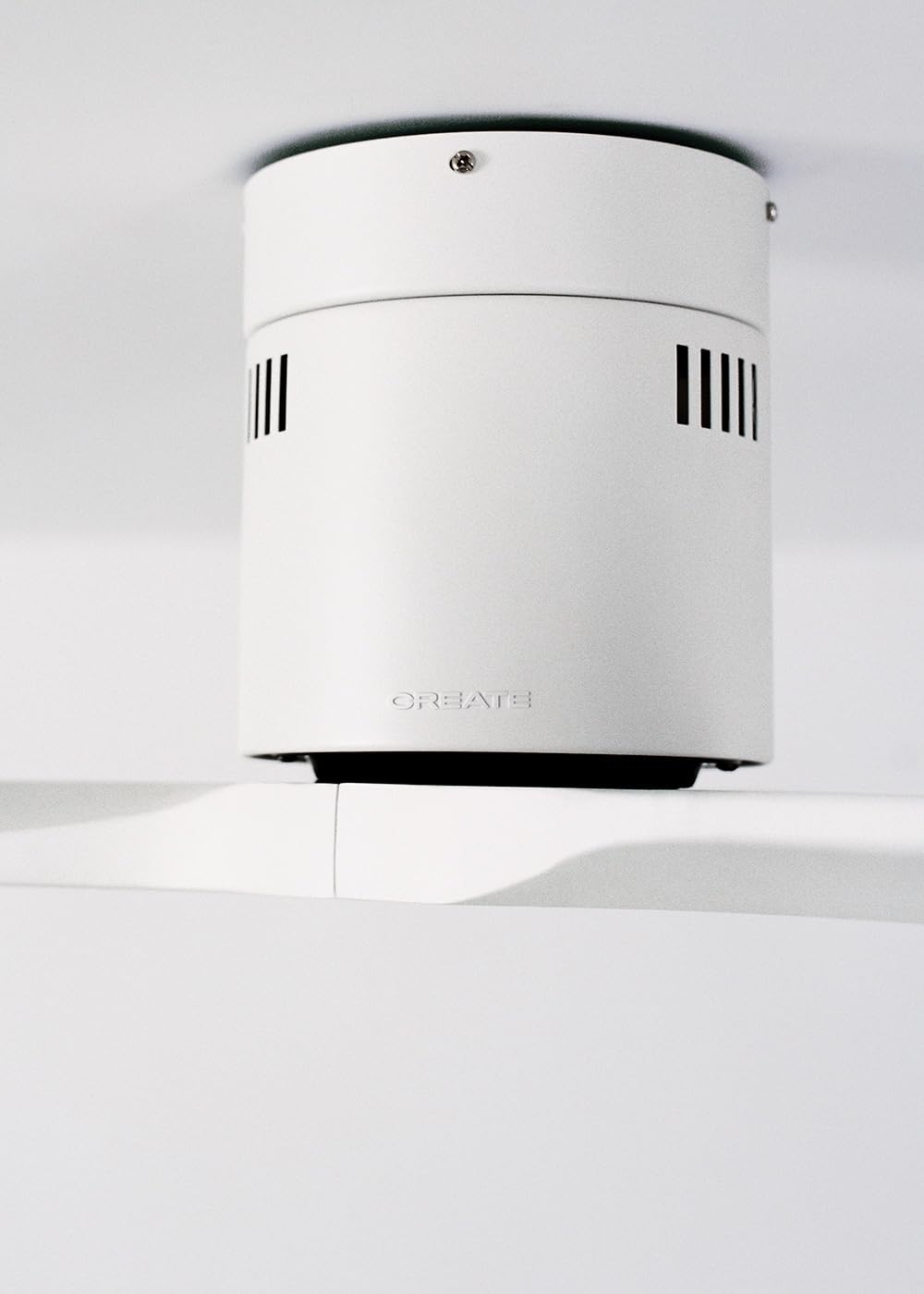
The CREATE WINDCALM DC Ceiling Fan is designed for efficient and quiet air circulation in various indoor spaces. It features a durable aluminum body, a silent DC motor, and three lightweight blades, ensuring minimal noise operation. The fan offers 6 adjustable speeds and a programmable timer for convenience.

3. Spesifikasi Teknis
| Fitur | Spesifikasi |
|---|---|
| Merek | MEMBUAT |
| Nomor Model | tanggal 43479_88375 |
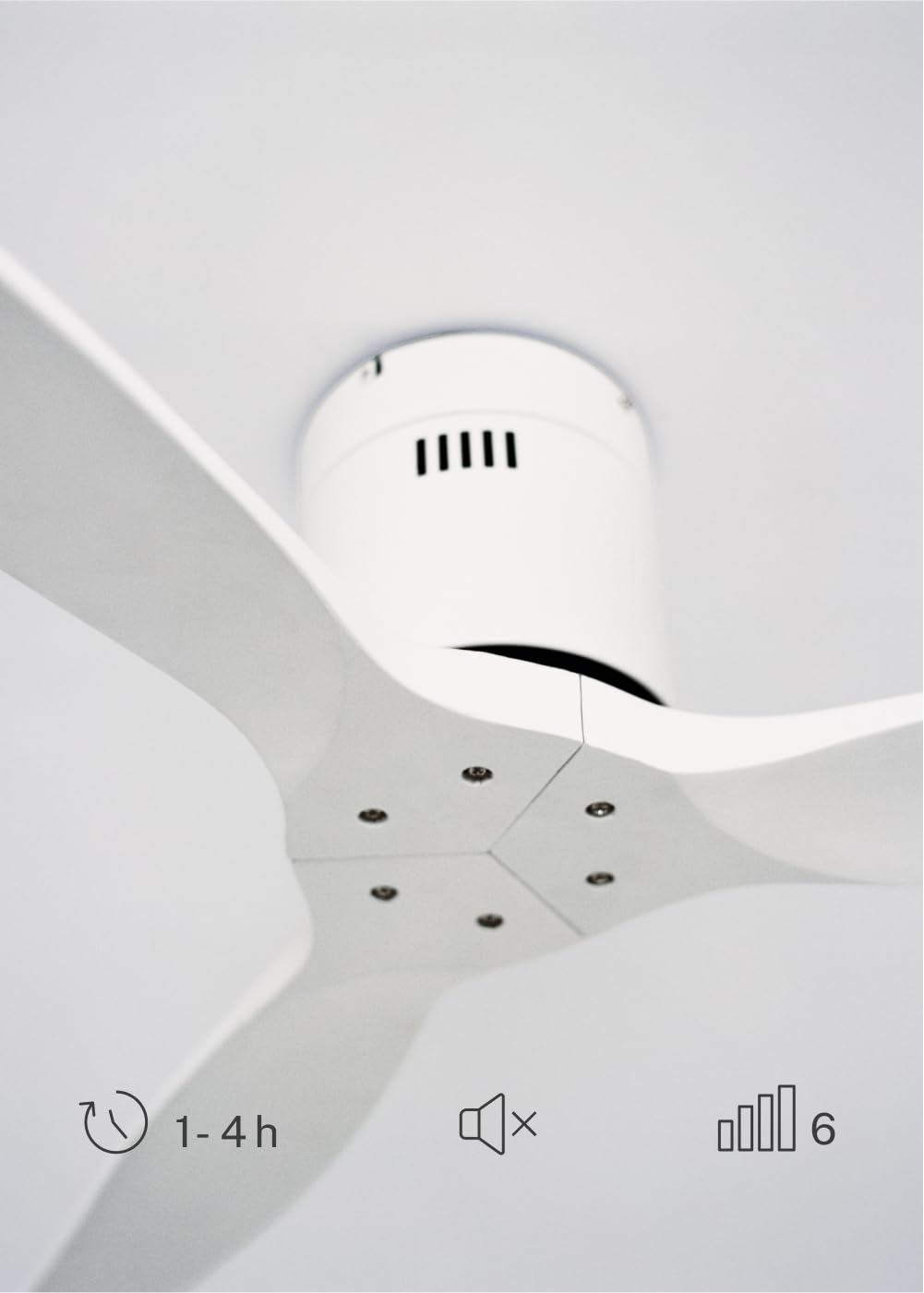
| Dimensi (P x L x T) | Ukuran 132x132x29 cm |
| Berat | 6.38 kg |
| Desain Kipas | Kipas Langit-langit |
| Sumber Daya | Kabel listrik |
| Fitur Khusus | High Speed, Silent DC Motor, Timer, Summer/Winter Function |
| Penggunaan yang Direkomendasikan | Ventilasi |
| Tipe Kamar | Living Room (suitable for 13m² to 25m² rooms) |
| Warna | White Blades |

4. Panduan Instalasi
Proper installation is crucial for the safe and efficient operation of your ceiling fan. It is highly recommended that installation be performed by a qualified electrician.
Pemeriksaan Pra-Instalasi
- Buka kemasan semua komponen dan periksa kesesuaiannya dengan daftar kemasan.
- Ensure the ceiling joist or support structure is strong enough to hold the fan's weight.
- Turn off power at the main circuit breaker before starting any electrical work.
Memasang Kipas
- Secure the mounting bracket to the ceiling outlet box using appropriate screws and washers.
- Angkat rakitan motor kipas dengan hati-hati dan pasang ke braket pemasangan.
Koneksi Kabel
Connect the electrical wires according to the wiring diagram provided in the separate detailed installation manual (not included in this general overview). Ensure all connections are secure and insulated.
Attaching Blades
Attach the fan blades to the motor hub using the provided screws. Ensure all screws are tightened securely.

5. Petunjuk Pengoperasian
Your CREATE WINDCALM DC Ceiling Fan comes with a remote control for convenient operation of all its functions.
Fungsi Kontrol Jarak Jauh
Remote control memungkinkan Anda untuk:
- Daya Hidup/Mati: Nyalakan atau matikan kipas angin.
- Penyesuaian Kecepatan: Select from 6 different fan speeds to control airflow intensity.
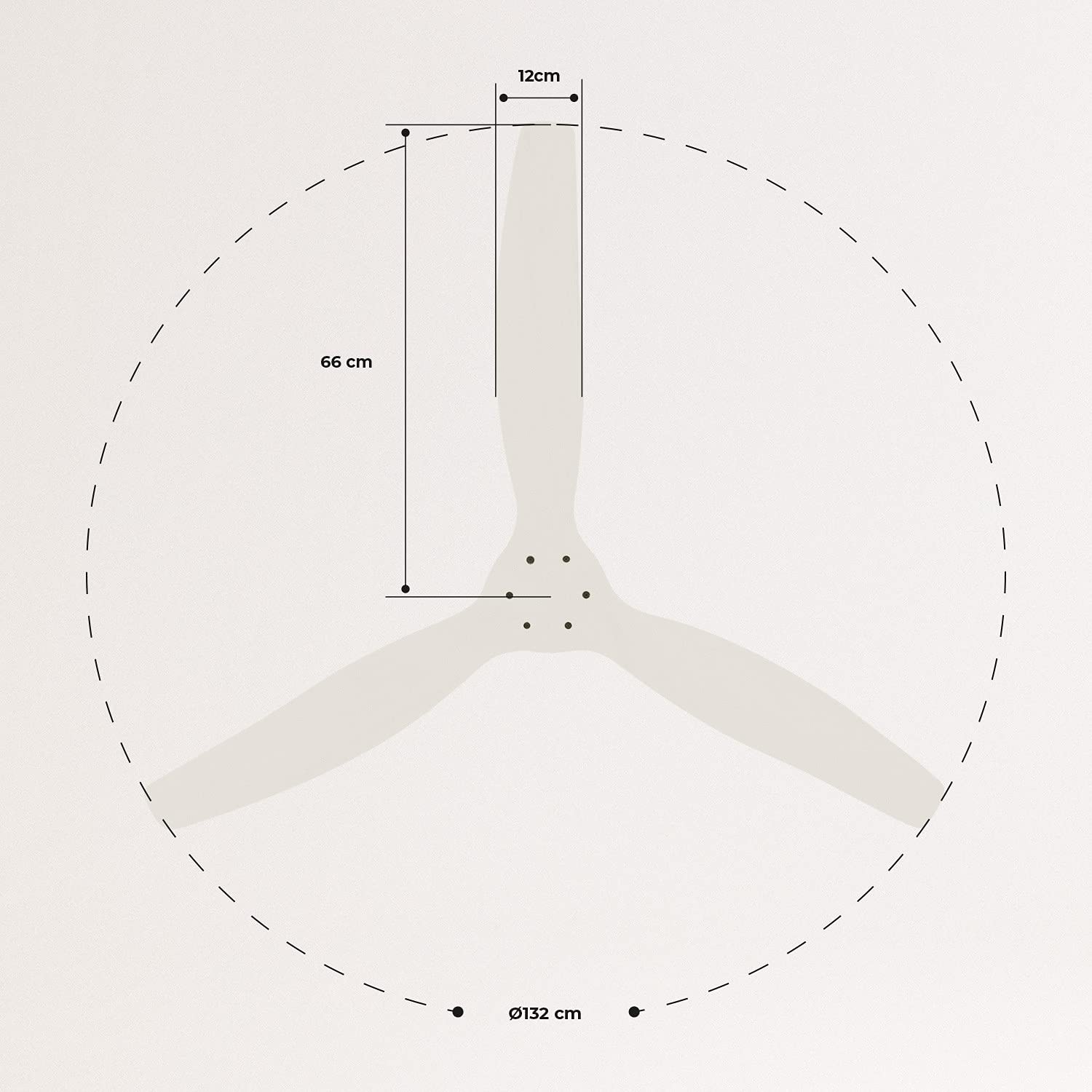
- Pengaturan Timer: Program the fan to automatically turn off after 1, 2, or 4 hours.
- Mode musim panas/dingin: Change the direction of blade rotation to optimize air circulation for different seasons.
Mode Musim Panas
In summer mode, the fan blades rotate counter-clockwise, pushing air downwards. This creates a cooling breeze effect, helping to dissipate heat and refresh the room.

Mode Musim Dingin
In winter mode, the fan blades rotate clockwise, drawing air upwards. This helps to circulate warm air that accumulates near the ceiling, distributing it evenly throughout the room and improving heating efficiency.
6. Pemeliharaan dan Perawatan
Perawatan rutin memastikan umur panjang dan kinerja optimal kipas langit-langit Anda.
Pembersihan
- Selalu matikan aliran listrik ke kipas di pemutus sirkuit sebelum membersihkan.
- Gunakan yang lembut, damp Gunakan kain untuk membersihkan bilah kipas dan rumah motor. Jangan gunakan pembersih abrasif atau pelarut, karena dapat merusak lapisan permukaannya.
- Pastikan kipas benar-benar kering sebelum menyalakan kembali daya.
Pemeriksaan Rutin
- Periodically check all screws and fasteners on the mounting bracket and blade attachments to ensure they are secure. Tighten if necessary.
- Listen for any unusual noises during operation, which may indicate a loose part or an issue with the motor.
7. Penyelesaian masalah
If you encounter any issues with your fan, refer to the following common problems and their solutions:
| Masalah | Kemungkinan Penyebab | Larutan |
|---|---|---|
| Kipas angin tidak menyala | Tidak ada pasokan daya Sambungan kabel longgar Baterai kendali jarak jauh lemah | Periksa pemutus sirkuit dan sakelar dinding Verify all wiring connections are secure (consult electrician) Ganti baterai kendali jarak jauh |
| Kipas mengeluarkan suara yang terlalu bising. | Loose screws on blades or mounting Pisau bengkok Masalah motorik | Kencangkan semua sekrup Check blades for damage and replace if necessary Hubungi dukungan pelanggan |
| Kontrol jarak jauh tidak berfungsi | Baterai habis Penghalang antara remote dan penerima Remote belum dipasangkan (jika ada) | Ganti baterai Pastikan garis pandang jelas Refer to detailed manual for pairing instructions |
| Kipas bergetar | Braket pemasangan longgar Pisau tidak seimbang | Pastikan braket pemasangan terpasang dengan aman. Check blade balance and use balancing kit if needed |
8. Garansi dan Dukungan
For warranty information, technical support, or replacement parts, please contact CREATE customer service. Keep your purchase receipt as proof of purchase.
You can find more information and contact details on the official CREATE weblokasi: www.buat-toko.com


