1. Pendahuluan dan Selesaiview
The Rowenta Compact Power XXL RO4825EA is a high-performance bagless vacuum cleaner designed for efficient and convenient daily cleaning. It features an impressive 2.5-liter dust capacity in a compact design, ensuring extended cleaning sessions and easy storage. Equipped with an EffiTech motor and advanced cyclonic technology, this vacuum delivers deep cleaning results and long-lasting performance.

Image: The Rowenta Compact Power XXL RO4825EA vacuum cleaner with its hose, telescopic tube, and floor nozzle.
2. Petunjuk Keselamatan
Harap baca semua petunjuk keselamatan dengan saksama sebelum menggunakan alat ini.
- Always ensure the vacuum cleaner is unplugged from the power outlet before performing any maintenance, cleaning, or assembly tasks.
- Jangan gunakan alat untuk menyedot air atau cairan lainnya.
- Do not vacuum hot ashes, sharp objects, or flammable substances.
- Jauhkan alat dari jangkauan anak-anak dan pastikan mereka tidak memainkannya.
- Do not strike or puncture the dust container, as it may contain air pressure.
- Keep the dust container away from direct natural light to prevent material degradation.
- Periksa kabel daya secara berkala untuk mengetahui adanya kerusakan. Jika rusak, kabel tersebut harus diganti oleh produsen, agen servisnya, atau orang yang berkualifikasi serupa untuk menghindari bahaya.
- Use only genuine Rowenta accessories and spare parts.
3. Komponen Produk
Familiarize yourself with the main components of your Rowenta Compact Power XXL vacuum cleaner.
- Main Unit (Motor and Dust Container)
- Selang Fleksibel
- Tabung teleskopik
- High-Efficiency Suction Head (Floor Nozzle)
- Integrated Multi-Purpose Brush (retractable on handle)
- Crevice Tool (convertible into a brush)
- Power Cord with Automatic Rewind

Image: Diagram showing various parts of the vacuum cleaner, including the main unit, hose, tube, and nozzles.
4. Petunjuk Penyiapan
Ikuti langkah-langkah ini untuk merakit penyedot debu Anda sebelum penggunaan pertama.
- Pasang Selang Fleksibel: Masukkan selang fleksibel ke dalam lubang hisap pada unit utama hingga berbunyi klik dan terpasang dengan aman.
- Hubungkan Tabung Teleskopik: Attach the telescopic tube to the handle of the flexible hose. Adjust the length of the telescopic tube to a comfortable height by pressing the adjustment button and extending or retracting it.
- Pasangkan Nosel Lantai: Connect the high-efficiency suction head (floor nozzle) to the end of the telescopic tube. Ensure it is firmly attached.
- Sambungan Daya: Extend the power cord to the desired length and plug it into a suitable power outlet.

Image: A person assembling the telescopic tube to the vacuum hose.
5. Petunjuk Pengoperasian
Operating your Rowenta Compact Power XXL vacuum cleaner is straightforward.
- Daya Hidup/Mati: Tekan tombol daya yang terletak pada unit utama untuk menghidupkan atau mematikan penyedot debu.
- Sesuaikan Daya Hisap: While there isn't a variable power control on the main unit, you can adjust suction by opening or closing the air flow regulator on the hose handle. Open for less suction (e.g., for delicate fabrics) and close for maximum suction.
- Menggunakan Nozzle Lantai: The high-efficiency suction head is designed for optimal dust pickup on various floor types. For hard floors, ensure the brush is retracted. For carpets, extend the brush.
- Menggunakan Aksesoris:
- The integrated multi-purpose brush can be pulled out from the handle for cleaning furniture, curtains, or delicate surfaces.
- The crevice tool is ideal for narrow spaces, corners, and upholstery. It can be converted into a brush for more versatile cleaning.
- Movement and Reach: The vacuum features a long 6.2m power cord, providing an 8.8m operating radius for extensive cleaning without frequent unplugging.
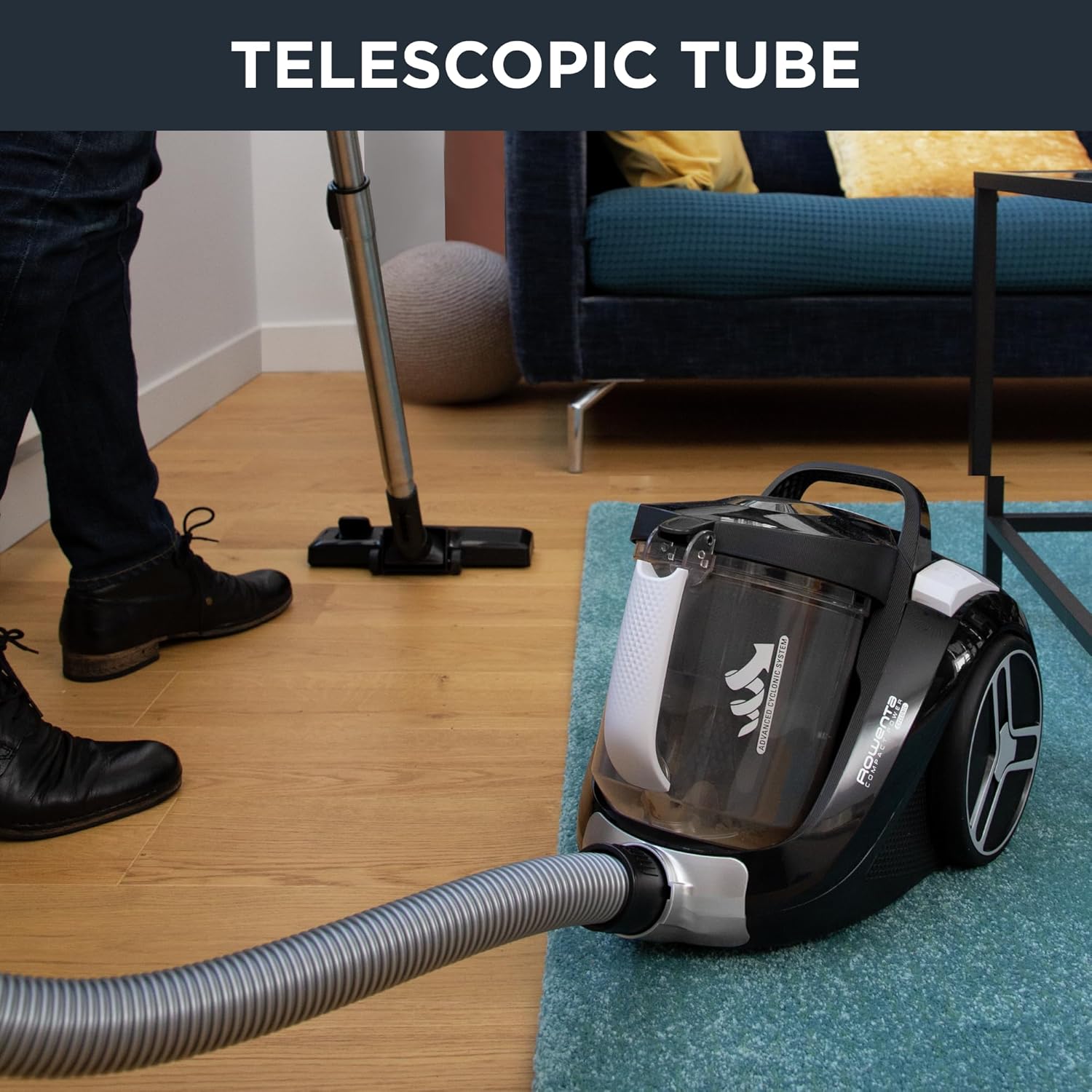
Image: A person vacuuming a floor, highlighting the long power cord for extended reach.

Image: The vacuum cleaner's floor nozzle effectively cleaning a wooden floor.
6. Pemeliharaan
Perawatan rutin memastikan kinerja optimal dan memperpanjang umur penyedot debu Anda.
6.1. Mengosongkan Wadah Debu
The 2.5L XXL capacity dust container is designed for easy emptying.
- Putuskan Daya: Selalu cabut steker penyedot debu sebelum mengosongkan isinya.
- Lepaskan Wadah Debu: Press the release button and carefully remove the dust container from the main unit.
- Isi Kosong: Position the dust container over a waste bin and open the bottom flap to release the collected dust and debris.
- Pasangkan kembali: Close the flap securely and reinsert the dust container into the vacuum cleaner until it clicks into place.
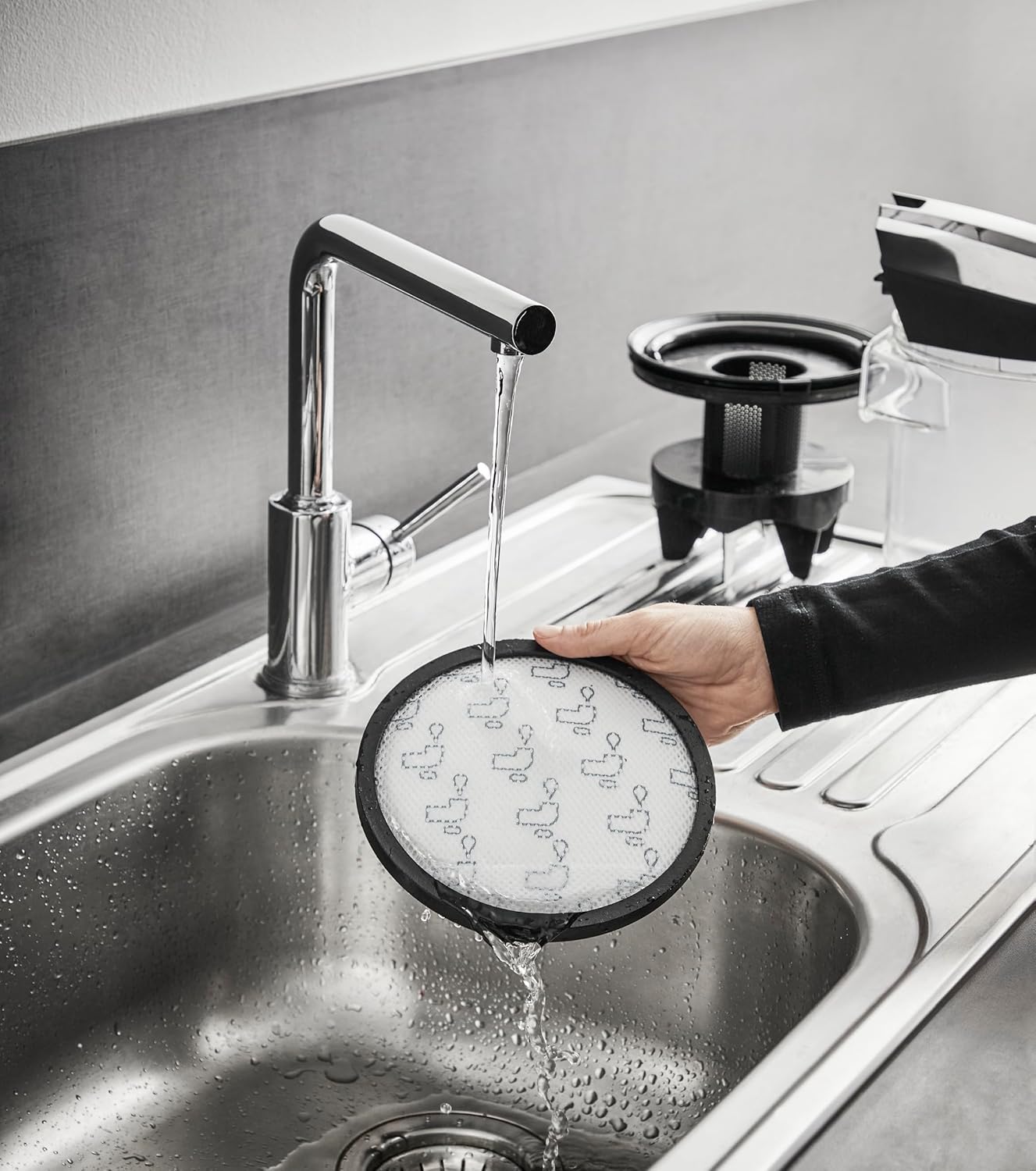
Image: A hand holding the transparent dust container under a faucet, demonstrating how to empty or rinse it.
6.2. Membersihkan Filter
The vacuum cleaner features cyclonic filtration, a foam filter, and a high-efficiency filter. Regular cleaning is crucial.
- Putuskan Daya: Cabut steker penyedot debu.
- Filter Akses: Remove the dust container. The filters are typically located within or around the dust container assembly. Refer to the diagrams for exact locations.
- Filter Bersih: Tap the filters gently to remove loose dust. For a more thorough clean, rinse the foam filter and the high-efficiency filter under cold running water. Do not use detergents or hot water.
- Filter Kering: Allow all filters to air dry completely for at least 24 hours before reassembling. Do not use a hairdryer or other heating devices.
- Berkumpul kembali: Once completely dry, place the filters back into their positions and reattach the dust container.

Image: A hand rinsing the round high-efficiency filter under running water in a sink.

Image: A hand rinsing the cyclonic filter component under running water in a sink.
7. Penyelesaian masalah
Jika Anda mengalami masalah dengan penyedot debu Anda, lihat solusi umum berikut:
- Tidak Ada Daya: Check if the power cord is securely plugged into the outlet and the vacuum cleaner. Ensure the outlet is functional.
- Mengurangi Hisap:
- Empty the dust container if it is full.
- Clean or replace the filters as described in the Maintenance section.
- Check the hose, telescopic tube, and floor nozzle for any blockages.
- Ensure the air flow regulator on the handle is closed for maximum suction.
- Kebisingan yang Tidak Biasa: This could indicate a blockage in the hose or nozzle, or a foreign object caught in the brush head. Disconnect power and inspect.
- Terlalu panas: If the vacuum cleaner stops working and feels hot, it may have overheated. Unplug it and allow it to cool down for at least 30 minutes. Check for blockages and clean filters before restarting.
If the problem persists after following these steps, please contact Rowenta customer support.
8. Spesifikasi
| Fitur | Spesifikasi |
|---|---|
| Merek | Rowenta |
| Nomor Model | RO4825EA |
| Warna | Hitam |
| Dimensi Produk (P x L x T) | Ukuran 40.9x27.6x29.1 cm |
| Berat | 3.8 Kilogram |
| Kapasitas Wadah Debu | 2.5 liter |
| Kekuatan | 550 Watt |
| Jil.tage | 200V |
| Bahan | Plastik |
| Kelas Energi | A to E |
| Tingkat Kebisingan | 75 Desibel |
| Fitur Khusus | Cyclonic Filtration + Foam Filter + High-Efficiency Filter |
| Jenis Filter | Busa |
| Rekomendasi Permukaan | All floor types |
| Sumber Daya | Listrik Kabel |
| Tanpa kabel | TIDAK |
| Komponen yang Termasuk | Alat celah |
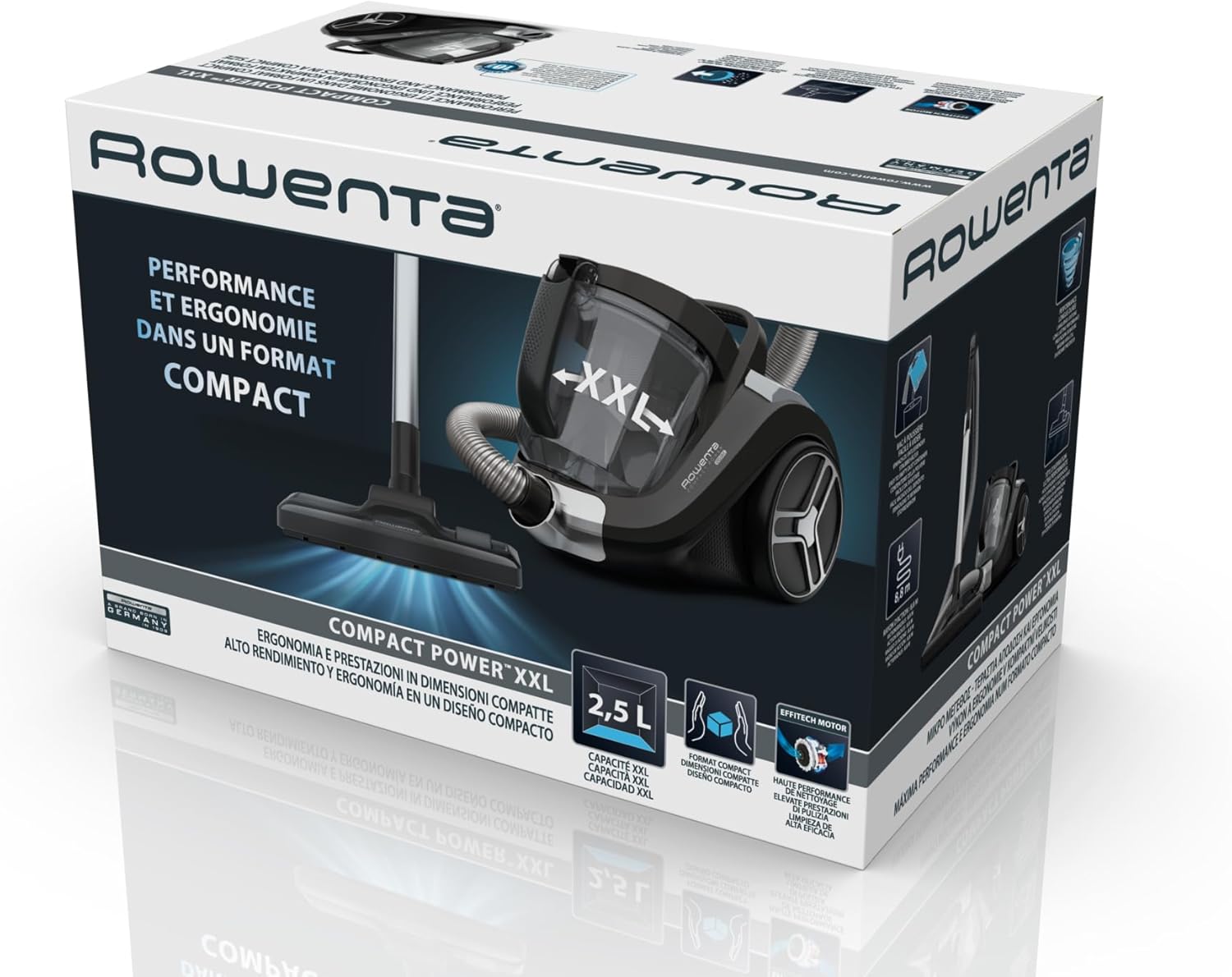
Image: Diagram showing the dimensions (length and height) of the vacuum cleaner unit.
9. Garansi dan Dukungan
Rowenta is committed to providing quality products and support.
- Dapat diperbaiki: Rowenta offers a 15-year repairability commitment at a fair price. This is supported by a global network of 6200 repair centers, contributing to environmental protection and waste reduction.
- Dukungan Pelanggan: For any questions, technical assistance, or warranty claims, please refer to the contact information provided in your product packaging or visit the official Rowenta weblokasi.

Image: The Rowenta brand logo, representing the manufacturer's commitment to quality and service.


