1. Pendahuluan
The AUTOPHIX FCAR F506 Heavy Duty Truck Scanner is a comprehensive diagnostic tool designed for both heavy-duty trucks and light-duty vehicles. It provides full-system scanning capabilities, allowing users to read and clear trouble codes, view live data, and perform special functions across various vehicle systems.
2. Isi Paket
The FCAR F506 package typically includes:
- 1x F506 OBD2 Scanner Unit
- 1x 6-9 Y Pin J1939 Type 2 Connector
- 1x OBD 16 Pin Connector
- 1x Kabel USB
- 1x Panduan Pengguna
- 1x Soft Nylon Carrying Case
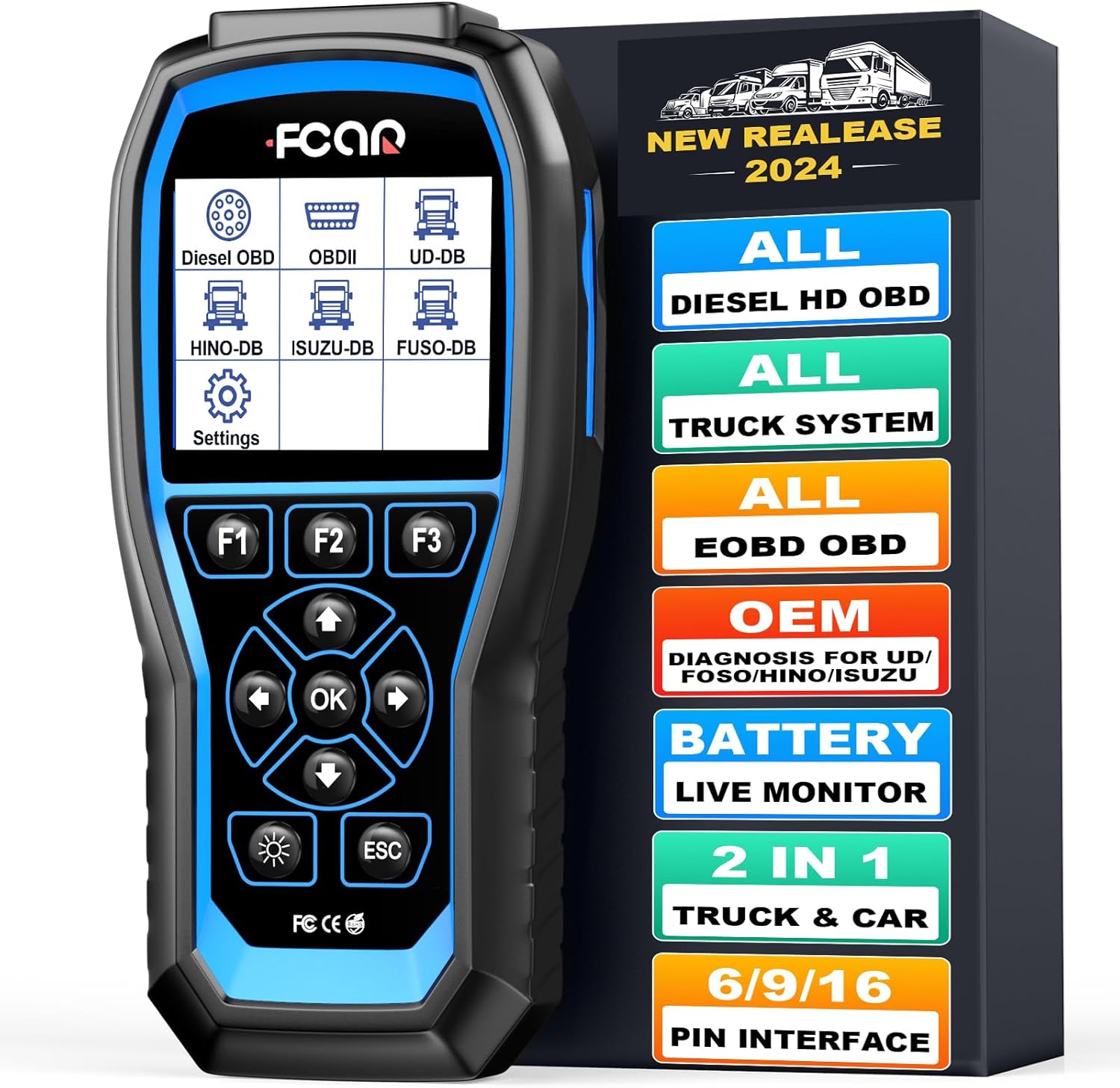
Image: FCAR F506 scanner unit and its packaging, illustrating the device and its protective case.
3. Pengaturan
- Nyalakan: Connect the F506 scanner to the vehicle's diagnostic port (OBD2, J1708, or J1939 depending on the vehicle). The device will power on automatically.
- Pengaturan Bahasa: Navigate to "Settings" on the main menu. Select "Language" and choose your preferred language (e.g., English).
- Pengaturan Satuan: In the "Settings" menu, select "Unit Setting" to choose between SAE English or Metric units.
- Pembaruan Perangkat Lunak: Ensure the device software is up-to-date for optimal performance and vehicle compatibility. Connect the scanner to a computer via USB and follow the internet update instructions provided in the full manual.

Image: The main menu of the FCAR F506, displaying various diagnostic options for different vehicle types.
4. Petunjuk Pengoperasian
4.1. Full-System Diagnostics
The F506 supports full-system diagnostics for heavy-duty trucks, covering systems such as Engine, Airbag, Transmission, ECU/BCU, VCS, ABS, SRS, EBS, DCU, AT, Clutch System, Brake System, Meter System, Battery System, Inverter System, Hybrid System, and Immobilizer System.
- From the main menu, select the appropriate vehicle type (e.g., "Diesel OBD", "Hino", "Isuzu", "Fuso", "UD").
- Choose "Enter by system" or "Enter by year" if prompted.
- Select the specific system you wish to diagnose (e.g., "Powertrain", "Chassis", "Car Body").
- Follow the on-screen prompts to proceed with the diagnostic functions.
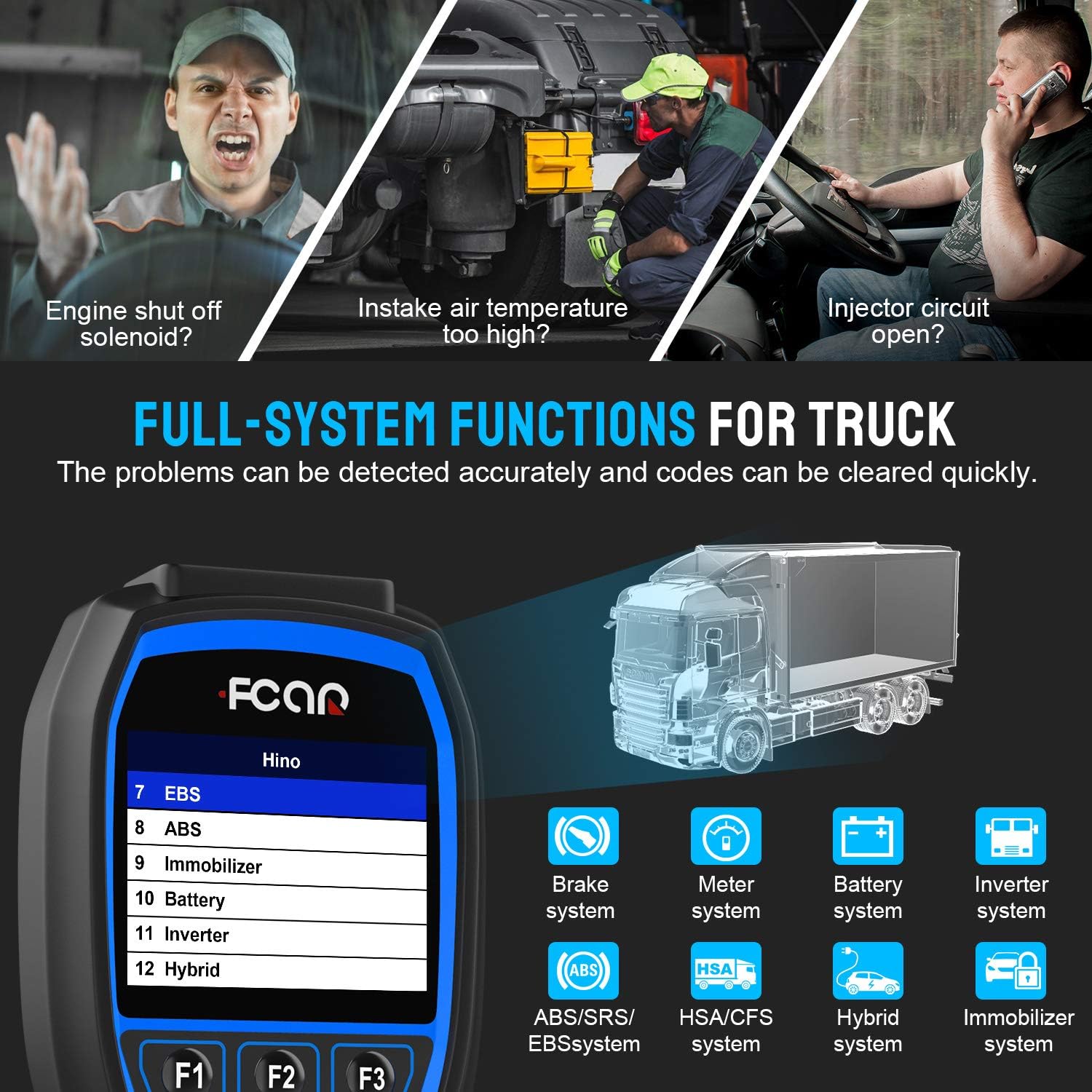
Image: The FCAR F506 screen showing various full-system diagnostic functions available for trucks.
4.2. Membaca dan Menghapus Kode Kesalahan
- After selecting the vehicle system, choose "Read Fault Code" to view active and historical diagnostic trouble codes (DTCs).
- To clear codes, select "Erase Fault Code" and confirm the action. Ensure any underlying issues are resolved before clearing codes.
4.3. Aliran Data Langsung
The "Live Data" function displays real-time parameters from the vehicle's ECU, aiding in performance analysis and troubleshooting.
- Pilih "Data Langsung" dari menu diagnostik.
- Parameters include Engine speed, ECU temperature, Accelerator pedal position, Coolant temperature, Battery voltage, Alternator voltage, Ambient air temperature, and more.
- Data bisa viewed in numerical format or graphically for easier analysis.

Image: Live data display on the FCAR F506, showing real-time engine parameters.
4.4. Fungsi Khusus
The F506 offers various special functions for component adaptations and calibrations after repairs or replacements.
- Access "Special Function" from the system menu.
- Available functions may include pump adjust learn, fuel rail pressure tests, and other component-specific tests.
Video: Demonstration of FCAR F506 performing diagnostics on a Mack truck, showcasing system selection and data reading.
Video: Demonstration of FCAR F506 performing diagnostics on an International truck, illustrating the user interface and diagnostic process.
5. Pemeliharaan
- Pembersihan: Gunakan yang lembut, damp cloth to clean the scanner unit. Avoid abrasive cleaners or solvents.
- Penyimpanan: Simpan perangkat di dalam wadah pelindungnya di tempat yang kering dan sejuk saat tidak digunakan.
- Pembaruan Perangkat Lunak: Regularly check for software updates on the manufacturer's website to ensure compatibility with new vehicle models and improved functionalities. The device supports one-key updates.
6. Penyelesaian masalah
- Perangkat Tidak Menyala:
- Ensure the diagnostic cable is securely connected to both the vehicle's DLC (Diagnostic Link Connector) and the scanner.
- Pastikan kunci kontak kendaraan berada pada posisi ON.
- Periksa tegangan baterai kendaraantage.
- Kesalahan Komunikasi:
- Confirm the correct vehicle make, model, and year are selected.
- Check for damaged diagnostic cables or connectors.
- Ensure the vehicle's ECU is functioning correctly.
- Tidak ditemukan kode kesalahan:
- This indicates that the system currently has no stored diagnostic trouble codes.
- If a problem persists, consider checking live data for abnormal readings or performing active tests on relevant components.
7. Spesifikasi
| Fitur | Detil |
|---|---|
| Merek | OTOMATIS |
| Model | F506 |
| Menampilkan | Layar Warna TFT 3.5 inci |
| Konektivitas | J1708, J1939, OBD2 (SAE J1850PWM, SAE J1850 VPW, ISO 14230-4, ISO 9141-2, ISO 15765-4) |
| Cakupan Kendaraan | Most trucks with J1708/J1939, OBD2 automotive (1996 onwards), Hino, Mitsubishi Fuso, Isuzu, Nissan UD commercial vehicles (since 1992) |
| Sistem Operasi | Windows 7 (for updates) |
| Berat Barang | 2 pon |
| Dimensi Produk | 12x9x3 inci |
8. Garansi dan Dukungan
The FCAR F506 comes with a 1-year warranty. For technical support, software updates, or any inquiries, please refer to the contact information provided in the product packaging or visit the official AUTOPHIX weblokasi.


