1. Pendahuluan
Thank you for choosing the Tribit FlyBuds C1 True Wireless Earbuds (Model BTH91). This manual provides essential information for setting up, operating, and maintaining your new earbuds. Please read it thoroughly to ensure optimal performance and longevity of your device.

Image: Tribit FlyBuds C1 Wireless Earbuds and Charging Case.
2. Informasi Keselamatan
To prevent damage to your earbuds or injury to yourself, please observe the following safety precautions:
- Jangan membongkar atau memodifikasi earbud atau wadah pengisi daya.
- Jauhkan perangkat dari suhu ekstrem, sinar matahari langsung, dan api terbuka.
- Avoid exposing the earbuds to water for prolonged periods, despite their IPX8 rating. Ensure the charging port cover is securely closed before exposure to liquids.
- Jangan gunakan pembersih abrasif atau bahan kimia keras untuk membersihkan perangkat.
- Dengarkan pada tingkat volume sedang untuk mencegah kerusakan pendengaran.
- Jauhkan dari jangkauan anak-anak dan hewan peliharaan.
3. Isi Paket
The Tribit FlyBuds C1 package includes:
- Tribit FlyBuds C1 Earbuds (Model BTH91)
- Kotak Pengisian Daya
- Kabel Pengisian Daya USB-C
- Tali gantungan
- 6 Pairs of Silicone Ear Tips (various sizes)
- Panduan Pengguna
- Kartu Garansi 18 Bulan
Image: All items included in the Tribit FlyBuds C1 retail package.
4. Pengaturan
4.1. Mengisi Daya Earbud dan Casing
Sebelum penggunaan pertama, isi daya earbud dan casing pengisi daya hingga penuh.
- Masukkan earbud ke dalam casing pengisi daya. Pastikan earbud terpasang dengan benar pada slotnya masing-masing.
- Connect the USB-C charging cable to the charging port on the case and to a power source. The LED indicators on the case will show charging status. A full charge takes approximately 1.5 hours.
- The charging case also supports wireless charging. Simply place the case on a compatible wireless charging pad.
The earbuds provide up to 5 hours of playback on a single charge, and the charging case extends total playtime to up to 100 hours.
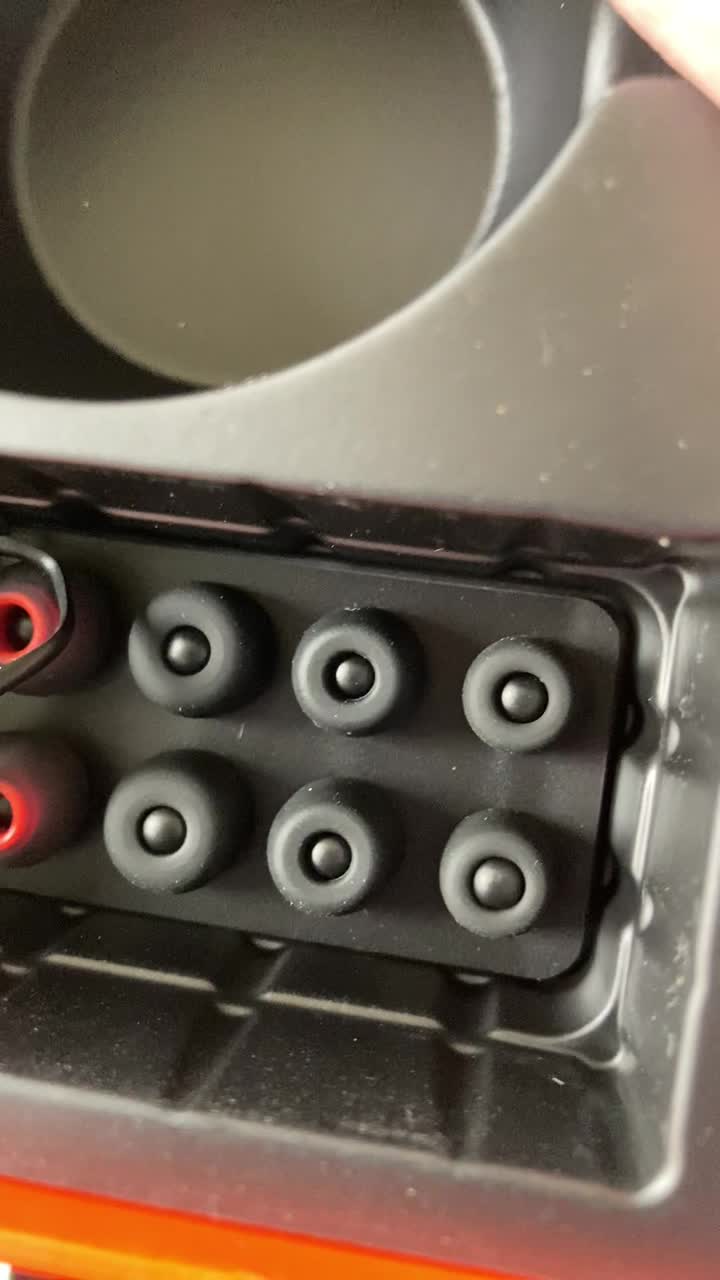
Image: Tribit FlyBuds C1 earbuds charging inside their case, with battery indicator lights visible.
4.2. Memasangkan dengan Perangkat Anda
The Tribit FlyBuds C1 feature one-step pairing for convenience.
- Buka casing pengisi daya. Earbud akan otomatis masuk ke mode berpasangan.
- Pada perangkat Anda (ponsel pintar, tablet, laptop), aktifkan Bluetooth dan cari perangkat yang tersedia.
- Select "Tribit FlyBuds C1" from the list of devices. Once connected, a voice prompt will confirm successful pairing.
- The earbuds will automatically connect to the last paired device when the case is opened. To unpair, press and hold the button on the charging case.
4.3. Memasang Earbud
For optimal sound quality and comfort, choose the correct size ear tips.
- Experiment with the 6 included pairs of silicone ear tips to find the best fit for your ears. A snug fit ensures better bass response and noise isolation.
- Masukkan earbud dengan lembut ke dalam saluran telinga Anda dan putar sedikit untuk mengencangkannya.
Image: Selection of silicone ear tips for personalized fit.
5. Petunjuk Pengoperasian
5.1. Daya Hidup/Mati
- Nyalakan: Buka casing pengisi daya, dan earbud akan menyala secara otomatis.
- Matikan: Masukkan kembali earbud ke dalam wadah pengisi daya dan tutup kembali. Earbud akan mati secara otomatis dan mulai mengisi daya.
5.2. Pemutaran Musik
The Tribit FlyBuds C1 feature physical buttons for control:
- Putar/Jeda: Tekan tombol pada salah satu earbud sekali.
- Lagu Berikutnya: Double-press the button on the right earbud.
- Lagu Sebelumnya: Double-press the button on the left earbud.
Note: Volume control is not directly available on the earbuds. Please adjust volume via your connected device.
5.3. Manajemen Panggilan
- Menjawab/Mengakhiri Panggilan: Tekan tombol pada salah satu earbud sekali.
- Tolak Panggilan: Press and hold the button on either earbud for 2 seconds.
- Aktifkan Asisten Suara (Siri, Google Assistant): Triple-press the button on either earbud.
The earbuds feature 4 microphones with CVC 8.0 Call Noise Reduction for clear calls.
5.4. Mode Earbud Tunggal
Kedua earbud dapat digunakan secara independen. Cukup keluarkan satu earbud dari wadahnya, dan earbud tersebut akan otomatis terhubung ke perangkat Anda. Earbud lainnya dapat tetap berada di dalam wadah atau digunakan nanti.
5.5. IPX8 Waterproofing
The Tribit FlyBuds C1 are IPX8 rated, offering protection against sweat, splashes, and submersion in water up to 1 meter for 30 minutes. This makes them suitable for sports and exercise in various weather conditions.
- Ensure the USB-C charging port cover is securely closed before exposing the earbuds to water.
- Do not charge the earbuds if they are wet. Dry them thoroughly before placing them back in the charging case.
6. Pemeliharaan
Proper maintenance ensures the longevity and performance of your Tribit FlyBuds C1.
- Pembersihan: Regularly clean the earbuds and charging case with a soft, dry, lint-free cloth. For ear tips, remove them and wash with mild soap and water, then dry completely before reattaching.
- Penyimpanan: Saat tidak digunakan, simpan earbud di dalam wadah pengisi dayanya untuk melindungi dan menjaga dayanya tetap terisi. Simpan di tempat yang sejuk dan kering, jauhkan dari suhu ekstrem.
- Hindari Kerusakan: Do not drop, puncture, or expose the device to strong impacts.
7. Penyelesaian masalah
If you encounter issues with your Tribit FlyBuds C1, try the following solutions:
| Masalah | Larutan |
|---|---|
| Earbud tidak dapat dipasangkan |
|
| Tidak ada suara atau volume rendah |
|
| Earbud tidak mengisi daya |
|
| Koneksi terputus-putus |
|
8. Spesifikasi
| Fitur | Detil |
|---|---|
| Nama Model | BTH91 (FlyBuds C1) |
| Teknologi Konektivitas | Nirkabel (Bluetooth) |
| Versi Bluetooth | 5.2 |
| Jangkauan Bluetooth | 10 Meter |
| Daya Tahan Baterai (Earbud) | Hingga 5 jam per pengisian daya |
| Total Waktu Bermain (dengan Casing Pengisi Daya) | Hingga 100 jam |
| Waktu Pengisian Daya | Sekitar 1.5 jam (kasus) |
| Tingkat Tahan Air | IPX8 (Tahan Air) |
| Fitur Pengendalian Kebisingan | CVC 8.0 Call Noise Reduction, Sound Isolation |
| Metode Kontrol | Tombol Fisik |
| Port Pengisian Daya | USB-C, Wireless Charging (Qi-compatible) |
| Berat Barang | 2.4 ons |
| Dimensi Produk | 2.4x2.4x1.2 inci |
9. Garansi & Dukungan
Tribit provides an 18-month warranty for the FlyBuds C1 (Model BTH91) from the date of purchase. This warranty covers manufacturing defects and ensures your product is free from material and workmanship flaws under normal use.
For warranty claims, technical support, or any questions regarding your product, please contact Tribit customer service:
- E-mail: dukungan@tribitaudio.com
- Tiket Dukungan: Mengunjungi tribitaudio.com/support
- Telepon: 1-888-232-3138 (Mon-Fri, 9:00-6:00 PST [US])
Please have your purchase receipt and product model number (BTH91) ready when contacting support.


