Perkenalan
Thank you for choosing the Thomson WT040 Filter Coffee Machine. This appliance is designed to brew delicious filter coffee efficiently. With a 1.25-liter capacity, it can prepare 10 to 12 cups, making it suitable for both home and office use. This manual provides essential information for safe operation, proper setup, maintenance, and troubleshooting to ensure optimal performance and longevity of your coffee machine.
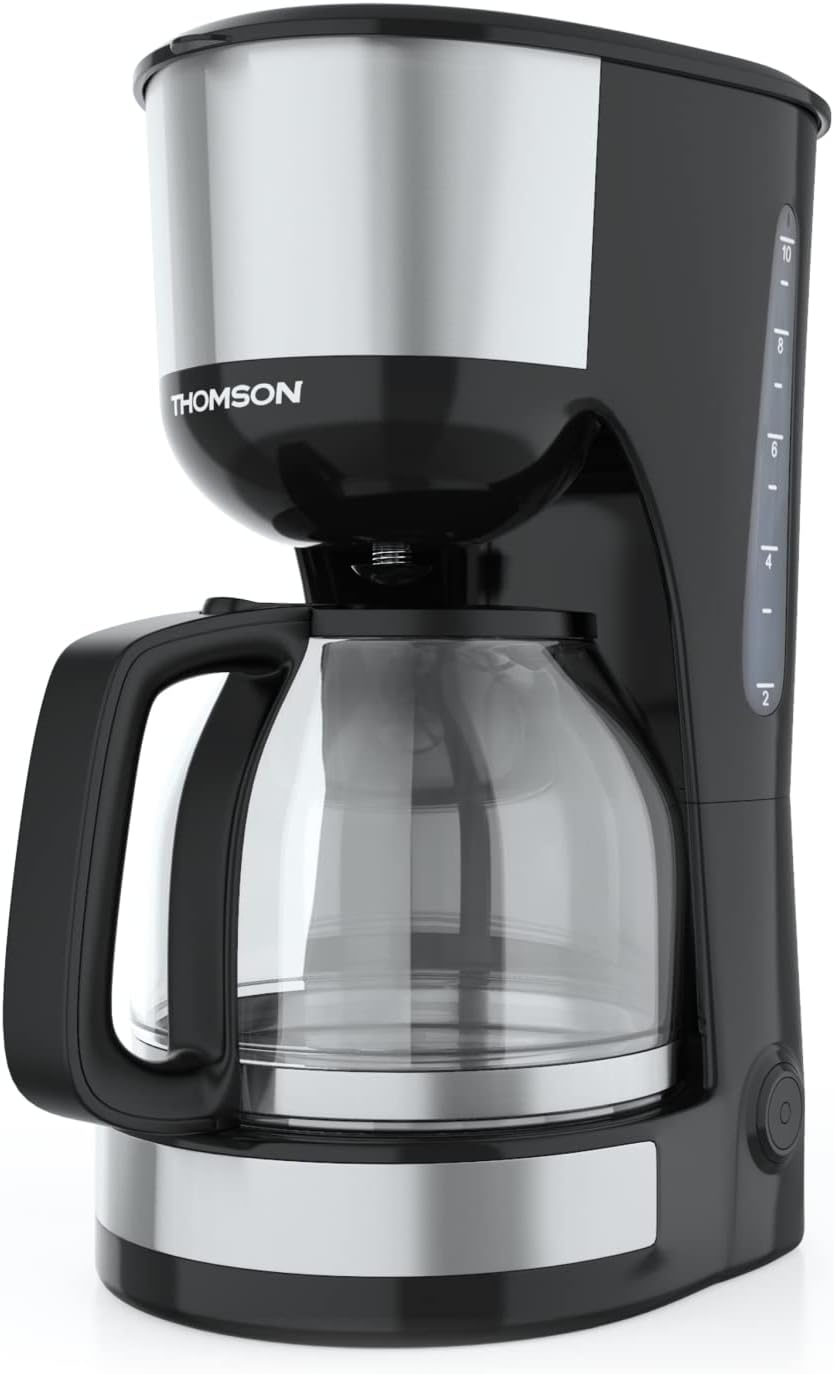
Gambar: Depan view of the Thomson WT040 Filter Coffee Machine, showcasing its black and silver design with the glass carafe.
Petunjuk Keselamatan Penting
Harap baca semua petunjuk keselamatan dengan saksama sebelum menggunakan alat ini. Kegagalan mengikuti petunjuk ini dapat mengakibatkan sengatan listrik, kebakaran, atau cedera serius.
- Pastikan voltage yang ditunjukkan pada alat sesuai dengan voltase listrik lokal Andatage sebelum menghubungkan.
- Jangan merendam alat, kabel listrik, atau steker dalam air atau cairan lainnya.
- Always unplug the coffee machine from the power outlet before cleaning and when not in use.
- Jangan mengoperasikan peralatan apa pun dengan kabel atau steker yang rusak, atau setelah peralatan tersebut mengalami kegagalan fungsi atau telah rusak dengan cara apa pun.
- Jauhkan alat ini dari jangkauan anak-anak. Alat ini tidak dimaksudkan untuk digunakan oleh orang (termasuk anak-anak) dengan keterbatasan fisik, sensorik, atau mental, atau kurang pengalaman dan pengetahuan, kecuali mereka telah diberi pengawasan atau instruksi mengenai penggunaan alat ini oleh orang yang bertanggung jawab atas keselamatan mereka.
- Use the appliance only for its intended household purpose.
- Hindari kontak dengan permukaan panas. Gunakan gagang atau kenop.
- Jangan letakkan peralatan di atas atau di dekat kompor gas atau listrik yang panas, atau di dalam oven yang panas.
- Jangan biarkan kabel menggantung di tepi meja atau meja dapur, atau menyentuh permukaan panas.
- Always ensure the carafe lid is securely in place during brewing.
- Do not open the filter basket cover during the brewing cycle.
Komponen Produk
Familiarize yourself with the parts of your Thomson WT040 coffee machine:
- Tangki Air dengan Indikator Level
- Tutup
- Keranjang Filter
- Filter Permanen
- Teko Kaca dengan Pegangan
- Pelat Pemanas
- Saklar On/Off dengan Lampu Indikator
- Sistem Anti Tetes

Image: Close-up of the water tank with a transparent fill scale, indicating water levels for brewing.
Pengaturan
- Membongkar: Carefully remove the coffee machine from its packaging. Retain the packaging for future transport or storage. Remove all protective films and stickers.
- Pembersihan Awal: Before first use, clean all removable parts (glass carafe, permanent filter, filter basket) with warm soapy water. Rinse thoroughly and dry. Wipe the exterior of the appliance with a damp kain.
- Siklus Seduh Pertama (tanpa kopi): Fill the water tank to the maximum level with fresh cold water. Place the empty permanent filter in the filter basket and close the lid. Place the empty glass carafe on the heating plate. Plug the appliance into a suitable power outlet and press the On/Off switch. Allow the full cycle to complete. Discard the water. Repeat this process 2-3 times to clean the internal components.
- Penempatan: Place the coffee machine on a stable, flat, heat-resistant surface, away from the edge of the countertop and out of reach of children. Ensure there is adequate ventilation around the appliance.
Petunjuk Pengoperasian
- Isi Tangki Air: Open the lid and fill the water tank with fresh, cold water up to the desired number of cups indicated on the water level indicator. Do not exceed the "MAX" mark.
- Tambahkan Bubuk Kopi: Place the permanent filter into the filter basket. Add the desired amount of ground coffee into the permanent filter. A general guideline is one level tablespoon of coffee per cup (150ml), but adjust to your taste.
- Posisi Teko: Ensure the glass carafe is placed correctly on the heating plate. The anti-drip system will prevent coffee from dripping when the carafe is removed during brewing, but it is recommended to keep the carafe in place until brewing is complete.
- Mulai Menyeduh: Close the lid securely. Plug the power cord into a wall outlet. Press the On/Off switch. The indicator light will illuminate, and brewing will begin.
- Fungsi Tetap Hangat: After brewing is complete, the coffee machine will automatically switch to a keep-warm function for approximately 40 minutes. The heating plate will keep the coffee at an optimal serving temperature.
- Serve Coffee: Lepaskan teko dari pelat pemanas dengan hati-hati untuk menuangkan kopi. Sistem anti-tetes akan menghentikan aliran kopi untuk sementara waktu.
- Mematikan: After serving or when the keep-warm cycle is finished, press the On/Off switch to turn off the appliance and unplug it from the power outlet.
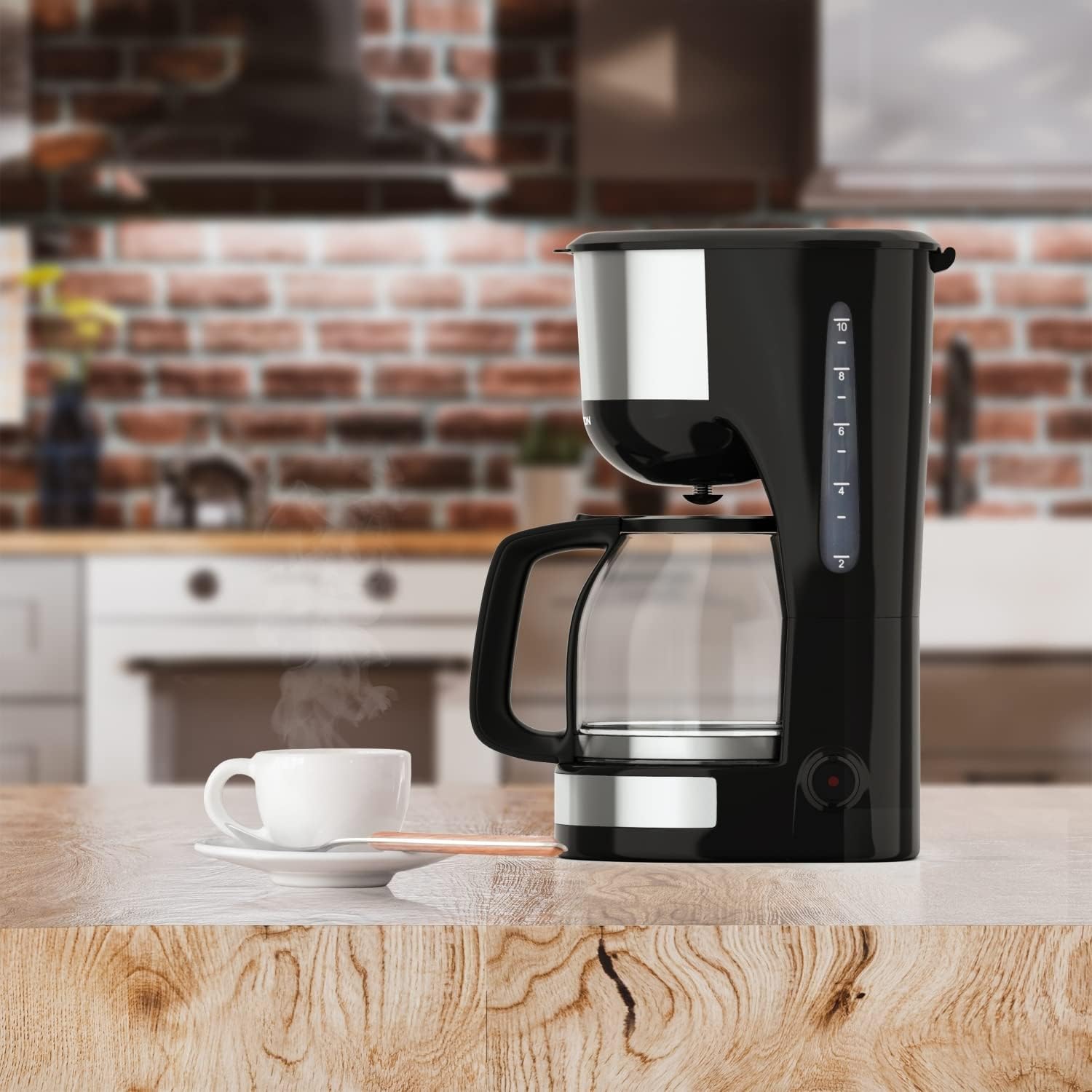
Image: The Thomson WT040 coffee machine in a kitchen, actively brewing coffee into the glass carafe.
Perawatan dan Pembersihan
Regular cleaning ensures optimal performance and extends the lifespan of your coffee machine. Always unplug the appliance and allow it to cool completely before cleaning.
- Permanent Filter and Filter Basket: After each use, remove the permanent filter and filter basket. Discard used coffee grounds. Rinse both thoroughly under running water. They can also be washed in warm soapy water.
- Teko Kaca: Wash the glass carafe and its lid with warm soapy water after each use. Rinse well. The carafe is generally dishwasher safe, but hand washing is recommended for longevity.
- Luar: Usap permukaan luar mesin kopi dengan kain lembut dan kering.amp kain. Jangan gunakan pembersih abrasif atau sabut gosok, karena dapat menggores permukaan.
- Pelat Pemanas: Lap pelat pemanas dengan iklanamp cloth. If coffee has dripped onto it, clean immediately to prevent staining and burning.
- Kerak: Depending on water hardness and frequency of use, mineral deposits (limescale) can build up. Descale your coffee machine every 2-4 months.
- Fill the water tank with a descaling solution (e.g., white vinegar and water in a 1:2 ratio, or a commercial descaling agent following its instructions).
- Letakkan botol kosong di atas pelat pemanas.
- Run a brewing cycle. After about half the solution has brewed through, turn off the machine and let it stand for 15-20 minutes to allow the solution to work.
- Turn the machine back on and let the remaining solution brew through.
- Discard the solution and rinse the carafe and filter.
- Run 2-3 cycles with fresh, clean water to flush out any residual descaling solution.

Gambar: Close-up view of the permanent filter, designed to eliminate the need for paper filters.
Penyelesaian Masalah
| Masalah | Kemungkinan Penyebab | Larutan |
|---|---|---|
| Kopi tidak diseduh. | Appliance not plugged in; On/Off switch not pressed; No water in tank. | Ensure plug is securely in outlet; Press On/Off switch; Fill water tank. |
| Kopi terlalu lemah atau terlalu kuat. | Perbandingan kopi dan air tidak tepat; Bubuk kopi terlalu kasar/halus. | Adjust amount of coffee grounds; Use medium grind coffee. |
| Air meluap dari keranjang filter. | Terlalu banyak ampas kopi; Saringan tersumbat; Teko tidak diletakkan dengan benar. | Reduce coffee grounds; Clean permanent filter; Ensure carafe is centered on heating plate. |
| Kopi rasanya tidak enak. | Appliance needs cleaning/descaling; Stale coffee; Poor water quality. | Clean and descale the machine; Use fresh coffee beans; Use filtered water. |
| Machine makes loud noises. | Normal during heating/pumping; Limescale buildup. | Some noise is normal. If excessive, descale the machine. |
Spesifikasi
- Merek: Bahasa Indonesia: Thomson
- Nomor Model: WT040
- Warna: Hitam/Perak
- Dimensi (P x L x T): Ukuran 22x16x29.5 cm
- Berat: 1.3 Kilogram
- Kapasitas: 1.25 Liters (approx. 10-12 cups)
- Kekuatan: 1000 Watt
- Jil.tage: 240 Volt
- Bahan: Glass (carafe), Plastic, Metal
- Fitur Khusus: Permanent Filter, Anti-Drip System, Keep-Warm Function (40 minutes)

Image: Visual representation of the coffee machine's dimensions (18cm width, 23cm depth, 30cm height), power (1000 Watts), and keep-warm duration (40 minutes).
Garansi dan Dukungan
Information regarding specific warranty terms and conditions for the Thomson WT040 Filter Coffee Machine is not provided in the product details. For warranty claims or technical support, please refer to the documentation included with your purchase or contact Thomson customer service directly through their official websitus atau pengecer resmi.
Selalu simpan bukti pembelian Anda untuk pertanyaan terkait garansi.


