Perkenalan
The Lexon City USB Key is a compact and portable 32 GB flash drive designed for convenient data storage and transfer. This manual provides essential information for the proper use and care of your device.
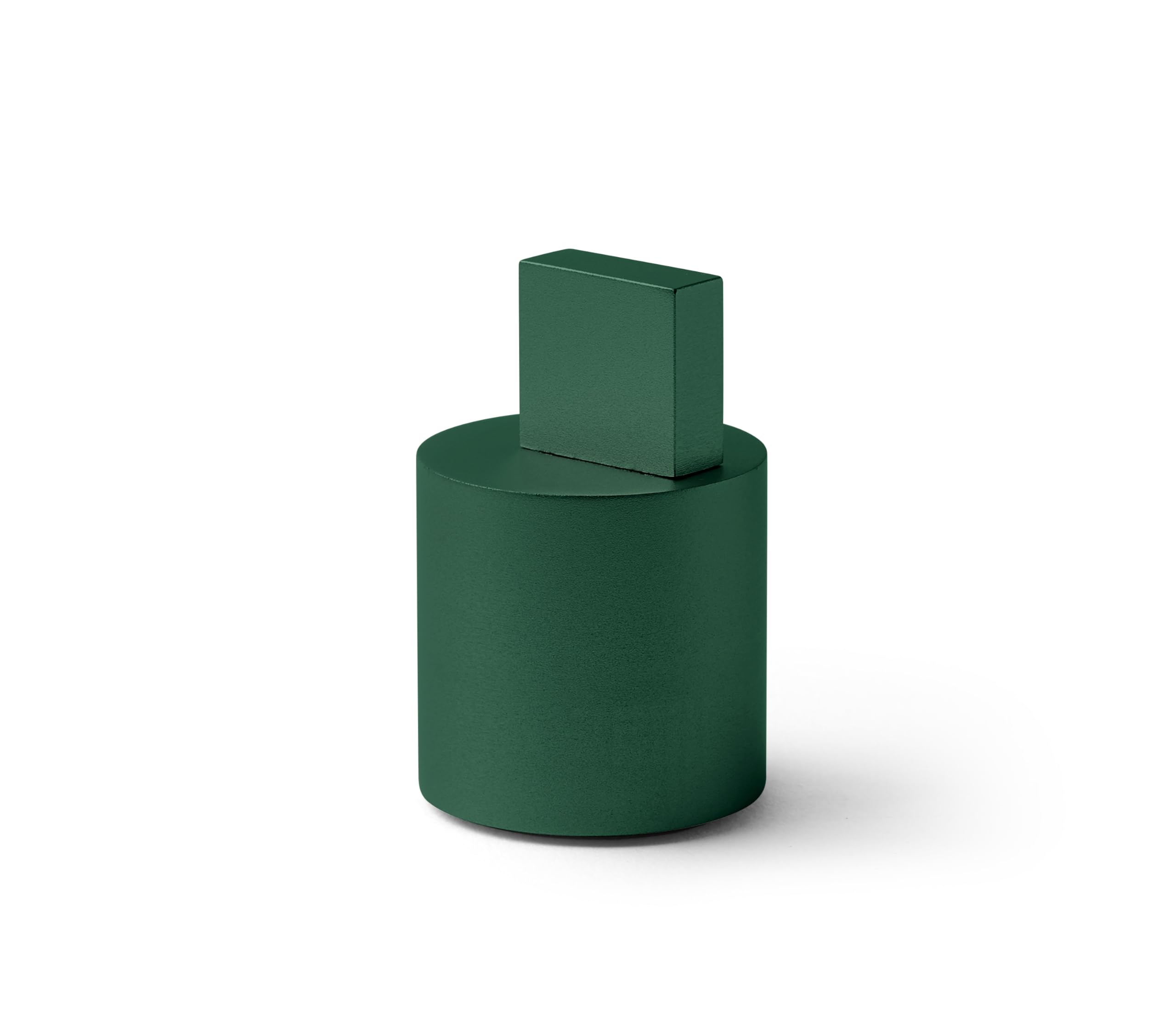
Image: The Lexon City USB Key in Soft Green, showing its compact design.
Produk Selesaiview
The Lexon City USB Key consists of two main parts: the USB flash drive and its protective cap. The cap is designed to protect the USB connector when not in use.
- Konektor USB: Standard USB Type-A for connecting to computers and other devices.
- Memori Flash: 32 GB capacity for storing digital files.
- Topi pelindung: Covers the USB connector to prevent damage and dust accumulation.

Image: The Lexon City USB Key with its cap removed, inserted into a laptop's USB port. The cap rests beside it.
Pengaturan
- Lepaskan Tutupnya: Gently pull the protective cap off the USB key to expose the USB connector.
- Masukkan ke Port USB: Insert the USB key into an available USB Type-A port on your computer or compatible device. Ensure the connector is oriented correctly to avoid damage.
- Pengenalan Perangkat: Your operating system should automatically detect the USB key. A new drive letter or device icon will appear in your file penjelajah atau desktop.

Gambar: Close-up view of the Lexon City USB Key, in green, fully inserted into the USB port of a silver laptop. The cylindrical cap is placed next to the laptop.
Petunjuk Pengoperasian
Once the USB key is recognized by your device, you can begin transferring files.
Mentransfer Files to the USB Key:
- Buka komputer Anda file explorer (e.g., Windows Explorer, Finder).
- Temukan filefile atau folder yang ingin Anda transfer.
- Seret dan jatuhkan yang dipilih files/folders to the Lexon City USB Key drive icon, or copy and paste them into the drive.
- Wait for the transfer process to complete. Do not remove the USB key during file transfer.
Mentransfer Files from the USB Key:
- Open the Lexon City USB Key drive in your file penjelajah.
- Temukan filefile atau folder yang ingin Anda transfer.
- Seret dan jatuhkan yang dipilih files/folders to your desired location on your computer, or copy and paste them.
- Tunggu hingga proses transfer selesai.
Safely Removing the USB Key:
Always safely eject the USB key before physically removing it to prevent data corruption.
- Jendela: Click the "Safely Remove Hardware and Eject Media" icon in the system tray, then select the USB key.
- macOS: Drag the USB key icon from your desktop or Finder sidebar to the Trash, or right-click (Control-click) the icon and select "Eject."
Pemeliharaan
- Perlindungan: Always keep the protective cap on the USB key when not in use to shield the connector from dust, dirt, and physical damage.
- Pembersihan: If necessary, gently wipe the exterior of the USB key with a soft, dry, lint-free cloth. Do not use liquid cleaners or solvents.
- Penyimpanan: Store the USB key in a cool, dry place, away from extreme temperatures, direct sunlight, and strong magnetic fields.
- Hindari Stres Fisik: Do not bend, drop, or apply excessive force to the USB key.
Penyelesaian Masalah
| Masalah | Kemungkinan Penyebab | Larutan |
|---|---|---|
| USB key not recognized. | Incorrect insertion, faulty USB port, driver issue. |
|
| Tidak dapat mentransfer files. | Insufficient space, file system limitations, write protection. |
|
| "Safely Remove Hardware" option not available. | Files are still in use by an application. |
|
Spesifikasi
| Merek | Lekson |
| Nama Model | CITY USB KEY |
| Nomor Model Barang | LD136V9 |
| Kapasitas Penyimpanan Memori | 32 GB |
| Jenis Memori Flash | Flash Kompak (Note: This is likely a generic category, actual internal memory type is NAND Flash) |
| Antarmuka Perangkat Keras | USB |
| Teknologi Konektivitas Perangkat Keras | USB Tipe A |
| Dimensi Produk | 1.22"Panjang x 1.22"Lebar x 0.28"T |
| Berat Barang | 2.46 ons |
| Warna | HIJAU |
| Fitur Khusus | Ringan |
Garansi dan Dukungan
The Lexon City USB Key typically comes with a 1-year international warranty. For specific warranty details and to register your product, please refer to the documentation included with your purchase or visit the official Lexon weblokasi.
For technical support or further assistance, please contact Lexon customer service through their official weblokasi: lexon-desain.com.

Image: The back of the Lexon City USB Key packaging, displaying regulatory compliance symbols (CE, FC, recycling) and the official website address: lexon-design.com.


