Perkenalan
The Seagate One Touch 5TB Portable External Hard Drive offers a convenient and reliable solution for expanding your digital storage. Designed for both PC and Mac users, this drive provides ample space for photos, videos, documents, and more. Its compact and stylish design makes it ideal for on-the-go use, ensuring your important files are always accessible.

Image: The Seagate One Touch drive is designed for portability, fitting comfortably in your hand.
Pengaturan
Follow these steps to set up your Seagate One Touch drive:
- Hubungkan Kabel USB: Plug the small end of the included USB 3.0 cable into the port on your Seagate One Touch drive.
- Hubungkan ke Komputer: Plug the standard USB-A end of the cable into an available USB 3.0 port on your PC or Mac. For optimal performance, use a USB 3.0 port.
- Nyalakan: The drive is bus-powered and will turn on automatically when connected to your computer. A small LED indicator on the drive may illuminate.
- Pengenalan Awal: Your computer should automatically detect the new drive. For Windows, it will appear in 'This PC' or 'My Computer'. For Mac, it will appear on the desktop or in Finder.
- Pemformatan (Pengguna Mac): The drive comes pre-formatted for Windows. If you plan to use it primarily with a Mac and wish to use Time Machine for backups, reformatting the drive may be required. Refer to your Mac's Disk Utility for formatting options.
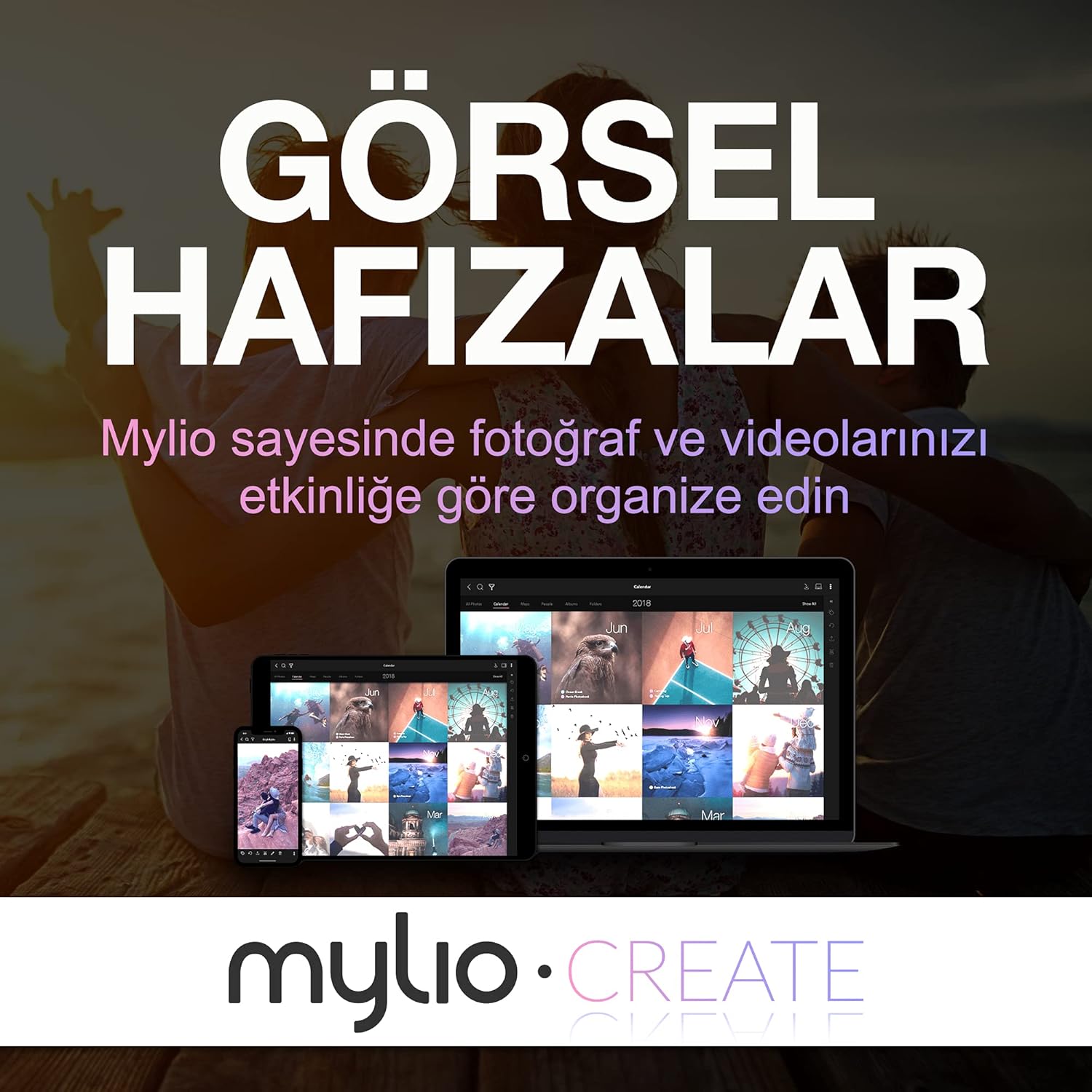
Image: The Seagate One Touch drive is easily connected to a laptop using the provided USB cable.
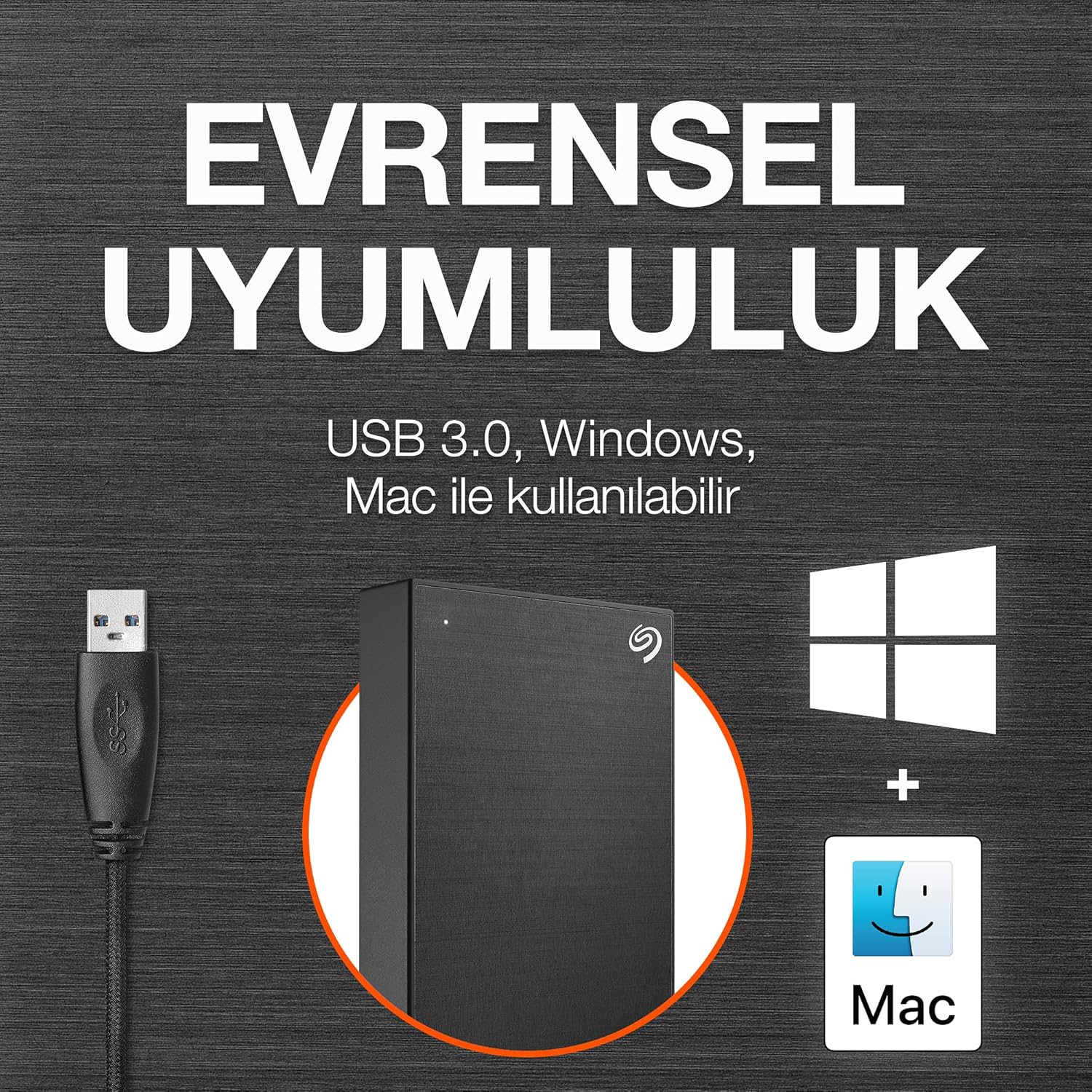
Image: The drive is compatible with both Windows and Mac operating systems.
Pengoperasian
Once connected, your Seagate One Touch drive is ready for use:
- Transfer Data: Seret dan jatuhkan files directly to and from the drive, just like any other folder on your computer.
- Pencadangan Sekali Klik: Utilize the included Seagate Toolkit software to perform one-click backups of your important files.
- Pencadangan Terjadwal: Configure automatic daily, weekly, or monthly backups through the Seagate Toolkit to ensure your data is always protected.
- Perlindungan Kata Sandi: The drive supports password protection and hardware encryption to prevent unauthorized access to your data. This feature is managed through the Seagate Toolkit software.
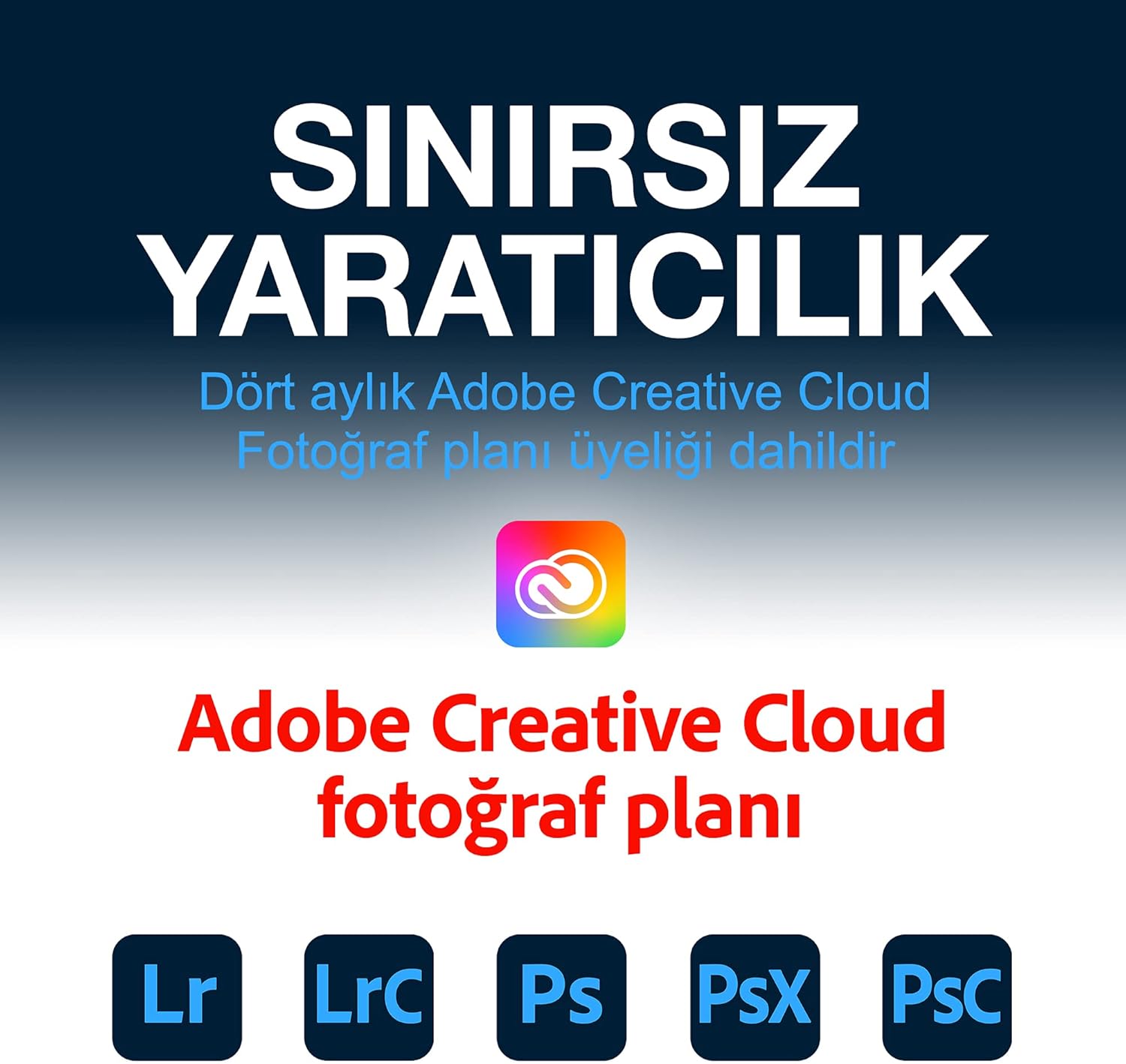
Image: Easily manage and transfer files to your Seagate One Touch drive from your laptop.

Image: The Seagate Toolkit software provides options for automatic and one-click backups.
Included Software Bundles
Your Seagate One Touch drive includes complimentary subscriptions to enhance your creative workflow:
- Mylio Create: A one-year complimentary subscription to Mylio Create helps you organize, edit, and share photos across your devices.
- Paket Fotografi Adobe Creative Cloud: A four-month membership to Adobe Creative Cloud Photography plan, including Photoshop and Lightroom, allows for advanced photo editing and management.

Image: Mylio Create helps manage your photos across multiple devices.

Image: The Adobe Creative Cloud Photography plan offers powerful editing tools.
Pemeliharaan
To ensure the longevity and optimal performance of your Seagate One Touch drive:
- Ejeksi Aman: Selalu cabut drive dari komputer dengan aman sebelum melepaskan kabel USB untuk mencegah kerusakan data.
- Perawatan Fisik: Keep the drive in a clean, dry environment. Avoid exposing it to extreme temperatures, direct sunlight, or excessive moisture.
- Pencadangan Reguler: While the drive itself is a backup solution, consider backing up critical data to multiple locations for maximum security.
- Pembaruan Firmware: Periksa dukungan Seagate secara berkala. website for any available firmware updates for your drive.
Penyelesaian Masalah
If you encounter issues with your Seagate One Touch drive, try the following:
- Drive Tidak Terdeteksi:
- Pastikan kabel USB tersambung dengan aman ke drive dan komputer.
- Coba hubungkan drive ke port USB lain di komputer Anda.
- Uji dengan kabel USB lain jika tersedia.
- Hidupkan ulang komputer Anda.
- Kecepatan Transfer Lambat:
- Verify that the drive is connected to a USB 3.0 port on your computer. USB 2.0 ports will result in slower speeds.
- Tutup semua aplikasi yang tidak diperlukan yang berjalan di latar belakang yang mungkin menghabiskan sumber daya sistem.
- Pastikan driver komputer Anda sudah diperbarui.
- Masalah Pemformatan:
- If you are having trouble formatting the drive, use your operating system's built-in disk utility (Disk Management for Windows, Disk Utility for Mac).
- Pastikan tidak files are actively being accessed on the drive during formatting.
Spesifikasi
| Fitur | Detil |
|---|---|
| Jenis Hard Drive | Hard Disk Mekanik 5 TB |
| Merek | Bahasa Indonesia: Seagate |
| Seri | Satu Sentuhan |
| Nomor Model | STKC5000404 |
| Platform Perangkat Keras | Mac, PC |
| Berat Barang | 9.5 ons |
| Dimensi Produk | 8x2.09x11.53 inci |
| Warna | Ruang Abu-abu |
| Antarmuka Hard Drive | Koneksi USB2.0/3.0 |
| Kapasitas Penyimpanan Digital | 5 TB |
| Teknologi Konektivitas | USB |
| Fitur Khusus | Portabel |
Garansi dan Dukungan
Your Seagate One Touch drive is backed by comprehensive support:
- Garansi Terbatas: Enjoy long-term peace of mind with the included two-year limited warranty.
- Rescue Data Recovery Service: The drive comes with a two-year Rescue Data Recovery Service plan, providing expert assistance in case of unexpected data loss.
- Dukungan online: For further assistance, FAQs, and driver downloads, please visit the official Seagate support weblokasi.


