Perkenalan
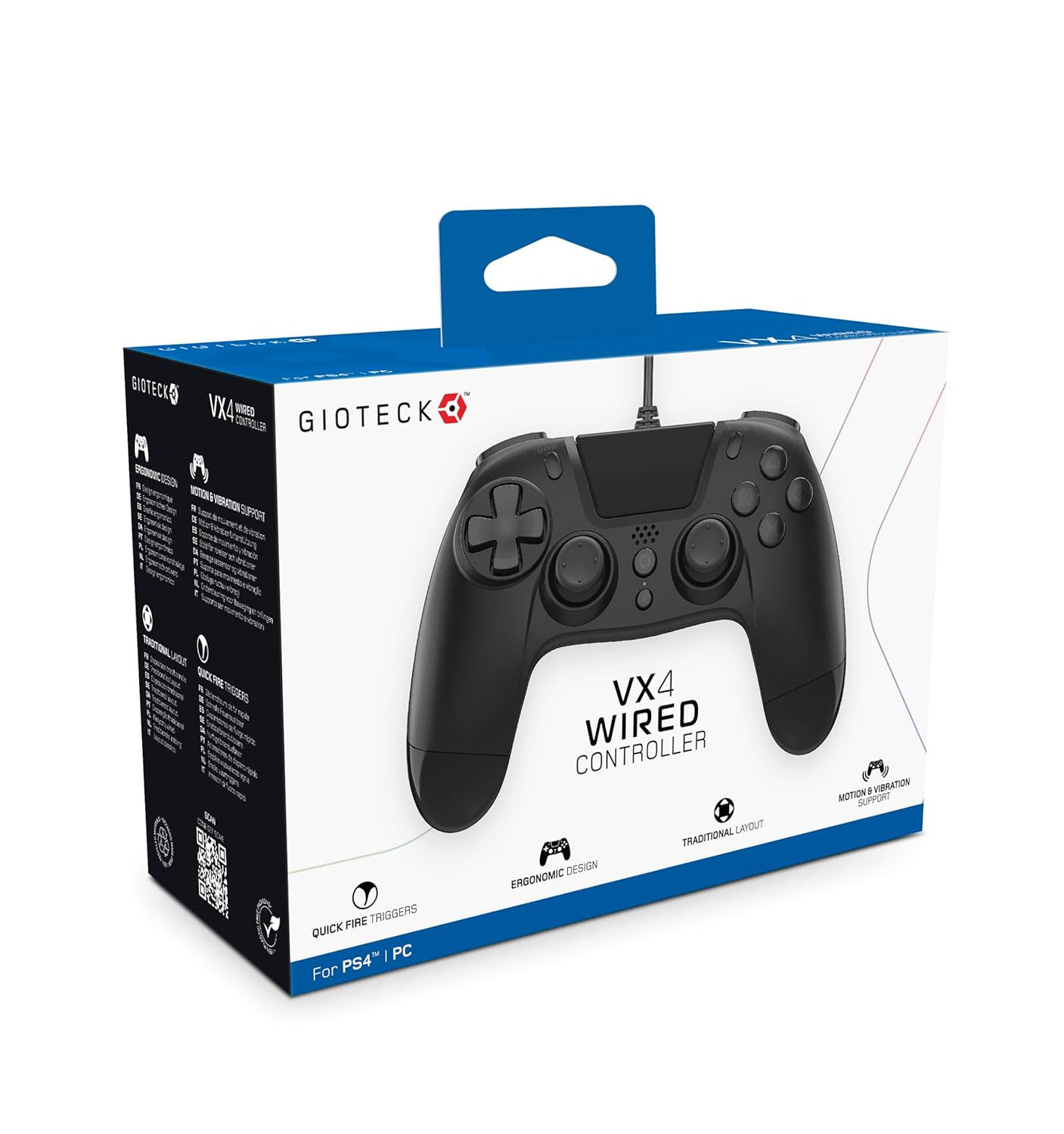
The Gioteck VX-4 Wired Controller is designed for PlayStation 4 and PC, offering a comfortable and responsive gaming experience. It features quick-fire triggers, a precision D-pad, and anti-slip rubber thumb sticks for enhanced performance, providing a next-level immersive gaming experience.
Fitur Utama:
- Quick Fire triggers
- Desain ergonomis
- Traditional PlayStation layout
Isi Paket:
- Gioteck VX-4 Wired Controller
- User Manual (dokumen ini)
Produk Selesaiview:
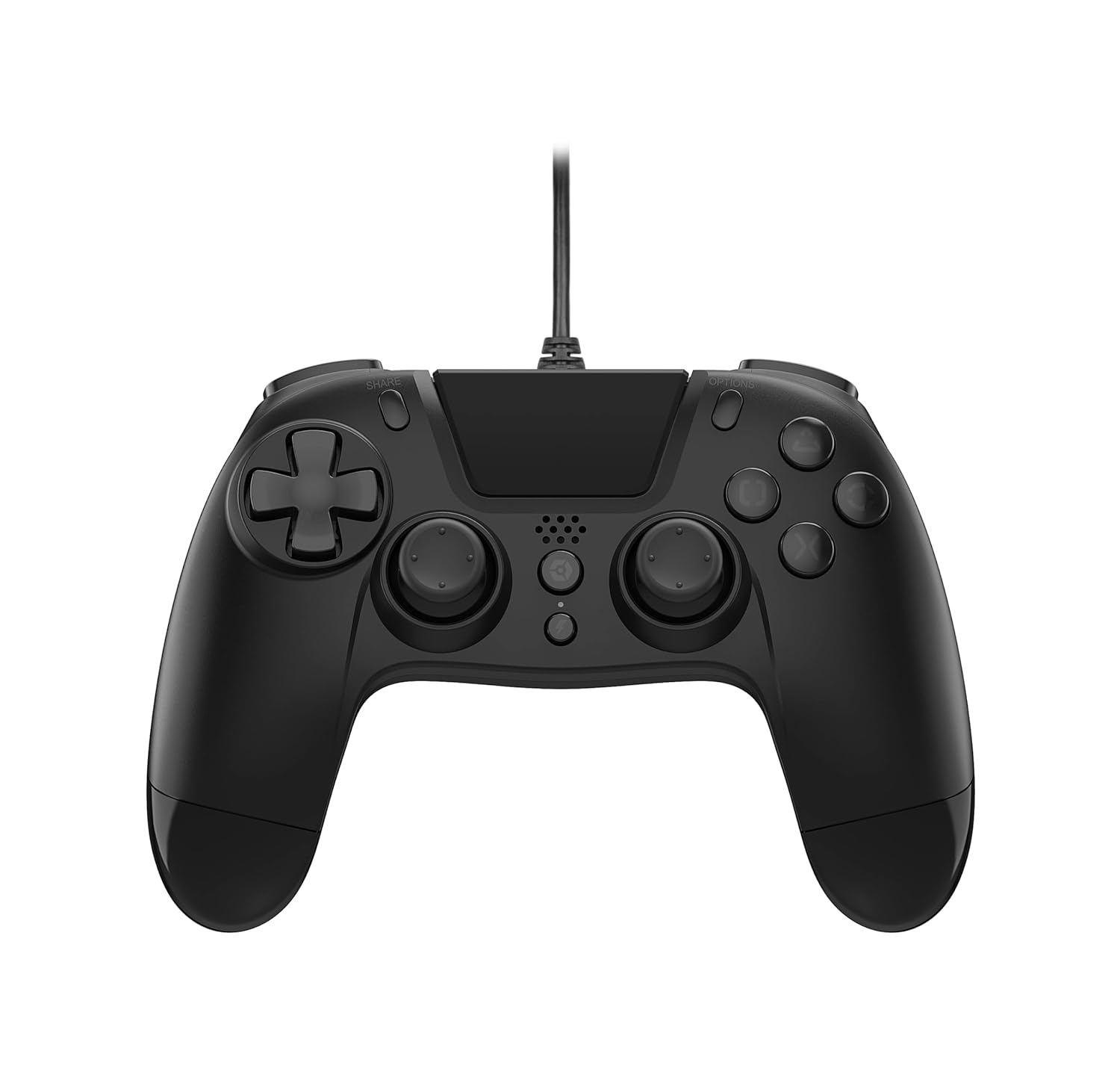
Pengaturan
Menghubungkan ke PlayStation 4:
- Pastikan konsol PlayStation 4 Anda dalam keadaan menyala.
- Insert the USB connector of the VX-4 Wired Controller into an available USB port on your PlayStation 4 console.
- Pengontrol harus dikenali secara otomatis dan siap digunakan.
Menghubungkan ke PC:
- Pastikan PC Anda dihidupkan.
- Insert the USB connector of the VX-4 Wired Controller into an available USB port on your PC.
- The PC operating system should automatically install the necessary drivers. If prompted, allow the driver installation to complete.
- The controller will be ready for use with compatible PC games.

Petunjuk Pengoperasian
Tata Letak Tombol:
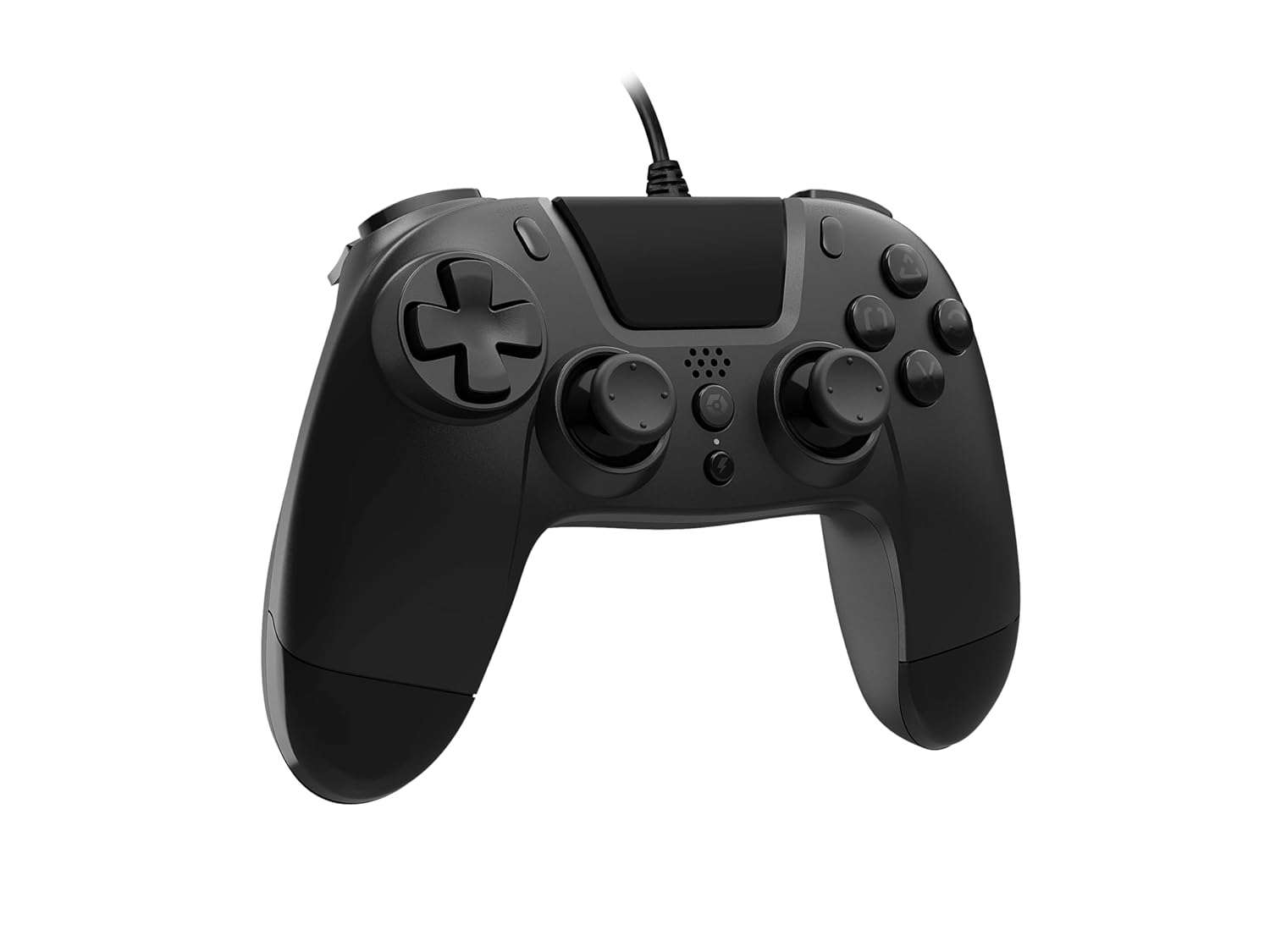
The VX-4 Wired Controller features a traditional PlayStation layout:
- Papan Arah (D-Pad): Untuk masukan arah yang tepat.
- Stik Analog Kiri: Kontrol gerakan primer.
- Stik Analog Kanan: Kontrol kamera atau bidikan.
- Tombol Aksi (Segitiga, Lingkaran, Silang, Persegi): Context-sensitive actions in games.
- Tombol BAGIKAN: Share gameplay moments (PS4 only).
- Tombol OPSI: Access in-game menus or pause (PS4 only).
- Tombol PS: Access the PlayStation Home screen or power on/off the console (PS4 only).
- Tombol L1/R1: Shoulder buttons, typically for quick actions.
- Tombol L2/R2: Analog triggers for precise input, such as acceleration or firing.
Menggunakan Pengontrol:
Once connected, the controller functions similarly to a standard PlayStation 4 controller for compatible games. For PC, ensure the game supports XInput or DirectInput controllers for optimal performance.
Pemeliharaan
Pembersihan:
Untuk membersihkan pengontrol, gunakan kain lembut dan kering. Untuk kotoran membandel, gunakan kain yang sedikit kering.amp cloth can be used, but ensure no moisture enters the controller's internal components. Do not use harsh chemicals or abrasive cleaners, as these may damage the finish or internal electronics.
Penyimpanan:
Store the controller in a cool, dry place away from direct sunlight and extreme temperatures. Avoid placing heavy objects on the controller to prevent damage to the cable or buttons.
Perawatan Kabel:
Do not sharply bend, twist, or pull on the controller cable. Always grasp the plug, not the cable, when connecting or disconnecting it from your console or PC to prevent internal wire damage.
Penyelesaian Masalah
Pengontrol Tidak Merespons:
- Pastikan kabel USB terpasang dengan benar ke pengontrol dan konsol/PC.
- Try plugging the controller into a different USB port on your console/PC.
- Restart konsol atau PC Anda.
- Jika menggunakan PC, periksa Pengelola Perangkat untuk memastikan pengontrol dikenali dan driver terinstal dengan benar.
Tombol atau Tuas Tidak Berfungsi dengan Benar:
- Check for any physical obstructions or debris around the buttons or analog sticks.
- Ensure the controller is clean (refer to Maintenance section).
- Test the controller with another game or application to determine if the issue is specific to one program.
Getaran Tidak Berfungsi:
- Verify that the game or application you are playing supports vibration feedback.
- Periksa pengaturan dalam gim untuk memastikan getaran diaktifkan.
Spesifikasi
| Fitur | Detil |
|---|---|
| Nomor Model | SWIAGJC |
| Konektivitas | USB berkabel |
| Kesesuaian | PlayStation 4, PC |
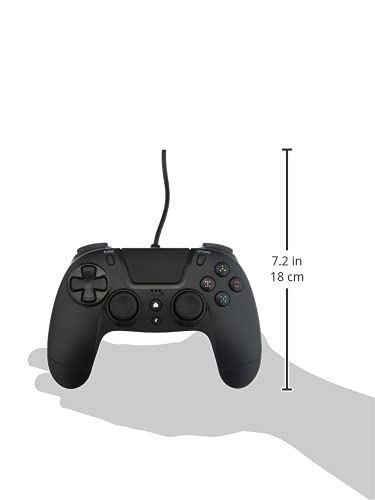
| Product Dimensions (Controller) | Approximately 7.2 inches (18 cm) in height |
| Berat Barang | 7.41 ons (210 gram) |
| Pabrikan | Gioteck |
Garansi dan Dukungan
For warranty information and technical support regarding your Gioteck VX-4 Wired Controller, please refer to the official Gioteck webKunjungi situs web mereka atau hubungi layanan pelanggan mereka secara langsung. Disarankan untuk menyimpan bukti pembelian Anda untuk klaim garansi.
Manufacturer: Gioteck
Tanggal Tersedia Pertama Kali: 10 September 2020


