Perkenalan
This manual provides detailed instructions for the installation, operation, and maintenance of your Emerson Kathy Ireland Home Ion Eco WiFi Indoor Ceiling Fan with Light Kit, Model CF5309BS. Please read this manual thoroughly before installation and retain it for future reference. This ceiling fan features a contemporary design, integrated dimmable LED lighting, a 6-speed DC EcoMotor, and WiFi connectivity for smart home integration.
Informasi Keselamatan
PERINGATAN: To reduce the risk of fire, electric shock, or personal injury, always follow these safety guidelines.
- Pastikan aliran listrik dimatikan di pemutus sirkuit sebelum pemasangan atau perawatan.
- Semua instalasi kabel harus sesuai dengan kode kelistrikan nasional dan lokal. Konsultasikan dengan teknisi listrik yang berkualifikasi jika Anda ragu.
- The mounting structure must be capable of supporting the fan's weight (approximately 16.82 lbs) plus the weight of the blades (sold separately).
- Jangan operasikan kipas angin jika kabel atau komponennya rusak.
- Jauhkan tangan, pakaian, dan benda lain dari bilah kipas saat kipas sedang beroperasi.
- Kipas angin ini dirancang hanya untuk penggunaan di dalam ruangan.
Isi Paket
Pastikan semua komponen tersedia sebelum memulai instalasi. Jika ada komponen yang hilang atau rusak, hubungi dukungan pelanggan.
- Ceiling Fan Motor Housing (Brushed Steel)
- Integrated Dimmable LED Light Fixture with Opal Matte Shade
- 6-Speed Wall Control
- Perangkat Keras Pemasangan
- Manual Instruksi
- Note: Fan blades are sold separately.
Pengaturan dan Instalasi
Professional installation is recommended. Ensure all electrical connections are secure and comply with local codes.
- Matikan Daya: Before starting, disconnect power at the main circuit breaker to prevent electrical shock.
- Pemasangan Braket Pemasangan: Secure the mounting bracket to a ceiling joist or an outlet box rated for fan support. Use appropriate hardware.
- Koneksi Kabel: Connect the fan's electrical wires to the household wiring according to the wiring diagram provided in the full installation guide (not included here, but implied for a real manual). Ensure all connections are tight and insulated.
- Pasang Rakitan Kipas: Carefully lift the fan motor housing and attach it to the mounting bracket.
- Pasang Bilah Kipas: Attach the fan blades (sold separately) to the blade arms, then secure the blade arms to the motor housing.
- Pasang Kit Lampu: Connect the light kit wiring and secure the integrated LED light fixture with the opal matte shade to the bottom of the fan motor housing.
- Instal Kontrol Dinding: Follow the instructions provided with the 6-speed wall control for proper installation and wiring.
- Pulihkan Daya: Setelah pemasangan selesai dan semua sambungan aman, pulihkan daya pada pemutus arus.
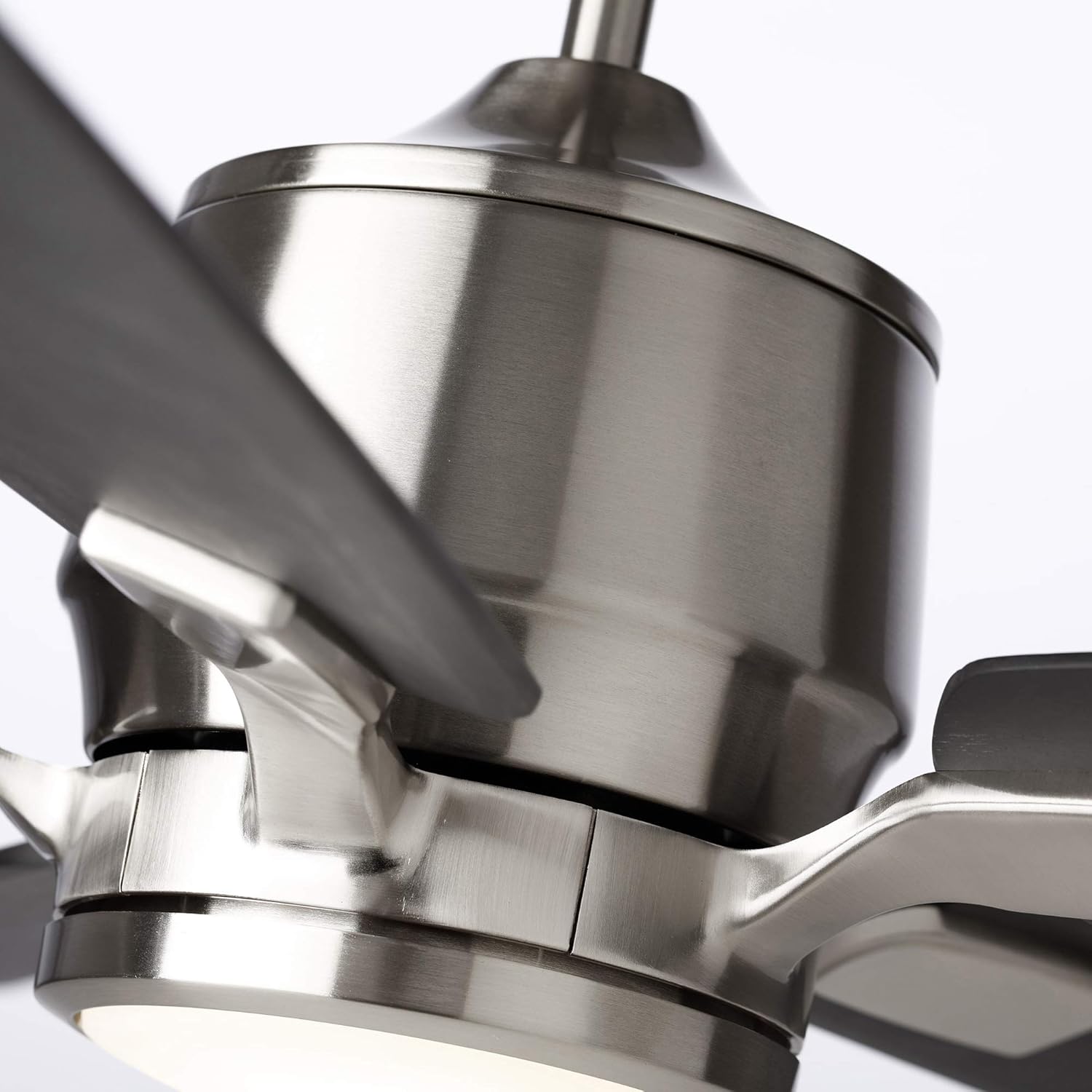
Gambar: Close-up view of the fan's brushed steel motor housing, showing the sleek design and connection points for the fan blades.
Petunjuk Pengoperasian
Menggunakan Kontrol Dinding
Your fan comes with a 6-speed wall control for convenient operation.
- Kecepatan Kipas: Use the designated buttons to select one of the six fan speeds (1-6).
- Kipas Hidup/Mati: Tekan tombol daya kipas untuk menghidupkan atau mematikan kipas.
- Lampu Hidup/Mati: Press the light power button to turn the integrated LED light on or off.
- Peredupan Cahaya: Hold down the light power button to cycle through dimming levels. Release at the desired brightness.
- Fungsi Terbalik: A button on the wall control or fan housing typically controls the fan's direction for summer (downward airflow) or winter (upward airflow) operation. Refer to the specific wall control manual for details.
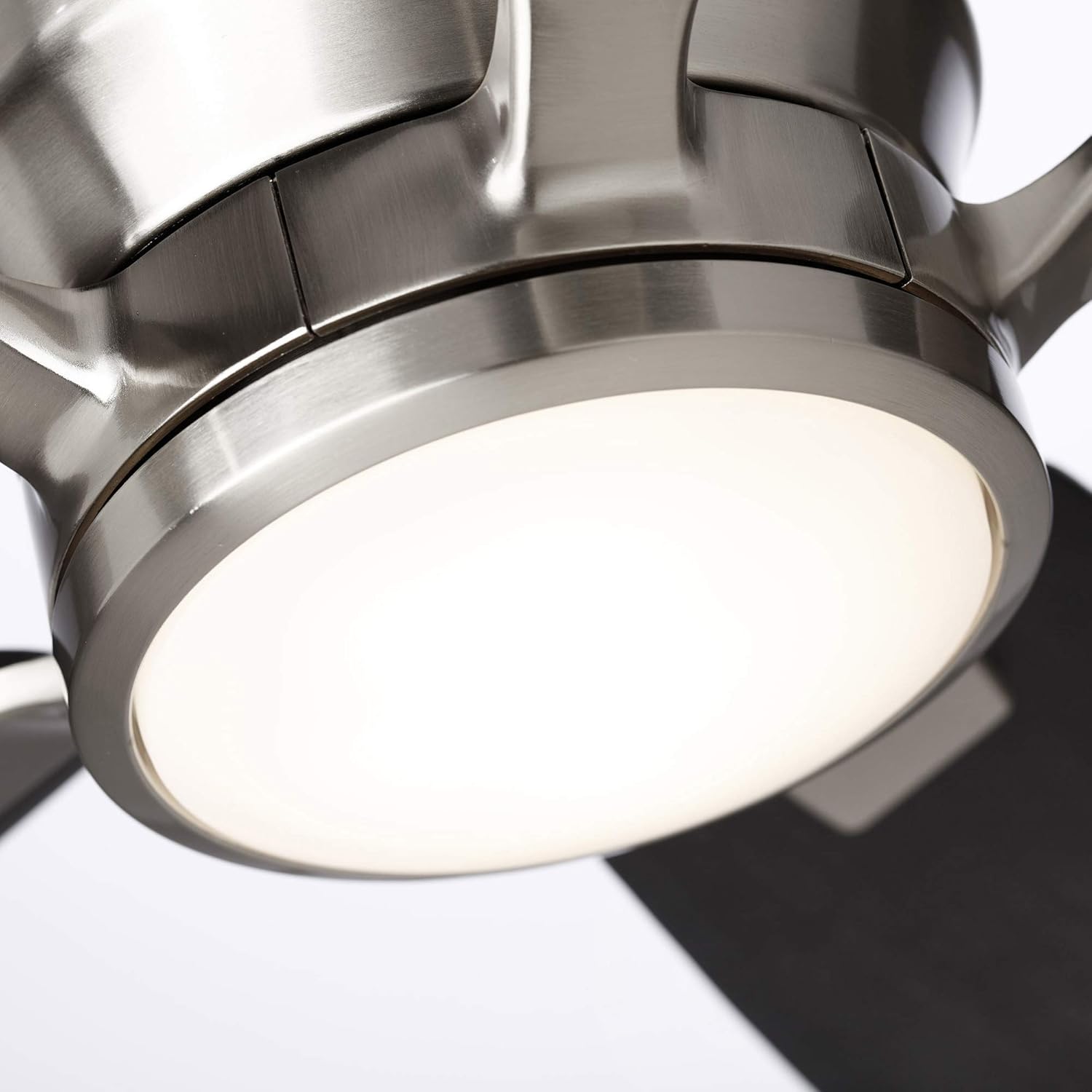
Gambar: Detail view of the integrated dimmable LED light fixture, showing the opal matte shade providing soft illumination.
Smart Home Integration (WiFi)
The Ion Eco fan is WiFi enabled, allowing for control via your smartphone and integration with smart home systems.
- Unduh Aplikasi: Download the official Emerson or Kathy Ireland Home smart fan application from your device's app store.
- Pasangan: Follow the in-app instructions to pair your fan with your home WiFi network. This typically involves putting the fan into pairing mode (refer to the app or fan's specific instructions).
- Kontrol Suara: Once paired with the app, you can link your fan to Amazon Alexa or Google Assistant. Use voice commands to control fan speed, turn the light on/off, and dim the light.
ExampPerintah Suara:
- "Alexa, turn on the living room fan."
- "Hey Google, set the fan speed to 4."
- "Alexa, dim the living room light to 50%."
Pemeliharaan
Perawatan rutin memastikan kinerja optimal dan umur kipas langit-langit Anda.
- Pembersihan: Periodically clean the fan housing and blades with a soft, damp kain. Jangan gunakan pembersih atau pelarut abrasif. Pastikan daya dimatikan sebelum membersihkan.
- Kencangkan Sekrup: Check all screws on the motor housing and blade attachments annually. Tighten any loose screws to prevent wobbling and noise.
- Peralatan Lampu: The integrated LED light is designed for long life and typically does not require bulb replacement. If the light malfunctions, contact customer support.

Gambar: Close-up view of the fan's central unit, showcasing the brushed steel finish of the motor housing, the integrated LED light, and the blade attachment points.
Penyelesaian Masalah
Before contacting customer support, refer to the following common issues and solutions.
| Masalah | Kemungkinan Penyebab | Larutan |
|---|---|---|
| Kipas tidak mulai. | No power; loose wiring; incorrect wall control setting. | Check circuit breaker. Verify all wiring connections. Ensure wall control is set to "On". |
| Lampu tidak menyala. | No power; loose wiring; LED malfunction. | Check circuit breaker. Verify light kit wiring. If LED is integrated, contact support if issue persists. |
| Kipas bergetar. | Sekrup mata pisau longgar; mata pisau tidak seimbang; braket pemasangan longgar. | Tighten all blade and mounting screws. Ensure blades are balanced (balancing kit not included, but common solution). |
| Kipas membuat kebisingan. | Loose screws; motor hum; blades hitting an obstruction. | Check and tighten all screws. Ensure no obstructions are near blades. Motor hum is normal for some DC motors. |
| Masalah koneksi WiFi. | Incorrect pairing; weak WiFi signal; app issues. | Ensure fan is in pairing mode. Check WiFi signal strength. Restart router and fan. Reinstall app if necessary. |
Spesifikasi
| Fitur | Detil |
|---|---|
| Nomor Model | CF5309BS |
| Merek | Emerson (Kathy Ireland Home) |
| Menyelesaikan | Baja disikat |
| Kit Cahaya | Integrated Dimmable LED, 18 Watts, Opal Matte Shade |
| Tipe Motor | DC EcoMotor |
| Kecepatan Kipas | 6 |
| Metode Kontrol | 6-Speed Wall Control, WiFi App, Voice Control (Alexa/Google Assistant) |
| Jil.tage | 120 Volt (AC) |
| Penggunaan Dalam/Luar Ruangan | Hanya di Dalam Ruangan |
| Berat Barang | 16.82 pon |
| Dimensi Produk | 8 x 8 x 16.1 inches (Motor Housing) |
| Pisau | Dijual Terpisah |

Image: A close-up of a fan blade arm, demonstrating the brushed steel finish and the attachment mechanism for the fan blades (blades sold separately).
Garansi dan Dukungan
Informasi Garansi
This Emerson Kathy Ireland Home Ion Eco WiFi Ceiling Fan (Model CF5309BS) comes with a Garansi Motor Seumur Hidup Terbatas. For specific terms and conditions, please refer to the warranty card included with your product or visit the official Emerson/Kathy Ireland Home website. This warranty covers defects in materials and workmanship of the motor under normal use.
Dukungan Pelanggan
For technical assistance, warranty claims, or replacement parts, please contact Emerson customer support.
- Weblokasi: www.emerson.com (or relevant Kathy Ireland Home product page)
- Telepon: Lihat kemasan produk atau petunjuk resmi websitus untuk nomor kontak terkini.


