1. Pendahuluan
The Qilmy 1080P Wireless WiFi Home Security Camera is designed to provide reliable surveillance for your home. This device combines a high-definition camera with motion detection, night vision, and remote viewing capabilities, all integrated into a standard light bulb form factor for easy installation. This manual will guide you through the installation, setup, and operation of your new security camera.
2. Fitur Utama
- Resolusi Penuh HD 1080P: Memberikan video foo yang jelas dan terperincitage.
- Wireless WiFi Connectivity: Easy connection to your home network for remote access.
- Motion Detection & Instant Alarm: Automatically detects movement and sends alerts to your connected device.
- Penglihatan Malam yang Jelas: Memastikan visibilitas dalam kondisi cahaya redup.
- Terpencil Viewsedang: Monitor your property from anywhere using a smartphone app.
- Integrated Flood Light: Features 3 built-in flood lights that can activate automatically upon motion detection.
- Instalasi Mudah: Screws into a standard E27 light socket.
- Slot Kartu Micro SD: Untuk penyimpanan rekaman secara lokal.

Gambar: Lebih dariview of the Qilmy Home Security Camera's key features, including 1080P resolution, video recording, 360 panoramic viewing, Wi-Fi connection, light function, motion detection, remote viewing, and Micro SD card slot.
3. Apa yang ada di dalam kotak
- Qilmy 1080P Wireless WiFi Home Security Camera (Bulb-shaped)
- E27 Light Socket Adapter (for mounting)
- Sekrup Pemasangan dan Angkur Dinding
- Panduan Memulai Cepat

Image: Contents of the Qilmy Home Security Camera package, showing the camera, an E27 socket adapter, mounting hardware, and a quick start guide.
4. Pengaturan
4.1 Instalasi Fisik
- Pilih Lokasi: Select a location with a standard E27 light socket that provides the desired viewing angle and is within range of your 2.4GHz Wi-Fi network.
- Matikan: Ensure the power to the light socket is turned off at the circuit breaker before installation.
- Pasang Kamera: Carefully screw the Qilmy security camera into the E27 light socket. If no existing socket is available, use the provided E27 adapter and mounting hardware to install it on a wall or ceiling.
- Nyalakan: Restore power to the light socket. The camera will power on and emit a voice prompt indicating it is ready for configuration.

Image: A person's hands installing the Qilmy Home Security Camera into a ceiling light fixture, demonstrating its easy and quick installation process.
4.2 Koneksi Wi-Fi dan Pengaturan Aplikasi
- Unduh Aplikasi: Download the recommended mobile application (e.g., "iCSee" or similar as indicated in the Quick Start Guide) from your smartphone's app store.
- Daftarkan Akun: Open the app and register a new user account if you don't already have one.
- Tambahkan Perangkat: Follow the in-app instructions to add a new device. This typically involves scanning a QR code on the camera or selecting the device type and following prompts.
- Hubungkan ke Wi-Fi: Connect the camera to your 2.4GHz Wi-Fi network. Ensure your smartphone is also connected to the same 2.4GHz network during the setup process.
- Konfigurasi: The camera will confirm successful connection with a voice prompt. Once connected, you can access live video and adjust settings through the app.

Image: A smartphone displaying the live feed from the Qilmy Home Security Camera, illustrating Wi-Fi connection and remote viewing capabilities from anywhere, anytime.
5. Petunjuk Pengoperasian
5.1 Langsung Viewing dan Perekaman
- Open the mobile app to view Tayangan langsung dari kamera Anda.
- Use the app interface to manually record video or capture screenshots.
- Akses rekaman footage stored on the Micro SD card or cloud storage (if subscribed).
5.2 Deteksi Gerakan dan Peringatan
- Aktifkan deteksi gerakan di pengaturan aplikasi.
- Sesuaikan tingkat sensitivitas untuk meminimalkan alarm palsu.
- Terima notifikasi push instan di ponsel cerdas Anda saat gerakan terdeteksi.
- The camera can automatically activate its floodlights and siren alarm upon detecting motion, deterring intruders.
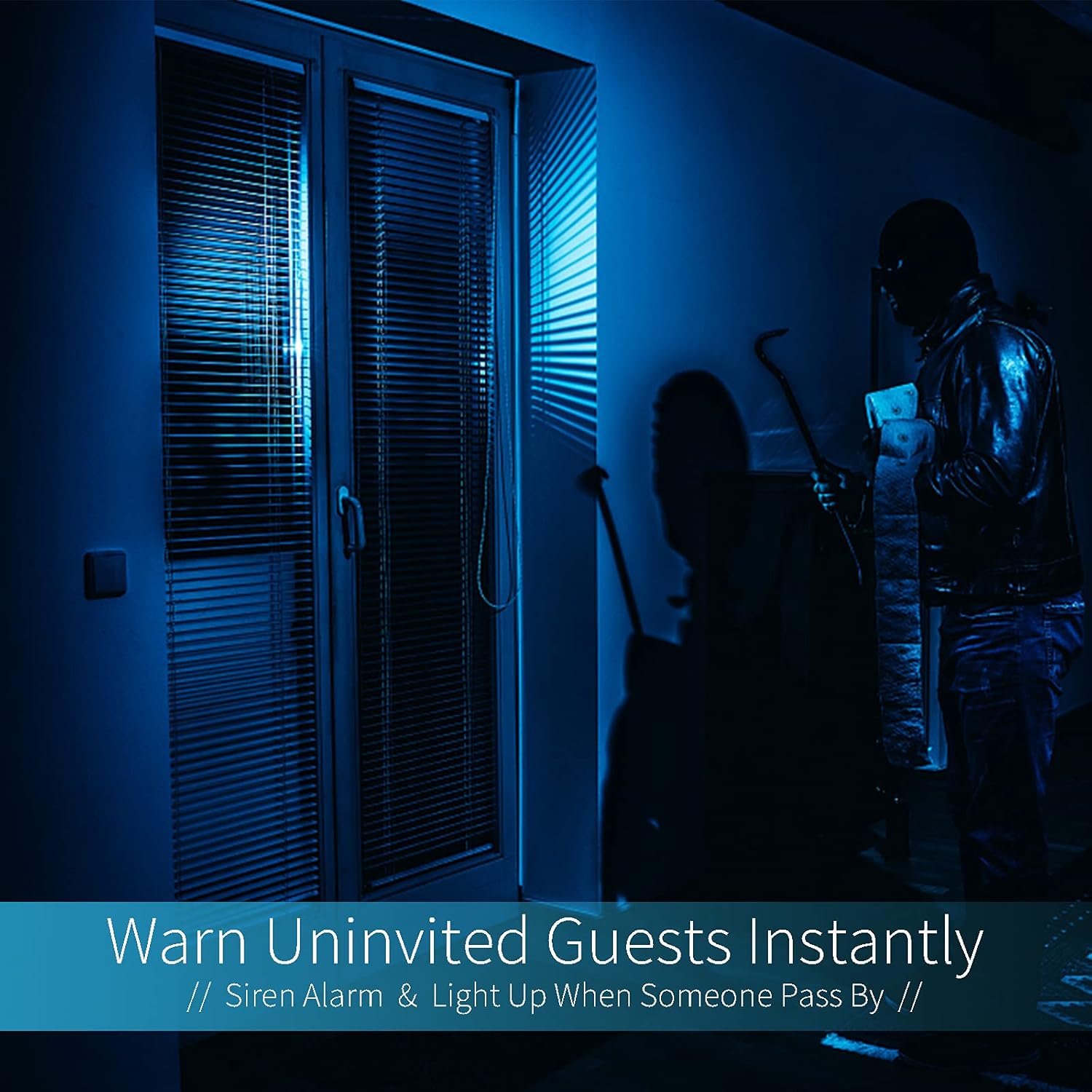
Image: A dark room with a security camera's light illuminating a figure, depicting the camera's ability to warn uninvited guests instantly with a siren alarm and light activation upon motion detection.
5.3 Fungsi Cahaya
- The camera features built-in floodlights.
- Control the floodlights manually through the app.
- Configure the floodlights to turn on automatically when motion is detected, especially during nighttime.

Image: A comparison of a standard light bulb and the Qilmy Home Security Camera, highlighting its dual function as both a light bulb and a security camera with 3W consumption.
6. Pemeliharaan
- Pembersihan: Usap lensa dan bodi kamera secara perlahan dengan kain kering yang lembut. Jangan gunakan bahan kimia keras atau pembersih abrasif.
- Pembaruan Firmware: Periksa aplikasi seluler secara berkala untuk pembaruan firmware yang tersedia guna memastikan kinerja dan keamanan yang optimal.
- Manajemen Kartu SD: Jika menggunakan kartu Micro SD, isi ulang secara berkala.view dan hapus foo lamatage to free up space, or enable loop recording if supported by the app.
- Stabilitas Jaringan: Pastikan jaringan Wi-Fi Anda stabil dan kuat agar kamera dapat beroperasi tanpa gangguan.
7. Penyelesaian masalah
| Masalah | Kemungkinan Penyebab | Larutan |
|---|---|---|
| Kamera tidak menyala. | No power to the light socket; camera not screwed in properly. | Check the circuit breaker. Ensure the camera is securely screwed into the E27 socket. |
| Tidak dapat terhubung ke Wi-Fi. | Kata sandi Wi-Fi salah; kamera terlalu jauh dari router; jaringan Wi-Fi 5GHz digunakan. | Verify Wi-Fi password. Move camera closer to router. Ensure you are connecting to a 2.4GHz Wi-Fi network. |
| Tidak ada peringatan deteksi gerakan. | Motion detection disabled; sensitivity too low; app notifications blocked. | Enable motion detection in the app. Increase sensitivity. Check app notification settings on your phone. |
| Kualitas video buruk. | Sinyal Wi-Fi lemah; lensa kotor. | Improve Wi-Fi signal strength. Clean the camera lens with a soft cloth. |
| Terpencil viewing not working. | Internet connection issue on camera or phone; app not updated. | Check internet connectivity for both camera and phone. Update the app to the latest version. |
8. Spesifikasi
- Nomor Model: ZXL2023011
- Resolusi Pengambilan Video: 1080p full HD
- Teknologi Konektivitas: Nirkabel (Wi-Fi)
- Teknologi Komunikasi Nirkabel: Wi-Fi (hanya 2.4GHz)
- Sumber Daya: AC/DC (E27 light socket)
- Apatage: 3 watt
- Fitur Khusus: Motion Sensor, Night Vision, Integrated Flood Light
- Faktor Bentuk: Dome (Bulb-shaped)
- Tipe Pemasangan: Wall Mount (via E27 adapter)
- Dimensi Barang (P x L x T): 6.45x4.1x3.54 inci
- Berat Barang: 7.8 ons (222 gram)
- Peringkat Perlindungan Internasional: Tingkat IP67
- Perangkat yang Kompatibel: Telepon pintar
- UPC-nya: 605660998393
9. Garansi dan Dukungan
Specific warranty information and detailed support contact details are typically provided with the product packaging or on the manufacturer's official website. Please refer to the documentation included with your purchase for the most accurate and up-to-date warranty terms and customer support options.