1. Pendahuluan
This manual provides essential instructions for the safe and efficient operation of your Belink MX7700 Smart Pico Video Projector. Please read this manual thoroughly before using the device and retain it for future reference.
The Belink MX7700 is a portable DLP projector featuring Android 9.0, dual-band Wi-Fi, and multiple connectivity options, designed for a versatile viewpengalaman ing.
2. Produk Lebihview
Familiarize yourself with the components and design of your Belink MX7700 projector.

Gambar 2.1: Depan view of the Belink MX7700 Smart Pico Video Projector, showcasing the lens and sleek white design with ventilation.

Gambar 2.2: Top panel of the Belink MX7700 Projector, displaying touch-sensitive controls for navigation, volume, and power.

Gambar 2.3: Belakang view of the Belink MX7700 Projector, showing the USB port, DC12V power input, HDMI input, and ventilation grille.
3. Pengaturan
3.1 Membuka Kotak
Keluarkan proyektor dan semua aksesorinya dengan hati-hati dari kemasannya. Pastikan semua komponen tersedia:
- Belink MX7700 Projector
- Adaptor Daya
- Kendali Jarak Jauh (jika disertakan)
- Panduan Pengguna
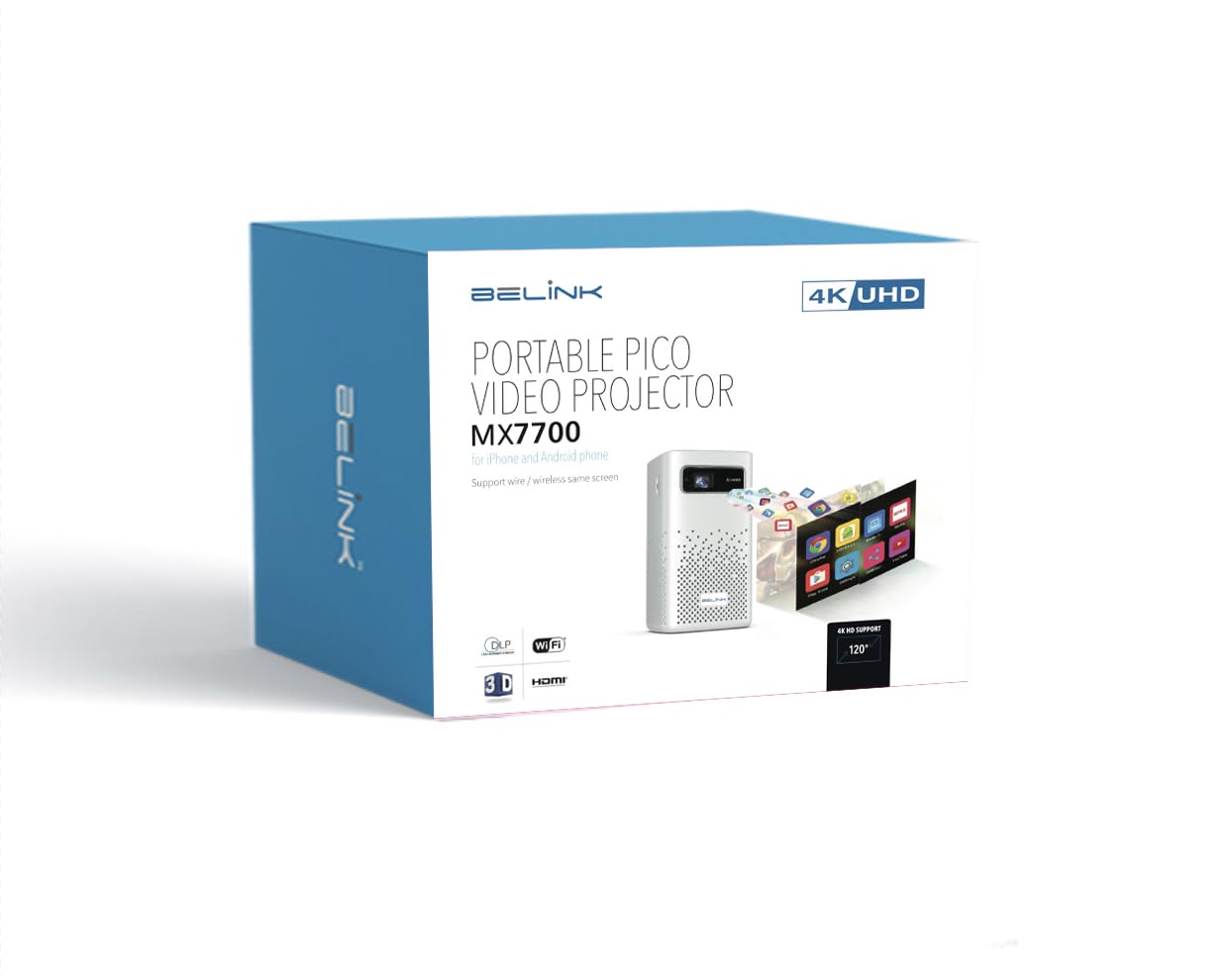
Gambar 3.1: Packaging for the Belink MX7700 Smart Pico Video Projector, indicating key features like 4K UHD support and Wi-Fi.
3.2 Sambungan Daya
- Connect the power adapter to the DC12V input port on the rear of the projector.
- Colokkan adaptor daya ke stopkontak yang sesuai.
3.3 Placement and Focus
Place the projector on a stable, flat surface. The MX7700 is designed for tabletop mounting. Ensure the projection path is clear of obstructions.
The projector features automatic keystone correction. For manual focus adjustment, use the focus ring or digital focus controls if available via the remote or on-screen menu.
3.4 Pengaturan Awal dan Koneksi Jaringan
- Power on the projector using the power button on the top panel or remote control.
- Follow the on-screen prompts to complete the initial Android 9.0 setup.
- Navigate to the Wi-Fi settings and connect to your preferred 2.4G or 5.8G dual-band Wi-Fi network.
4. Petunjuk Pengoperasian
4.1 Kontrol Dasar
The projector can be operated using the touch controls on the top panel or the included remote control.
- Tombol Daya: Menghidupkan/mematikan proyektor.
- Tombol Navigasi (Atas, Bawah, Kiri, Kanan): Digunakan untuk menavigasi menu.
- Tombol Oke: Konfirmasikan pilihan.
- Tombol Kembali: Kembali ke layar sebelumnya.
- Tombol Volume (+/-): Menyesuaikan tingkat keluaran audio.
4.2 Sumber Masukan
The MX7700 supports various input sources:
- Masukan HDMI: Connect external devices such as laptops, gaming consoles (PS3/PS4/PS5, XBOX), or Blu-ray players.
- Input USB: Connect USB storage devices for direct media playback or for screen sharing functionality.
- Pencerminan Nirkabel: Mirror content from your smartphone via iOS Airplay, Android Happy Cast, or DLNA. This function is available even without a Wi-Fi environment.
4.3 Sistem Operasi Android 9.0
The projector runs on Android 9.0, providing access to a range of applications.
- Toko Google Play: Install various applications directly from the built-in Google Play Store.
- Pemutaran Media: Supports 4K UHD and 1080P Full HD content.
- Suara: Built-in 2x5W speakers support Dolby sound effects for an immersive audio experience.
5. Pemeliharaan
5.1 Lamp Kehidupan
The Belink MX7700 utilizes OSRAM LED lamps with an estimated life of 30,000 hours, minimizing the need for frequent lamp penggantian.
5.2 Ventilasi
Ensure that the air outlets on the projector are not blocked to prevent overheating. Adequate airflow is crucial for maintaining optimal performance and extending the lifespan of the device.
5.3 Pembersihan
Use a soft, dry cloth to clean the exterior of the projector. For the lens, use a specialized lens cleaning cloth and solution to avoid scratches.
6. Penyelesaian masalah
Jika Anda mengalami masalah dengan proyektor Anda, lihat solusi umum berikut:
- Tidak Ada Daya: Pastikan adaptor daya terhubung dengan aman ke proyektor dan stopkontak yang berfungsi.
- Tidak ada gambar: Check the input source selection. Verify that the HDMI or USB cable is properly connected to the source device and the projector.
- Gambar Buram: Adjust the focus. The projector features auto keystone correction, but manual focus may be required.
- Tidak ada suara: Check the volume level on both the projector and the source device. Ensure that the audio output is not muted.
- Masalah Koneksi Wi-Fi: Ensure the projector is within range of your Wi-Fi router. Try restarting both the projector and the router.
Untuk masalah yang terus berlanjut, silakan menghubungi dukungan pelanggan.
7. Spesifikasi
| Fitur | Spesifikasi |
|---|---|
| Merek | Belink |
| Model | MX7700 |
| Teknologi Tampilan | DLP (TI 0.45 inch WVGA DMD*RGBLED) |
| Kecerahan | 1000 ANSI Lumens |
| Rasio Kontras | 2000:1 |
| Resolusi Asli | 1280x800 (Supports 4K UHD, 1080P Full HD input) |
| Lamp Jenis | LED OSRAM Lamps |
| Lamp Waktu Hidup | 30,000 jam |
| Sistem Operasi | Android 9.0 |
| prosesor | Cortex A53 Quad-Core |
| Wifi gratis | Built-in 2.4G/5.8G Dual Wi-Fi |
| Konektivitas | HDMI 2.0 Input, USB Input |
| Suara | Built-in loud speakers (2x5W) with Dolby sound effect support |
| Koreksi Keystone | Koreksi Keystone Otomatis |
| Rasio Proyek | 4:3/16:9/16:10 |
| Faktor Bentuk | Pocket, Portable |
| Jenis Pemasangan | Dudukan Meja |
| Apatage | 5 Watt |
8. Garansi dan Dukungan
8.1 Informasi Garansi
Untuk informasi garansi yang lebih detail, silakan lihat kartu garansi yang disertakan dengan produk Anda atau hubungi tempat pembelian Anda. Simpan bukti pembelian Anda untuk klaim garansi.
8.2 Dukungan Pelanggan
If you require technical assistance or have questions not covered in this manual, please contact Belink customer support through the contact information provided in your product documentation or on the official Belink weblokasi.