1. Pendahuluan
The Apple 67W USB-C Power Adapter is designed to provide fast and efficient charging for compatible USB-C devices, including MacBook Pro, MacBook Air, iPhone, and iPad models. This manual provides important information regarding the proper setup, operation, maintenance, and safety of your power adapter.
2. Isi Paket
Verifikasi bahwa paket Anda berisi item berikut:
- Adaptor Daya USB-C Apple 67W
Note: A USB-C charging cable is sold separately and is required for use with this power adapter.
3. Fitur
- Pengisian Cepat dan Efisien: Delivers 67 watts of power for rapid charging.
- Universal USB-C Compatibility: Works with a wide range of USB-C enabled devices.
- Recommended Pairing: Ideal for 13-inch MacBook Pro (2016 and later) and 14-inch MacBook Pro with Apple M1 Pro chip (8-core CPU).
- Fast-Charging for MacBook Air: Enables 0 to 50 percent charge in approximately 30 minutes with MacBook Air M2 chip models.
- Desain Kompak: Lightweight and portable for use at home, office, or while traveling.
4. Informasi Keselamatan
Read all safety information below before using the power adapter to avoid injury or damage to your device.
- Keamanan Listrik:
- Use only with compatible power outlets (120 Volts AC).
- Do not use the adapter if it is damaged, frayed, or has exposed wires.
- Avoid using in wet environments or near liquids.
- Jangan mencoba membongkar atau memodifikasi adaptor.
- Panas: The power adapter may become warm during normal operation. Ensure adequate ventilation and do not cover it.
- Anak-anak: Keep the power adapter and cables out of reach of children.
- Koneksi yang Benar: Ensure the adapter is fully inserted into the power outlet and the USB-C cable is securely connected to both the adapter and your device.
5. Pengaturan
- Buka kemasan Adaptor: Carefully remove the Apple 67W USB-C Power Adapter from its packaging.
- Hubungkan Kabel USB-C: Obtain a compatible USB-C charging cable (sold separately). Connect one end of the USB-C cable to the USB-C port on the power adapter.
- Colokkan ke Stopkontak: Extend the prongs on the power adapter and plug it firmly into a standard electrical wall outlet (120V).
- Hubungkan ke Perangkat: Connect the other end of the USB-C cable to the charging port on your compatible device (e.g., MacBook, iPhone, iPad).
The device should indicate that it is charging. If not, ensure all connections are secure and the power outlet is active.

Image: Apple 67W USB-C Power Adapter with its foldable prongs extended.
6. Petunjuk Pengoperasian
Once connected, the Apple 67W USB-C Power Adapter will automatically begin charging your device. The charging speed will depend on your device's battery level and its power management system.
- Pengisian Cepat: For devices that support fast charging, such as the MacBook Air with M2 chip, the adapter can charge the battery from 0% to 50% in approximately 30 minutes.
- Kinerja Optimal: For best results, use the adapter with Apple-recommended USB-C charging cables.
- Memutuskan sambungan: To disconnect, first unplug the USB-C cable from your device, then unplug the adapter from the wall outlet.
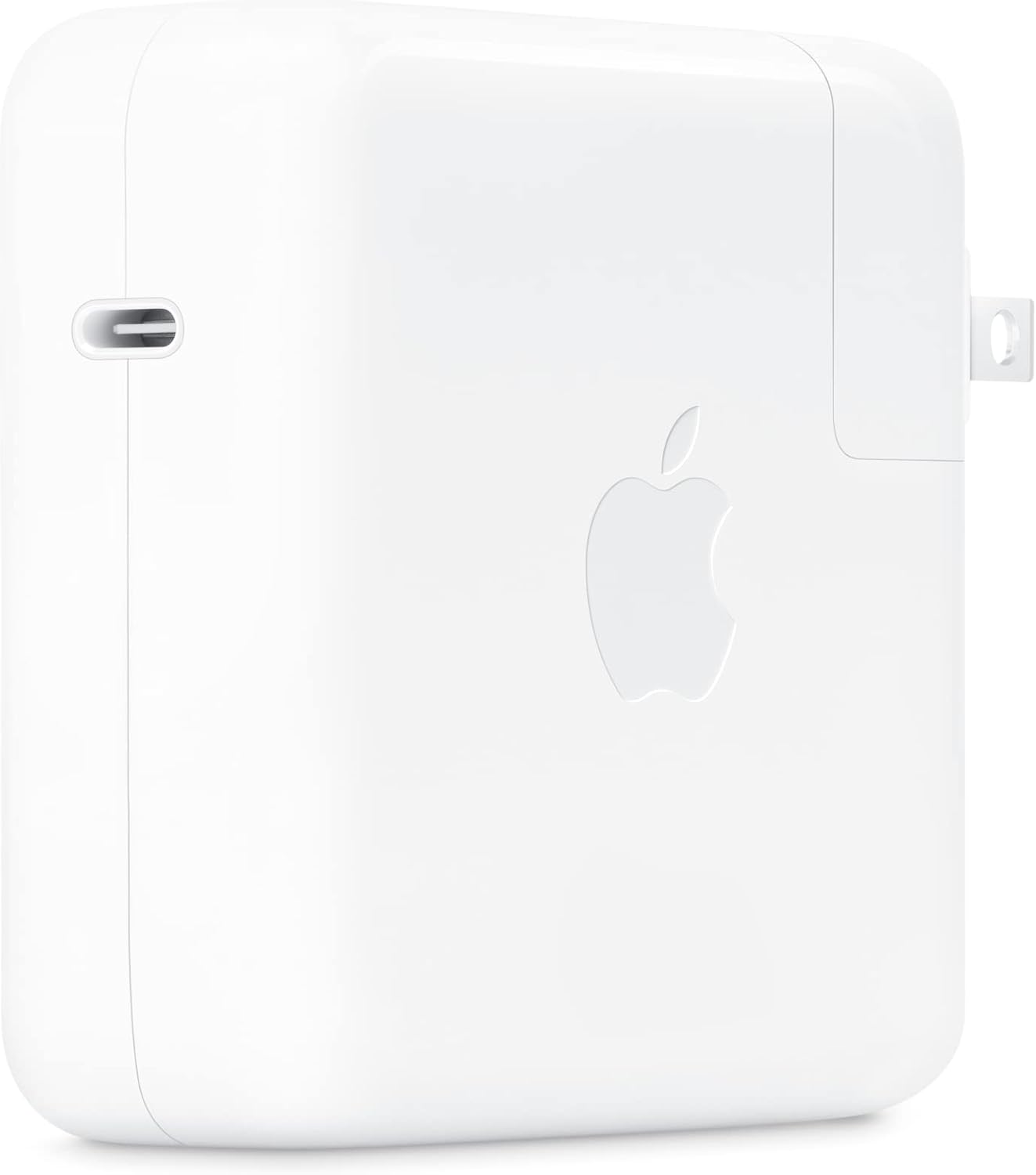
Gambar: Samping view of the Apple 67W USB-C Power Adapter, highlighting the USB-C port.
7. Pemeliharaan
- Pembersihan: Disconnect the adapter from power before cleaning. Use a soft, dry, lint-free cloth. Do not use liquid cleaners or aerosols.
- Penyimpanan: Store the adapter in a cool, dry place when not in use. Avoid extreme temperatures.
- Perawatan Kabel: Hindari menekuk atau menjepit kabel pengisi daya secara berlebihan, karena hal ini dapat merusak kabel di dalamnya.
8. Penyelesaian masalah
| Masalah | Larutan |
|---|---|
| Perangkat tidak mengisi daya. |
|
| Pengisian lambat. |
|
| Adaptor terasa panas. |
|
9. Spesifikasi
| Nomor Model | MKU63AM/A |
| Apatage | 67W |
| Masukan Voltage | 120 Volt |
| Jenis Konektor | USB Tipe-C |
| Jumlah Port USB | 1 |
| Dimensi Produk | 4.21x4.21x1.28 inci |
| Berat Barang | 8.8 ons |
| Perangkat yang Kompatibel | Phone, tablet, computer (e.g., iPhone 15/16 series, MacBook Pro, MacBook Air, iPad) |
| Fitur Khusus | Pengisian Daya Cepat, Desain Ringan, Colokan yang Dapat Ditarik, Ramah untuk Perjalanan |
10. Garansi dan Dukungan
The Apple 67W USB-C Power Adapter typically comes with a garansi terbatas satu tahun sejak tanggal pembelian. Garansi ini mencakup cacat produksi dalam penggunaan normal.
For detailed warranty terms, technical support, or service, please visit the official Apple Support webKunjungi situs web atau hubungi layanan pelanggan Apple secara langsung. Simpan bukti pembelian Anda untuk klaim garansi.
Dukungan Apple Weblokasi: dukungan.apple.com


