1. Pendahuluan
Terima kasih sudah membeliasing the Edifier X3s True Wireless Stereo Earbuds. This manual provides detailed instructions on how to set up, operate, and maintain your earbuds to ensure optimal performance and longevity. Please read this manual thoroughly before use.

Image: The Edifier X3s earbuds, one removed from the open charging case, showcasing desainnya yang ringkas.
2. Isi Paket
- Edifier X3s True Wireless Earbuds (Left and Right)
- Kotak Pengisian Daya
- Kabel Pengisian Daya USB
- Ujung Telinga (berbagai ukuran)
- Panduan Pengguna
3. Pengaturan
3.1 Mengisi Daya Earbud dan Casing
Sebelum penggunaan pertama, isi daya earbud dan casing pengisi daya hingga penuh.
- Place the earbuds into the charging case. Ensure they are correctly seated; the indicator lights on the earbuds will illuminate.
- Connect the charging case to a power source using the provided USB cable. The indicator light on the charging case will show charging status.
- A full charge for the charging case typically takes approximately 8 hours. The earbuds will charge automatically when placed in the case.
3.2 Pemasangan Bluetooth
Follow these steps to pair your Edifier X3s earbuds with your device:
- Pastikan earbud terisi dayanya.
- Buka wadah pengisi daya. Earbud akan secara otomatis memasuki mode pemasangan, yang ditunjukkan oleh lampu berkedip pada earbud.
- Pada perangkat Anda (smartphone, tablet, dll.), aktifkan Bluetooth dan cari perangkat baru.
- Select "EDIFIER X3s" from the list of available devices.
- Once connected, a voice prompt will confirm successful pairing, and the earbud indicator lights will turn off.
Earbud ini mendukung TrueWireless Mirroring, allowing seamless switching between single and dual earbud use.
4. Petunjuk Pengoperasian
4.1 Kontrol Sentuh
The Edifier X3s earbuds feature intuitive touch controls on each earbud. Refer to the diagram below for specific functions:

Image: A diagram illustrating the touch control functions for the left and right Edifier X3s earbuds.
- Single Tap (L/R): Play/Pause music, Answer an Incoming Call
- Double Tap (L): Lagu Sebelumnya
- Double Tap (R): Lagu Berikutnya
- Triple Tap (L): Switch On Game Mode
- Triple Tap (R): Aktifkan Asisten Suara
- Long Press for 2-3 Seconds (L/R): Hang Up/Reject a Call
- Long Press (L): Volume Turun
- Long Press (R): Volume Naik
4.2 Mode Permainan
To enhance your gaming experience, the Edifier X3s features a dedicated Game Mode. Triple-tap the kiri earbud to activate or deactivate Game Mode. This mode optimizes audio-visual synchronization for gaming.
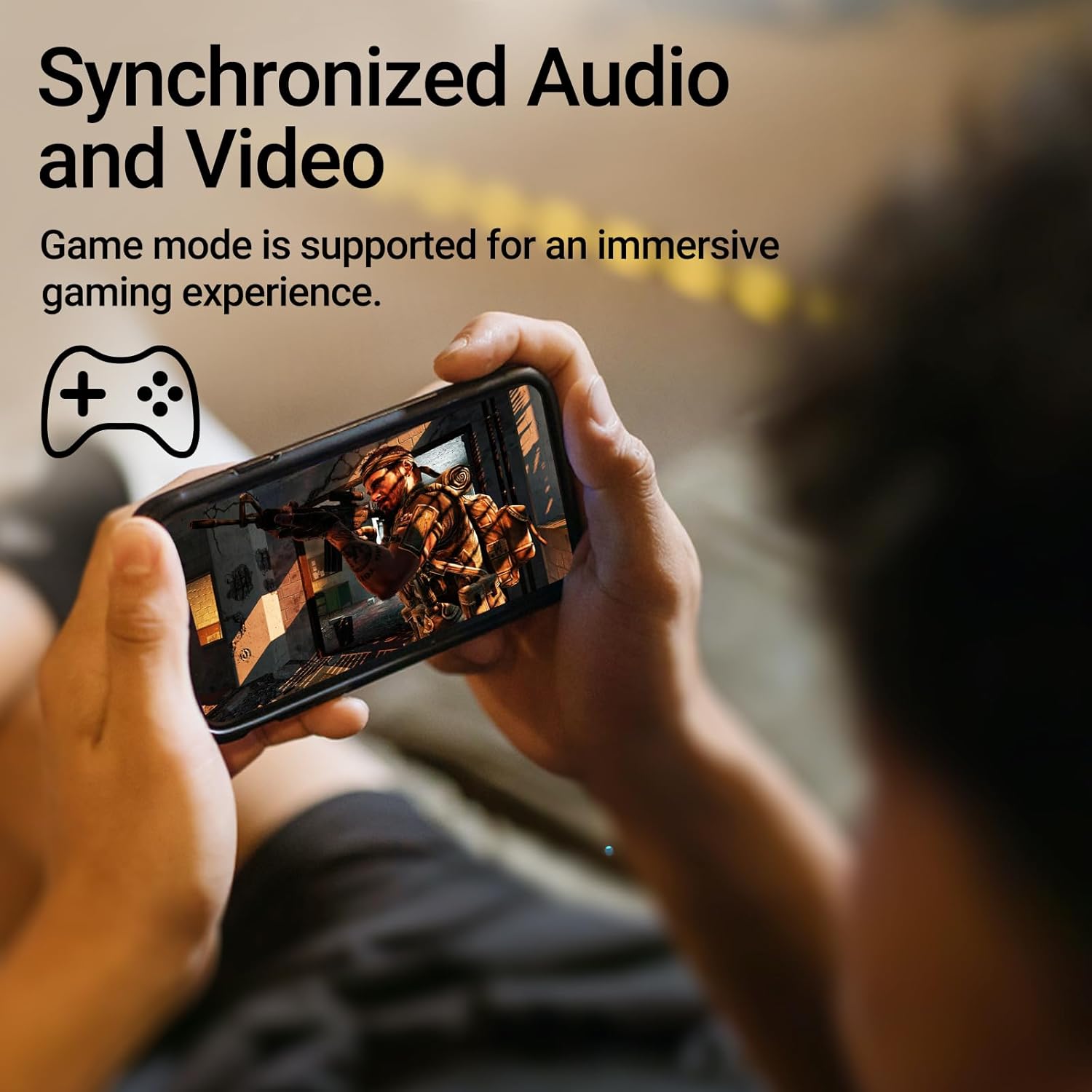
Image: A person holding a smartphone, playing a game, with the text "Synchronized Audio and Video. Game mode is supported for an immersive gaming experience."
5. Fitur Utama
- Pengalaman Nirkabel Sejati: Bluetooth V5.2 with Qualcomm aptX audio decoding for high-fidelity sound and stable connections.
- Perpanjangan Waktu Bermain: Up to 28 hours of total playtime, with 8 hours from the earbuds and an additional 20 hours from the charging case.
- Superior Call Clarity: Equipped with Qualcomm cVc 8.0 noise cancellation technology for crystal clear calls.
- IP55 Rated Protection: Dust and water resistance make these earbuds suitable for outdoor activities and various weather conditions.
- Comfortable & Lightweight Design: Weighing only 62g, these earbuds provide a secure and comfortable fit for extended wear.

Image: A close-up of the Qualcomm aptX QCC3040 chip, highlighting Bluetooth V5.2 with aptX audio decoding for lossless audio transmission.

Image: Hands holding the Edifier X3s charging case, with an overlay indicating "Up to 28 hours of playback in total: 8 hours (earbuds), 20 hours (charging case)".

Image: A graphic illustrating cVc 8.0 noise reduction, showing how ambient noise is reduced while voice remains clear during calls.

Image: A woman exercising, with an overlay indicating "Dust and water resistant. Feel free to use them at the gym or on a rainy day. IP55-Rated."
6. Pemeliharaan
6.1 Pembersihan
- Bersihkan earbud dan casing pengisi daya secara teratur dengan kain yang lembut, kering, dan tidak berbulu.
- Lepaskan ujung telinga dan bersihkan dengan sabun lembut dan air jika perlu. Pastikan ujung telinga benar-benar kering sebelum dipasang kembali.
- Gunakan kapas untuk membersihkan kontak pengisian daya pada kedua earbud dan wadahnya dengan lembut.
6.2 Penyimpanan
- Jika tidak digunakan, simpan earbud dalam wadah pengisi dayanya untuk melindunginya dan menjaganya tetap terisi daya.
- Simpan di tempat sejuk dan kering, jauhkan dari suhu ekstrem dan sinar matahari langsung.
6.3 Tahan Air dan Debu
The earbuds are IP55 rated, meaning they are protected against dust ingress and low-pressure water jets from any direction. While they can withstand sweat and light rain, they are not designed for submersion in water. Do not use them while swimming or showering.
7. Penyelesaian masalah
- Earbud tidak dapat dipasangkan: Pastikan kedua earbud berada di dalam wadah pengisian daya, lalu buka penutupnya untuk memulai mode pemasangan. Periksa pengaturan Bluetooth perangkat Anda dan coba sambungkan kembali.
- Hanya satu earbud yang berfungsi: Masukkan kembali kedua earbud ke dalam wadah pengisi daya, tutup kembali, tunggu beberapa detik, lalu buka kembali. Tindakan ini biasanya akan menyinkronkan ulang kedua earbud.
- Tidak ada suara: Check the volume level on both your device and the earbuds. Ensure the earbuds are properly paired and connected.
- Masalah pengisian daya: Verify that the charging cable is securely connected and the power source is active. Clean the charging contacts on the earbuds and case.
- Kualitas panggilan buruk: Ensure the earbuds are clean and positioned correctly in your ears. Check for any obstructions to the microphone.
8. Spesifikasi
- Model: EDIFIER X3S
- Konektivitas: Nirkabel (Bluetooth V5.2)
- Decoding Audio: Qualcomm aptX
- Pembatalan Kebisingan: Qualcomm cVc 8.0 (for calls)
- Waktu bermain: Earbuds: 8 hours, Total with Charging Case: 28 hours
- Waktu Pengisian Daya (Kasus): Sekitar 8 jam
- Tahan Air/Debu: Peringkat IP55
- Metode Kontrol: Menyentuh
- Berat: 62 Gram (total)
- Bahan: Polycarbonate (PC), Thermoplastic Elastomer (TPE)
- Perangkat yang Kompatibel: Smartphones, Gaming Devices, Tablets
9. Garansi dan Dukungan
For warranty information and customer support, please refer to the warranty card included with your product or visit the official Edifier websitus. Simpan bukti pembelian Anda untuk klaim garansi apa pun.


