1. Pendahuluan
Terima kasih sudah membeliasing the Finlux FLU5535ANDROID 55-inch 4K Ultra HD Android Smart TV. This manual provides essential information for setting up, operating, and maintaining your new television. Please read this manual thoroughly before using the product and keep it for future reference.
Informasi Keselamatan Penting
Always follow basic safety precautions when using this television to reduce the risk of fire, electric shock, and injury to persons. Do not expose the TV to rain or moisture. Do not open the cabinet. Refer all servicing to qualified personnel.
- Pastikan ventilasi yang baik di sekitar TV.
- Jangan menghalangi lubang ventilasi dengan barang-barang seperti koran, taplak meja, atau tirai.
- Jangan menaruh TV pada kereta, dudukan, tripod, braket, atau meja yang tidak stabil.
- Cabut TV saat terjadi badai petir atau saat tidak digunakan dalam jangka waktu lama.
- Keep small components and batteries out of reach of children.
2. Apa yang ada di dalam kotak
Upon unpacking your Finlux FLU5535ANDROID TV, please ensure all the following items are present:
- Finlux FLU5535ANDROID 55-inch 4K Ultra HD Android Smart TV
- Kontrol Jarak Jauh dengan Baterai
- Kabel listrik
- Stand (if applicable, for tabletop placement)
- User Manual (dokumen ini)
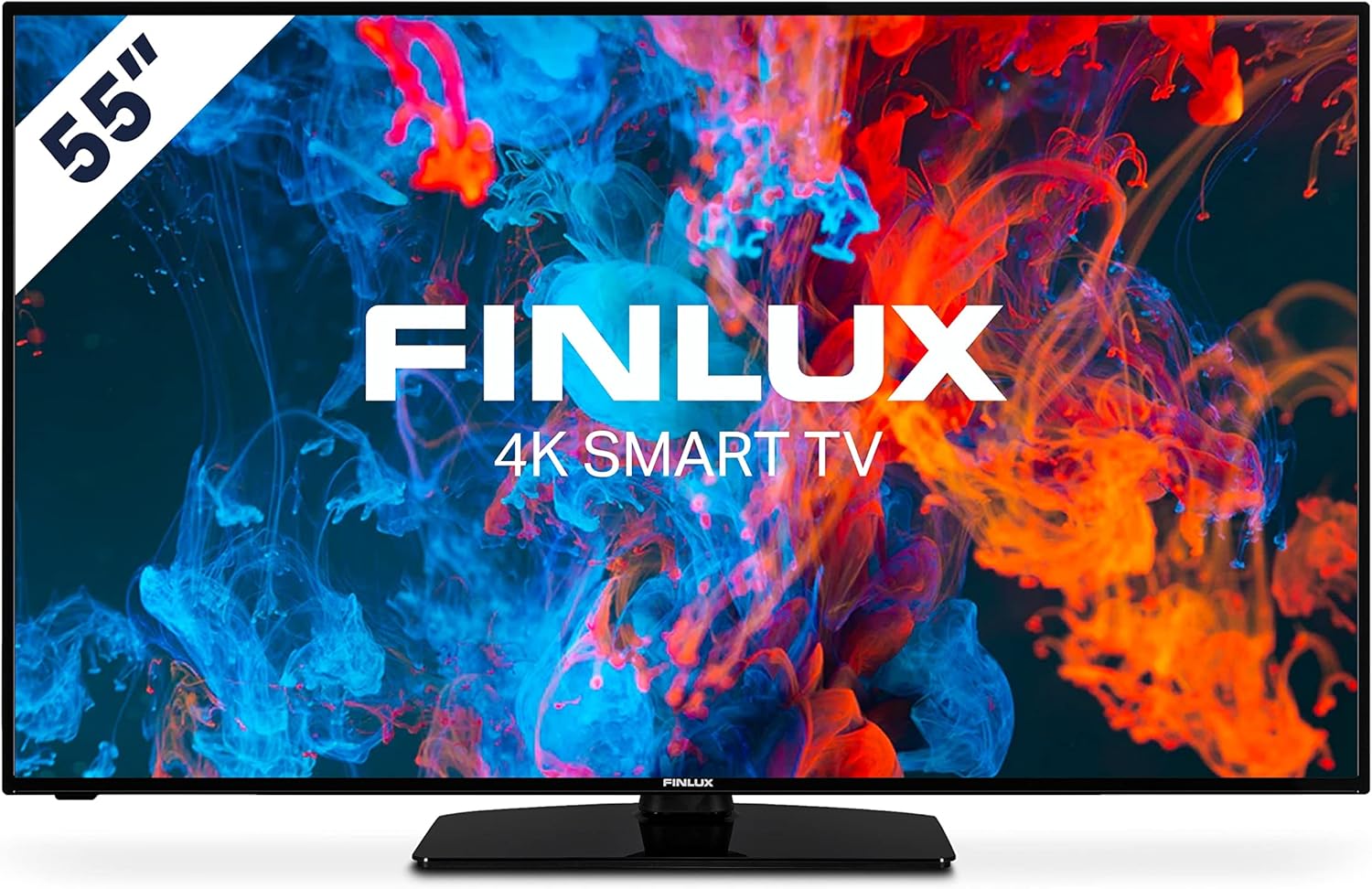
Gambar: Depan view of the Finlux FLU5535ANDROID 55-inch 4K Ultra HD Android Smart TV, showcasing its slim bezel and central stand.
3. Pengaturan
3.1 Penempatan Fisik
The Finlux FLU5535ANDROID TV features a practical size and a slim screen, making it easy to place in various rooms. Its flat back and thin screen design allow for easy wall mounting or placement against a wall.
- Penempatan Meja: Attach the provided stand securely to the TV following the instructions in the separate quick start guide. Place the TV on a stable, level surface.
- Pemasangan di dinding: If you plan to wall mount the TV, ensure you use a VESA-compatible wall mount (not included) and follow the wall mount manufacturer's instructions.
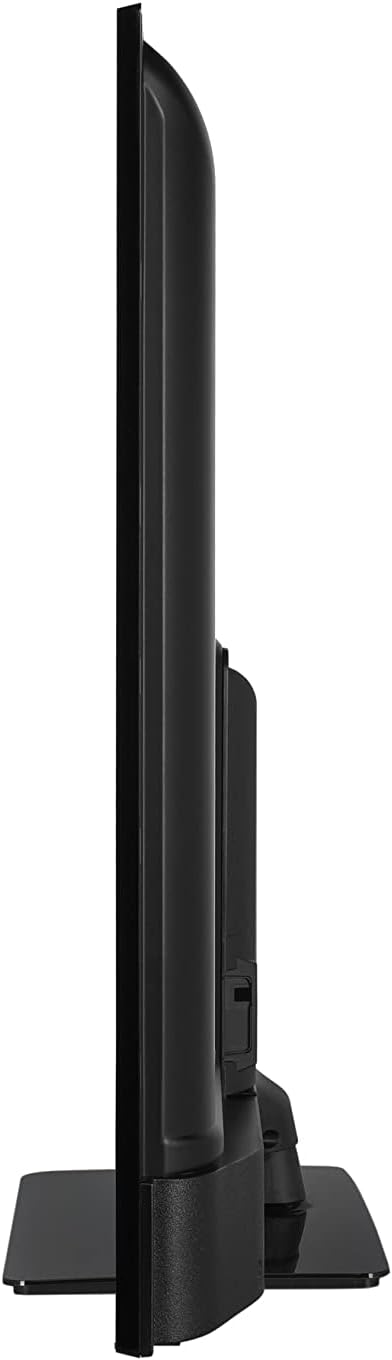
Gambar: Sisi profile view of the Finlux FLU5535ANDROID TV, highlighting its slim design.
3.2 Menghubungkan Kabel
Connect the power cable to the TV's power input and then to a wall outlet. Connect your external devices such as set-top boxes, gaming consoles, or Blu-ray players to the appropriate ports on the TV.

Gambar: Belakang view of the Finlux FLU5535ANDROID TV, displaying the arrangement of its input ports including HDMI and USB.
- HDMI: Connect high-definition devices using HDMI cables. This TV features 4 HDMI ports.
- Kabel USB: Connect USB storage devices for media playback or PVR functionality. This TV has 2 USB ports.
- Antena/Kabel: Connect your antenna or cable TV input for broadcast channels.
- Eternet: Untuk koneksi internet kabel yang stabil.
3.3 Panduan Pengaktifan dan Pengaturan Awal
After connecting all necessary cables, plug the TV into a power outlet and press the power button on the remote control or the TV itself. The TV will guide you through the initial setup process, including language selection, network connection, and channel scanning.
4. Mengoperasikan TV Anda
4.1 Kendali Jarak Jauh Berakhirview
The provided remote control allows you to navigate the TV's features and menus. Insert the included batteries into the remote control before use.

Image: The Finlux TV remote control, featuring dedicated buttons for quick access to popular streaming services like Netflix and YouTube, along with standard navigation and number keys.
- Tombol Daya: Menyalakan atau mematikan TV.
- Tombol Angka: Untuk pemilihan saluran langsung.
- Papan Navigasi (Atas/Bawah/Kiri/Kanan/OK): To navigate menus and confirm selections.
- Volume Naik/Turun: Menyesuaikan tingkat volume.
- Saluran Atas/Bawah: Mengganti saluran TV.
- Tombol Netflix/YouTube: Akses langsung ke aplikasi streaming ini.
- Tombol Menu: Membuka menu pengaturan utama.
- Tombol Keluar: Keluar dari menu atau aplikasi saat ini.
4.2 Android Smart TV Features
This TV runs on the Android operating system, providing access to a wide range of applications and smart features. Popular applications like Netflix, YouTube, and Prime Video are pre-configured for your convenience.
- Layanan Streaming: Enjoy movies and series in high quality from Netflix, YouTube, Prime Video, and Spotify.
- Toko Google Play: Download additional apps, games, and content from the Google Play Store.
- Chromecast Bawaan: Easily cast content from your smartphone or other compatible devices directly to your TV.
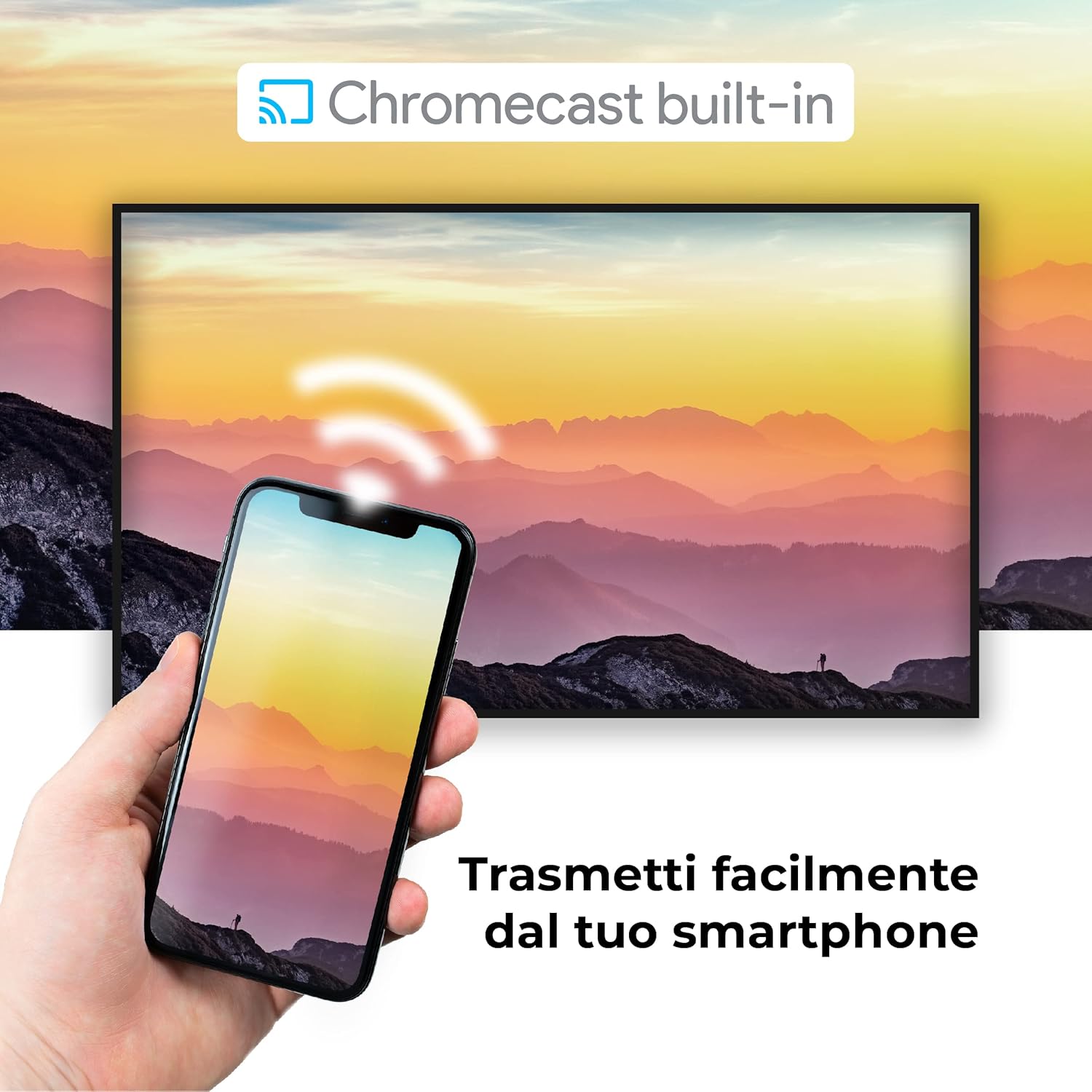
Image: A visual representation of the Chromecast built-in feature, demonstrating how content can be easily streamed from a smartphone to the Finlux TV.
4.3 Pemutar Media USB dan PVR
The TV supports USB multimedia playback, allowing you to view photos, play music, or watch videos directly from a USB storage device. It also features PVR (Personal Video Recorder) readiness, enabling you to record TV programs to a connected USB drive.
5. Koneksi
Your Finlux TV offers a variety of connection options for external devices:
- Port HDMI (x4): Untuk menghubungkan perangkat definisi tinggi seperti pemutar Blu-ray, konsol game, dan dekoder.
- Port USB (x2): For connecting USB storage devices (e.g., flash drives, external hard drives) for media playback or PVR functionality.
- Bluetooth dapat digunakan untuk berbagai keperluan, seperti: For wireless connection to compatible audio devices like headphones or soundbars.
- Wifinya: Wi-Fi terintegrasi untuk akses internet nirkabel dan fitur Smart TV.
- Ethernet (LAN): Untuk koneksi internet kabel yang stabil.
- Masukan Antena: For connecting an aerial for digital terrestrial television (DVB-T, DVB-T2).
- Masukan Satelit: For connecting a satellite dish (DVB-S, DVB-S2).
- Keluaran Audio Digital Optik: For connecting to a soundbar or home theater system for high-quality audio.
6. Pemeliharaan
6.1 Membersihkan TV
To ensure the longevity and optimal performance of your TV, regular cleaning is recommended:
- Layar: Usap layar secara perlahan menggunakan kain lembut bebas serat. Untuk noda membandel, dampBasahi kain secara perlahan dengan air atau pembersih layar khusus. Jangan pernah menyemprotkan pembersih langsung ke layar.
- Kabinet: Gunakan kain lembut dan kering untuk membersihkan lemari TV. Hindari penggunaan pembersih abrasif atau pelarut.
- Sebelum Membersihkan: Selalu cabut TV dari stopkontak sebelum membersihkan.
6.2 Perawatan Umum
- Hindari meletakkan TV di bawah sinar matahari langsung atau di dekat sumber panas.
- Do not expose the TV to extreme temperatures or humidity.
- Protect the TV from dust by regularly dusting its surface.
- Jangan meletakkan benda berat di atas TV.
7. Penyelesaian masalah
If you encounter issues with your TV, refer to the following common problems and solutions before contacting support:
| Masalah | Kemungkinan Penyebab / Solusi |
|---|---|
| Tidak Ada Daya | Ensure the power cable is securely plugged into the TV and the wall outlet. Check if the power outlet is working. Try pressing the power button on the TV itself. |
| Tidak Ada Gambar / Tidak Ada Suara | Check the input source (HDMI, AV, TV) is correctly selected. Ensure external devices are powered on and connected properly. For sound, check volume levels and mute settings. |
| Kualitas Gambar Buruk | Check antenna/cable connection. Adjust picture settings (brightness, contrast, sharpness) in the TV menu. Ensure the source content is high quality. |
| Kontrol Jarak Jauh Tidak Berfungsi | Periksa dan ganti baterai. Pastikan tidak ada penghalang antara remote dan sensor IR TV. |
| Tidak Dapat Terhubung ke Wi-Fi | Ensure Wi-Fi is enabled on the TV. Check your router is working and within range. Re-enter the Wi-Fi password. Try restarting both the TV and the router. |
| Aplikasi Smart TV Tidak Memuat | Check your internet connection. Try restarting the TV. Ensure the app is updated to the latest version. Clear app cache if available in settings. |
8. Spesifikasi
Below are the key technical specifications for the Finlux FLU5535ANDROID TV:
| Fitur | Detil |
|---|---|
| Merek | finlux |
| Nomor Model | FLU5535ANDROID |
| Ukuran Layar | 55 Inci (140 cm) |
| Teknologi Tampilan | DIPIMPIN |
| Resolusi | Resolusi 4K Ultra HD (3840x2160) |
| Tingkat Penyegaran | 100 Hz (with integrated technology, base 50 Hz) |
| Sistem Operasi | Bahasa Indonesia: Android |
| Konektivitas | Bluetooth, HDMI, USB, Wi-Fi, Ethernet |
| Port HDMI | 4 |
| Port USB | 2 |
| Fitur Khusus | Flat Design, Android Smart TV, Chromecast Built-in, PVR Ready |
| Layanan Internet yang Didukung | Netflix, YouTube, Prime Video, Spotify |
| Komponen yang Termasuk | Power cable, Standard, TV |

Image: EU Energy Label for the Finlux FLU5535ANDROID TV, indicating its energy efficiency class G and power consumption details. For more details, visit the official EPREL database: Informasi Produk EPREL
9. Garansi dan Dukungan
Finlux products are designed for reliability and performance. This product comes with a standard manufacturer's warranty. Please refer to the warranty card included with your product for specific terms and conditions.
For technical support, troubleshooting assistance beyond this manual, or warranty claims, please contact Finlux customer service. Contact information can typically be found on the manufacturer's official websitus atau pada kemasan produk.
Note: Information regarding spare parts availability is not provided. Software updates are not guaranteed beyond a certain period.


